.

ADOBE COLDFUSION ENTERPRISE FEATURES

Cross-Platform Deployment

Deliver your applications seamlessly wherever your customers need them. Adobe ColdFusion's flexible deployment options let you deploy on-premises, in the cloud, or within hybrid environments, which is critical in adapting to evolving infrastructure needs and ensuring consistent user experiences.

See it in action

Multi-platform compatibility

Multi-Platform Compatibility

Deploy applications seamlessly across different operating systems and environments.

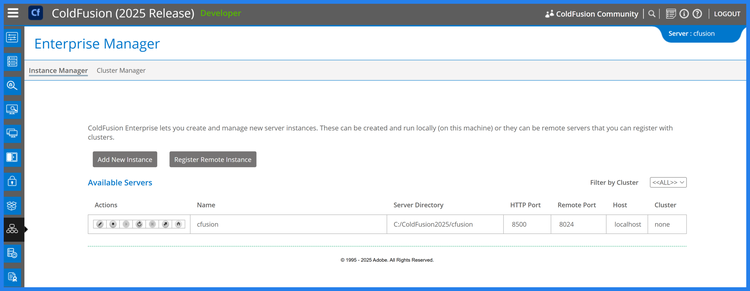
  • Windows, macOS, and Linux Support: Run ColdFusion applications natively on major operating systems.
  • Cross-Environment Consistency: Ensure consistent performance across development, staging, and production environments.
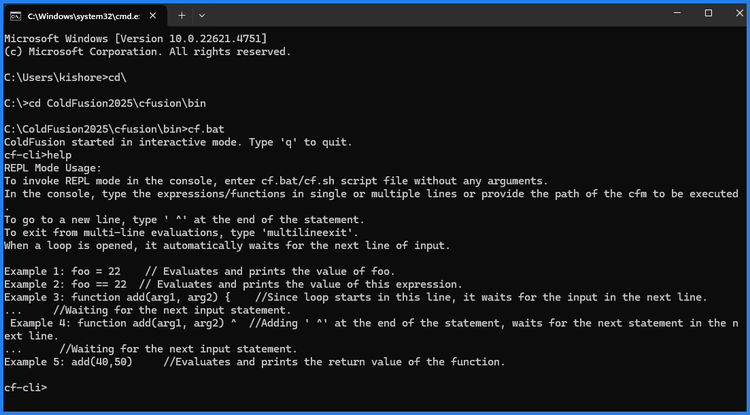
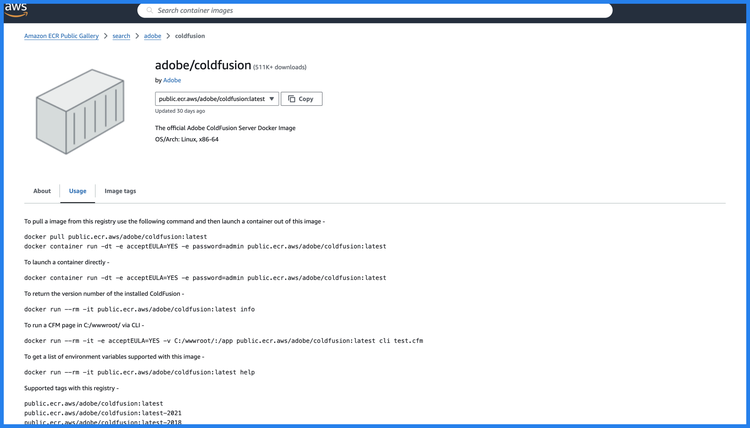
  • Containerized Deployments: Use Docker containers for reliable, platform-agnostic deployment.
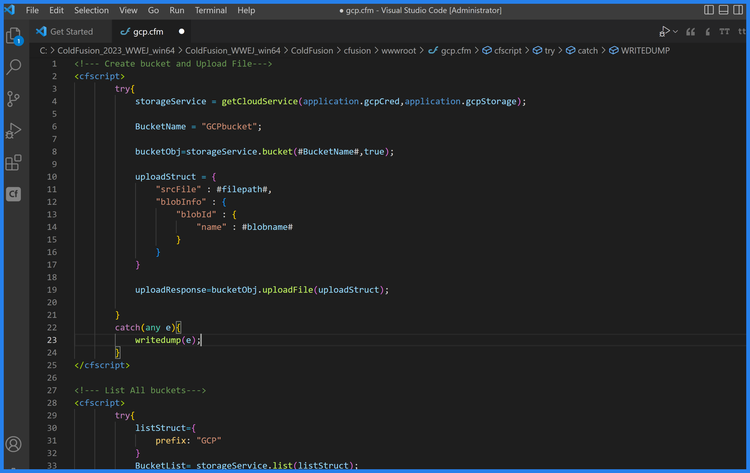
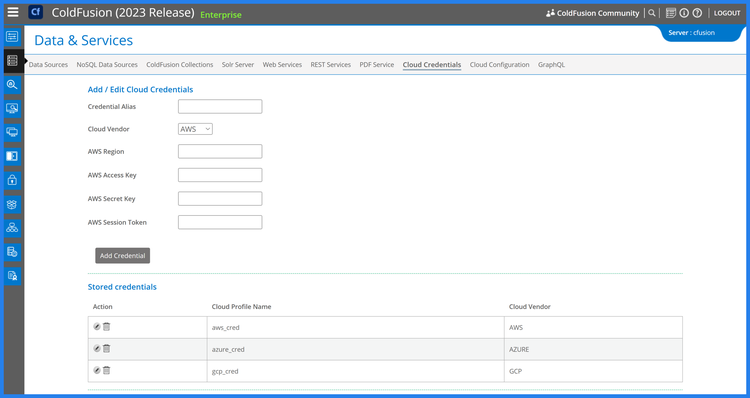
  • Cloud Platform Compatibility: Deploy effortlessly on AWS, Azure, and Google Cloud.

Containerization and Virtualization

Simplify deployments with modern container and virtualization technologies.

  • Docker Image Support: Leverage official ColdFusion Docker images for fast and efficient containerized applications.
  • Kubernetes Compatibility: Deploy ColdFusion containers on Kubernetes for scalable and automated orchestration.
  • VMware and Hyper-V Support: Integrate ColdFusion with virtualization platforms for flexible infrastructure.
  • Microservices Architecture Support: Build modular, containerized applications for distributed deployments.
Containerization and Virtualization
cloud deployment

Cloud Deployment

Take advantage of cloud-native capabilities for scalability and flexibility.

  • Elastic Load Balancing: Distribute workloads efficiently for high availability.
  • Cloud Storage Integration: Connect to AWS S3, Azure Blob Storage, and Google Cloud Storage.
  • Serverless Compatibility: Integrate with serverless platforms like AWS Lambda for event-driven workflows.
  • Managed Services Support: Leverage cloud database and messaging services for streamlined architecture.

Universal Standards Support

Ensure interoperability with global standards for data and protocols.

  • HTTP/2 and HSTS Support: Enhance security and performance with modern web standards.
  • JSON, XML, and CSV Handling: Seamlessly process diverse data formats.
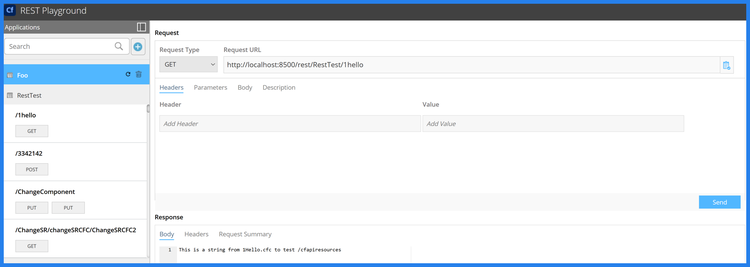
  • REST and SOAP Support: Build APIs that are compatible with a wide range of systems.
  • UTF-8 and Multilingual Support: Localize applications for global audiences with universal character encoding.
Universal standard support
Hybrid deployment flexibility

Hybrid Deployment Flexibility

Deploy applications across hybrid infrastructures with ease.

  • On-Premise and Cloud Hybrid Deployments: Combine cloud and on-premise setups for flexibility and control.
  • Edge Computing Support: Run applications closer to users for reduced latency and faster performance.
  • Multi-Cloud Support: Distribute workloads across multiple cloud providers to avoid vendor lock-in.
  • Cross-Region Deployments: Deploy applications in multiple regions for global reach.

Built for Scalability

Enable dynamic scaling to accommodate growing demands and peak loads.

  • Horizontal and Vertical Scaling: Expand server capacity dynamically with minimal effort.
  • Clustered Deployments: Ensure high availability with load-balanced clusters.
  • Dynamic Resource Allocation: Optimize resource usage for cost-effective scaling.
built for scalability
Light weight deployment architecture

Lightweight Deployment Architecture

Streamline deployments with an architecture built for simplicity and efficiency.

  • Small Server Footprint: Reduces resource usage for cost-effective hosting.
  • WAR/EAR Packaging Support: Deploy applications as WAR or EAR files for Java-based environments.
  • Built-In Deployment Automation: Automate deployment processes using CLI and scripting tools.

Seamless Integration with DevOps Pipelines

Ensure deployments fit seamlessly into modern development workflows.

  • CI/CD Integration: Supports tools like Jenkins, GitHub Actions, and GitLab for automated deployments.
  • Environment-Specific Configurations: Easily manage configurations for development, staging, and production.
  • Version Control Compatibility: Streamline deployments with Git and other VCS tools.
  • Rollback Support: Quickly revert to previous versions in case of deployment issues.
seamless integration with DevOps pipelines
Comprehensive testing and debugging

Comprehensive Testing and Debugging

Ensure cross-platform compatibility through rigorous testing and debugging tools.

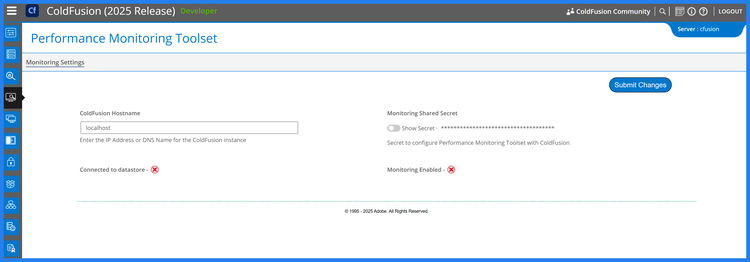
  • PMT (Performance Monitoring Toolset): Optimize applications for platform-specific performance.
  • Integrated Debugging Features: Debug applications seamlessly across different deployment environments.

Questions? We have answers.

word word word word word word word word word word word word word word word word word word word word word word word word word word word word word word word word word word word word word word word word word word word word word word word word word word word word word word word word word word word word word word word word word word word word word word word word word word word word word word word word word word word word word word word word word word word word word word word word word word word word word word word word word word word word word word word word word word word word word word word word word word word word word word word word word word word word word word word word word word word word word word word word word word word word word word word word word word word word word word word word word word word word word word word word word word word word word word word word word word word word word word word word word word word word word word word word word word word word word word word word

mmMwWLliI0fiflO&1
mmMwWLliI0fiflO&1
mmMwWLliI0fiflO&1
mmMwWLliI0fiflO&1
mmMwWLliI0fiflO&1
mmMwWLliI0fiflO&1
mmMwWLliI0fiflO&1