https://main--cc--adobecom.aem.live/cc-shared/assets/img/firefly.svg Adobe Firefly
Free AI random animal art generator.
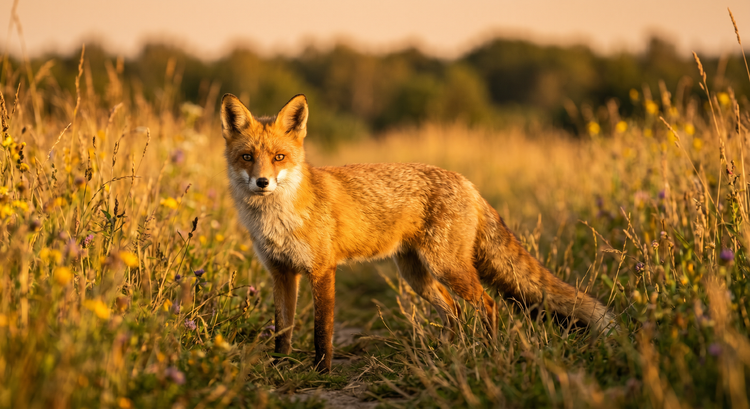
Turn any idea into a unique AI-generated animal image with Adobe Firefly. Describe your animal and get original art in seconds.
- image
- Describe an animal, a style, a mood, or a setting.
- Adobe Generative AI Terms
- https://main--cc--adobecom.aem.live/creativecloud/animation/testdoc/unity/generate.svgGenerate
- Describe what animal you want to generate
- Prompt
- Tip
- A watercolor red fox in golden-hour light, soft bokeh background
- promoid=QLD1P1SC&mv=other
- Unable to process the request
- Please describe what you want to generate.
- Prompt exceeds the max length of 750 characters
https://main--cc--adobecom.aem.live/cc-shared/assets/img/product-icons/svg/firefly-80.svg
{{nbsp}}
Generate animal art | Generate animal art free AI random animal art generator
https://main--cc--adobecom.aem.live/cc-shared/assets/img/product-icons/svg/firefly-80.svg
Adobe Firefly
Generate animal art | Generate animal art free AI random animal art generator
https://main--cc--adobecom.aem.live/cc-shared/assets/img/product-icons/svg/firefly-80.svg
Adobe Firefly
The next evolution of creative AI is here for all your ideas, with image, video, audio, and vector tools.
Generate animal art | Generate animal art free AI random animal art generator
Realize bold ideas with an AI random animal generator.
Whether you need a character reference for a game, a concept sketch for an illustration project, or a quick spark of inspiration, Adobe Firefly generates animal images that match your style preferences, color palette, and mood.
Experiment with different styles.
Describe the animal and style you want to get a range of detailed results. Generate a loose watercolor red panda, a bold pixel-art salamander, a photorealistic arctic fox in golden-hour light, or a flat-design tropical bird with a neon color palette. The AI image generator responds to your detailed prompts so you can create animal illustrations for anything from concept art and character designs to sticker sheets or art prints.


Generate animal images for any creative project.
AI-generated animals fit naturally into game design, worldbuilding, children's book illustration, branded content, and more. Adobe Firefly works best when you tell it how you plan to use the image. Specify the mood, the setting, and the subject. A forest creature for a fantasy map reads differently from a mascot for a tech startup, and a well-crafted prompt makes that difference visible in the first generation. Add motion to your animal art with the Generate Video feature.
Get precise results from your animal image prompts.
Detail in your prompt translates directly to detail in your output. Try descriptives like "iridescent axolotl in a botanical illustration style, soft studio lighting" or "wolf portrait, golden hour, oil paint texture, close crop." The more specific you are about species, style, lighting, and mood, the more accurately Adobe Firefly matches your vision. Refine further with the AI photo editor or carry your character into motion with the AI video generator.

How to generate a random animal image.
Step 1
Open Adobe Firefly.
Step 2
Write a text prompt or upload a reference image.
Step 3
Refine with style settings.
Step 4
Generate your animal image.
Step 5
Save, download, and share your image.
Steps on how to generate a random animal image with Adobe Firefly.
PT5M
firefly

Unique, detailed results
With the random animal generator, you're in control. Use detailed prompts, style settings, and targeted edits to produce just the image you need. Always unique, and yours to refine.
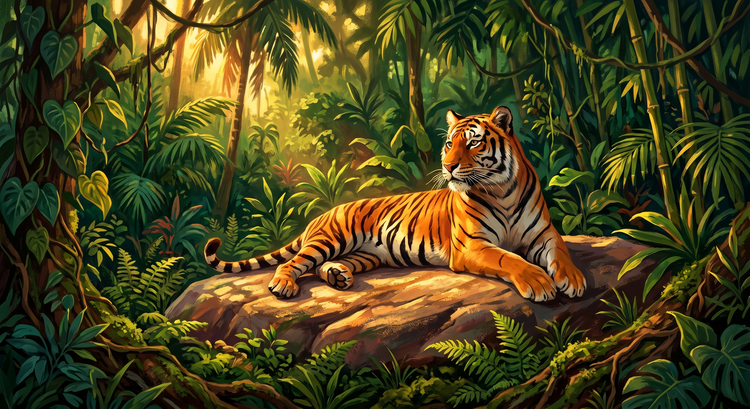
Experiment with multiple AI models
Adobe Firefly gives you access to a range of image models in one place. Switch between Firefly Image models and partner models to see how each one interprets your animal prompt. Different models, different visual signatures, one workflow.

Refine your results
Use advanced editing tools to fine-tune your animal images after generation. Adjust lighting and texture, swap backgrounds, expand the canvas, or isolate your subject.

Keep editing in Adobe apps
Your generated images can be opened in Photoshop on the web and Adobe Express from Adobe Firefly. Bring your animal art into your existing workflow without switching tools or exporting and re-importing files.
See what else you can create with Adobe Firefly.




Discover even more features.
Questions? We have answers.
What is the best AI tool for generating random animal images?
Can I use AI-generated animal images commercially?
How do I turn a random animal prompt into a character design?
What kinds of animals can I generate with Adobe Firefly?
Do I need artistic skills to generate animal images with AI?
What art styles can I use to generate animal images?
Can I generate animal art for a game or app?
What is the difference between Firefly Image models and partner models for animal generation?
How do I use a reference image to generate animal art?
Share this page.
Explore more Adobe Firefly tools.

AI generated images
From realistic product photos for e-commerce to abstract art shared on social media, generative AI is transforming the way images are imagined, created, and customized. See what's possible with the Adobe Firefly AI image generator examples below.

Image prompt examples
There's an art to crafting the perfect image prompt. Browse AI image prompt examples alongside their AI generated results to see how specific language shapes stunning visuals with Adobe Firefly.
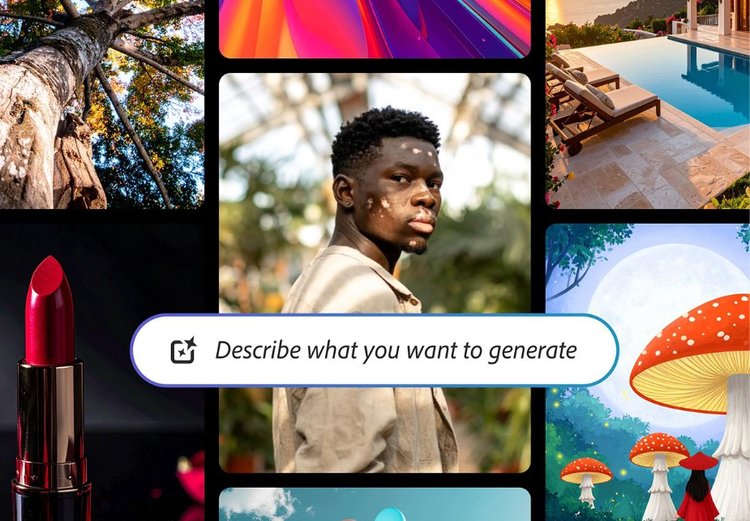
AI generated examples
From the way we explore ideas to the way we bring concepts to life, generative AI is transforming creative work. Explore generative AI examples of visuals, video, and sound created with Adobe Firefly to see what's possible and spark ideas for whatever you create next.
How Gen AI works
Generative AI is all over the headlines, and that's not empty hype. This new technology is likely to be part of your life soon. Learn how generative AI works and start streamlining your workflow.