.

Creative careers

Tap the minds of top creators.

Level up your creative career with insights, inspiration, and insider tips from the pros. Find out how to get discovered, showcase your work, land a gig, and leverage all the benefits of Creative Cloud membership.

Learn more

You’ve already got this.

Free fonts, stock photos and videos, exclusive access to betas — these are just a few of the creative essentials that come with your Creative Cloud membership.
grid of sample photography, Picture

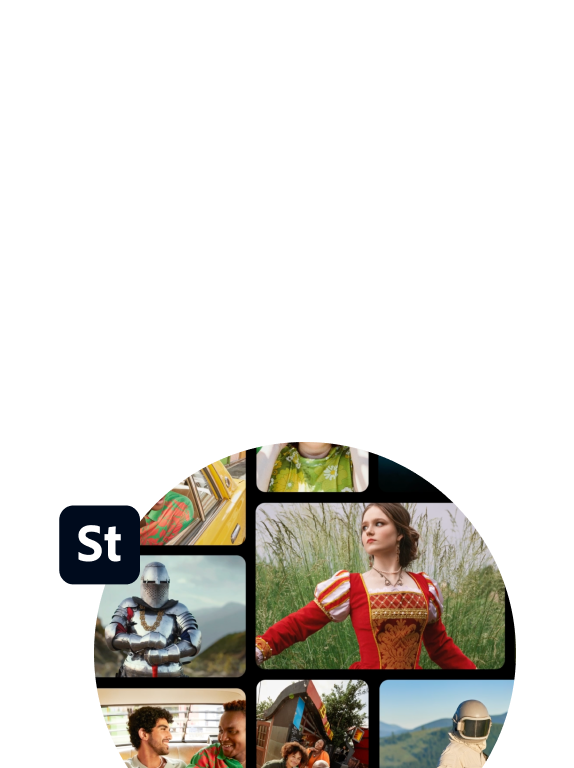
Adobe stock

A million royalty-free images, your majesty.

Your membership includes access to photos, videos, vectors, and templates in the free Adobe Stock collection.

Learn more

woman with pink hair blowing bubble gum over a blue background, Picture

Adobe fonts

You definitely have a type.

Fall in love with the latest fonts. They’re part of your membership.

Learn more

Adobe product logos, Picture

Adobe Beta apps

Be the alpha on our latest beta.

Get exclusive access to beta apps with your membership.

Learn more

Adobe Fresco

Feel free to Fresco.

Draw, paint, and create for free with Adobe Fresco on iPad. Part of your Creative Cloud membership.
Download now Watch video

PARTNER PERKS

Who doesn’t love perks?

Get deals, discounts, and exclusive offers from Dropbox, Miro, Skillshare, LinkedIn, and other handpicked partners — available only to Creative Cloud members.

Learn more

Find your people.

Your membership connects you to the world’s largest creative community at forums, Discords, and live events like Adobe MAX.

collage of Adobe users and their art, Picture

LEARN CONTENT

Be a creative know-it-all.

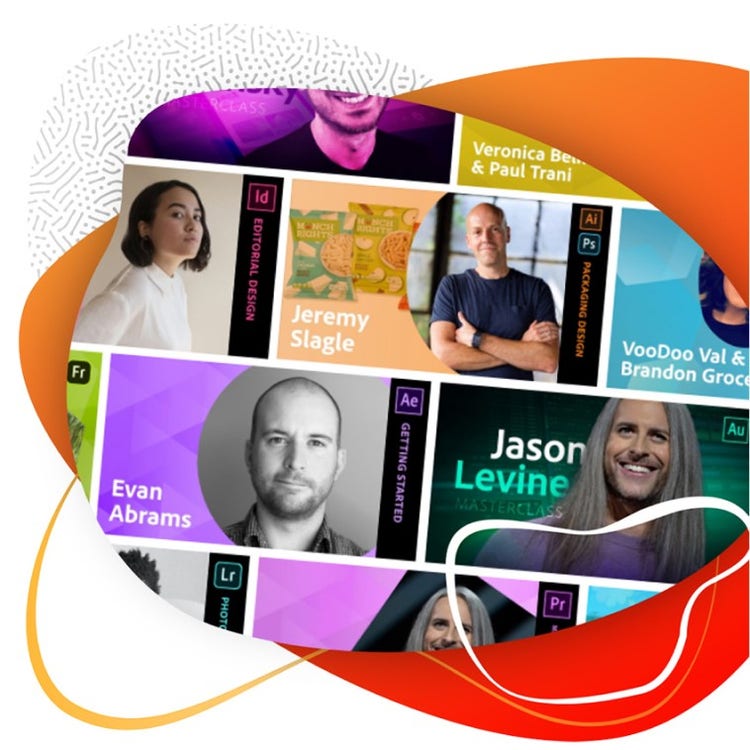
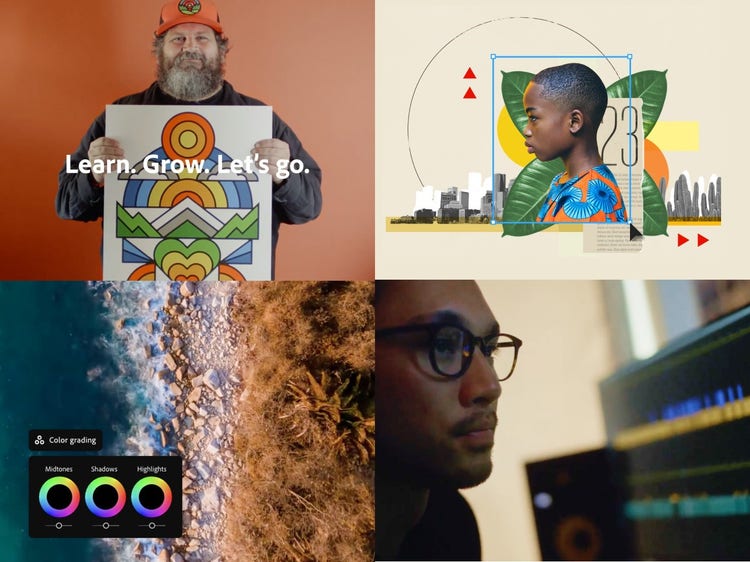
Your membership includes thousands of tutorials, challenges, how-tos, and more to help you learn and grow your skills.

The Unlock logo

Bite-size bits of wisdom from creative pros.

Creatives share their tips, techniques, and craft secrets for working smarter.

Animate vectors with Zipeng Zhu.

Get Zipeng’s tip on how to quickly move from illustration to animation.

Retouch photos with Dana Scruggs.

Create a luminous portrait with Dana’s tips on using Adobe Photoshop and Lightroom together.