Yes, you can use the Adobe Firefly AI sound effect generator for free with an Adobe account. If you have a free account, you’ll get free daily generations to create custom sound effects from text prompts, voice recordings, or reference audio. Learn more about
using Adobe Firefly for free. A paid plan is available for higher-volume generation.
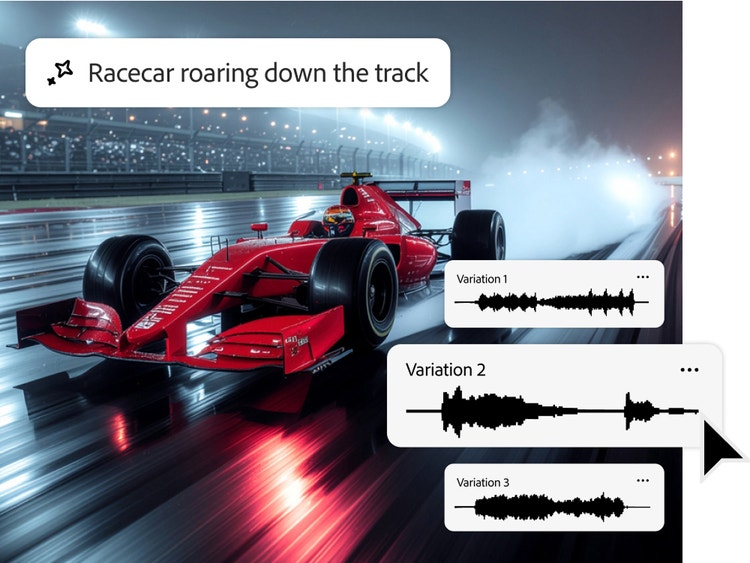
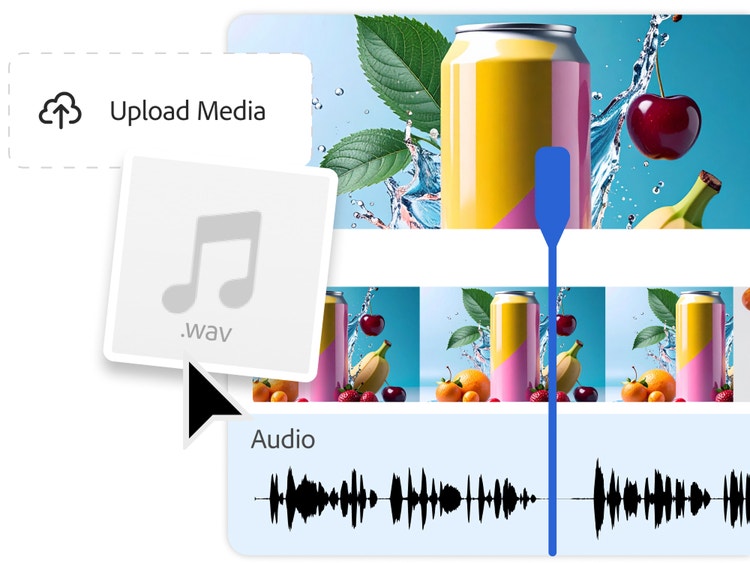
The Adobe Firefly AI sound effect generator creates custom, studio-grade audio from a simple text prompt or uploaded audio reference. You can place sounds precisely in your media timeline, layer multiple effects, and use them across videos, podcasts, games, social content, and more. And because Adobe Firefly is trained only on licensed and public domain data, every output is commercially safe, so you can use generated sound effects in your projects without worrying about copyright or licensing issues.
AI sound effects provide creators with a versatile, cost-effective way to generate custom audio for a wide range of creative needs. For example:
- In games, AI sound effects can be used for footsteps, hits, pickups, ambient loops, and UI clicks that react to player actions.
- For video and animation, generative AI makes it possible to create foley and ambient audio — like wind, rain, and nature sounds — in a matter of seconds.
- In apps and product UI, AI sound effects can be used to create micro-interactions, notifications, and accessibility cues that reinforce brand identity.
- In podcasts, AI sound effects can be used for stingers, bumpers, and setting a scene.
Across all of these workflows, AI sound effects help creators work faster, stay flexible, and enhance the overall quality of their projects.
Adobe Firefly unlocks new audio storytelling possibilities by allowing users to generate custom sound effects that enhance video generation. Creators can now produce audio through dual-input control methods, using both text prompts and recorded audio hints to guide generation while preserving intended sound characteristics.
The Adobe Firefly AI sound effect generator can be used to create royalty free sound effects for commercial use, provided you adhere to Adobe guidelines and the audio produced is developed using the commercially released version of Adobe Firefly. All Adobe Firefly tools are designed to be safe for commercial use.
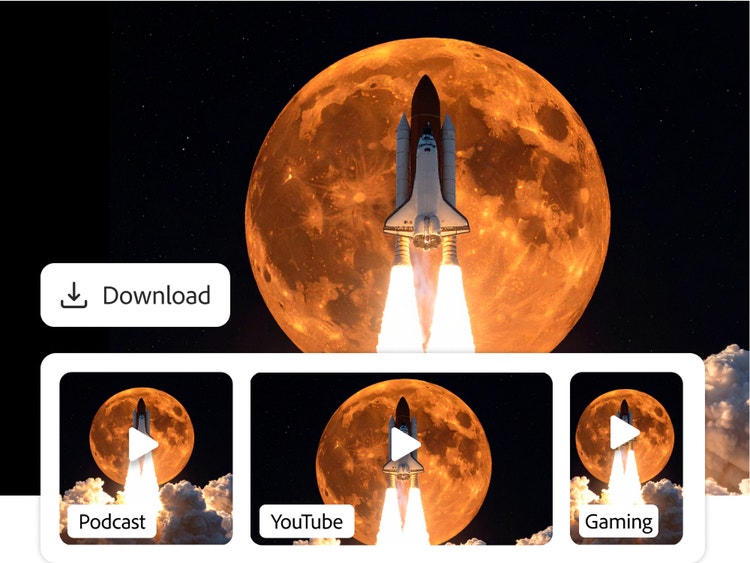
The Adobe Firefly sound effect generator currently supports audio downloads in WAV format for audio-only files and MP4 for video files with audio.
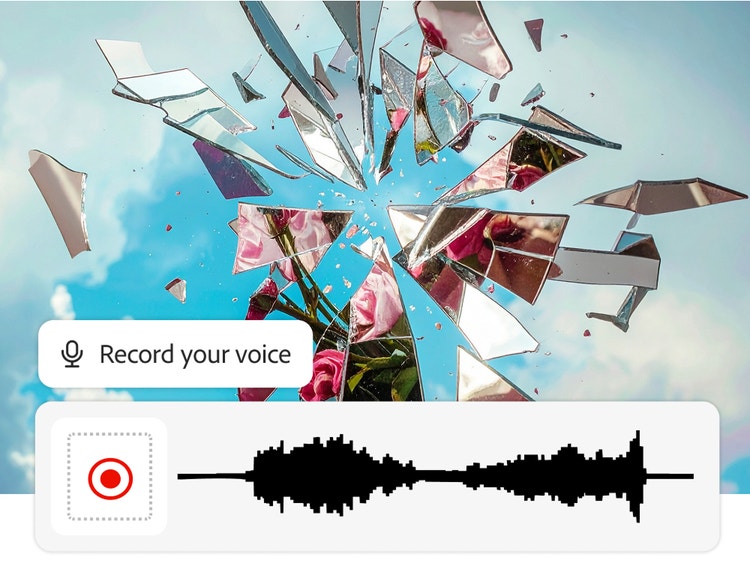
Users can use their voice and audio recordings alongside text prompts to guide the AI sound effect generator — giving you a fast, cost-effective way to create sound effects without needing to go out and record sound.
AI sound effect generators work by using a large dataset of audio to learn how to create new sounds from scratch. When you provide a text prompt, Adobe Firefly analyzes the words to understand and shape the tone, texture, and movement in your audio — functioning much like a virtual synthesizer that builds new sounds from scratch rather than sampling existing ones.