


Browse plans for businesses or students and teachers.
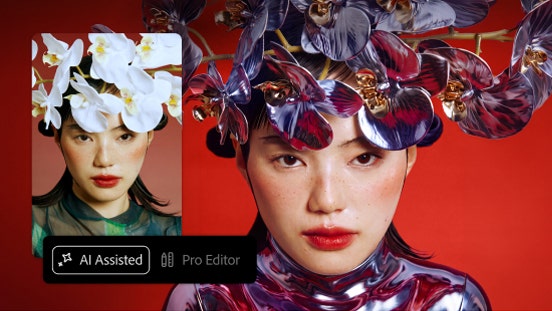
Two ways to edit. One Photoshop.
Jump-start your work with AI Assisted Editor. Move to Pro Editor at any time to fine-tune with more precision control.
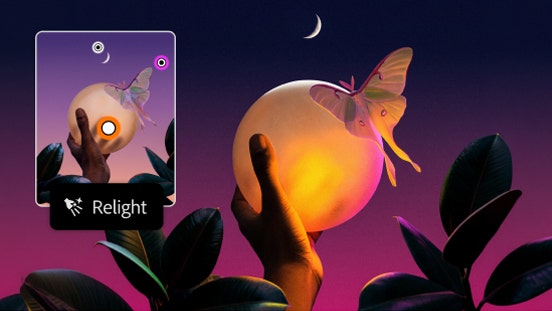
Put your image in a whole new light.
Add lighting with Relight for full control over the position, color, intensity, and more — all with nondestructive edits.
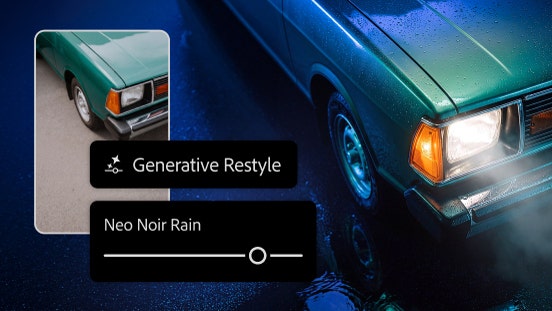
Explore new directions with precise control.
Transform images in your edit with Generative Restyle. Create custom sliders to direct lighting, color, and more.
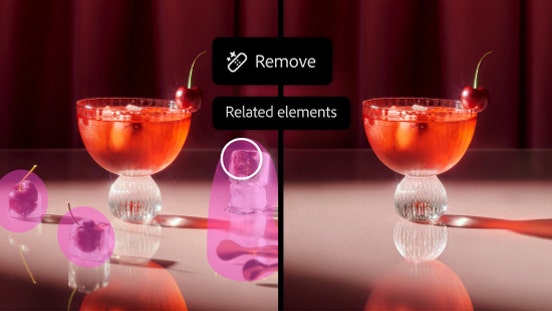
Remove objects without a trace.
Related elements in the Remove tool clears objects and elements like shadows and reflections in one step.

