https://main--cc--adobecom.aem.live/cc-shared/assets/img/firefly.svg|AdobeFirefly Adobe Firefly
Create AI chibi art in Adobe Firefly.
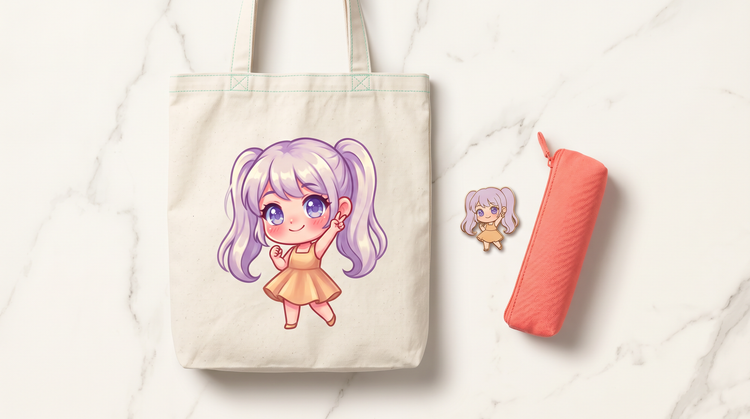
Type a prompt, choose your style and get a polished chibi character you can use in personal projects, merch or client work.
- image
- Describe a subject, an action, a place, a mood or a style.
- Adobe Generative AI Terms
- https://main--cc--adobecom.aem.live/creativecloud/animation/testdoc/unity/generate.svg Generate
- Describe the chibi style art you want to generate
- Prompt
- Tip
- Unable to process the request
- Please describe what you want to generate.
- Prompt exceeds the max length of 750 characters
https://main--cc--adobecom.aem.live/cc-shared/assets/img/product-icons/svg/firefly-80.svg
Adobe Firefly
https://main--cc--adobecom.aem.live/cc-shared/assets/img/product-icons/svg/firefly-80.svg
Adobe Firefly
The next evolution of creative AI is here for all your ideas, with image, video, audio and vector tools.
Spark your creativity with AI-generated chibi art.
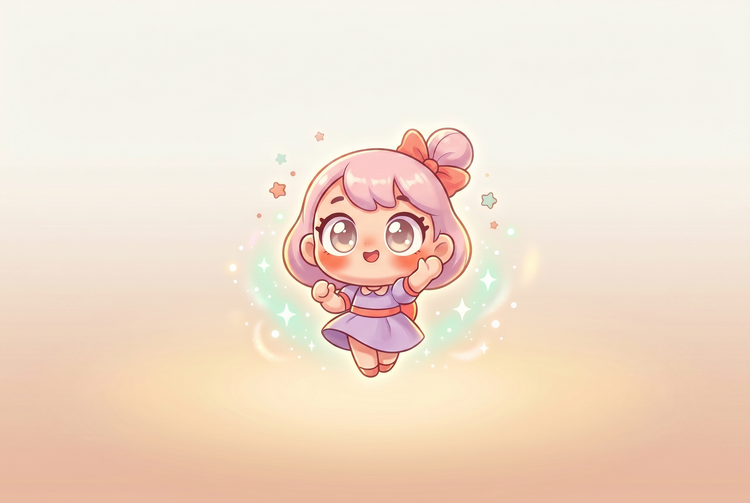
Chibi art style turns any character into a compact, big-headed figure with oversized expressions and a look that's instantly recognisable across games, fan art, stickers and social content.
Go from concept to chibi character quickly.
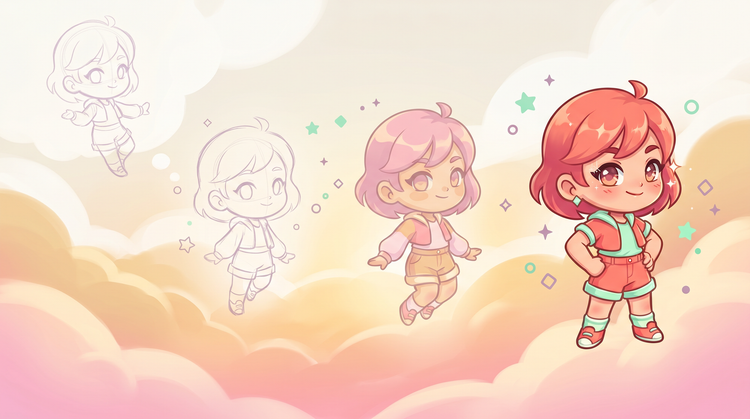
Type a description of your character, specify chibi style and Adobe Firefly Generate Image will do the rest. Adjust the prompt, swap style references and iterate until the expression and proportions feel right. You can go from a rough idea to a finished asset ready to export in a single session.
Use what you make in real projects.
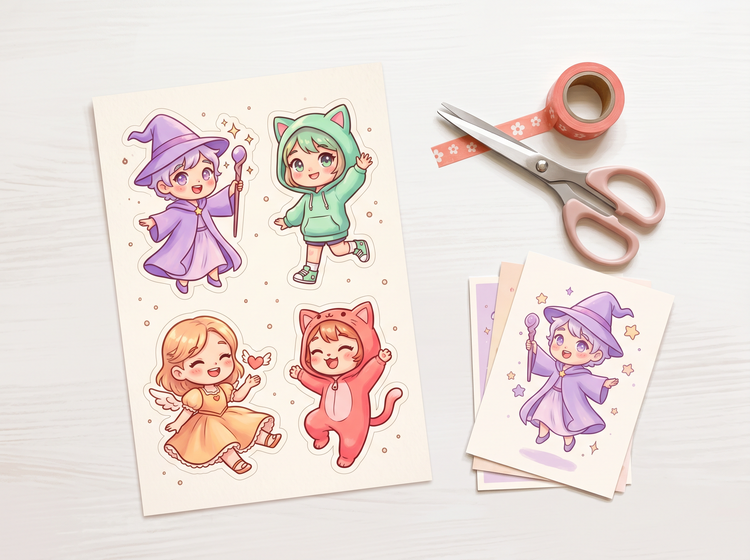
The chibi characters you generate with Adobe Firefly models are commercially safe. Print them on merch, drop them in a client deck or sell them as sticker packs.
Explore the full range of chibi styles.
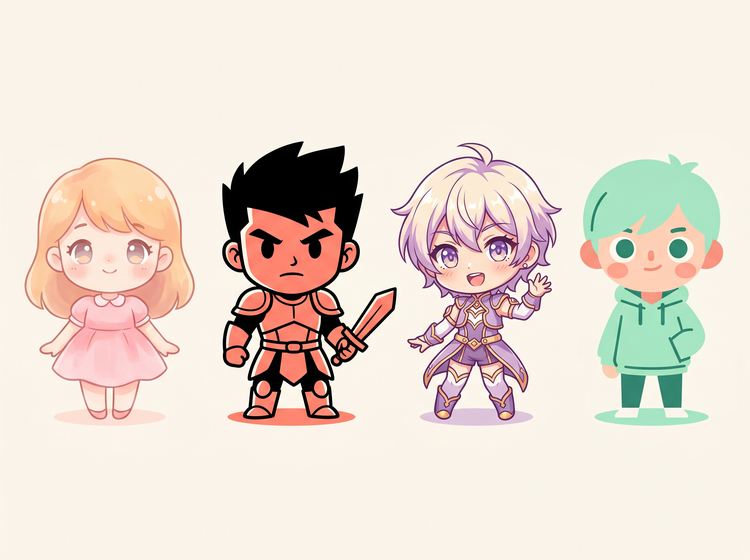
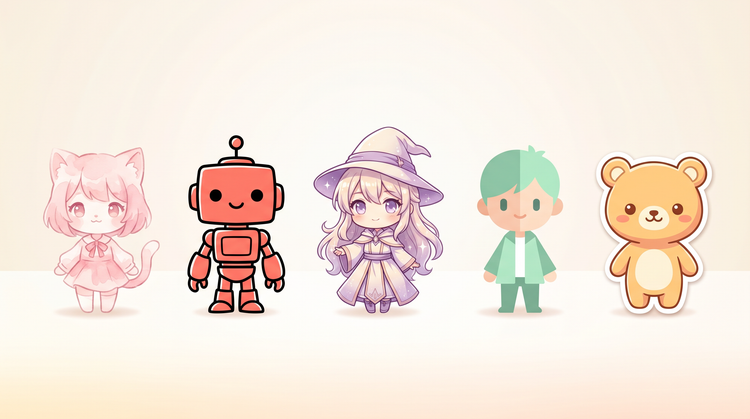
Chibi covers a wide spectrum. A soft pastel character for a children's book reads very differently from a bold-outlined chibi warrior built for a game UI. Describe the tone, colour palette and mood in your prompt and Adobe Firefly Generate Image will match it. Vary elements in your prompt and regenerate to build out consistent sets of distinct characters.
Take your characters further in Adobe tools.
Export your generated chibi character as a PNG and bring it into your existing design workflow. Composite it into a scene, add it to a template or refine the details to match a specific project brief.
How to create chibi art with Adobe Firefly.
Step 1
Open Adobe Firefly.
Step 2
Write your chibi prompt.
Step 3
Refine the style.
Step 4
Review and regenerate.
Step 5
Download your chibi character.
- How to create chibi art with Adobe Firefly.
- Steps on how to create chibi art with Adobe Firefly
- PT3M
- firefly
Fast results, full creative control
Describe your character, hit Generate and iterate from there. Adjust prompt language, swap style settings and explore variations without starting again. You stay in control of the creative direction throughout.
A wide range of chibi styles
From soft pastel characters to bold-outlined game-ready chibis, Generate Image will handle the full visual spectrum. Mix style references in your prompt to land on a specific register, then build a consistent set by varying one element at a time.
Commercially safe output, ready to use
The chibi characters you generate in Adobe Firefly are commercially safe. Use the output on merchandise, in client deliverables or on shop fronts without additional licensing.
Built for concepts and finished work
Whether you're brainstorming character options or producing final assets for a print run, Generate Image will give you the quality and flexibility you need. Use it to explore ideas or ship production-ready chibi characters.
See what else you can create with Adobe Firefly.