Adobe Photoshop
Master the art of inpainting for flawless image restoration.
Redefine reality, one pixel at a time.
Adobe Photoshop
Redefine reality, one pixel at a time.
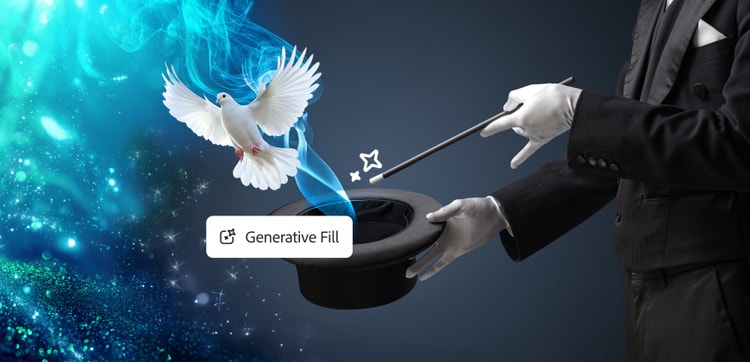
Inpainting refers to reconstructing or filling in missing or damaged portions of an image using AI. By analyzing the surrounding content and existing details of an image, like textures and patterns, it’s possible to recreate areas that blend seamlessly with the original.
Traditionally, inpainting relied on manual methods, such as artists or photo restorers painstakingly recreating areas using what they could of the image's context. Over time, techniques evolved to use algorithms like partial differential equations (PDEs) and texture synthesis to automate parts of the process.
Today, AI-powered inpainting methods, like Generative Fill in Photoshop, use machine learning to analyze and predict how to fill missing areas more accurately and quickly than humans, while maintaining the image’s integrity throughout the restoration process. However, with AI’s ability to make such realistic edits, it can be hard to tell what's genuine. As generative AI continues to evolve, the methods used to check authenticity must evolve too.
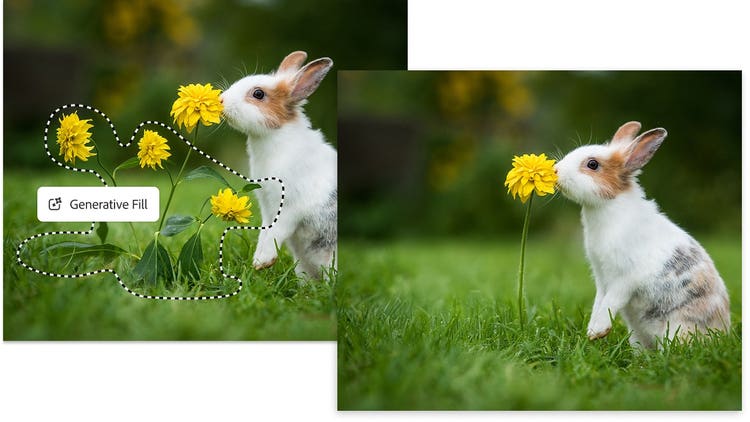
AI tools like Generative Fill empower users across skill levels to achieve professional-quality edits and make high-level image manipulation more accessible than ever.
Generative Fill makes reconstructing images faster and easier, and achieves more realistic results. Unlike traditional methods, Generative Fill uses advanced AI to understand image context and fill in missing areas or remove elements in a way that’s indistinguishable from the original image.
Because AI can analyze the context more accurately than humans, the results look more consistent without as much manual work. This makes it easier to achieve professional-quality results, whether fixing small details or filling in large gaps, regardless of skill level.
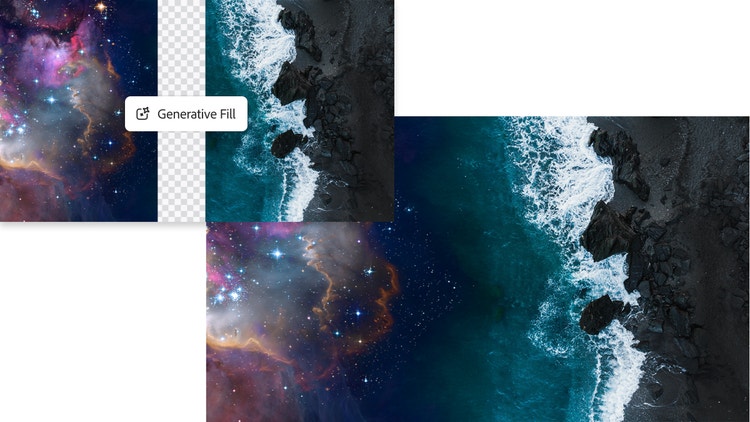
AI-powered Generative Fill works to seamlessly fill in missing parts of an image. It analyzes the affected areas of the image and then studies the surrounding content for context clues. Next, it can refine the new image, ensuring all elements blend smoothly with the original.
This multi-step process helps produce realistic and contextually accurate results much faster than manual work.
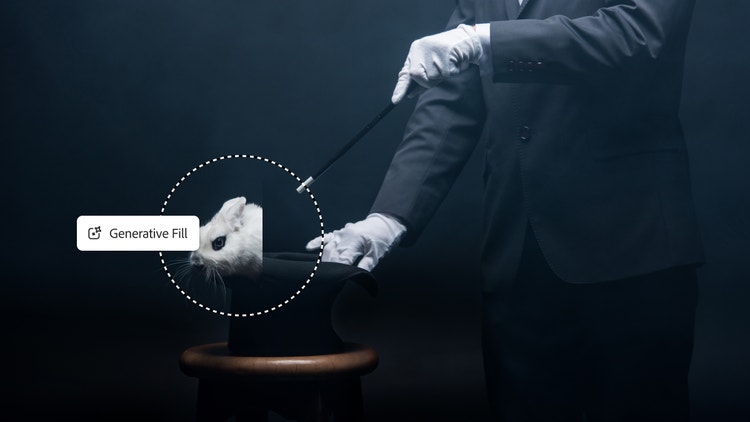
Inpainting has many creative applications, like removing unwanted objects or people from photos, repairing damaged images, and cleaning up imperfections in product shots. Digital artists can also use inpainting to create unique composites by seamlessly blending different images together.
More advanced inpainting techniques can incorporate multiple image sources, video frames, or 3D scene understanding, producing more accurate and flexible results.
AI inpainting technology creates a world without image limitations and provides new opportunities for infinite creative exploration.
Annual, billed monthly
US$22.99/mo
Get Photoshop on desktop and iPad as part of Creative Cloud.
Annual, billed monthly
US$69.99/mo
Get 20+ Creative Cloud apps, including Photoshop on desktop and iPad.
Annual, billed monthly
US$19.99/mo
Save over
Annual, billed monthly
US$99.99/moper license
Industry-leading creative apps with simple license management.