What is Audition?
Meet the industry’s best audio cleanup, restoration, and precision editing tool for video, podcasting, and sound effect design.



Meet the industry’s best audio cleanup, restoration, and precision editing tool for video, podcasting, and sound effect design.

This step-by-step tutorial guides you through the robust audio toolkit that is Adobe Audition, including its seamless workflow with Adobe Premiere.
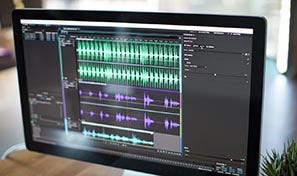
Use the Essential Sound panel to achieve professional-quality audio — even if you’re not a professional.

Learn the basic steps to record, mix, and export audio content for a podcast — or any other audio project.

Easily and automatically rearrange any song to fit any duration with Remix in Audition.

Get best practices for fixing audio, including how to use the spectral frequency display, Diagnostics panel, effects, and more.
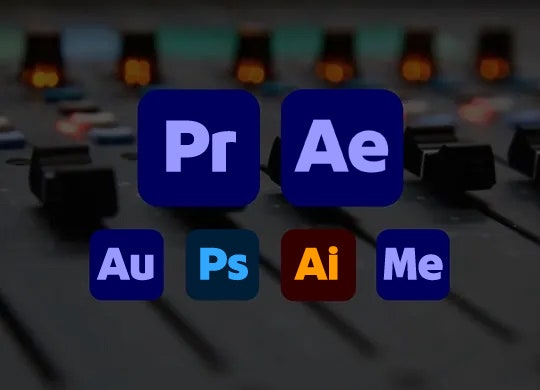
Along with tools for color, audio, and graphics, Premiere works seamlessly with other apps and services, including After Effects, Adobe Audition, and Adobe Stock. Open a Motion Graphics template from After Effects or download one from Adobe Stock and customize it — all without leaving the app. And Premiere integrates with hundreds of partner technologies.
Build a following and follow other inspiring artists — and even find your next professional opportunity — on Behance, the world’s largest creative community.
US$22.99/moAnnual, billed monthly
Get Audition as part of Creative Cloud.
Join over 7 million Creative Cloud Pro subscribers worldwide. Save 50% for the first 3 months on the full version of Audition and 20+ apps plus Adobe Firefly creative AI. Pay US$34.99/mo for the first 3 months and US$69.99/mo after that. New subscribers only. See terms | See what's included
Save 71% on 20+ Creative Cloud apps — including Audition.
US$99.99/moper licenseAnnual, billed monthly
Get Audition and 20+ Creative Cloud apps plus exclusive business features. See what's included | Learn more.
