Adobe {{premiere}}
Create impactful scene transitions with smash cuts.
A smash cut is a dynamic film editing technique that moves your story forward through abrupt scene transitions. Smash cuts can impact narrative flow by building tension, adding a comedic punch, or increasing the pace of the story.
What is a smash cut?
A smash cut is a film editing technique that uses an abrupt transition between scenes to create contrast. Smash cuts are often used to create dramatic or humorous impact. Unlike other cuts and transitions like a match cut, which creates visual continuity between scenes, a smash cut is an intentional disruption.
A smash cut for comedic effect is known as a Gilligan cut after the TV show Gilligan’s Island. The castaways often make an emphatic statement followed by an ironic contradiction of that statement. In one instance, Gilligan throws Mr. Howell in jail and the Professor tells the Skipper, “Don’t underestimate Mr. Howell. He’s tough — he can take anything.” Smash cut to Mr. Howell crying through bamboo jail bars.
When used effectively, smash cuts can:
- Build tension through sudden tonal shifts.
- Create humor through unexpected transitions.
- Accelerate pacing by eliminating transitional scenes.
- Emphasize emotional contrasts between scenes.
When to use a smash cut.
When editing video in post-production, smash cuts work best where extreme contrasts will create maximum impact. In comedy, they can be a punchline, like cutting from a boastful, overconfident character to their failure. In dramatic stories, smash cuts build suspense or anxiety, creating psychological impact through sudden atmospheric or mood shifts. You can also use smash cuts to surprise your audience, like by revealing a sudden plot twist without the usual build-up.
Smash cut examples:
- Comedy: A character overconfidently brushes off an expert’s help cuts to a scene where things are going haywire.
- Drama: A man races to catch the last flight out of town, smash cut to him alone on the concourse as the jet takes off.
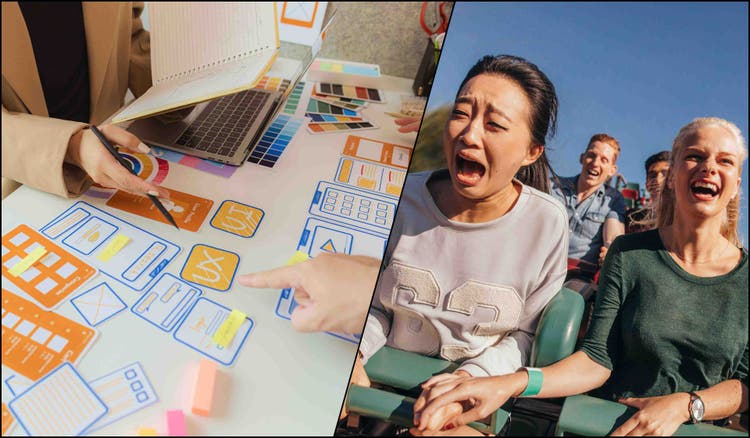
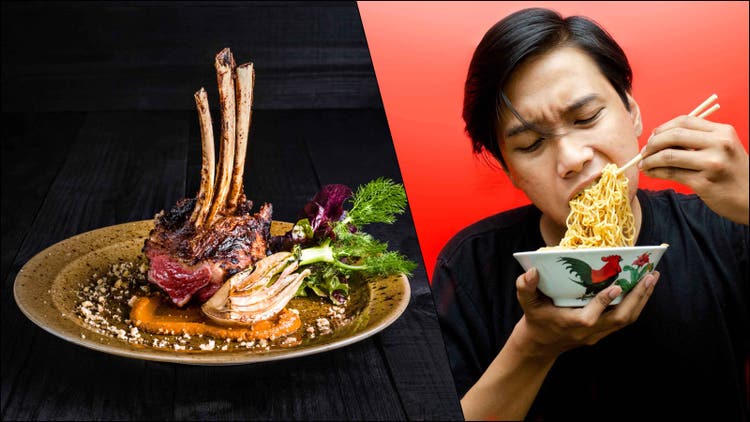
- Scene juxtaposition: A wealthy person dining lavishly at a 5-star restaurant abruptly cuts to a scene of extreme poverty.
Examples of smash cuts from iconic films.
Smash cuts use abrupt transitions to create powerful moments that can leave a lasting impact on your audience. Here are two examples from iconic films that demonstrate the technique's versatility across different genres.
In The Godfather, Francis Ford Coppola used a highly memorable smash cut during Michael Corleone's scene at his godson's baptism. As Michael stands before a priest and renounces Satan, the film cuts to the execution of rival mob bosses across the city. This highlights the juxtaposition between sacred ceremony and mafia violence, and his role as both godfather and Godfather.
Cameron Crowe’s 2001 film Vanilla Sky offers a good example of a smash cut used to intrigue the audience. In the first scene, Tom Cruise’s David is confident, handsome, and charming as he strolls through his publishing company office.
A quick flashback to David as a boy skateboarding through the offices he would soon inherit smash cuts to David in the dark, wearing an expressionless mask as he rages at a prison psychologist. The viewer immediately wonders what happened to turn him into this scarred, tormented figure.
How to make a smash cut edit that stands out in Adobe {{premiere}}.
Unlike cross cutting film where you're alternating between concurrent storylines, a smash cut's power comes from its singular, jarring transition. The key to an effective smash cut lies in its precision.
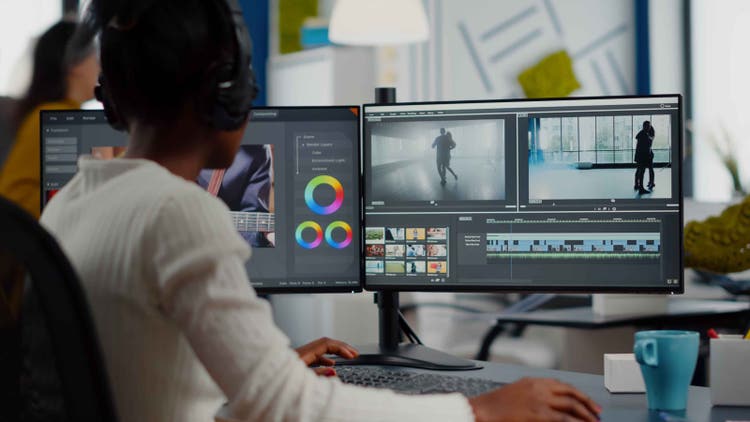
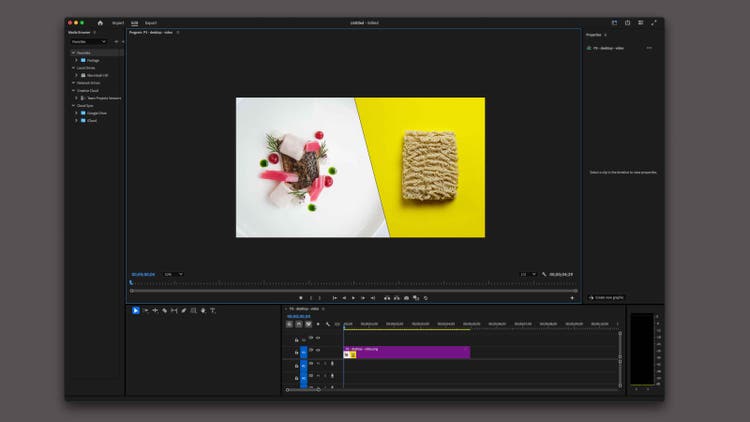
- Start by importing your two scenes into {{premiere}} and place them on separate video tracks, with the first scene on V1 and the second scene on V2. This arrangement gives you better control over the transition point.
- Identify your exact cut point in the first scene. This moment should maximize dramatic or comedic impact. For comedy, time it right after a character's key line. For drama, consider cutting during peak action or tension.
- Trim the end of your first clip precisely at your chosen point using the Razor tool. Clean cuts are essential for smash cuts. Avoid leaving even a single frame of unnecessary footage.
- Position your second scene to start exactly where the first scene ends. There should be no gap between clips. The abruptness is what creates the smash cut's impact.
- For sound design, decide whether you want to carry audio across the cut or create a sharp audio break:
- For dramatic impact: Cut both audio tracks cleanly at the transition point
- For comedy: Consider letting the first scene's audio trail briefly into the second scene
- For heightened tension: Layer in sound effects for video or music at the exact cut point. - Adjust video levels just before and after the cut. A slight increase in brightness or contrast in the second scene can enhance the visual impact of the transition.
- Preview your cut at normal speed and in slow motion to ensure perfect frame alignment. Look for any unwanted frames or audio artifacts that might soften the transition's impact.
- If needed, add a very brief (2-3 frames) cross-fade on the audio to prevent clicking or popping, but keep video cuts hard and clean.
- For maximum impact, consider the visual composition of both scenes: strong movement in the first scene cutting to stillness (or vice versa) can enhance the psychological effect of the transition.
- Export a test version and review on different devices to ensure the timing and impact remain consistent across platforms.
The difference between a smash cut and a jump cut.
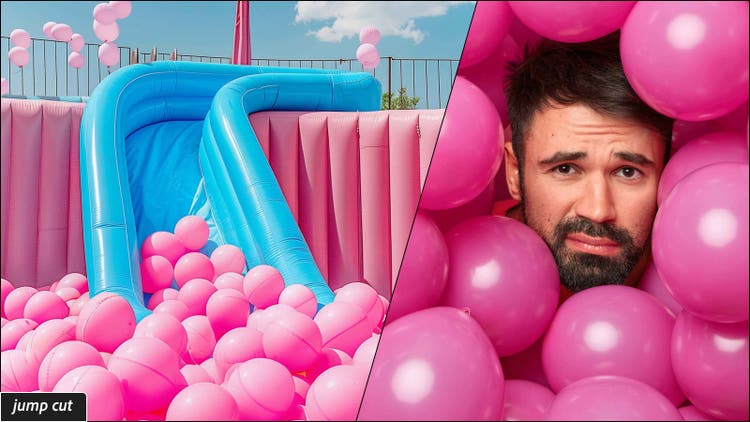
While both smash cuts and jump cuts create discontinuity, they serve different storytelling purposes. A smash cut transitions between two distinct scenes or locations to create contrast or surprise, while a jump cut compresses time in one location or scene.
In a scene with a person working at their desk at night, you could show the passage of time with a jump cut. Using the same camera angle, times “jumps” forward showing them in different positions, their coffee cup emptying, or papers piling up.
However, you would use a smash cut to emphasize the contrast between their late-night work session and the next morning. Think abruptly transitioning from typing furiously at 3am to sleeping through their alarm and missing an important meeting. The smash cut creates impact through the sudden change in scene and situation.
Tips for using smash cuts the right way.
Use smash cuts sparingly.
Like any powerful storytelling device, relying too heavily on smash cuts can lessen the impact. Space them out to maintain the surprise factor and give audiences time to recover from each abrupt transition.
Create meaningful contrasts.
Every smash cut should serve a purpose beyond shock value. Whether highlighting irony, building tension, or revealing character development, the contrast between scenes should propel the story forward.
Blend smash cuts with other transitions.
Using only smash cuts can make your piece feel choppy and disorienting. Blend smash cuts with traditional transitions to create a narrative rhythm.
Perfect your timing.
Pay close attention to the exact frame where you make your cut. In comedy, timing is crucial for landing the joke. In drama, cutting at the peak of tension maximizes emotional impact. Test different cut points to find the perfect transition point.
Experiment with transitions beyond smash cuts in Adobe {{premiere}}.
The smash cut is just one of many different types of film transitions editors use to enhance narrative flow. Video editing software like Adobe {{premiere}} lets filmmakers easily experiment with various transitions and fine-tune their timing with precision. What matters most is choosing transitions thoughtfully, so that each cut helps create scenes that stay with audiences after the credits roll.
https://main--cc--adobecom.aem.page/cc-shared/fragments/products/premiere/do-more-with-premiere