Generate vector art with Concept to Vector in Illustrator
What you’ll learn
Turn a sketch into vector artwork instead of tracing it
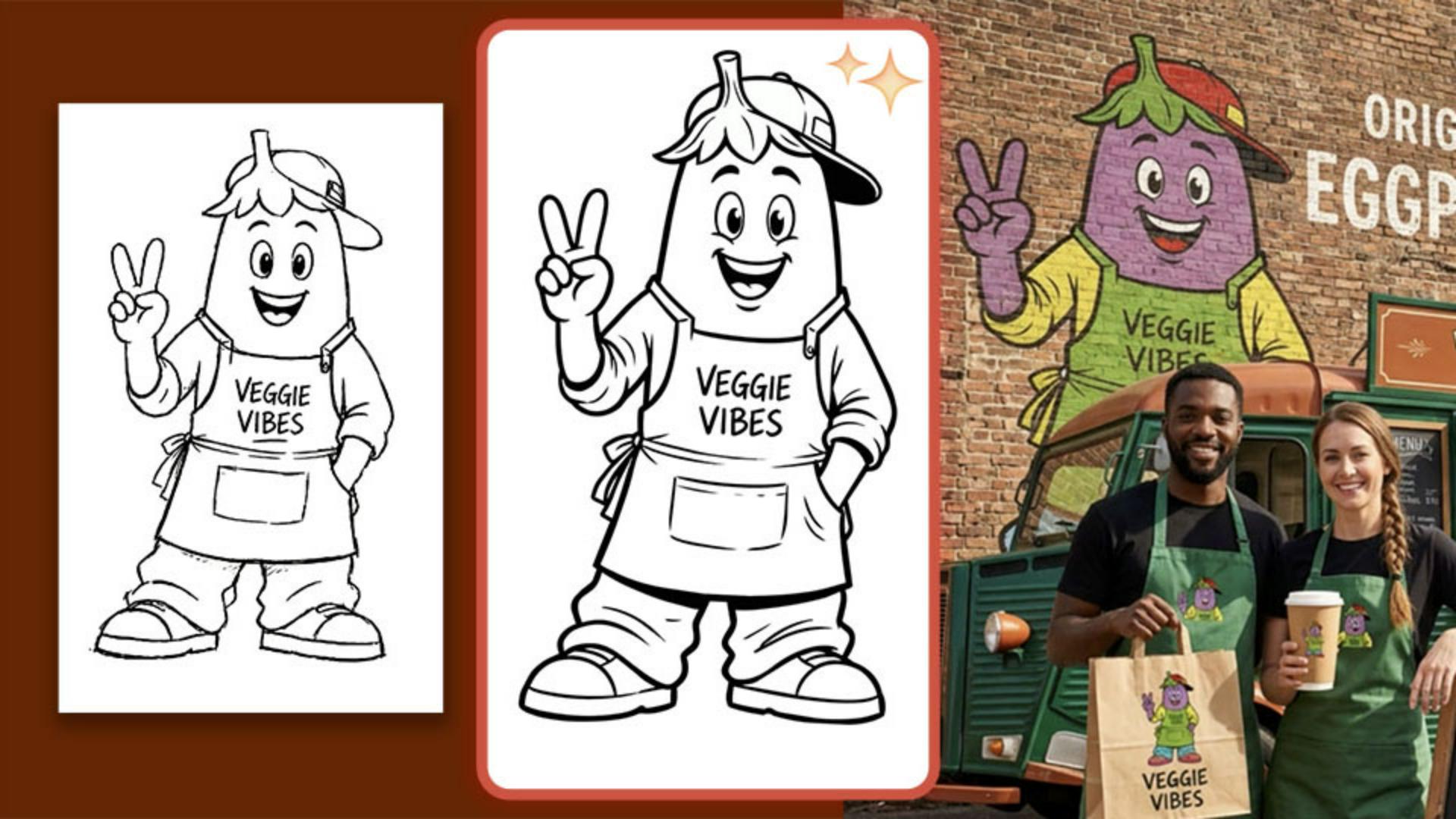
Concept to Vector interprets a rough sketch and generates editable vector artwork, rather than tracing every line the way Image Trace does. Settings like style and match reference control how closely the result follows the original sketch.
Compare generation styles to find the right look
Switching between styles like Drawing and Line Art changes the character and detail of the result. Drawing preserves more of the sketch's personality, while Line Art produces a cleaner, more minimal option suited to icons or badges.
Bring finished artwork into Boards to show the artwork in context
Paste the finished vector artwork into Firefly Boards to see how a logo or character could look across real-world touch points like a food truck, staff aprons, and packaging. Use descriptive prompts to help shape the direction.
Bonus tip: Some models can also generate an animated version of the mascot, with audio as an option too.
Instruction and design by

