Guide product shoot concepts with reference images in Firefly
Build visual directions with reference images
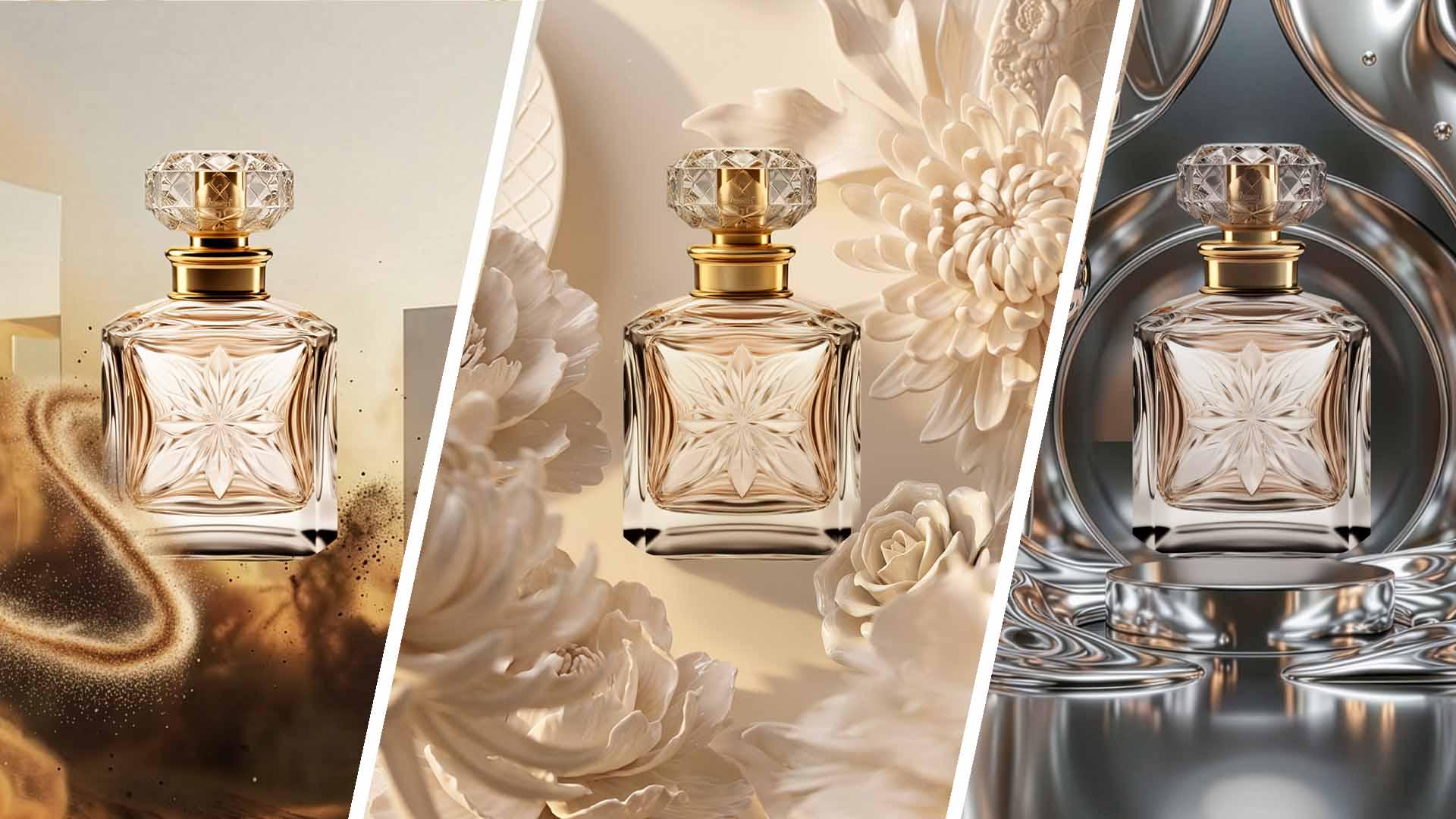
When a creative direction is still just an idea, it's hard to evaluate. Add your own images or Adobe Stock references to Firefly Boards to define a few possible creative worlds for your product, establishing the textures, materials, colors, and visual language for each direction.
Generate backgrounds designed around your product
Select reference images from your board and prompt Firefly to generate potential sets. Describe where the product will sit so each background leaves intentional space for the final composition.
Explore variations while keeping your creative direction
Compare your generated options, then use Custom Vary to develop a promising result further. Explore new variations while building on the visual direction you've already established.
Share your concepts to align on a creative direction
Use Firefly Boards as your client pitch. Share distinct visual directions for feedback, then use the selected concept as a reference for planning the production and photo shoot.
Refine the product and background together in Photoshop
Place the chosen background around your product, then use Remove Background and Harmonize to bring the composite together. Match the product's lighting, color, and atmosphere to the new environment so the concept feels cohesive.
Add set elements to finalize the shoot details
Use Generative Fill to add props or other elements that complete the concept. The finished composite gives your production team a clearer reference for the set, product placement, and other details to plan for the shoot.
Tip: Instead of exporting your composite, use Share, then Send to Firefly Boards to bring the updated concept back into your pitch.
Author

