Build a complete sound mix with AI assistance
Note: Stock assets provided are for practice purposes only. See terms.
What you’ll learn
Create the exact sound effect your footage needs
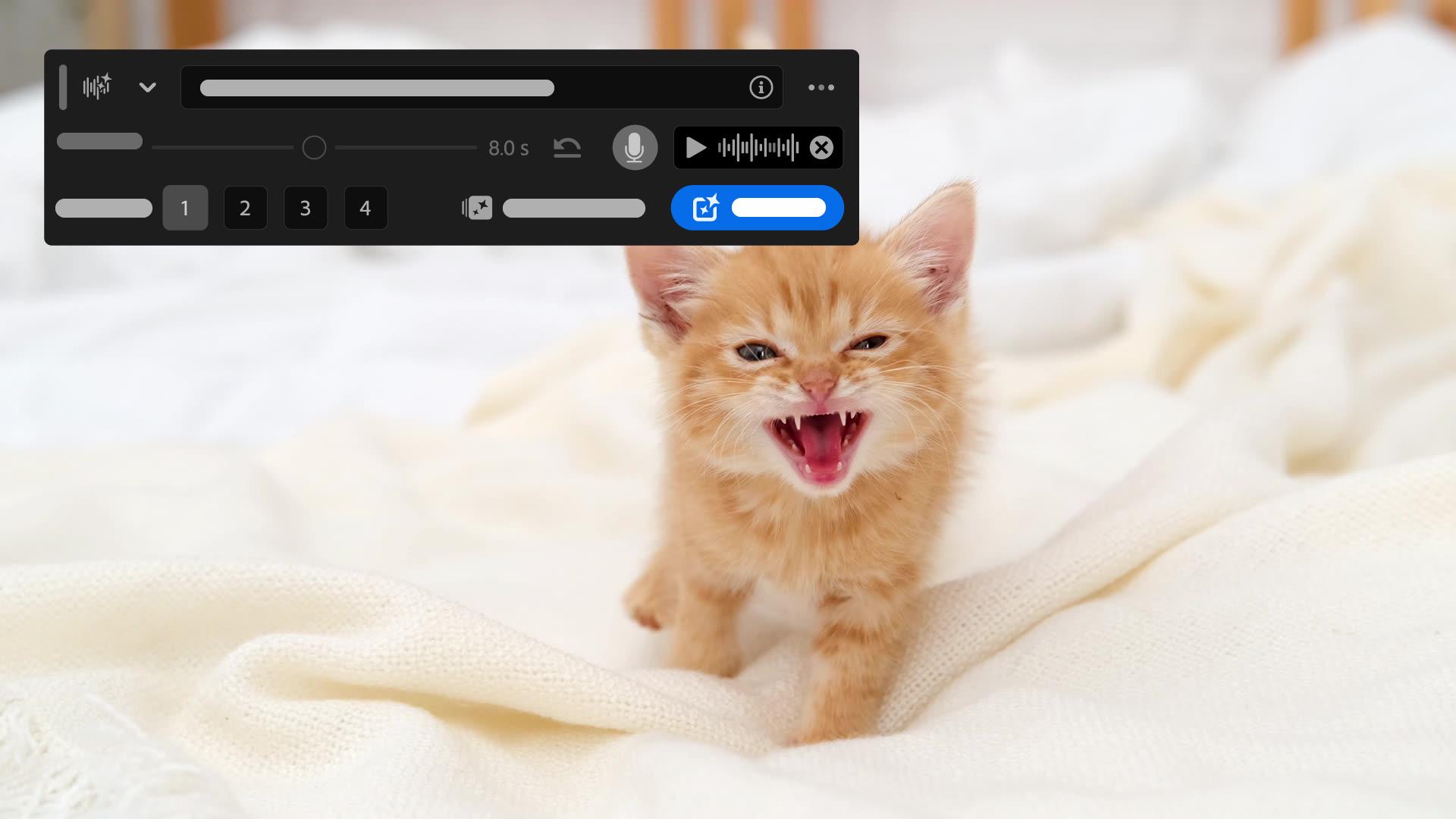
Stock libraries don't always have the sound a scene calls for, especially on a tight deadline. Type a prompt describing the effect, then record a quick guide track so the tool knows exactly when it should hit. Generate a few variations and pick the one that fits your edit, right from the timeline.
Fix noisy or uneven dialogue in one panel
Recorded dialogue rarely sounds broadcast-ready on its own. The Essential Sound panel lets you adjust volume and noise directly, or apply the Enhanced Speech preset to clean up a voiceover in a single step. From there, dial in the mix amount until the clip sounds right.
License music for your edit without leaving the timeline
Finding the right track often means jumping between browser tabs and licensing pages. The Essential Sound panel's browse tab connects directly to the Adobe Stock library of royalty-free music. License a track and drop it into your project without breaking your workflow.
Instruction by
Sarah John

