
 Get the full app with the latest updates for desktop, web, and mobile.
 No charge until your free trial ends and you can cancel up to 14 days after for a full refund.
See plans for students and teachers or for business.


How the 7-day free trial works.
Try Illustrator with a 7-day free trial. If that doesn't give you enough time to try all the features, you'll still have an extra 14 days to cancel and receive a full refund.
Day 1
Start your free trial today
Day 8
Your trial has ended and billing begins
7-day free trial
Day 8
Your trial has ended and billing begins
14-day money back guarantee
Day 21
Cancel within 14 days to get a full refund
What can you do with Illustrator?
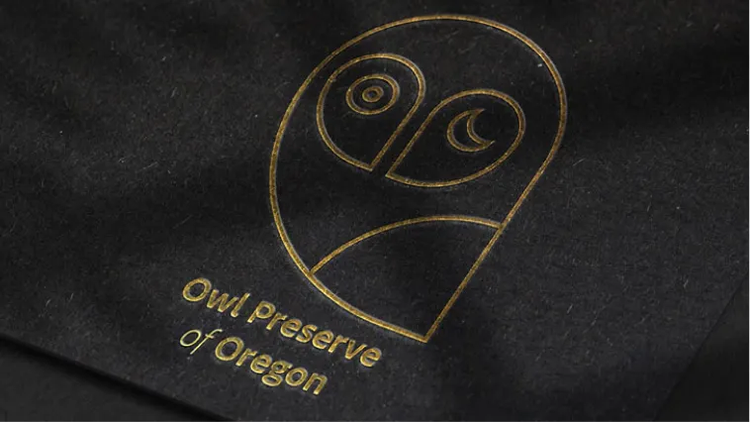
Design a unique logo.
Create custom brand graphics for your own business or a client. Apply gradients, 3D effects, and easily add them to realistic product mockups.

Make eye-catching digital ads.
Design infinitely scalable icons, patterns, and text that you can easily resize for any use — from billboards to social posts — without losing quality.

Create at the speed of now.
Use powerful new features that make your work easier to create seamless patterns, quickly fill vector outlines, and more — all in your own style.

Draw bold artwork that scales.
Use precise tools to create crisp vector graphics. From character designs to fashion sketches, make unique illustrations that work anywhere, at any size.
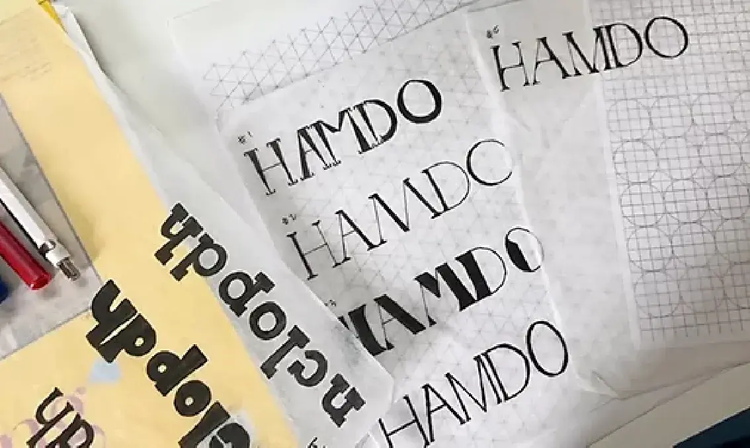
Customize and create fonts.
Tweak over 30,000 fonts to look the way you want, or design your own. Combine text with graphics to create striking packaging, posters, and more.
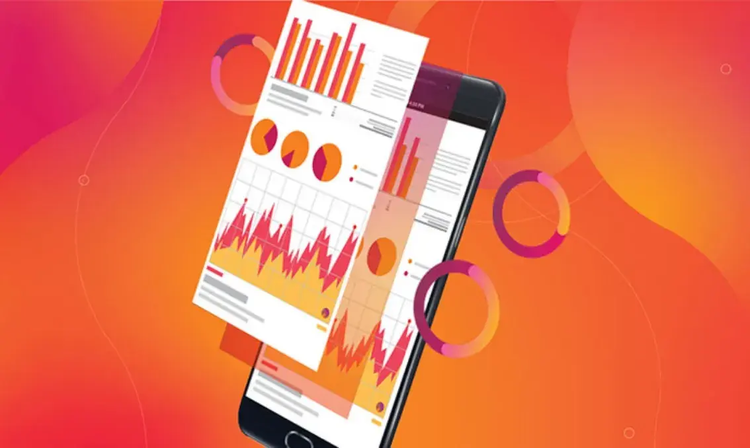
Tell your story with infographics.
Transform complex information into compelling graphics. Create charts, graphs, and beyond for presentations and reports.
Your free trial comes with more than great apps.
Tutorials, fonts, and more


Tools for teamwork


Creative community


Frequently asked questions about your free trial.
Yes, you can download a 7-day free trial of Illustrator. The free trial is the official full version of the app. It includes all the features and updates in the latest version of Illustrator. Your trial will automatically convert to a paid Creative Cloud Single App membership after 7 days, unless you cancel before then.
- Click the Free Trial button.
- Choose a plan and click continue.
- Create an account or sign-in with your Adobe ID.
- Follow the steps to start your free trial.
- Download Illustrator.
Yes, the Illustrator free trial works on macOS, iOS for iPad, and Windows. See system requirements.
Your free trial starts when you check out, and it lasts for seven days. The trial will automatically convert to a paid Creative Cloud Pro membership when it’s complete, unless you cancel before then.
Only one 7-day free trial of Illustrator is available per person. After your free trial ends, it will automatically convert to a paid Creative Cloud membership plan, unless you cancel.
To cancel your Illustrator free trial, navigate to your Adobe account page within 7 days of starting the trial. Locate your plan name and click Manage Plans. Then click Cancel Plan. Indicate your cancellation reason, and then click Continue. Follow the onscreen instructions to finish your cancellation. Get step-by-step cancellation instructions.
Single App plans do not offer student discounts. But eligible students and teachers can save more than
No, the free trial is only available for desktop and iPad. Adobe does offer a collection of free mobile apps for both iOS and Android. Explore all Creative Cloud products for mobile.
No, Illustrator is available only as part of a Creative Cloud membership. You can choose a Single App plan with Illustrator only or a plan that includes more apps. We offer Creative Cloud plans for individuals, students and teachers, photographers, institutions, and businesses. Explore all Creative Cloud plans.
Adobe offers dozens of free tutorials for Illustrator no matter your experience level. Make sure to download the 7-day free trial, and then start exploring Illustrator tutorials.
Find the Creative Cloud plan that’s right for you.

Illustrator
US$22.99/moAnnual, billed monthly
See what’s included:
Create designs, icons, logos, and more with Illustrator
Use thousands of free templates to make standout content with an Adobe Express Premium plan
Fonts, images, tutorials, and more
100GB cloud storage
25 monthly generative credits
The full version of Illustrator plus the Adobe Express Premium plan.

Creative Cloud Pro
7-day free trial, then
See what’s included:
Create designs, icons, logos, and more with Illustrator
20+ apps for photo, design, and video
Unlimited access to standard creative AI image and vector features like Text to Image and Generative Fill
4,000 monthly generative credits for premium creative AI video and audio features like Text to Video.
Unlimited access to Firefly Boards for exploring ideas and developing storyboards
Access to non-Adobe Generative AI models in Firefly
Adobe Express Premium, Frame.io for Creative Cloud, tutorials, fonts, templates, and 100GB of cloud storage
Save 50% for the first 3 months on 20+ apps and Adobe Firefly creative AI. Pay US$34.99/mo for the first 3 months and US$69.99/mo after that. New subscribers only. See terms
See what's included