Keep colors crisp.
Create eye-catching icons using AI-generated vectors with color and detail controls that give you crisp colors and clean lines for stunning results.
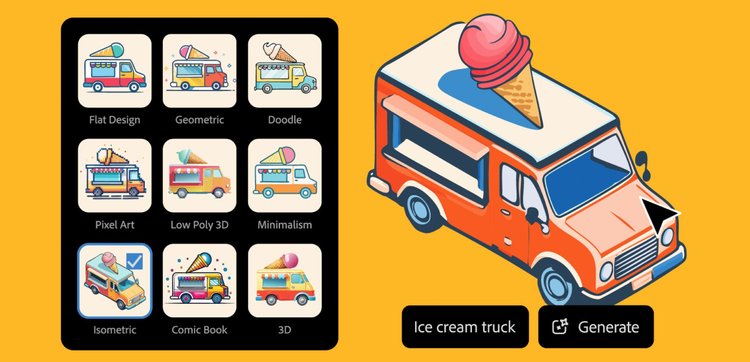
Take your icons to a more imaginative place, then build out your brand library quickly with the power of AI vector icon generator in Illustrator.

Create eye-catching icons using AI-generated vectors with color and detail controls that give you crisp colors and clean lines for stunning results.
Use Style Reference to match your color and style in a snap. AI Vector Icon Generator lets you create a cohesive look in less time.


Generate customizable, scalable vector graphics with a simple description and Text to Vector Graphic, powered by Adobe Firefly.
Streamline your workflow with endless editing and scalability capabilities. AI-generated vector icons allow you to save time without sacrificing precision.

--- linear-gradient(90deg, rgba(241,155,58, 0.8) 0%, rgba(237,211,11, 0.8) 100%)
Create vector artwork, scalable logos, seamless patterns, and web graphics.
--- linear-gradient(90deg, rgba(255,0,0,1) 0%, rgba(255,154,0,1) 10%, rgba(208,222,33,1) 20%, rgba(79,220,74,1) 30%, rgba(63,218,216,1) 40%, rgba(47,201,226,1) 50%, rgba(28,127,238,1) 60%, rgba(95,21,242,1) 70%, rgba(186,12,248,1) 80%, rgba(251,7,217,1) 90%, rgba(255,0,0,1) 100%)
Explore {{generative-ai}} right in your browser with Generate Image and Insert Objects and Remove Objects with Generative Fill models.