Explore new directions.
Generate multiple stylistic variations from the same sketch or low-res image — and pick the best one. Use prompts and a slider to push your idea further, pull it back, or take it somewhere unexpected.
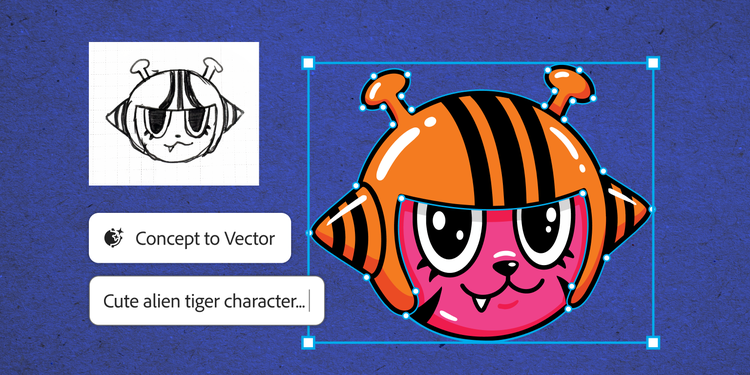

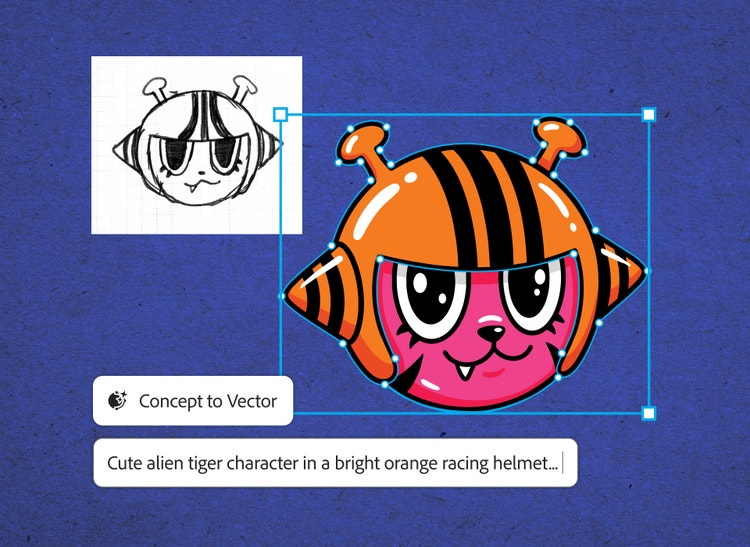
Convert hand-drawn sketches to flawless vectors in a single click. With crisper outputs, fewer anchor points, and gradient support, refining and customizing your vector art has never been easier.
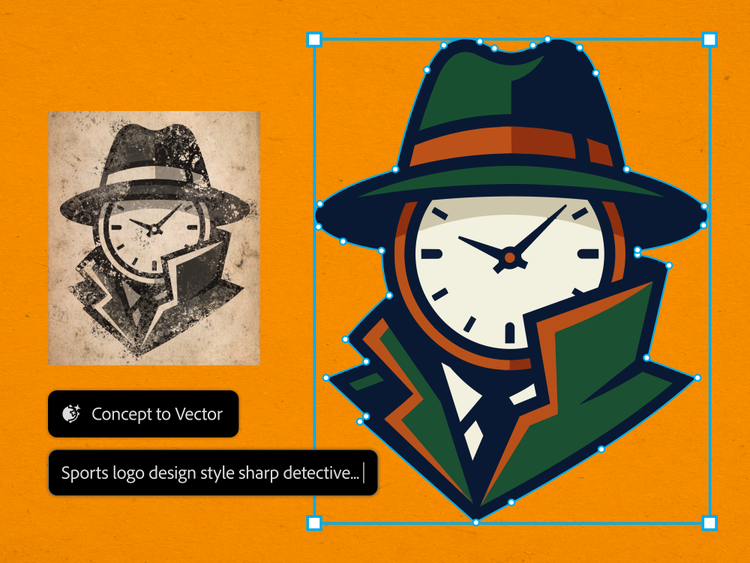
Generate multiple stylistic variations from the same sketch or low-res image — and pick the best one. Use prompts and a slider to push your idea further, pull it back, or take it somewhere unexpected.
Achieve unparalleled precision in every image—experience flawless detail and clarity that preserves the integrity of each line, curve, and corner.
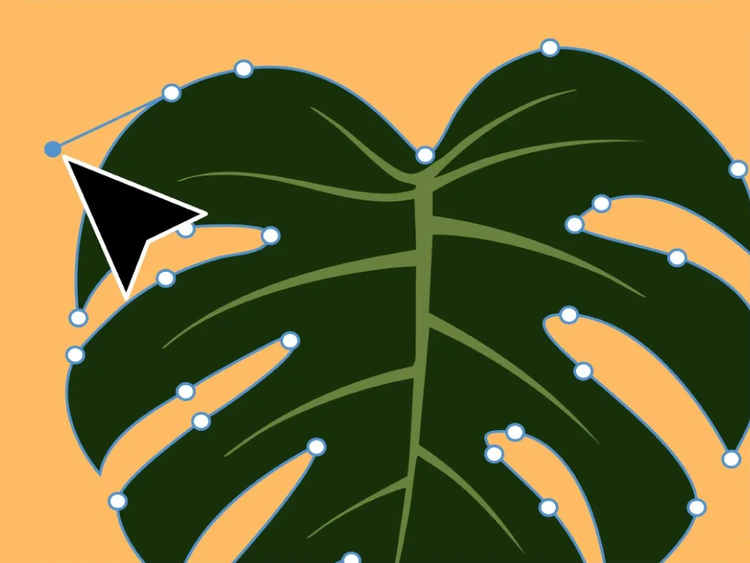
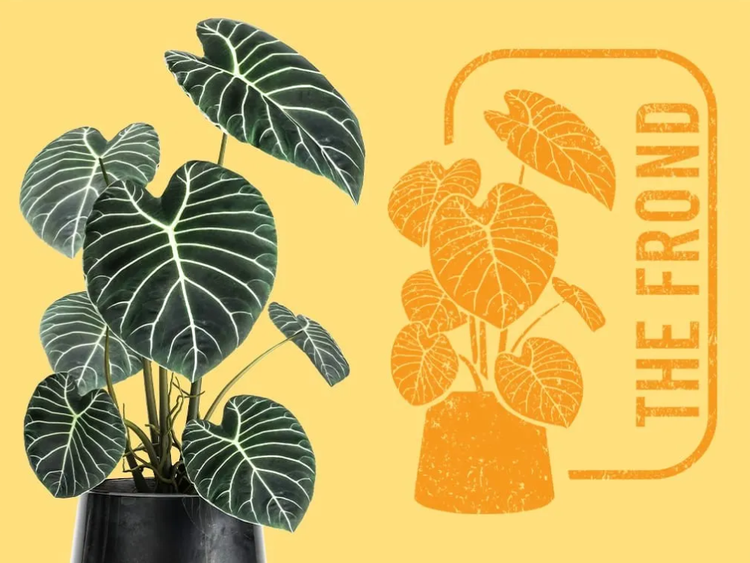
Convert photos or illustrations into vectors for scalable designs and simplified image files—ideal for precise cuts on vinyl, laser engraving, and branded merchandise like t-shirts, mugs, and hats.
Transform images with advanced vectorizing capabilities in Illustrator for dynamic 3D effects, vibrant gradients, and effortless color adjustments. Use Mockup to visualize vector artwork on product images with automatic adjustments for realistic results — all in one click.

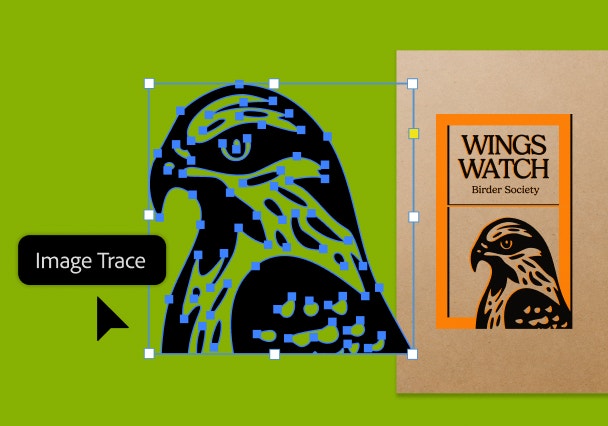
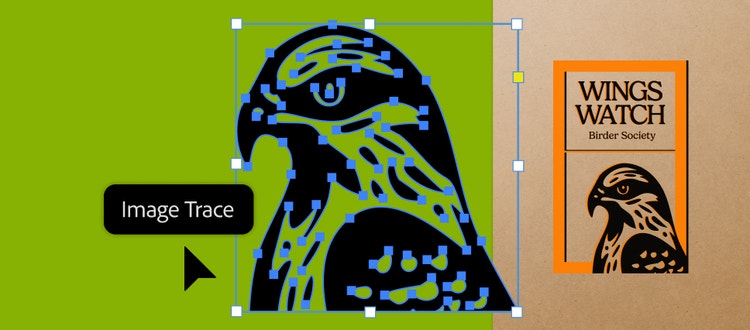
Image Trace uses precise image recognition to convert clean raster or high-contrast artwork into vectors that faithfully match your original — preserving every detail, edge, and shape exactly as intended.
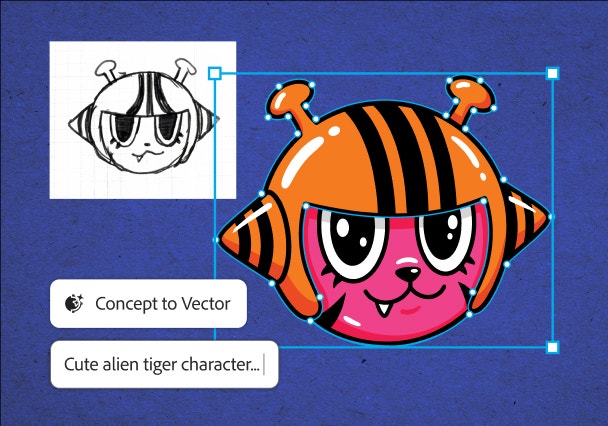
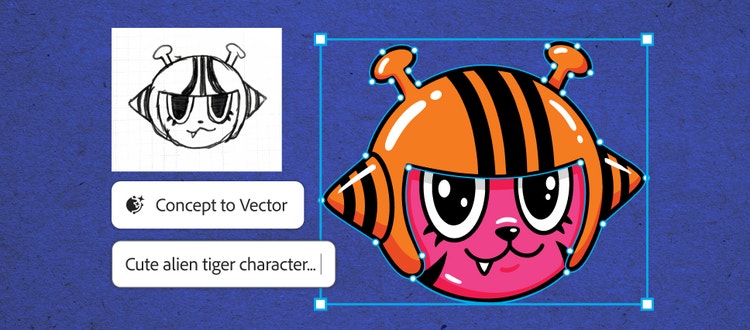
Concept to Vector uses generative AI to transform rough sketches, early ideas, or low-res graphics into editable vectors — and lets you experiment with different directions before landing on a final concept.