Adobe Photoshop
Guide to AI image cleaning.
Pixel perfect: AI-powered clarity at your fingertips.


Adobe Photoshop
Pixel perfect: AI-powered clarity at your fingertips.
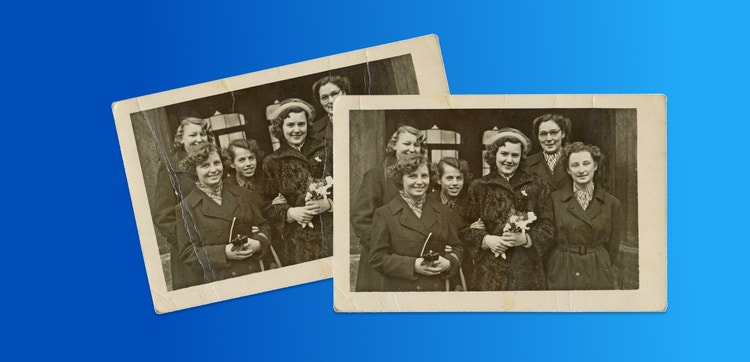
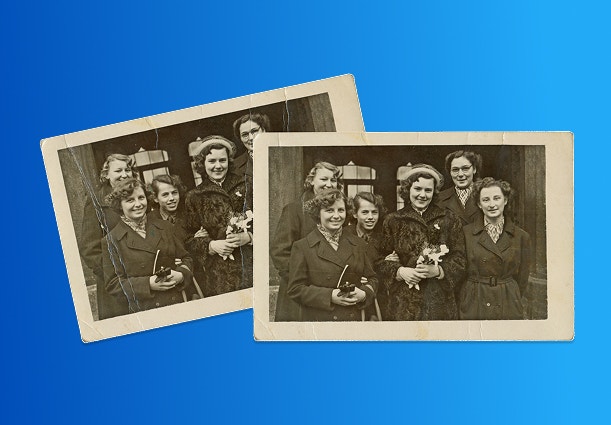
AI image cleaning is changing the way we restore and preserve photos. Using machine learning, AI can automatically clean up old or damaged images, removing unwanted noise while preserving delicate details. AI denoising is faster, more accurate, and less labor-intensive than traditional methods.
One example of AI image cleaning is the Generative Fill feature in Adobe Photoshop. This tool uses advanced AI to analyze image patterns and intelligently remove noise, and other imperfections.
Generative Fill understands image context and can generate pixel replacements that fit seamlessly into the picture. The result is a clean, restored image that retains its original essence.
The use of AI in digital design expands creative possibilities and redefines the meaning of authenticity by making powerful tools accessible to professionals and beginners alike.
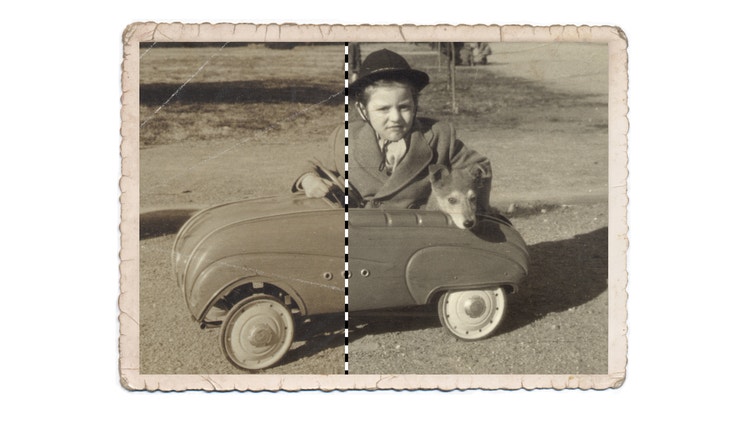
You can fine-tune AI-generated results In Photoshop by modifying various parameters, such as the strength and style of the AI output, to match your creative vision. These customizable options let you control how much AI generation is applied, making it easier to harmonize technology with your artistic direction.
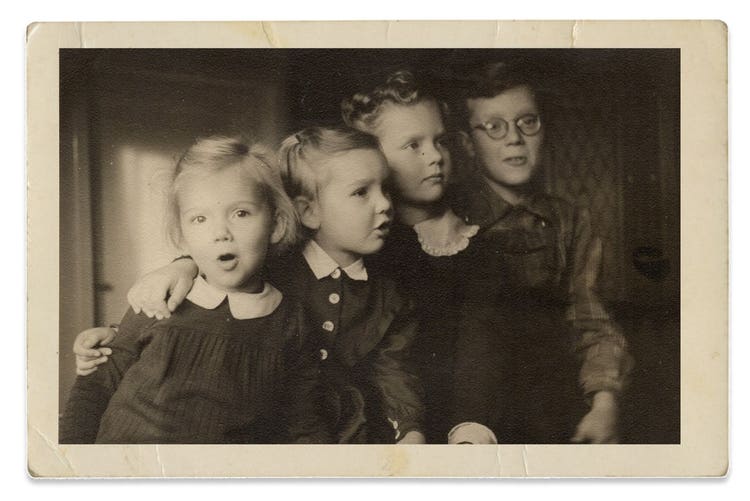
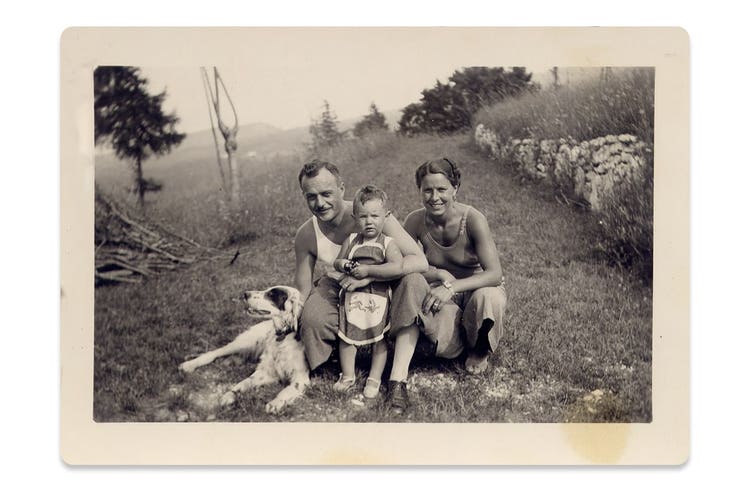
From repairing old, damaged photos to enhancing the quality of low-light images, AI tools have become invaluable for both professionals and amateur photo restorationists. Powered by AI, tools like Adobe Photoshop can seamlessly remove noise and imperfections and improve texture details in various types of photography, like product images, portraits, and landscapes.
One key advantage of AI image cleaning is its ability to precisely handle specialized projects like correcting underexposed areas in a photo. AI can brighten and restore clarity while differentiating between unwanted noise and intentional elements like grain or texture. This is especially useful when preservation is crucial, such as in vintage photo restoration or artistic photography where grain adds character. By using these advanced techniques, you can improve image quality without sacrificing the details that make your work unique.
A step-by-step guide to denoising an image using Generative Fill.
Annual, billed monthly
US$22.99/mo
Get Photoshop on desktop and iPad as part of Creative Cloud.
Annual, billed monthly
US$69.99/mo
Get 20+ Creative Cloud apps, including Photoshop on desktop and iPad.
Annual, billed monthly
US$19.99/mo
Save over
Annual, billed monthly
US$99.99/moper license
Industry-leading creative apps with simple license management.