https://main--cc--adobecom.aem.live/cc-shared/assets/img/firefly.svg Adobe Firefly
Bring architectural ideas to life with an AI architecture generator workflow.
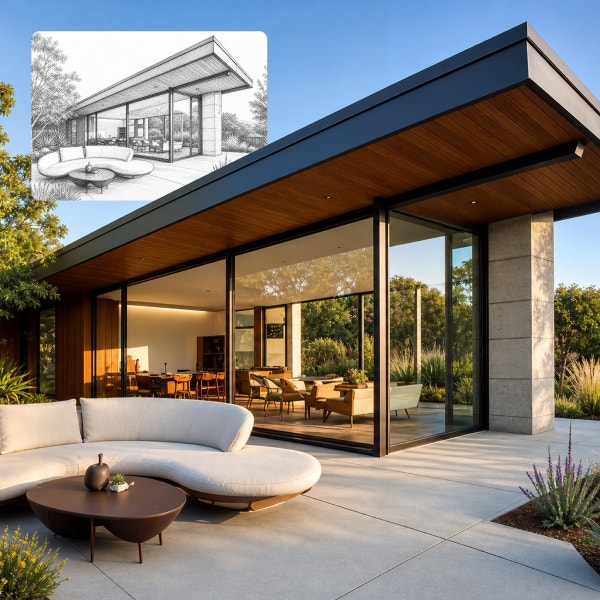
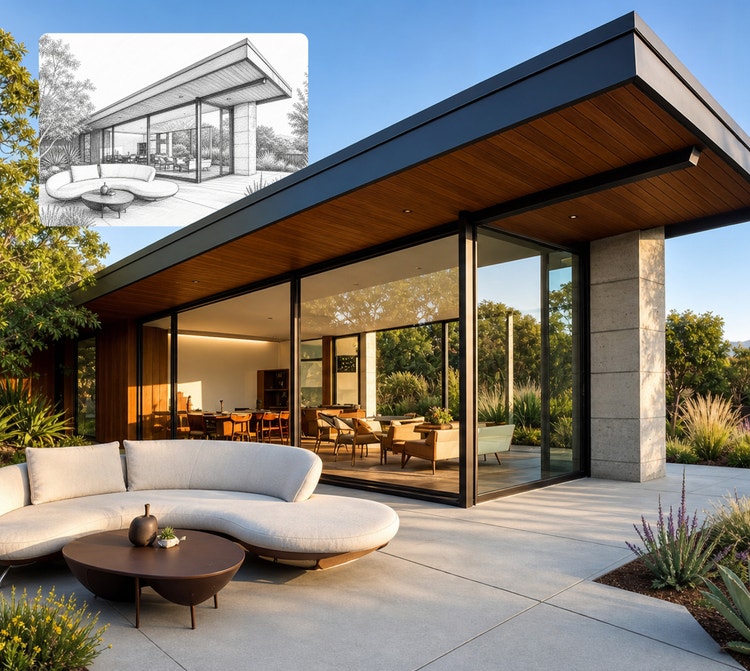
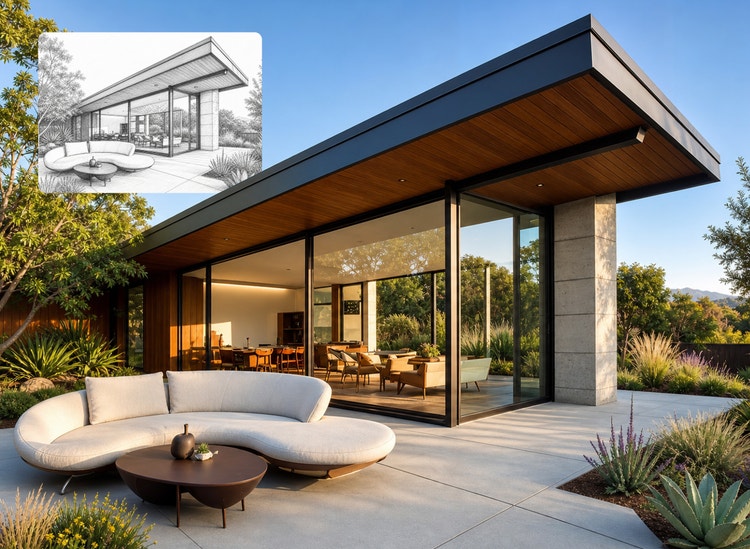
Generate building concepts, transform rough sketches into refined visuals and explore multiple design directions with ease. Adobe Firefly supports iterative workflows so you can move seamlessly from early exploration to polished architectural imagery all in one place.
- image
- video
- Describe a subject, an action, a place, a mood or a style.
- Adobe Generative AI Terms
- https://main--cc--adobecom.aem.live/creativecloud/animation/testdoc/unity/generate.svgGenerate
- Describe what you want to generate
- Prompt
- Tip
- Unable to process the request
- Please describe what you want to generate.
- Prompt exceeds the max length of 750 characters
- Enter prompt
https://main--cc--adobecom.aem.live/cc-shared/assets/img/product-icons/svg/firefly-80.svg
Adobe Firefly
https://main--cc--adobecom.aem.live/cc-shared/assets/img/product-icons/svg/firefly-80.svg
Adobe Firefly
The next evolution of creative AI is here for all your ideas, with image, video, audio and vector tools.
Create new building concepts with Firefly AI architecture rendering.
Firefly makes it easy for creators of all skill levels to move from idea to visualisation with speed and control. Use Firefly to generate renders of building concepts from simple text prompts, iterate on interior design ideas from reference sketches or extend static designs into quick visual sequences. As your ideas evolve, Firefly helps you to bring everything together into high-resolution mood boards to guide your visual direction.
Quickly generate multiple design concepts with an AI architecture generator workflow.
Find the perfect starting point by generating multiple early-stage concept renders for buildings and interior spaces in seconds. Start with a simple prompt in Generate Image or add a reference image with image-to-image AI to guide the look, style or structure of your results. From there, generate variations to explore different architectural directions and compare ideas faster. As part of a broader AI graphic design workflow, this rapid exploration helps you to develop stronger concepts and move toward faster client approval.
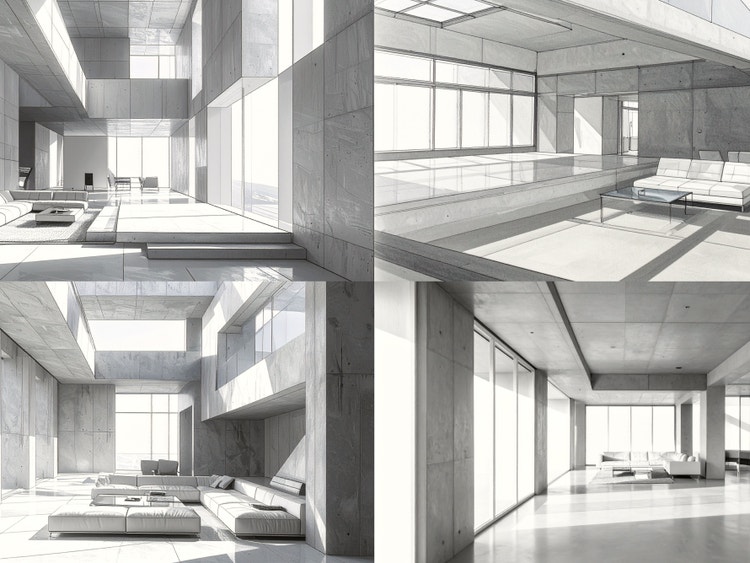
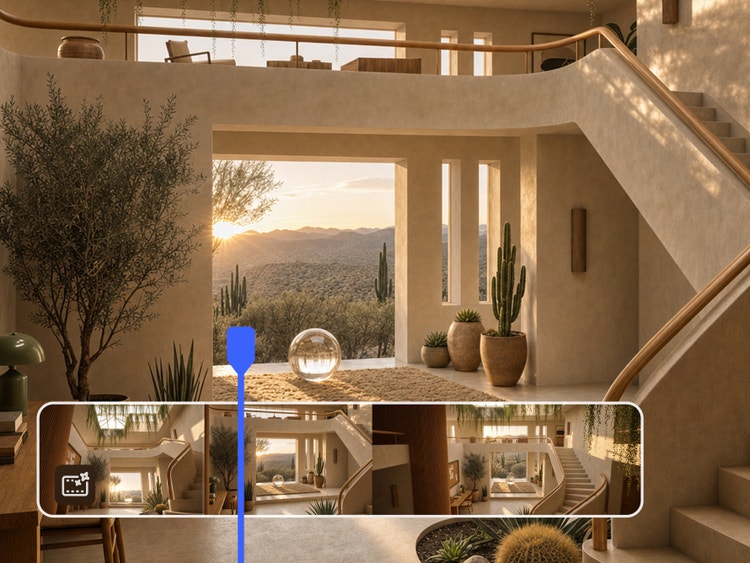
Create immersive visual walkthroughs and video highlights with AI architecture rendering.
Bring your concepts to life by adding motion to static renders. Using Image to Video as an AI house generator and AI building generator, you can transform architectural visuals into short sequences that showcase spatial flow, lighting changes and environmental context. These dynamic views help stakeholders better understand how a space will feel and function in the real world.
Refine your vision with AI architecture mood boards.
Use Firefly mood boards to organise and compare architectural concepts in one place. Bring together multiple visuals, explore different styles and materials and quickly refine your direction. You can also use Topaz Labs Bloom to upscale images and generate higher-quality variations, helping you to build a cohesive visual direction across your entire design process.
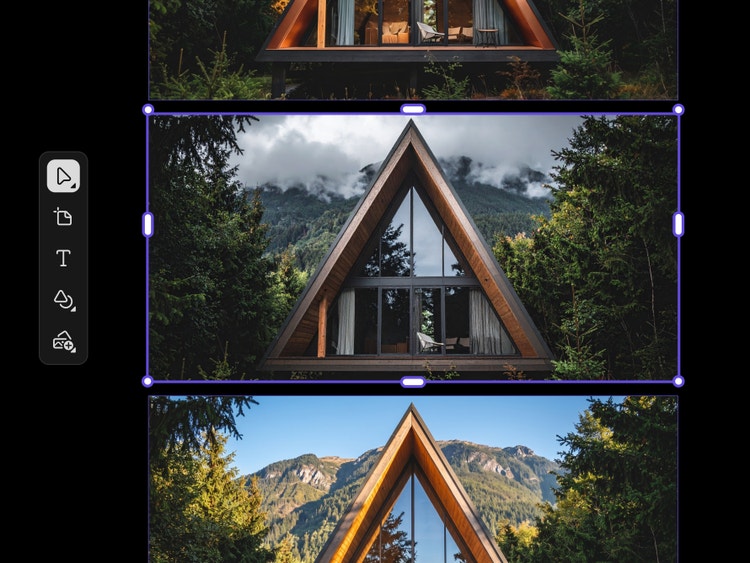
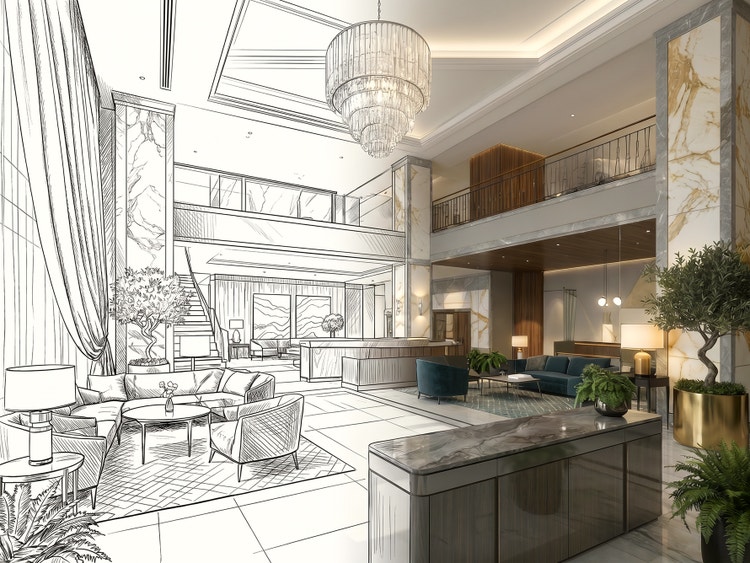
Use Firefly as an architecture generator to turn hand sketches into detailed visual concepts.
Using sketch-to-image AI, you can transform rough sketches or CAD wireframes into polished architectural visuals in seconds. Firefly preserves your core layout and structure while adding realistic materials, lighting and environmental context. You can also use style transfer to quickly apply different aesthetics and refine the overall look and feel of your design.
Apply AI-generated architecture visuals across plans and staging.
Use Firefly as an AI architecture generator to create presentation-ready visuals for floor plans, facades and staged interiors. Whether you’re exploring AI house generator prompts for interior staging or AI building generator prompts for exterior concepts, Firefly can help you refine materials, spatial layouts and visual direction for presentations, proposals and design development. With an integrated AI image editor, it’s easy to adjust, enhance and adapt your visuals for presentations, proposals and design development.
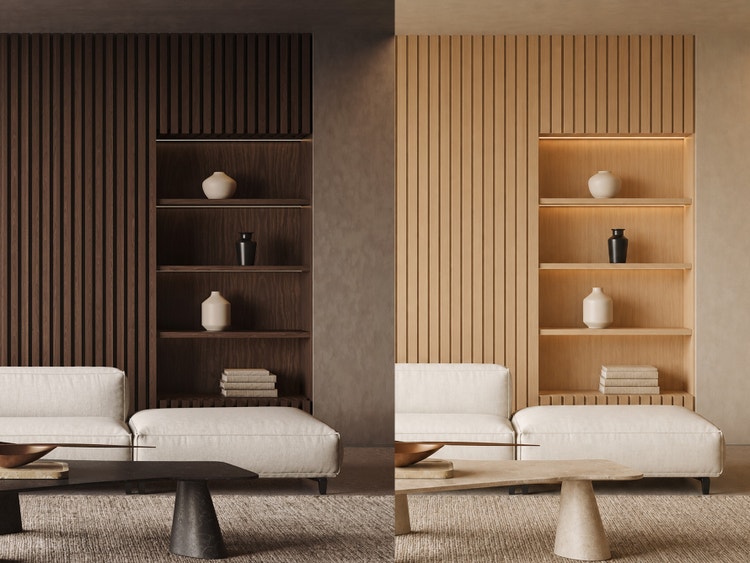
How to use Adobe Firefly as an AI architecture generator.
Step 1
Open Adobe Firefly.
Step 2
Upload a sketch or enter a prompt.
Step 3
Select architectural styles and materials.
Step 4
Refine with virtual staging.
Step 5
Upscale and animate.
- How to create a tattoo with the AI tattoo generator.
- Steps on how to create a tattoo with the AI tattoo generator.
- PT5M
- firefly
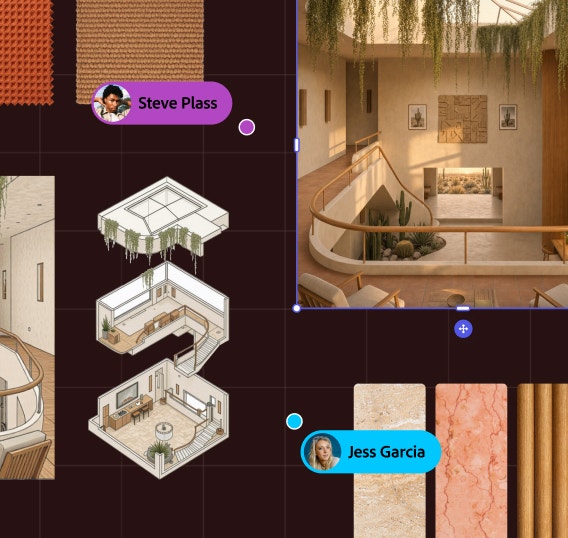
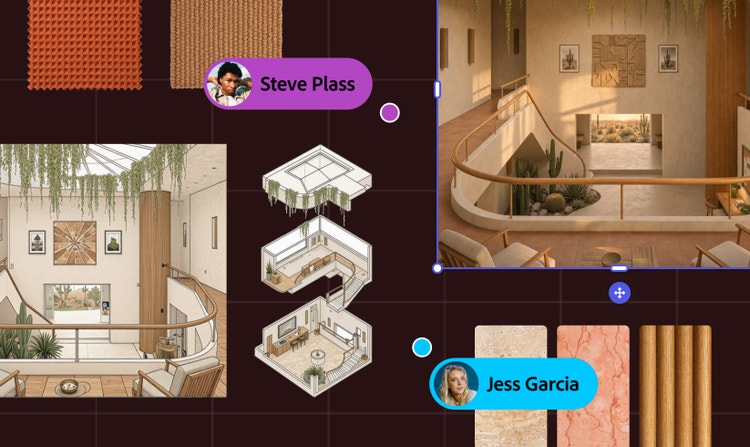
Collaborative workflows
Firefly Boards makes it easy to organise ideas, compare variations and iterate with others in real time.
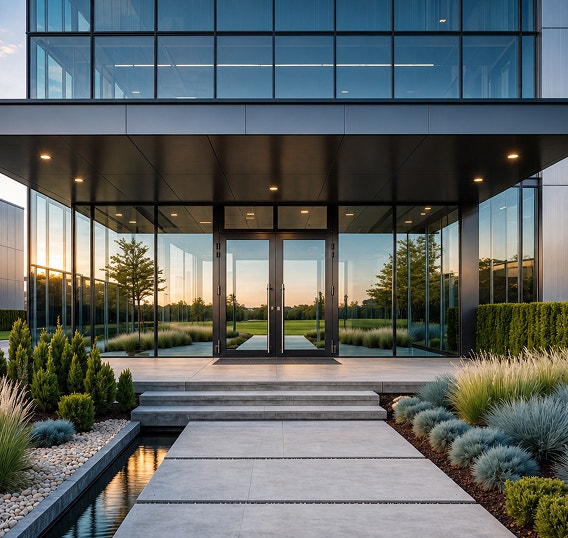
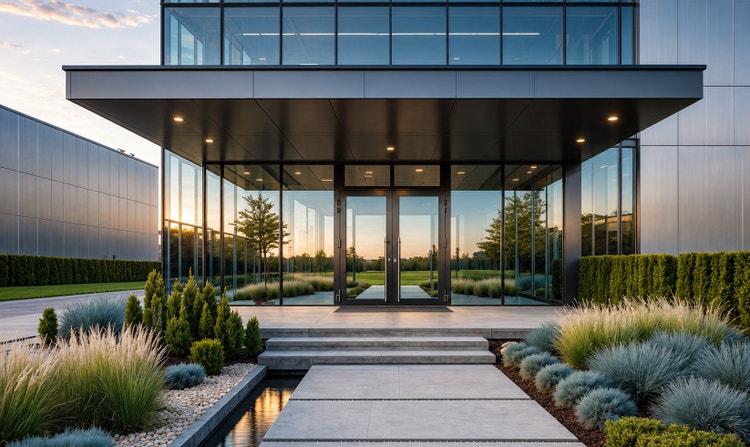
Unlimited creative range
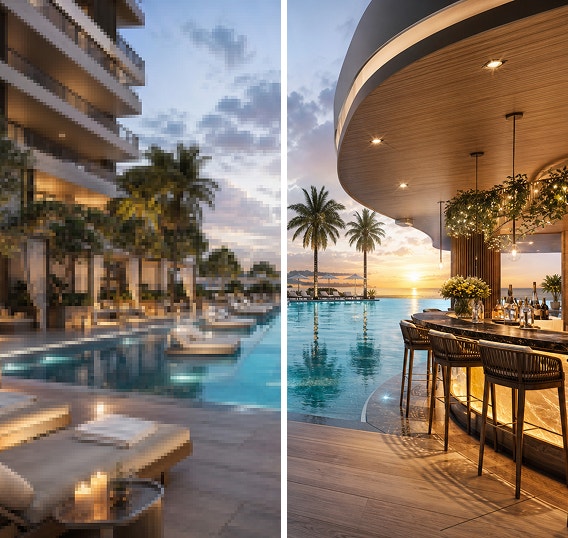
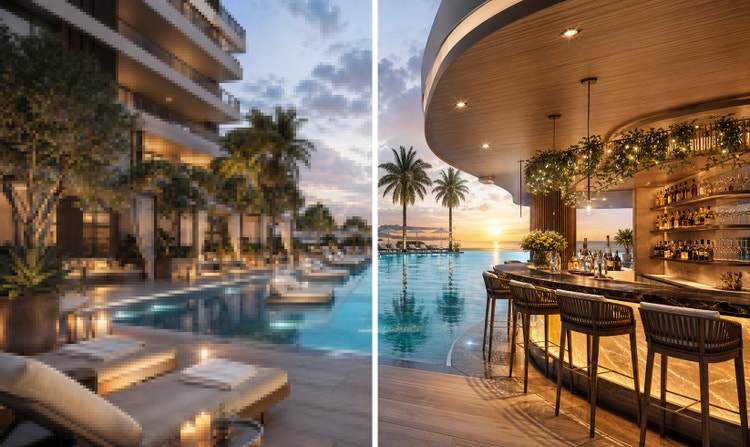
Generate polished, realistic visuals across a wide range of architectural styles, from modernist and industrial to sustainable design.
Professional-grade results
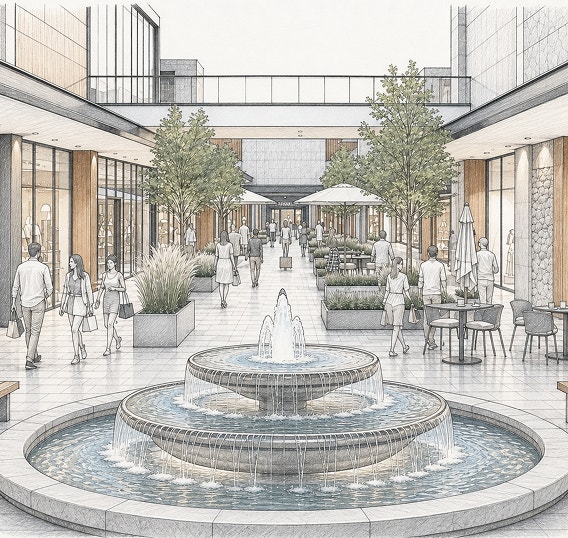
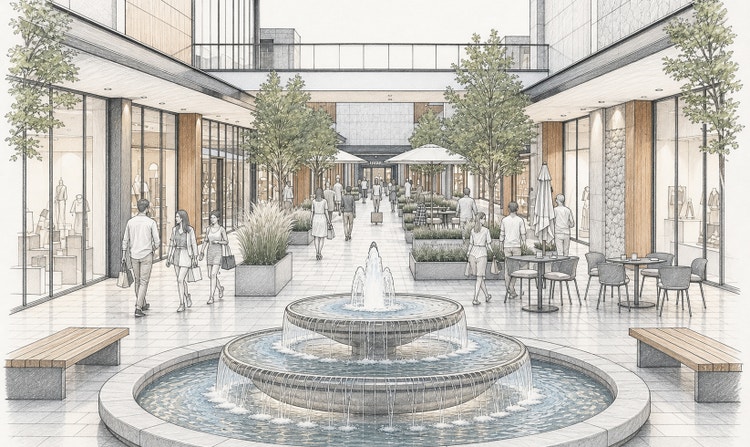
Transform sketches and prompts into high-resolution AI architecture rendering with generative upscaling to enhance detail and clarity for presentations.
Commercially safe for real-world use
Firefly models are trained on licensed Adobe Stock and public domain content, so you can confidently use the AI architecture generator for commercial projects.
See what you can do in Firefly.
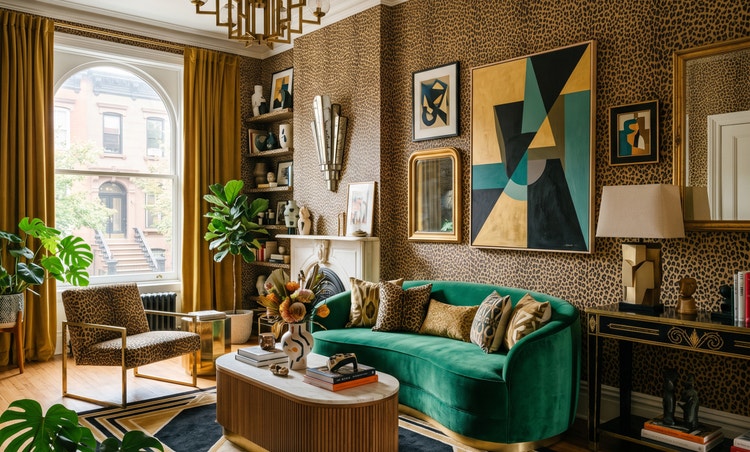
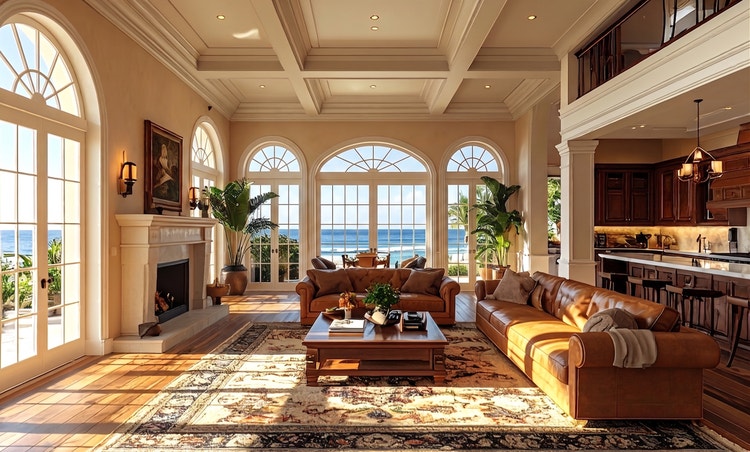
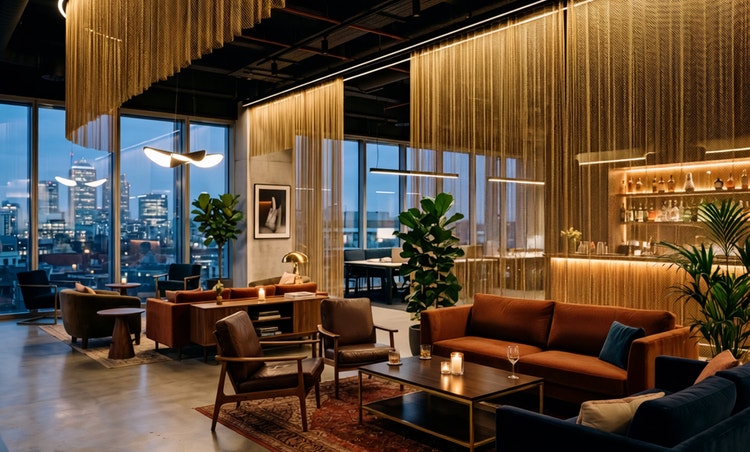



Discover even more features.
Questions? We have answers.
What is an AI architecture generator?
What is the best AI architecture generator?
Can I use Adobe Firefly outputs for commercial purposes?
Is the AI architecture generator in Adobe Firefly free to use?
Which models does the Adobe Firefly AI architecture generator workflow support?
Share this page.
Explore more Firefly tools.

A creative revolution: The top three use cases for AI art.
Discover the many applications of AI art and how it’s transforming the creative landscape.
Learn more | Learn more - A creative revolution: The top three use cases for AI art.

How to write AI art prompts that get results.
The best prompts for AI aren't always obvious. These tips get you to your destination in record time.
Learn how | Learn how - How to write AI art prompts that get results.
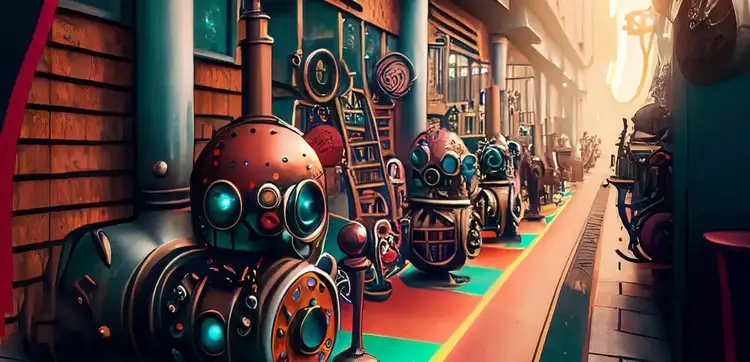
AI art for game developers.
Turning your vision into visuals has never been easier. Learn how to generate AI art for game design.
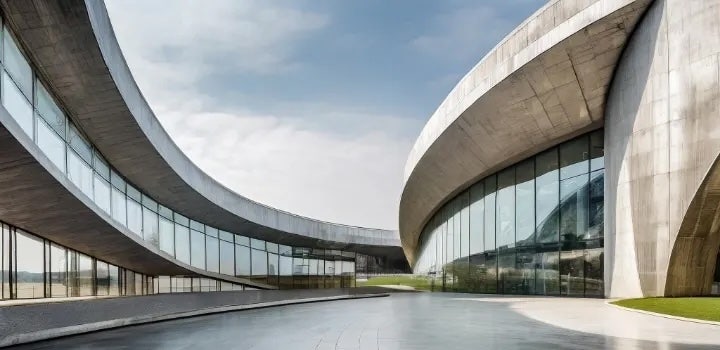
How to integrate generative AI into architectural design.
From monuments to museums, houses to hospitals, architecture plays a fundamental role in everyday life. Generative AI can help architects create more functional and innovative environments, faster and more efficiently than ever.
Learn more | Learn more - How to integrate generative AI into architectural design.