https://main--cc--adobecom.aem.live/cc-shared/assets/img/firefly.svg Adobe Firefly

Free hairstyle app: Try new looks with Adobe Firefly.
Upload a photo and explore a new hairstyle before you commit to the chair. Adobe Firefly lets you preview cuts, colours and styles tailored to you.

Or tap here
File must be JPEG (JPG), PNG or WEBP and up to 100 MB.
By uploading your image or video, you agree to the Adobe Terms of Use and Privacy Policy and confirm you are 18 years of age or older.
https://main--cc--adobecom.aem.live/cc-shared/assets/svg/s2-icon-upload-20-n.svg Upload your photo
Or tap here
File must be JPEG (JPG), PNG or WEBP and up to 100 MB.
By uploading your image or video, you agree to the Adobe Terms of Use and Privacy Policy and confirm you are 18 years of age or older.
https://main--cc--adobecom.aem.live/cc-shared/assets/svg/s2-icon-upload-20-n.svg Upload your photo
Or drag and drop here
File must be JPEG (JPG), PNG or WEBP and up to 100 MB.
By uploading your image or video, you agree to the Adobe Terms of Use and Privacy Policy and confirm you are 18 years of age or older.
- File size larger than 100 MB
- Unable to process the request
- We are unable to process this file type. Please try again.
- Only one file can be uploaded at a time.
- Image is smaller than the minimum dimensions (512 x 512 pixels). Please resize and try again.
https://main--cc--adobecom.aem.live/cc-shared/assets/img/product-icons/svg/firefly-80.svg

Adobe Firefly
The next evolution of creative AI is here — image, video, audio and vector tools, all in one place.
Try a new hairstyle without the commitment.
With a free hairstyle app powered by AI, you can upload a photo and preview dozens of different looks before you book your appointment. From a dramatic chop to a bold new colour, explore every option on your own face, at your own pace.
See your next hairstyle on your own photo.
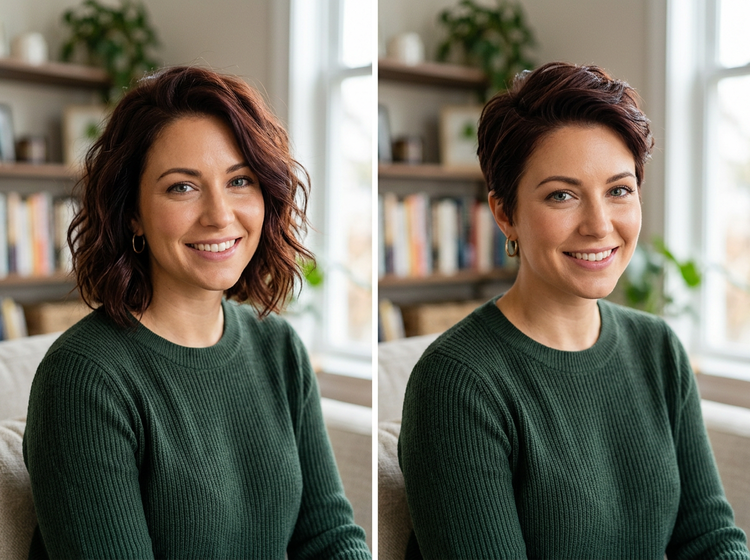
Upload a selfie and Adobe Firefly will generate a realistic preview of how a new cut or colour would look on you. Try a textured bob, curtain fringe or a rich auburn tone. Because the result is based on your actual photo, the preview feels personal and accurate. Explore as many styles as you like before deciding what you want.
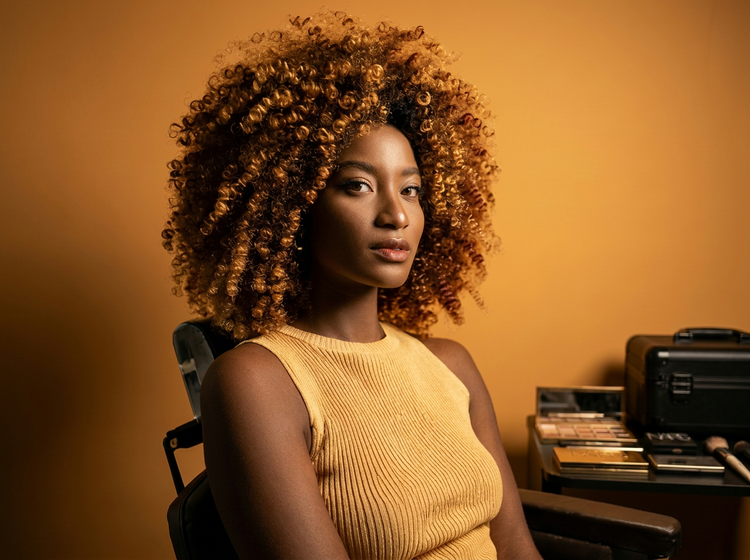
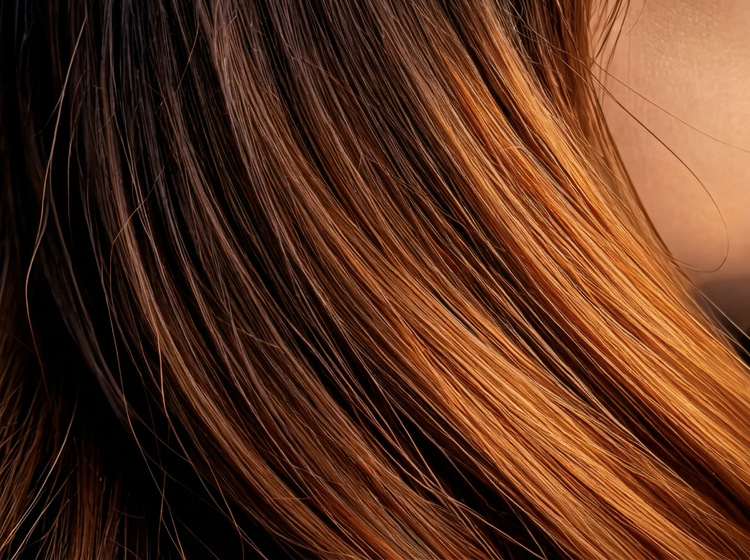
Explore hair colour ideas before you dye.
Thinking about going lighter? Considering a fashion colour? As a free hairstyle app, Adobe Firefly lets you preview hair colour changes on your own photo. Drop in your image, describe the shade you have in mind and generate a realistic preview. You can try warm honey blondes, cool ash tones, vivid reds or anything in between.
Refine your look with precise prompts.
Adjust your prompt to describe exactly what you want. Request softer layers, a specific fringe length or a different curl pattern. Keep refining until the preview matches the vision in your head. Use Generate Image in Adobe Firefly to experiment further or bring your result into other Adobe apps for additional editing.
How to use the free hairstyle app in Adobe Firefly.
Step 1
Open Adobe Firefly.
Step 2
Upload your photo.
Step 3
Describe the hairstyle you want.
Step 4
Generate and compare results.
Step 5
Download and share.
- How to use the free hairstyle app in Adobe Firefly.
- Steps to try a virtual hairstyle preview using Adobe Firefly.
- PT5M
- firefly
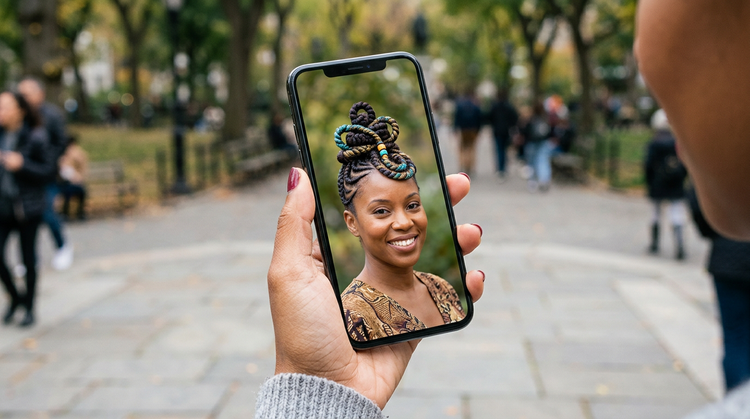
Real previews of your photo
Adobe Firefly generates previews directly from your uploaded image. What you see reflects your actual face shape and features giving you a result that's genuinely useful, not a generic illustration.
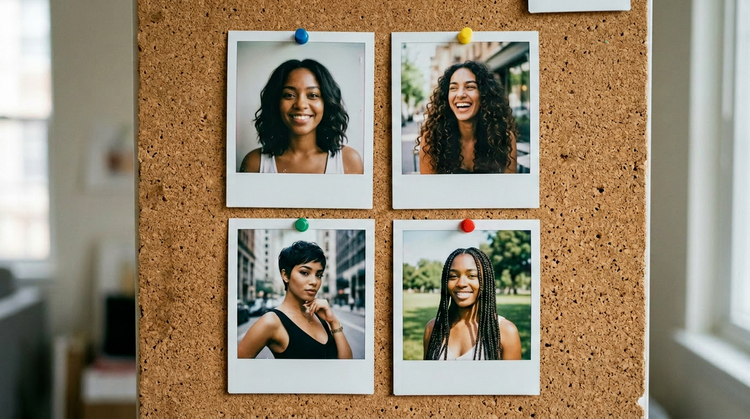
Unlimited looks, no commitment
Swap between lengths, textures and colours at no cost. A free Adobe Firefly account includes a limited number of free daily generations, so you can explore styles without signing up for anything you don't need.
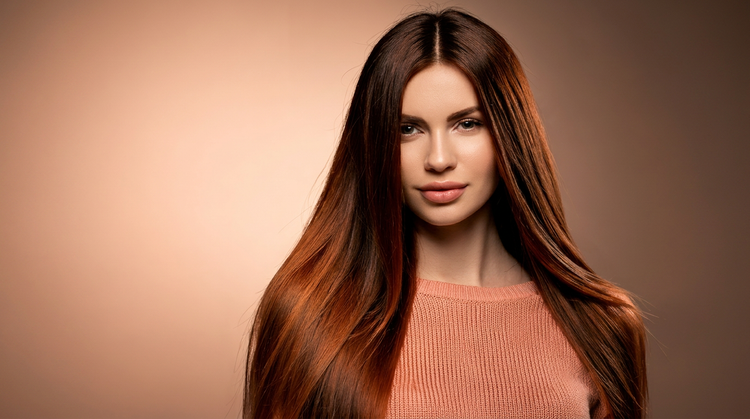
Multiple AI models, one app
Adobe Firefly gives you access to multiple AI models in one place. Use Adobe Firefly models for commercially safe output or explore partner models from Google, OpenAI and more to find the look that fits you best.

Easy sharing
Found a style you love? Save your preview and send it straight to your stylist so you're both on the same page before your appointment. You can also collect your favourite looks in Firefly Boards to compare options side by side and share with friends for a second opinion.