


Shift your point of view without reshooting.
Rotate an angle, straighten a tilted line or open up a tight shot into a wider frame. Describe the change you want and Adobe Firefly adjusts the geometry while keeping your subject intact.



Reframe any photo from a new angle without reshooting the scene. Adobe Firefly fills in the edges so nothing looks cropped or stretched.
By uploading your image or video, you agree to the Adobe Terms of Use and Privacy Policy and confirm you are 18 years of age or older.
By uploading your image or video, you agree to the Adobe Terms of Use and Privacy Policy and confirm you are 18 years of age or older.
By uploading your image or video, you agree to the Adobe Terms of Use and Privacy Policy and confirm you are 18 years of age or older.
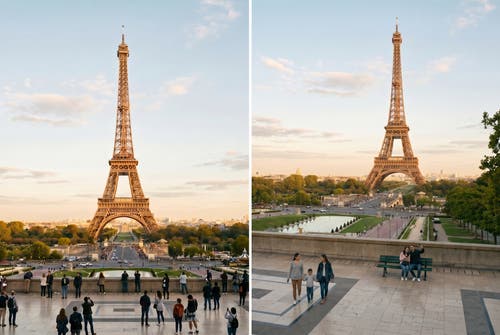
Adobe Firefly reads the geometry already in your image and shifts the vantage point, straightens skewed verticals or opens up a tighter angle into a wider one for free. When the edges need more to work with, Firefly will generate a seamless extension that matches the scene, so the result looks intentional instead of stretched or cropped.
Rotate an angle, straighten a tilted line or open up a tight shot into a wider frame. Describe the change you want and Adobe Firefly adjusts the geometry while keeping your subject intact.
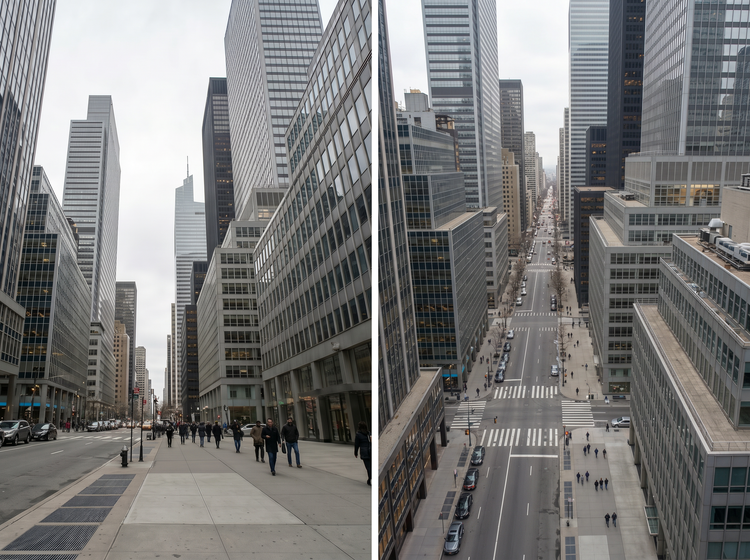
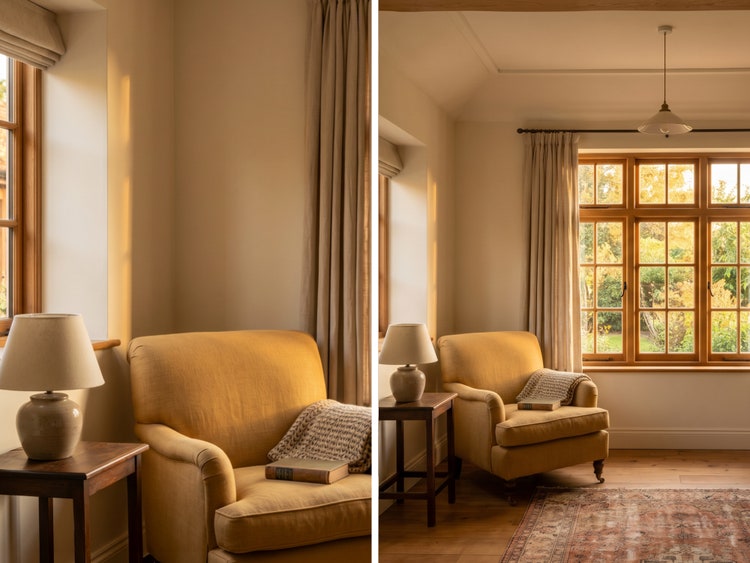
Changing the angle sometimes reveals space at the edges of the frame. Adobe Firefly will generate a seamless extension that matches the lighting, texture and colour of the original photo, so the new perspective looks like it was captured that way.
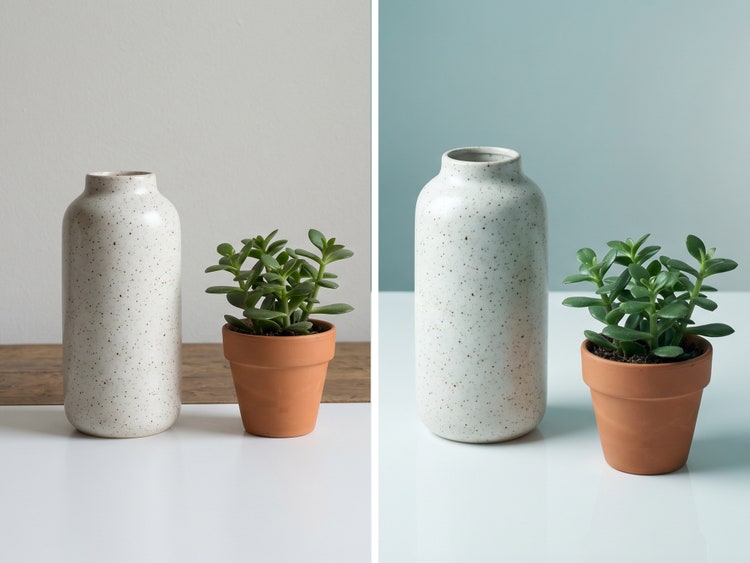
Describe how far you want to shift the angle, then regenerate with one click until the result matches what you pictured. Small adjustments work well for subtle corrections and larger shifts open up more dramatic reframes for hero shots and campaign visuals
Log in at firefly.adobe.com with your Adobe account or sign up for a free account. Navigate to the Edit tab.
Simply choose the photo you want to reframe. Adobe Firefly supports common image formats and preserves your original file dimensions.
Adobe Firefly pre-fills a starting prompt describing a straightened, balanced angle. Edit it to describe your own adjustment, like rotating the vantage point or opening up a tighter angle into a wider one.
Click Generate. Adobe Firefly adjusts the geometry and fills in any new edges created by the shift so the photo looks complete at the new angle. Review your results and refine the prompt if needed.
When you're happy with the result, download your reframed photo. You can continue editing or export directly from Adobe Firefly.
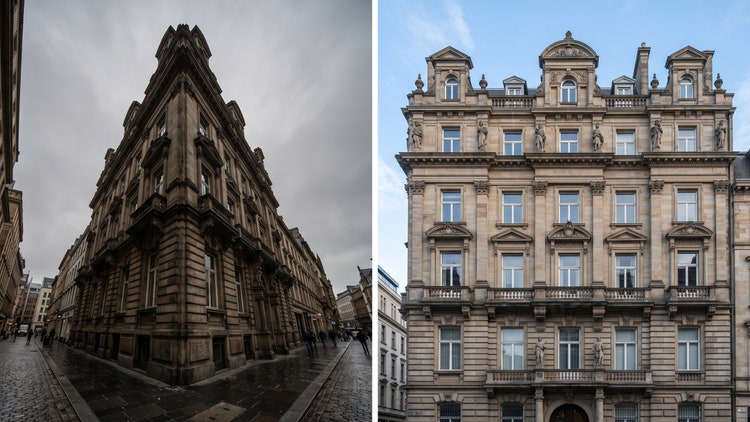
Describe the exact adjustment you want, from a subtle straighten to a full change in vantage point. Regenerate with one click until the framing matches your vision.
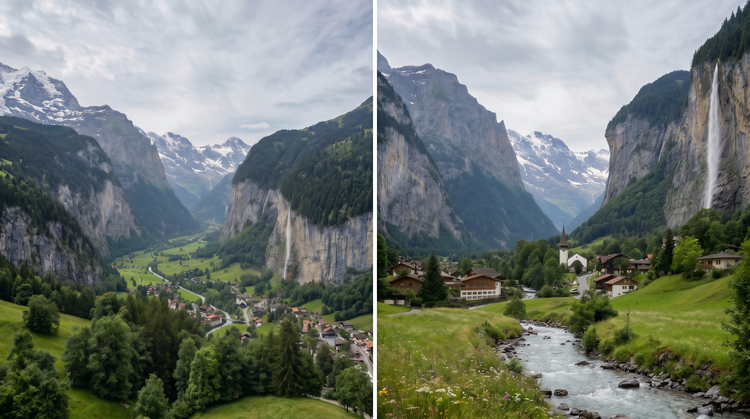
Adobe Firefly brings together its own models and top partner models from Google, OpenAI, FLUX and more in a single creative studio. Generate with the model that's best suited to your style, without switching between tools.
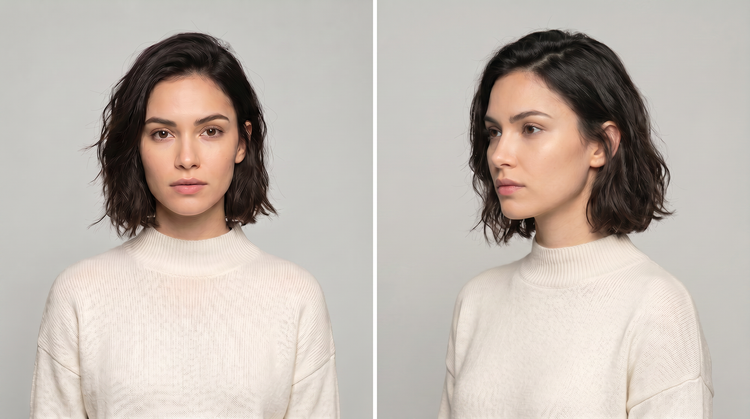
Adobe Firefly is more than an image generator. Start with a prompt, refine your result with precision editing tools and go from first idea to finished image without leaving your creative flow.
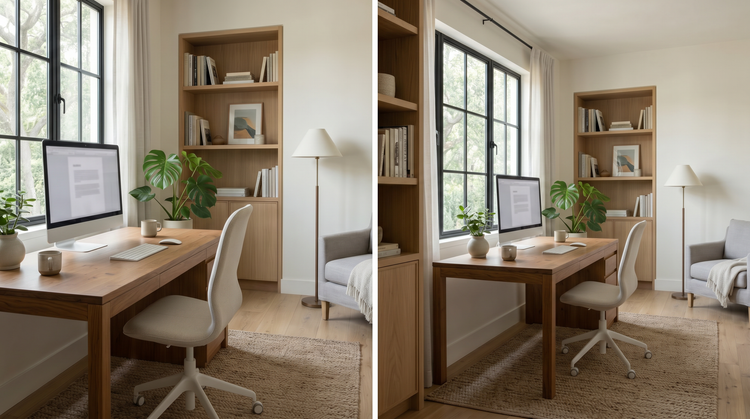
Your reframed image moves easily into the rest of your workflow. Continue refining in Adobe Photoshop on the web, drop into an Adobe Express template or download your image and keep editing it in any Adobe app.


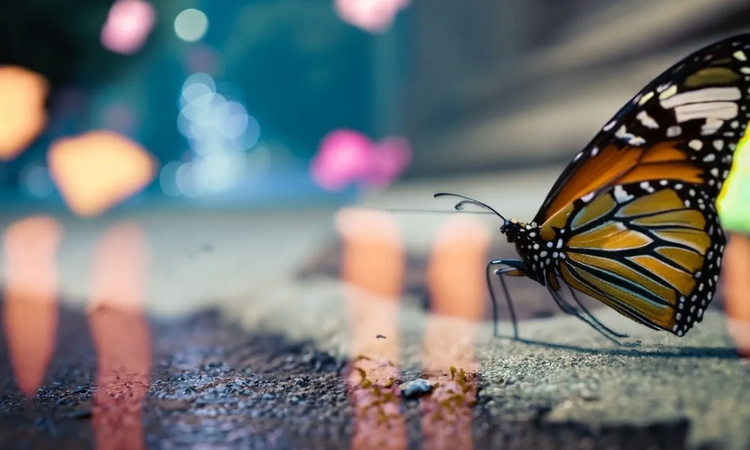
Learn how to use generative AI to boost productivity and discover new possibilities while maintaining creative control.
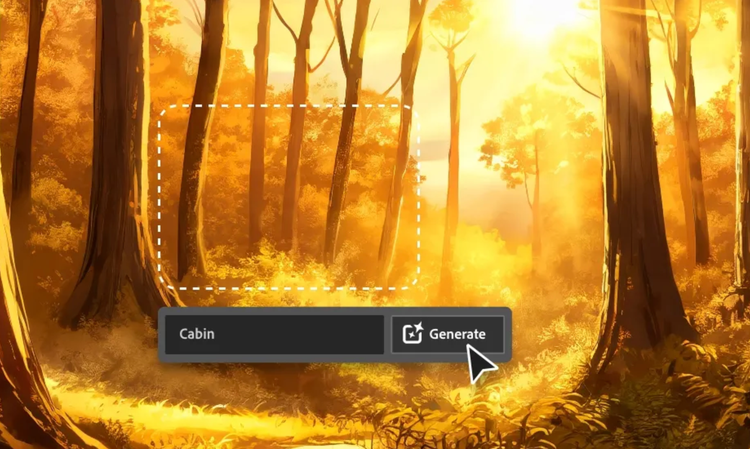
Generative AI is all over the headlines and that’s not empty hype. This new technology is likely to be part of your life soon. Learn how generative AI works and start streamlining your workflow.

Learn about the AI tools available to graphic designers and how they can help you be more productive and take your work in surprising directions.
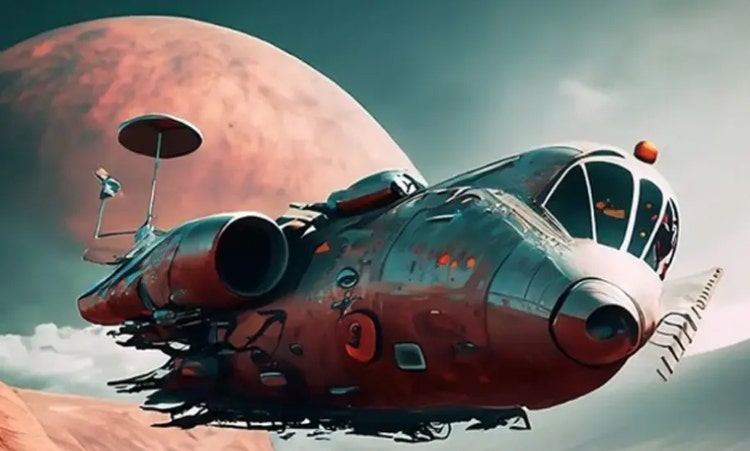
The best prompts for AI aren't always obvious. These tips get you to your destination in record time.
Based on your location, we think you may prefer the United States website, where you'll get regional content, offerings, and pricing.


