https://main--cc--adobecom.aem.live/cc-shared/assets/img/firefly.svg Adobe Firefly
Video-to-video AI: Transform and restyle your footage with Adobe Firefly.
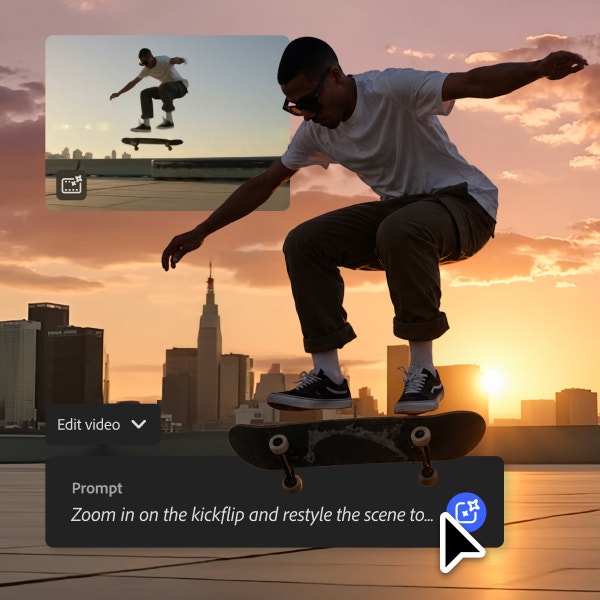
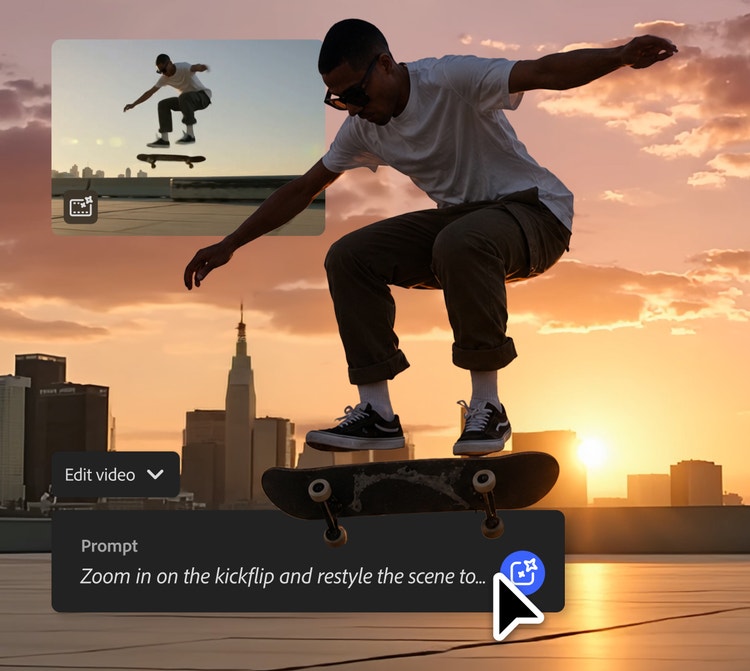
Turn existing clips into an entirely new video, restyle footage and adjust camera angles with simple prompts.
https://main--cc--adobecom.aem.live/cc-shared/assets/svg/s2-icon-upload-20-n.svg Upload your video
Or tap here
File must be MP4 or MOV, less than 200 MB and 5-20 seconds.
By uploading your image or video, you agree to the Adobe Terms of Use and Privacy Policy and confirm you are 18 years of age or older.
https://main--cc--adobecom.aem.live/cc-shared/assets/svg/s2-icon-upload-20-n.svg Upload your video
Or tap here
File must be MP4 or MOV, less than 200 MB and 5-20 seconds.
By uploading your image or video, you agree to the Adobe Terms of Use and Privacy Policy and confirm you are 18 years of age or older.
https://main--cc--adobecom.aem.live/cc-shared/assets/svg/s2-icon-upload-20-n.svg Upload your video
Or drag and drop here
File must be MP4 or MOV, less than 200 MB and 5-20 seconds.
By uploading your image or video, you agree to the Adobe Terms of Use and Privacy Policy and confirm you are 18 years of age or older.
- Your media must be smaller than 200 MB. Please upload a new file.
- Unable to process the request
- Your media must be a mov or mp4 file type. Please upload a new file.
- Only one file can be uploaded at a time.
- Your media must be at least 5 seconds long. Please upload a new file.
- Your media must be no more than 20 seconds long. Please upload a new file.
https://www.adobe.com/cc-shared/assets/img/product-icons/svg/firefly-appicon-64-new.svg
{{Adobe Firefly}}
https://www.adobe.com/cc-shared/assets/img/product-icons/svg/firefly-appicon-64-new.svg
{{Adobe Firefly}}
The next evolution of creative AI is here for all your ideas, with image, video, audio and vector tools.
Add fresh visuals with the Firefly video-to-video workflow.
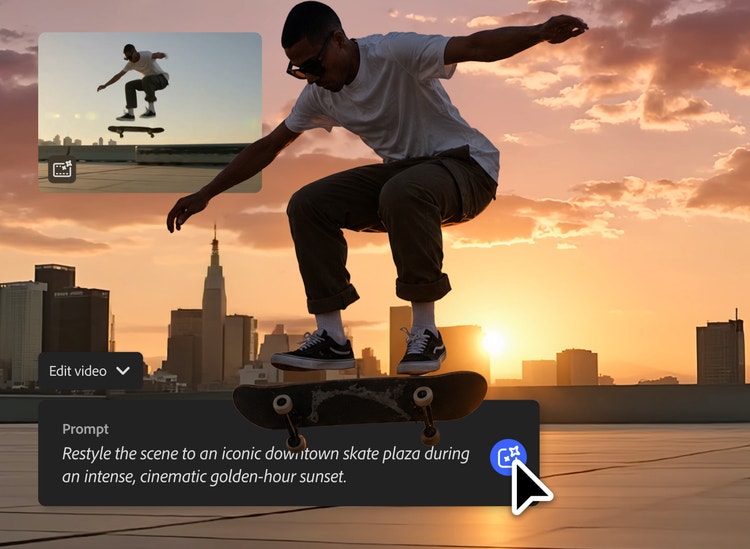
Firefly makes it possible to reimagine existing video footage with prompts, so you can generate new visuals in different styles, refine motion, adjust framing and create high-quality renderings from your original clip.
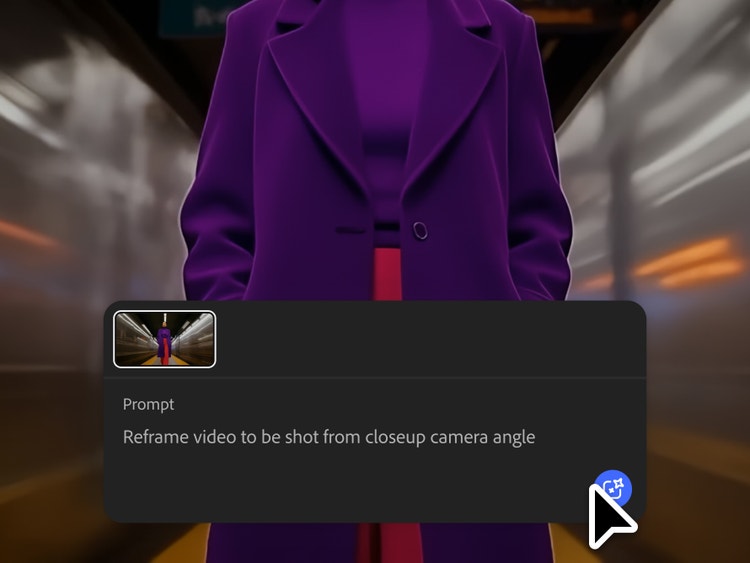
Make AI video edits to camera movements and framing.
Edit videos with simple text prompts to shape each scene’s perspective and visual flow. Firefly supports camera controls like shot size, shot angle, motion presets and dynamic camera movement, so you can create more intentional, cinematic results.
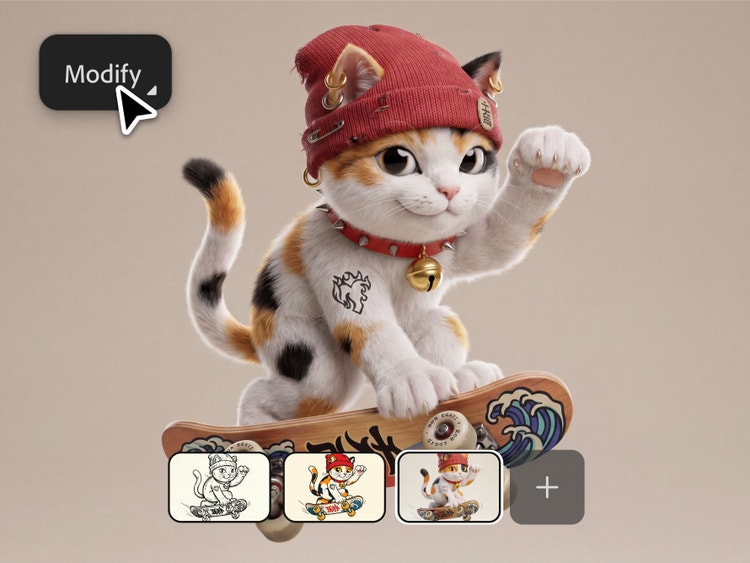
Explore cinematic and artistic styles with video-to-video AI.
Transform footage with a range of styles, from realistic refinements to more artistic effects. Guide the mood, aesthetic and visual form with descriptive prompts or bring in a new image and use image-to-video AI to create a new clip you can add to the mix.
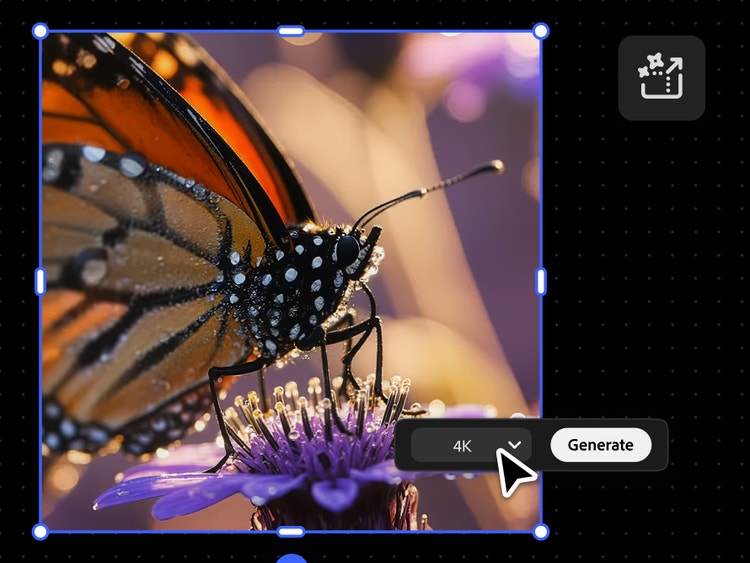
Export professional video outputs with flexible quality options.
Generate videos in resolutions up to 1080 p with Firefly or upscale with Topaz Astra to improve resolution up to 4K while maintaining clarity and texture.
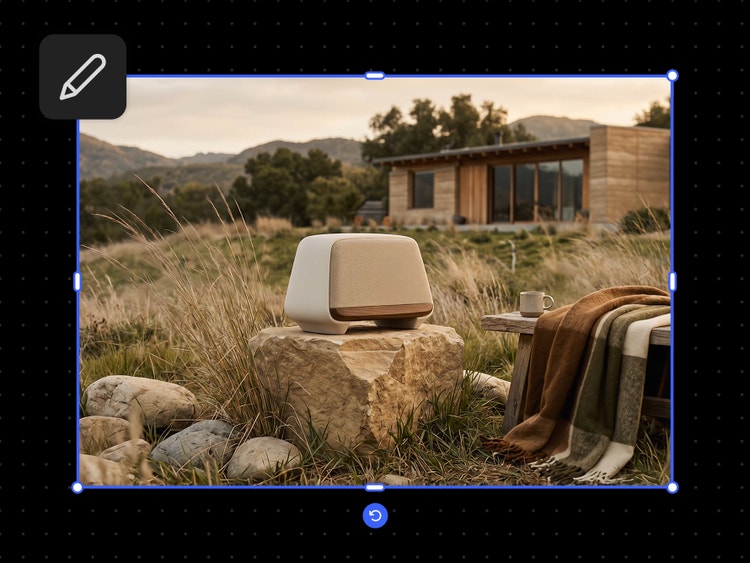
Generate AI videos for any project.
Create AI videos for ecommerce product clips, social content, short-form storytelling and more. Firefly can help content creators turn product demos into stlylised clips for social ads, restyle footage for different audiences or adapt horizontal videos into vertical formats for mobile platforms.
Speed up creative workflows with connected Firefly tools.
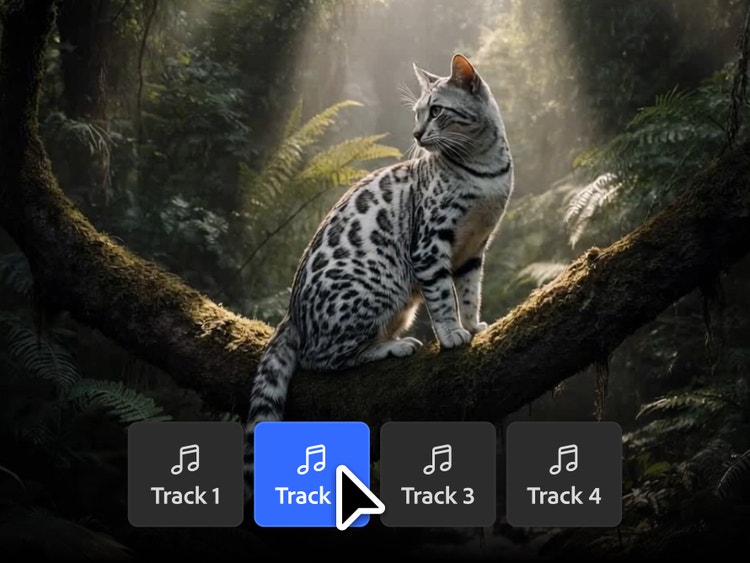
Keep your creative process moving with connected tools in Firefly. Generate B-roll from images, refine footage with text prompts, add AI-created voiceovers or soundtracks and move between video, image, sound and speech workflows without switching platforms.
How to make AI videos from existing footage with Adobe Firefly.
Step 1
Open Adobe Firefly.
Step 2
Import your video.
Step 3
Enter a text prompt or choose a look.
Step 4
Adjust camera settings or shot angles.
Step 5
Review and export in a higher resolution.
- How to make AI videos from existing footage with Adobe Firefly.
- Steps on how to make AI videos from existing footage with Adobe Firefly.
- PT5M
- firefly
Why Firefly for video-to-video transformation?
Firefly makes it easy to create professional-quality videos with AI-powered, prompt-based controls. Transform footage, change camera angles, make AI video edits and add effects to create videos that look real, stlylised, cinematic or fantastical. Work from one connected platform, then import your video files into Creative Cloud apps for more advanced edits.
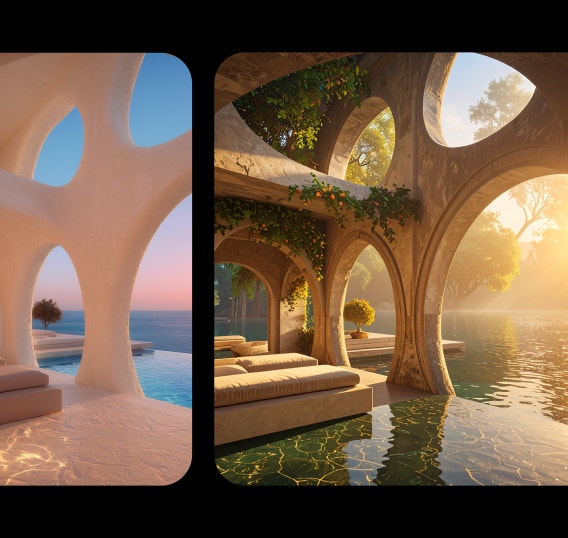

Amazing transformations
Restyle existing clips by describing the look, mood or effect you want. Firefly helps you to turn simple text prompts into video transformations — no editing experience required.
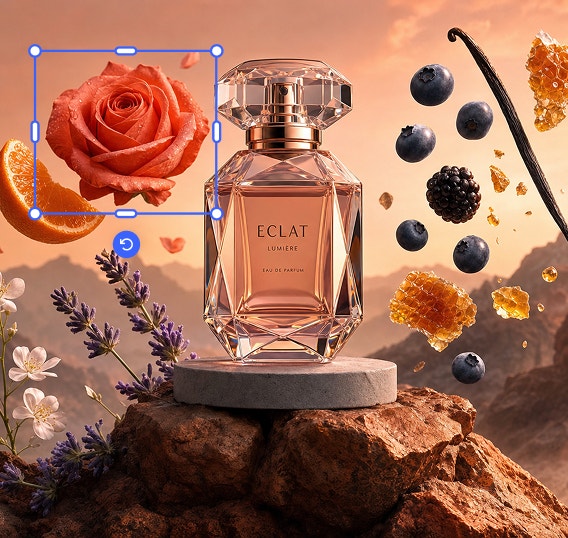

Polished, professional visuals
The Firefly video-to-video workflow makes it easy to create polished visuals, whether you’re making AI videos that look real, applying 2D or 3D effects or restyling footage with fantasy-inspired visuals.
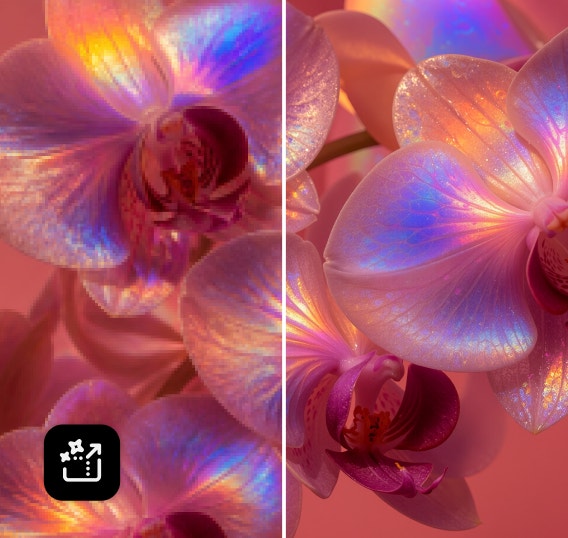
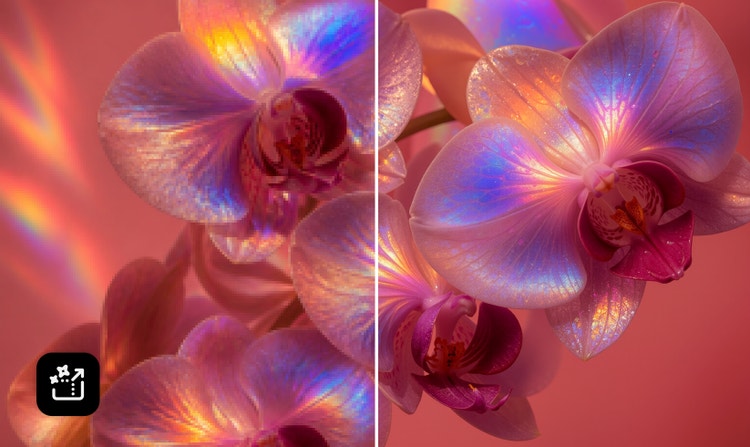
High-resolution outputs
Create 1080 p videos or export with enhanced 4K output quality using partner model Topaz Astra.
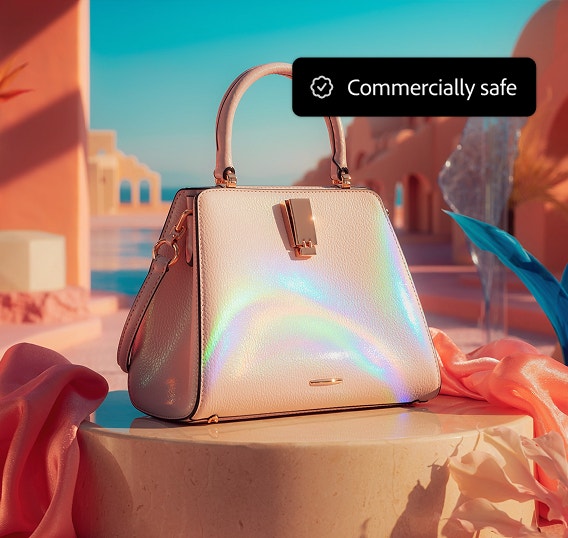
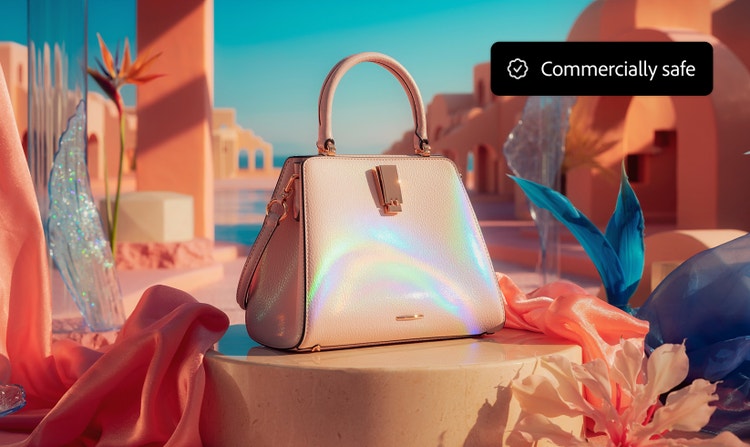
Commercially safe models
Content generated with the Firefly Video Model is commercially safe, so you can confidently use your video for professional, client-facing and creative projects.
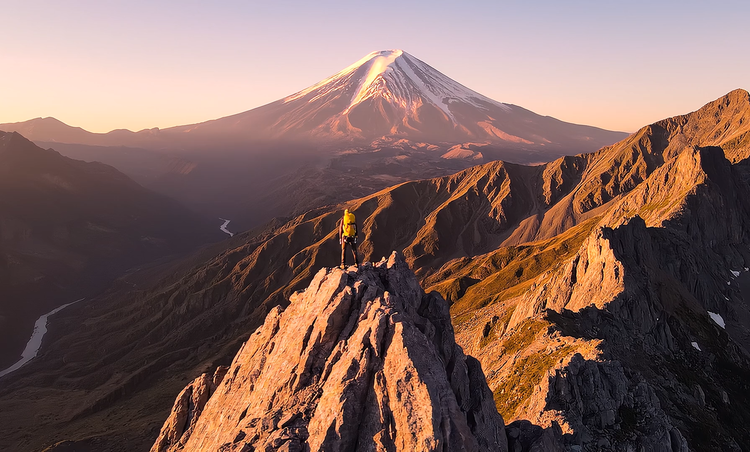
See what you can do in Firefly.





Discover even more features.
Questions? We have answers.
What is the best video-to-video AI generator?
What is video-to-video AI?
Can I use video-to-video AI for free?
What type of videos can I upload to Adobe Firefly?
How long does it take to create a video with Adobe Firefly?
Can I use multiple AI models for video generation in Adobe Firefly?
How can I write better prompts for AI video generation?
Share this page
Explore more Firefly tools.
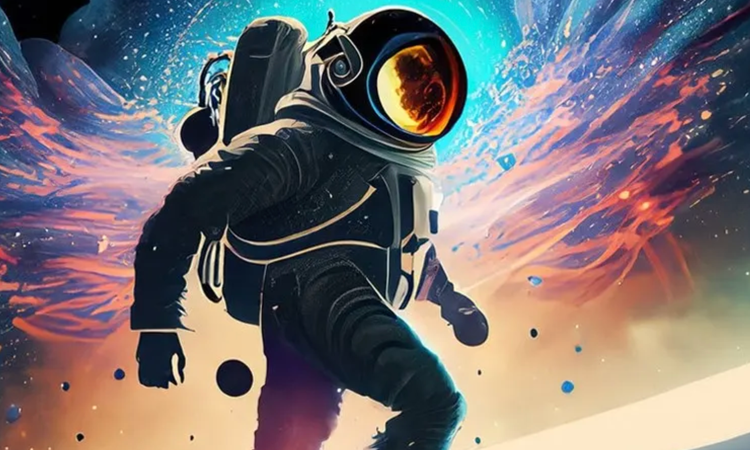
How AI changes creative work
Generative AI can mimic — but not replace — human intelligence. Learn how it can help you to take your creativity to new places.
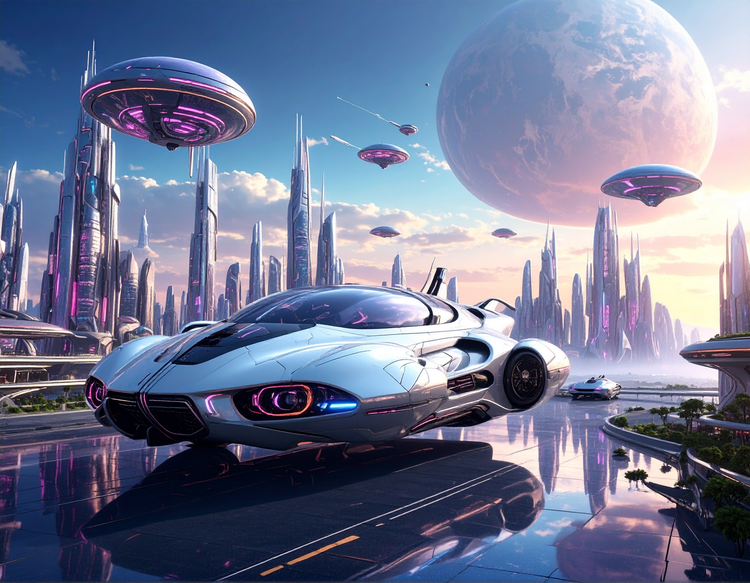
What is Generative AI
Generative AI includes technologies like large language models (LLMs) and multimodal models that blend text, images and more that let users creatively transform everything from design to video. Learn more about generative AI — how it works, what it’s trained on and how it’s reshaping creative workflows.
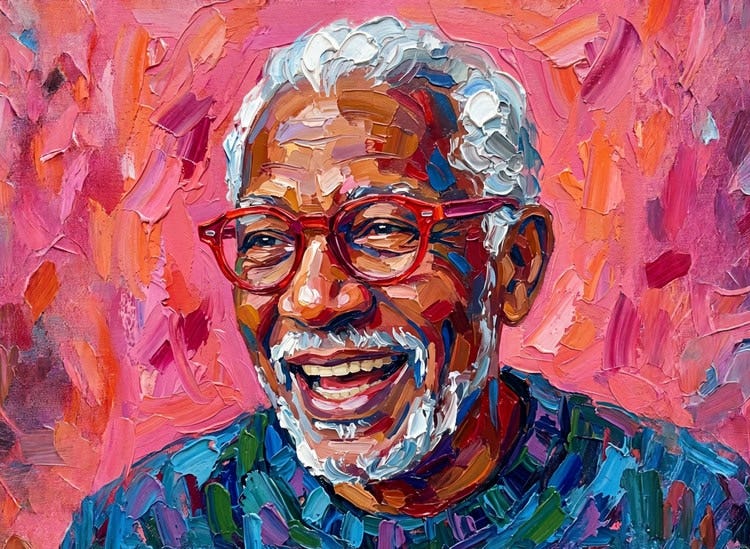
Free AI art generator
Type a prompt, choose a style and watch your idea transform into a finished image in the Firefly AI art generator.
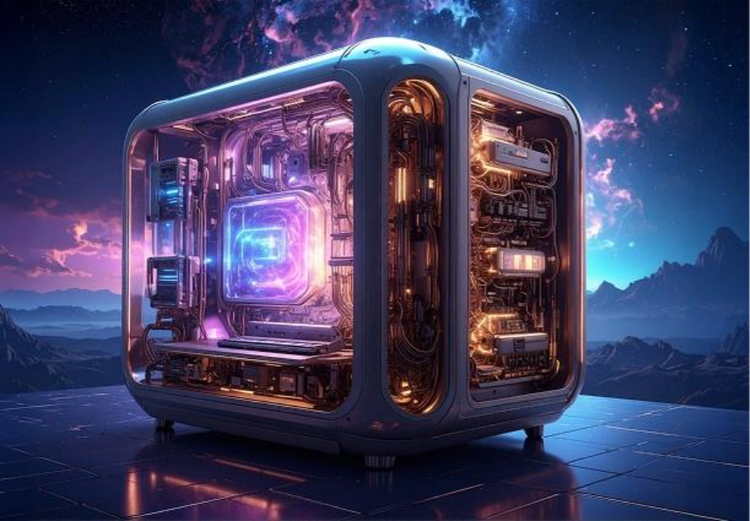
How generative AI works: From training to output
Generative AI is all over the headlines and that’s not empty hype. This new technology is likely to be part of your life soon — if it’s not already.
Learn more | Learn more - How generative AI works: From training to output