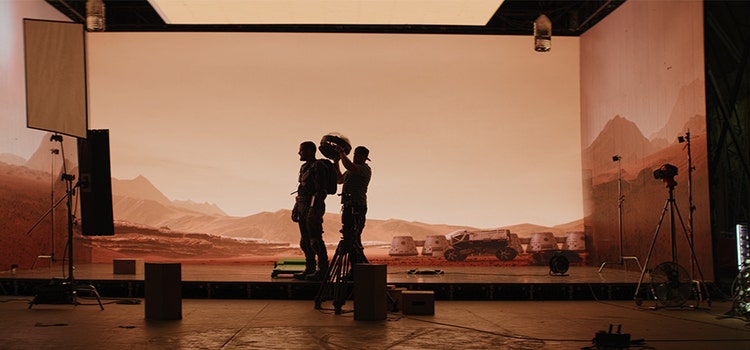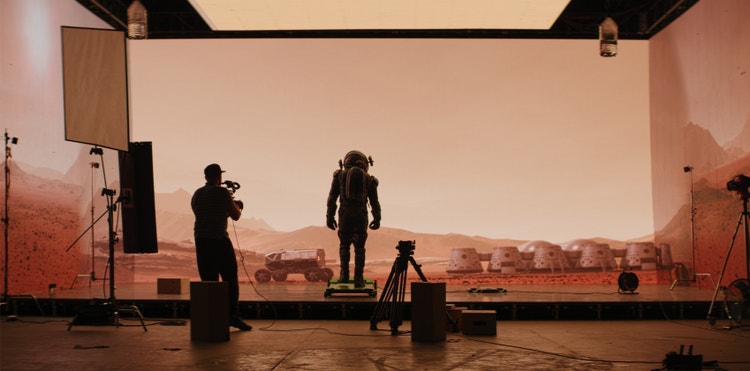
The three phases of moviemaking.
Whether you want to make a low-budget short film or a Hollywood feature, you can break down the process of making your own movie into three major phases: pre-production, production, and post-production.
An understanding of the entire process can help ensure you make the most of your time and money to set yourself up for creative success.

Do your homework in pre-production.
Much of the work of moviemaking happens long before anyone picks up a camera or camcorder to begin principal photography.
Turn your idea into a screenplay.
The first version of any film isn’t a movie at all but a screenplay. Once you have an idea, write the script or hire a screenwriter. Consider your intended audience. What do they want to see? Will your storyline draw them in and will they stick with your characters?
“Think about going down the road of distribution and selling the film to people. You’ll have to prove to them that there is an audience for this project,” says director Greg Emetaz.
Screenwriting is mostly about revision. Show the script to people whose opinions you trust, and revise it based on their feedback. Repeat this process a few times. Use storyboarding to test out the action, camera angles, and ideas for camera movement.

Head into development.
The development phase varies depending on the scale of the movie. “In smaller independent projects, that process is mostly about trying to just raise money. On bigger projects, a studio may have an idea for a movie, and they need to hire all the people to make that happen,” says Emetaz.
While you refine the screenplay, begin to think about how you can turn that blueprint into a film. How much will it cost to properly shoot the film you’ve written? Your first hire may be a line producer, production manager, or assistant director with the knowledge and experience to estimate what you’ll need in terms of personnel, sets, costumes, and equipment.
“Find somebody who loves pre-production,” says director and teacher David Andrew Stoler. “Someone who grooves on doing spreadsheets, making phone calls, putting things together. If they’re someone you trust and work well with, they will be a huge help.”
Don’t lose heart if the first cost estimates are eye-poppingly high. You can revise the script and scale your ideas down to the movie you have the budget to make. “If you have a $200 million idea, but you try to make it for $50,000, it rarely works unless it’s a satire. If it’s full of nothing but action sequences that involve flying, but you don’t have the resources to make that happen, it’s a doomed situation,” says Emetaz.
Gather your cast and crew.
With your content nailed down, now it’s time to produce your video. Follow these tips to make the video production process more smooth.
From the cinematographer to the costume and set designers, everyone should share the director’s vision and be willing to invest themselves in the work. (Personal connections to film festivals or distributors don’t hurt either.) “Production is a long, collaborative process, and someone who isn’t game can be a real anchor on the whole thing,” says Stoler.
Be clear about what you expect, but also find out what your crew members want to get out of the film. “I really want to know what they are interested in doing,” Stoler says. “If people feel respected, if they’re given an opportunity to grow and stretch themselves — do something a little out of their range — then they are much more likely to give you much more and try much harder.”
Make the most of the talent around you. “The best projects are ones in which the director guides the vision but doesn’t dictate it. And that means ditching your ego and really listening to people’s opinions about what should happen,” Stoler says.
Prepare as much as you can.
The more prepared you are for production before it begins, the better off you’ll be. “Things will change, but if you at least go into everything with a good shot list or storyboards, it will be much easier to pivot at the last minute,” says Emetaz. If you know a scene will require elaborate costumes, you can budget time and personnel for getting actors in and out of them.
Through meticulous preparation, you can learn exactly what you can do on your budget. “It’s a lot easier to cut things at this stage than to get halfway through production and run out of money,” says Emetaz. Stoler recommends creating a spreadsheet of every 15 minutes of every shooting day, so every member of cast and crew knows where they need to be and what they need to do at all times. This level of planning will also help you know what you need to do to set up every location and determine equipment rental and insurance needs.
Budget for as much shooting time as you can because you’ll always feel short of time on set. “Expect your director of photography to underestimate how long everything will take, so add space for things to take longer than you thought,” says Stoler.
Every new shot takes time to set up, so if you have crew members, you can multitask. While you shoot the first shot, set design can work on the second shot and your gaffer can figure out how to get good lighting for it. The key is to schedule all of that and make sure everyone has the schedule. “This is the magic of the spreadsheet,” Stoler says.
Tips for a successful production.
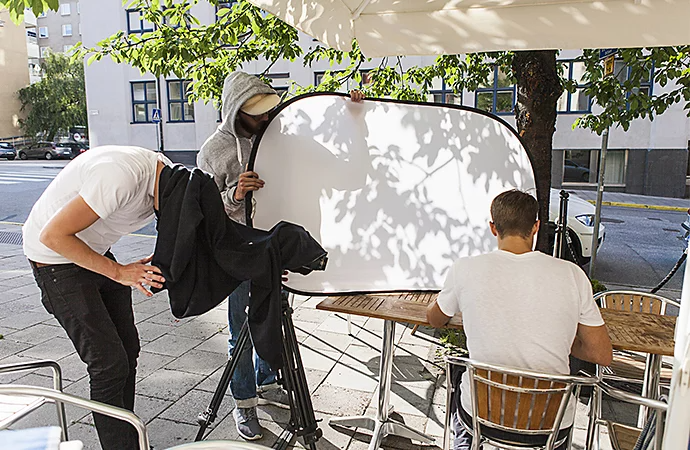
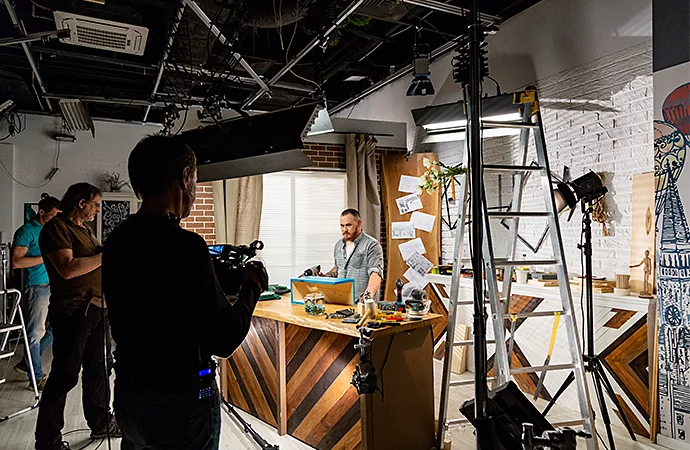
You’ve made your plan and hired everyone (or, if you have no budget, called in all your favors). You have a schedule, locations, equipment, costumes, and props. Now it’s time to block scenes, or figure out how the actors will move in relation to the camera. While the actors rehearse, you can set up and adjust the lighting. Finally, make sure the camera is rolling and the microphones are recording, and you’re ready to start shooting your film.
Put it all together in post-production with Premiere.
Find the story in your footage. Harness all of your editing knowledge, whether it’s from film school, obsessive love of film, or online tutorials, to make the best film you can. Then spread the word.
Edit the film.
“There are three films in every film. The first is the one that you thought of and wrote. The second is the one that you shot. And the third is the one that you create in the edit,” says Stoler. Just as surprises change the film in production, they can change it in the editing room, and you have to be willing to go with the changes.
With Premiere you can collaborate with teams of any size. Often small but mighty teams are critical in independent film production. To streamline the work of distributed teams and ensure consistency across your project when multiple editors are involved, Productions offers sequence locking and version control. Sequence locking helps multiple editors work on different parts of a project without overwriting each other's work. When you lock a sequence, it prevents others from making changes to it. Version control allows you to keep track of different versions of your edits and revert to previous ones if needed, making it useful for significant changes or trying out different creative ideas.
Visually organize and brainstorm your clips before starting your edit.
Freeform View allows you to arrange your clips visually in any order you want. It’s like a digital storyboard where you can see how different shots will work together, making it great for brainstorming and organizing your ideas before you start editing.
Fine-tune edits and assemble rough cuts quickly.
“Pancake editing” involves stacking multiple timelines on top of each other so you can drag and drop clips between sequences easily. Organize your edits by scene and review or draw from each of them more visually with multiple timelines open.
Use music and sound effects to visualize your story along the way.
Adobe Stock provides a library of temporary music tracks and sound effects, including thousands of free offerings. You can use these in your edits to get a sense of how the final piece will feel before the final music is composed or licensed, helping to create a polished rough cut for reviews.
Balance color and sound as you build your timeline.
To avoid distractions that take away from your edit, a first pass on color consistency and audio leveling is important. Use tools like Auto Color to help you make basic corrections and Color Match to ensure consistency between cameras. Even if you’re not a colorist, you can quickly improve the look of your footage for initial reviews. In the Essential Sound panel, you can use Enhance Speech to clean up dialogue or Loudness Matching to make sure each line is clear and understandable.
Leverage effects to increase production value.
A few well-used visual effects and titles can enhance the storytelling or visual appeal of your project. You can find even more plugins for special effects, transitions, color grading, and more in our vast plugin ecosystem, helping you add professional touches to your edits without needing advanced skills.
Track important metadata across your team.
In a fast-paced editing environment with lots of assets, tracking important information directly on your video can be critical for collaboration and organization. Metadata Burn-In involves embedding information like timecode, scene numbers, or other important data visually onto your video.
Streamline the feedback process.
Make it easier for producers, directors, or other team members to review and comment on your work throughout the process. Frame.io allows you to share your edits and feedback, consolidating the process in one place. They can leave comments directly on the video, making it easy to understand and implement changes.
Enhance your project with advanced graphics, sound, and visual effects.
When you’re working through a rough cut, sending edits for feedback that feel finished will help audiences stay connected with your story. With Creative Cloud, you can seamlessly move between Premiere and other Adobe applications like After Effects, Photoshop, and Audition.
Promote the film.
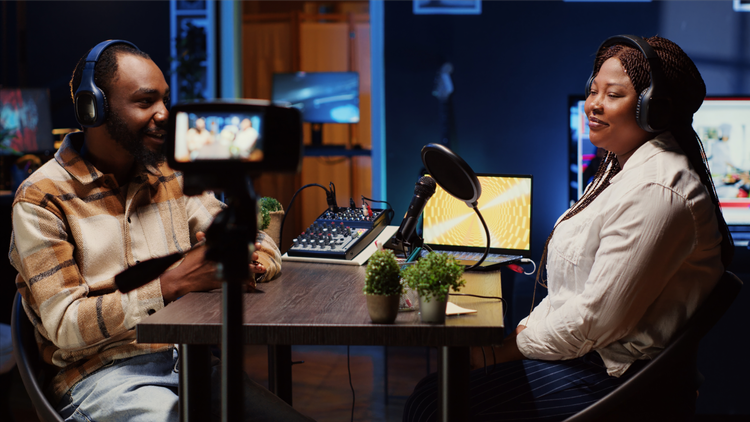
With your final cut in hand, ask everyone you know to promote your film. “Just like with pre-production, you want to have someone who's great at talking to people and getting in touch with people.” Though there are many channels for distribution, without promotion no one will see your film.
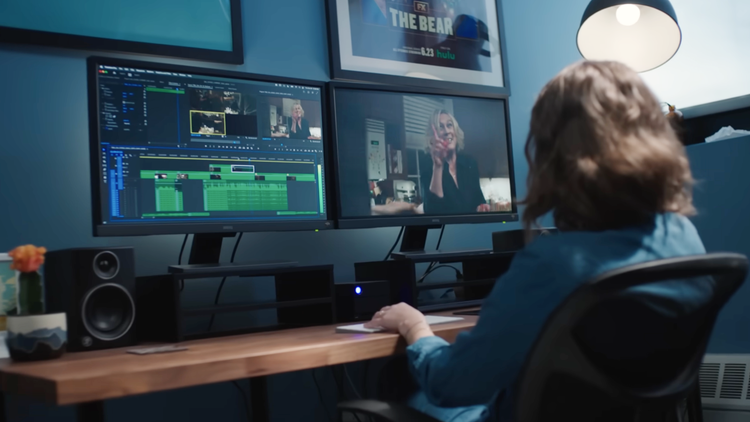
Creating “The Bear” TV show.
Find out how the editors of FX’s The Bear use Premiere to unveil the energy of a crowded kitchen, the emotion of family drama, and the grief that informs every frame of the Emmy®-nominated show.
See more Premiere FEATURES.
Find the Creative Cloud plan that’s right for you.
Premiere Single App
US$22.99/moAnnual, billed monthly
Includes 100GB of cloud storage, Adobe Fonts, and Adobe Portfolio.
Creative Cloud Pro
Join over 7 million Creative Cloud Pro subscribers worldwide. Save 50% for the first 3 months on the full version of Adobe Premiere and 20+ apps plus Adobe Firefly creative AI. Pay US$34.99/mo for the first 3 months and US$69.99/mo after that. New subscribers only. See terms | See what's included
Creative Cloud Pro for students and teachers
Save 71% on 20+ Creative Cloud apps — including Adobe Premiere.
Business
US$99.99/moper licenseAnnual, billed monthly
Get Adobe Premiere and 20+ Creative Cloud apps plus exclusive business features. See what's included | Learn more.