Winston Hacking on turning the bad parts into gold.


“With the programs I use, like Photoshop and After Effects, I want to know just enough to get where I need to go. The way that I’ve figured out how to use the program is my style.”
How to mask using Keylight in Adobe After Effects.
This timesaving tip from Winston shows you the power of the Keylight feature and gives you a peek at his cool creative process.
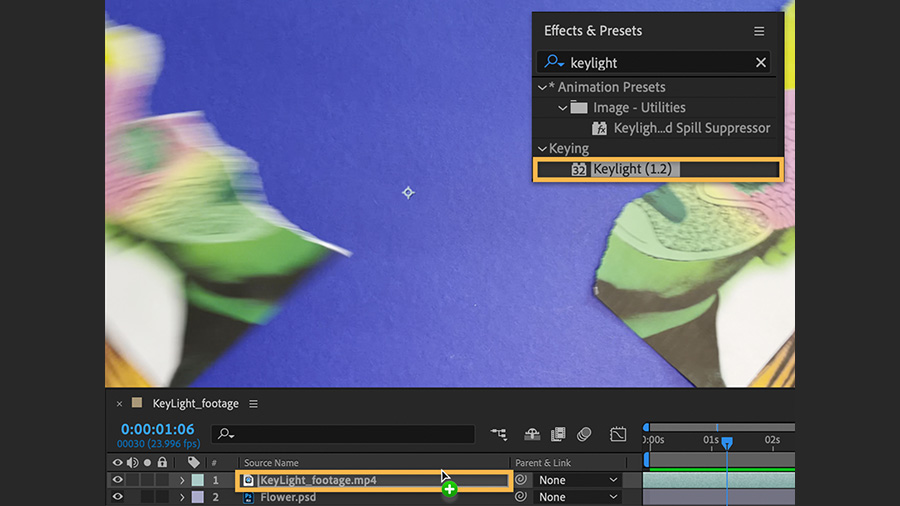
Place the effect.
Move the playhead on the timeline until the paper rips and shows the blue background. Then do a search for “keylight” in the Effects & Presets panel (Window > Effects & Presets) and drag the Keylight (1.2) effect onto the video layer.
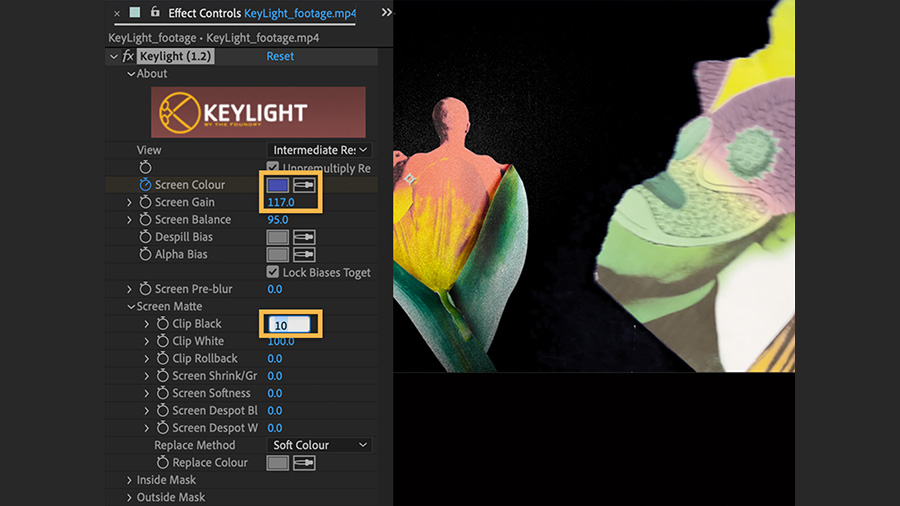
Hide a color to see the art.
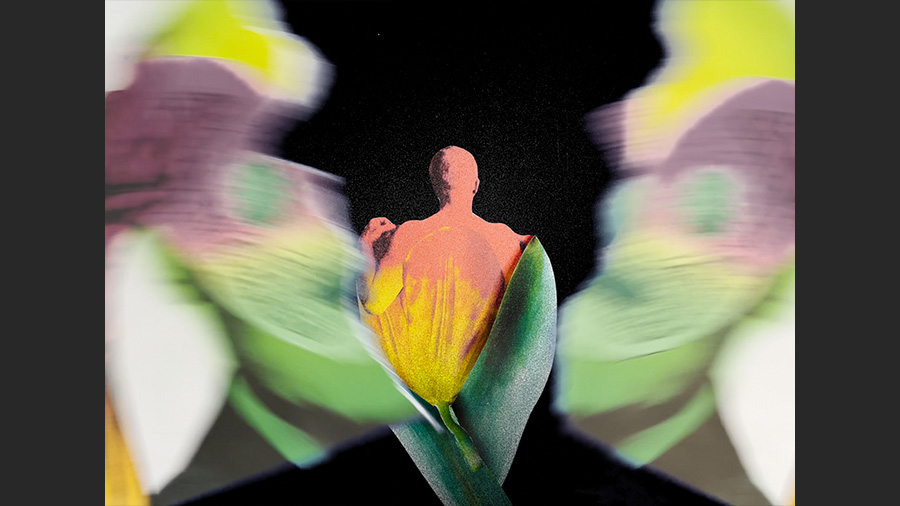
In the Effect Controls panel (Window > Effect Controls), expand the fx layer to show the Keylight settings. Select the Screen Color eyedropper tool and click the blue background to mask, or hide, the blue and reveal the flower below. Adjust other settings to get the look you want.
Play the animation.
Press the spacebar to preview the motion. Adjust the Keylight settings and preview again until you’re happy with the result.
Export and share.
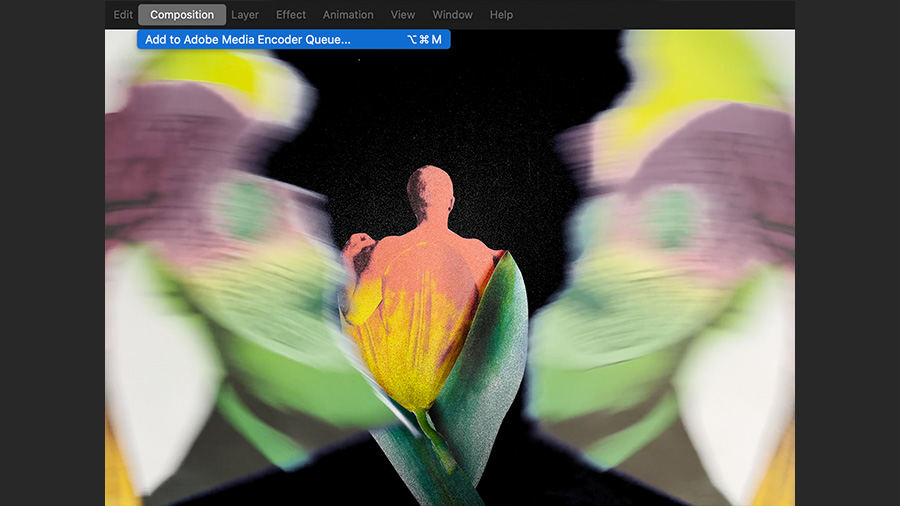
Choose Composition > Add to Adobe Media Encoder Queue. Then choose a format — H.264 works well across platforms. Click the blue text in the Output File field to name the file and specify the export location. Click Play to export the animation.