Introduction
Make text and objects pop with animations.
Add motion for big results that require little effort.
Selecting objects and accessing animation settings
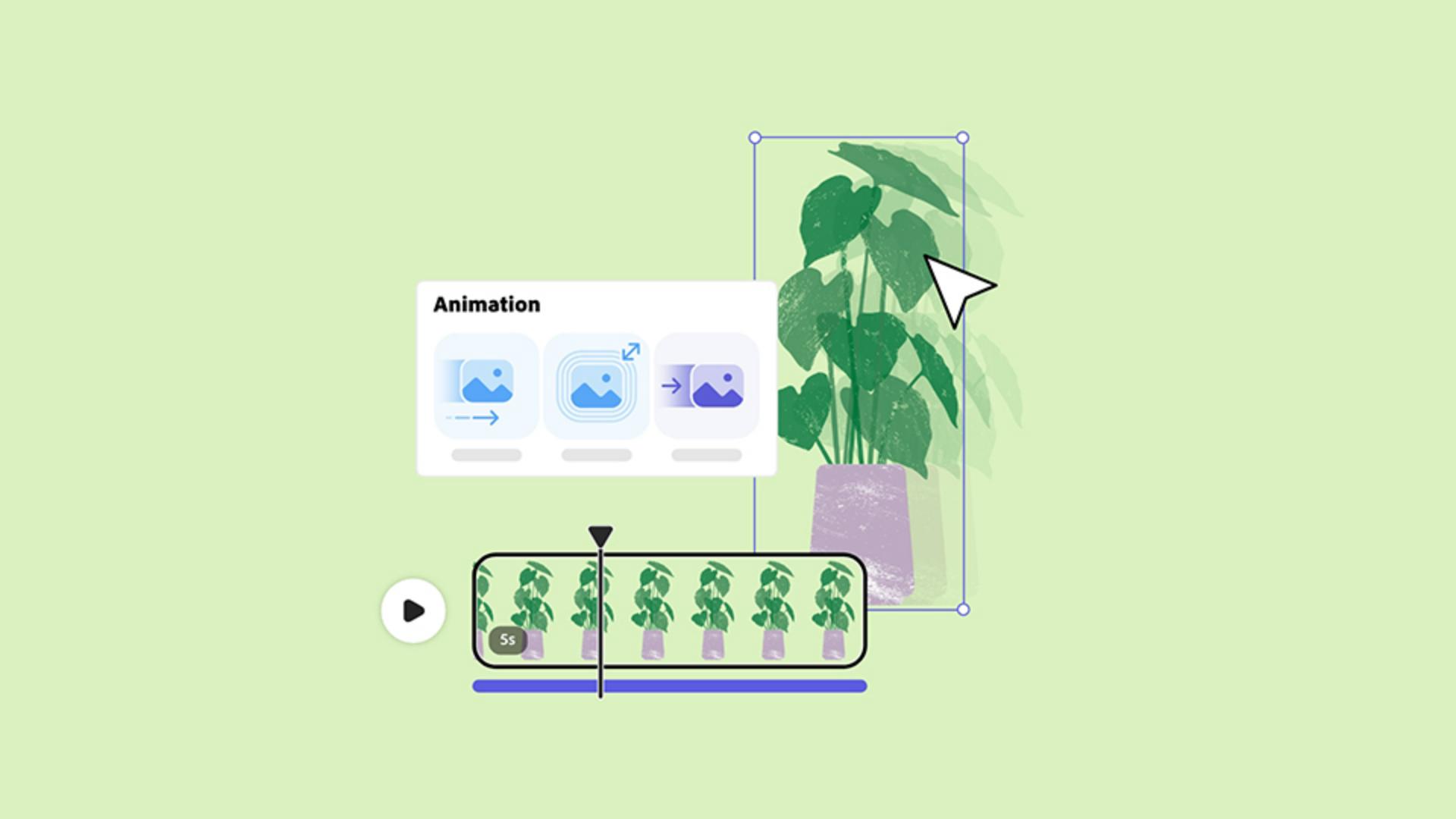
With your design in the Editor, select an object and navigate to Animation in the Properties panel.
Three options are available for objects and text in your design:
Understanding in, looping, and out animations
In, Looping and Out.
Choose In to determine how an object animates into your design.
Choose Looping to dictate how that object will animate on a loop throughout the duration of your design.
Choose Out to determine how an object animates out of your design or access the end of the animation.
Customizing animation parameters and previewing
After selecting a type, adjust parameters like Duration, Personality, Speed or Intensity to get the look you want.
Click on one of your animations and options will appear.
When you make any adjustments to these options, you'll get a quick preview of the changes you made in the Editor.
Applying animation to text and previewing results
Follow the same process to animate text.
When you're ready to preview, click the Play button in the Editor.
Adobe Express - Keep creating.