






Try these tutorials with Adobe Express
Create web pages, social media graphics, and videos.
Learn what generative AI is, how it works, and how to use it in design and content creation through this free course.
Learn the basics of generative AI in this free course from Adobe Express. We’ll cover what generative AI is, how it works, and how to use it for content creation, graphic design, and more. Upon completion, you can earn a certificate to showcase your skills.
See what’s covered in this course and how generative AI can help you imagine new possibilities.
The meaning of generative AI and other key terms to know
The power of prompt engineering
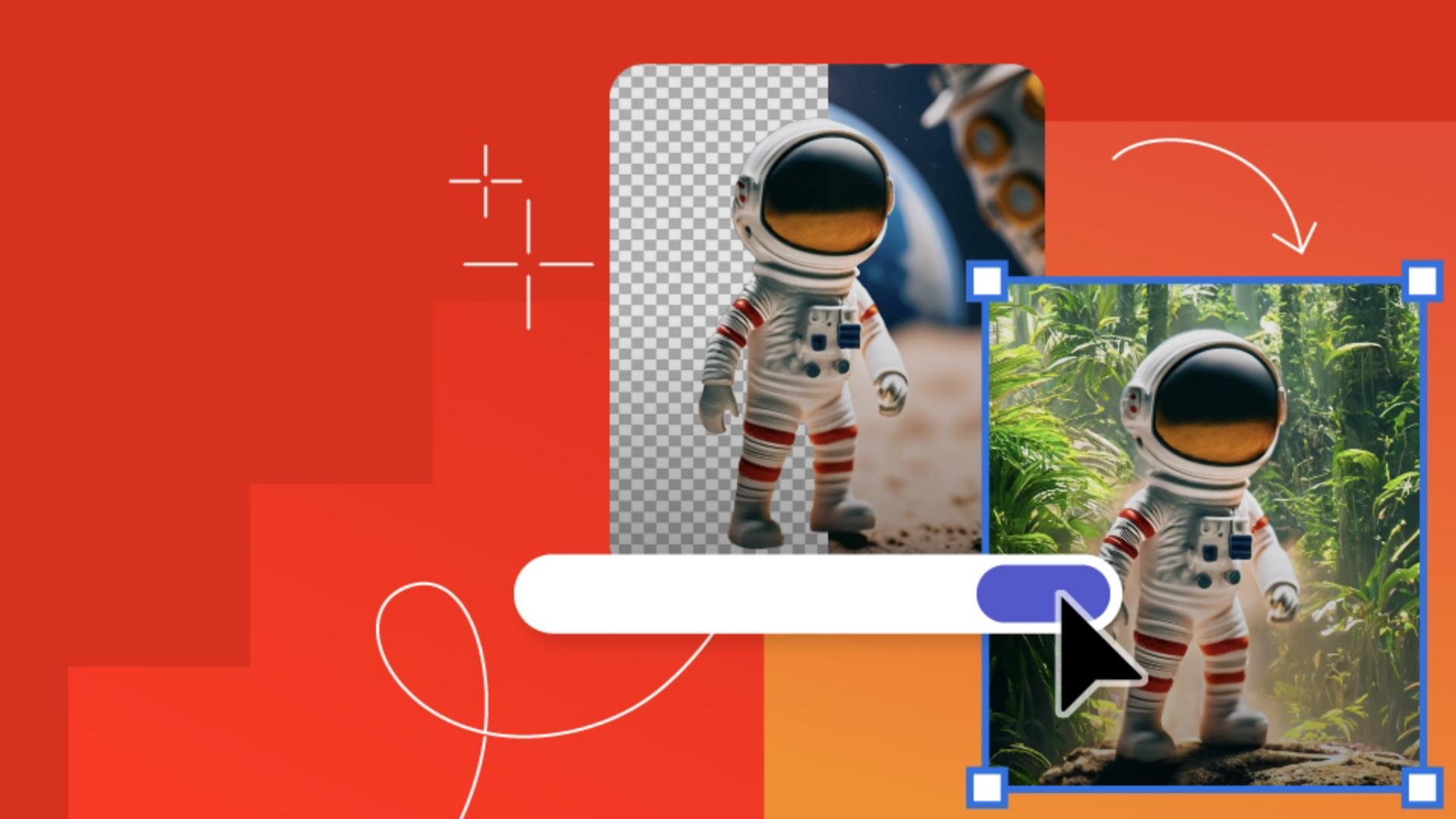
How to use Adobe’s AI-powered tools to bring your creations to life
Learn how simple text prompts and new generative AI technology combine to form unique digital content.
What generative AI is all aboutInterfaces, prompts, and edits
How a generative AI interface works
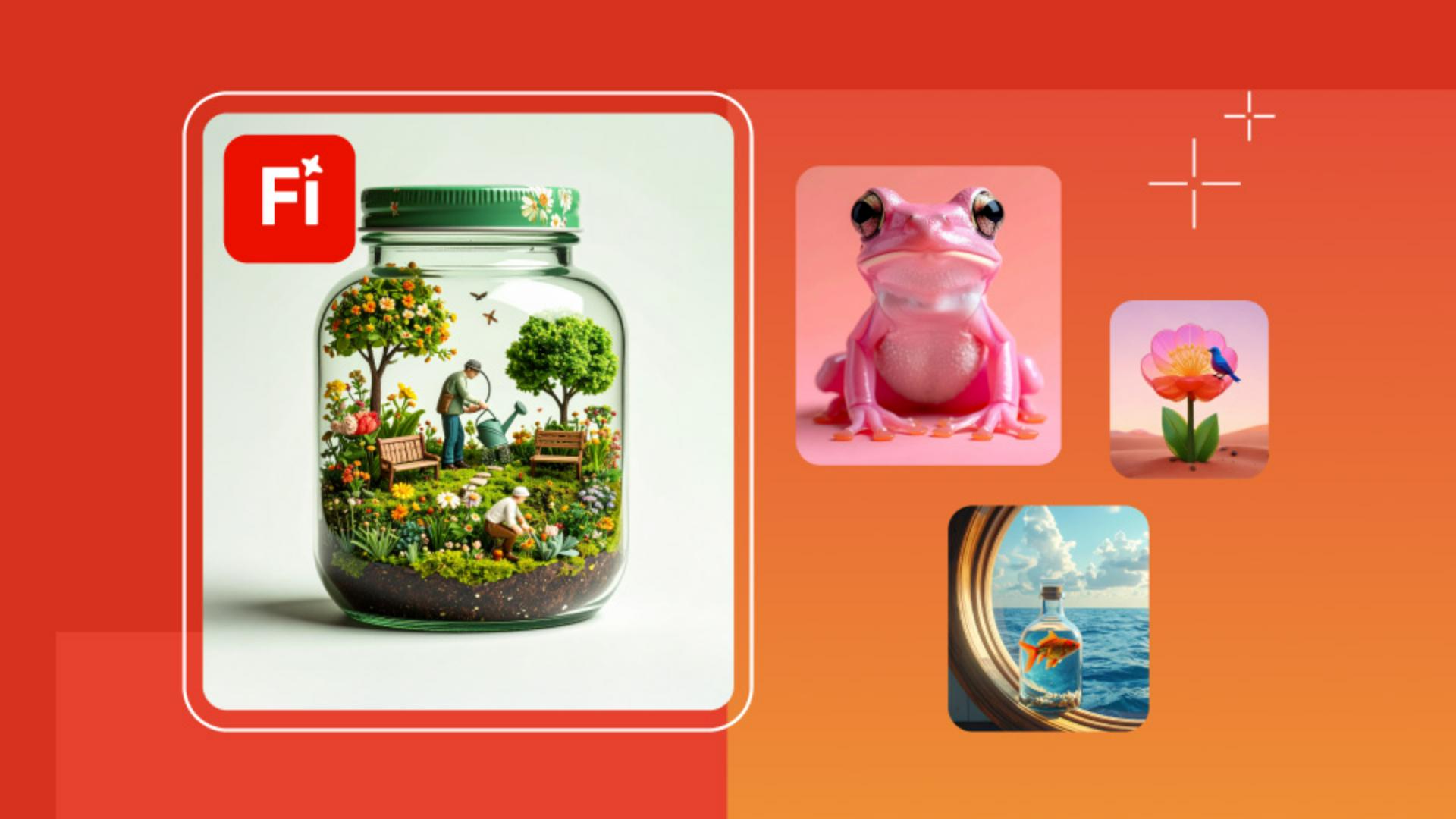
What you can create with generative AI
Explore the various media formats generative AI can produce. Learn aboutAdobe Firefly generative AI features that power Adobe design tools.
Features in Adobe apps that are powered by Firefly generative AI
Scenarios where generative AI can help
CommonFirefly design workflows
Use AI to brainstorm design concepts, make mockups, and quickly create content. Learn our best tips for image generation.
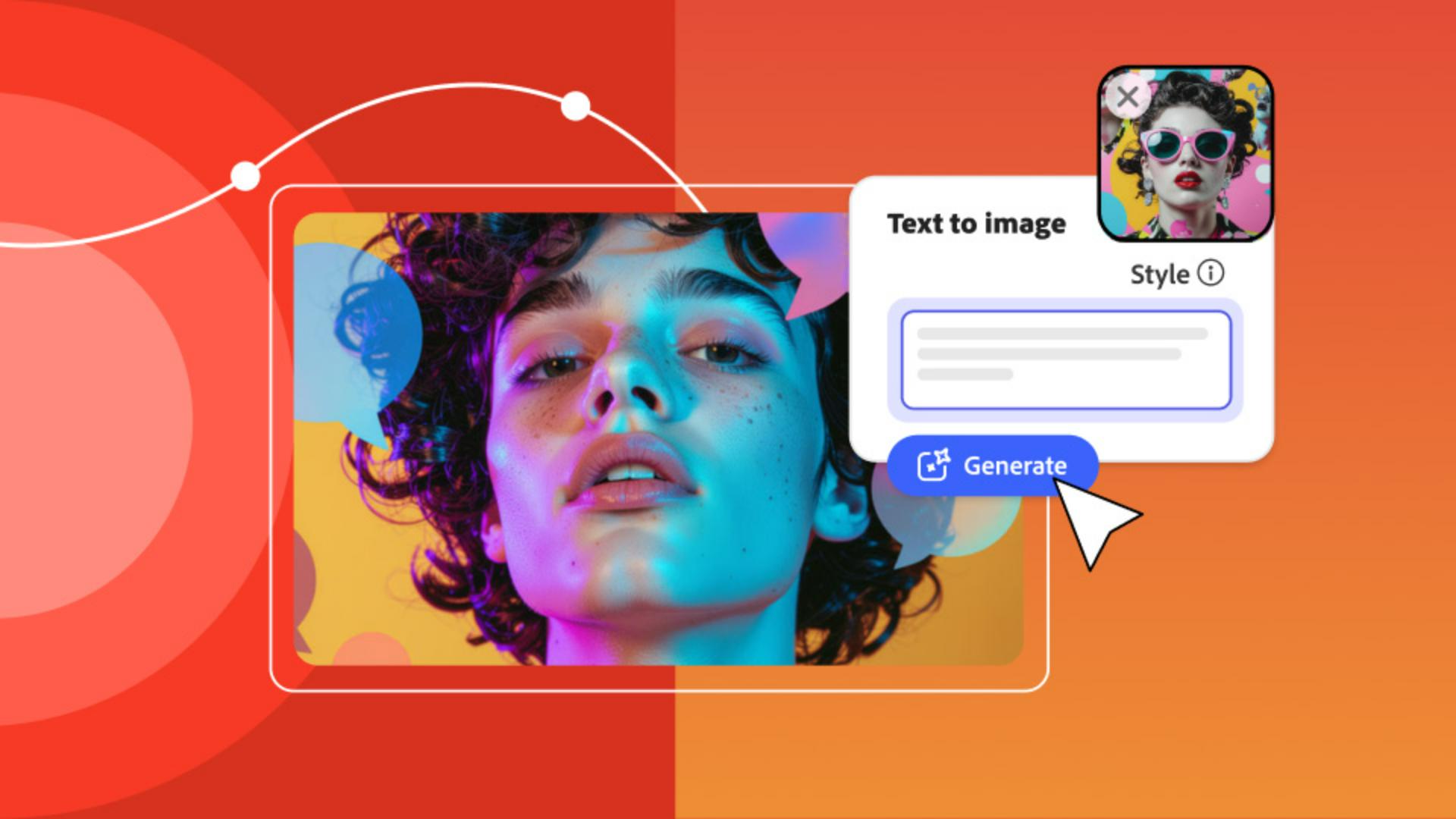
How to get started with text-to-image prompts
How to customize results to enhance style, composition, and more
How to edit, add polish, and make AI creations your own
Go beyond image creation. Learn how to effectively use generative AI prompts for unique use cases and workflows.
Getting the best results from generative AI
Use cases for generative AI
Prompt writing dos and don’ts
Initial prompt creation: Define your project's purpose and write a specific, descriptive prompt (e.g., orange soda cans with ice cream).
Image generation: Enter your prompt to generate an image. Compare the results with your vision.
Prompt refinement: Adjust your prompt based on the output. Add more details or edit descriptors (e.g., photorealistic three orange soda cans with condensation and vanilla ice cream on top; studio lighting; solid background with added half-sliced oranges).
Creative enhancements: Enhance your image in Adobe Express by customizing templates, applying Quick Actions, adding text, and experimenting with styles and effects.
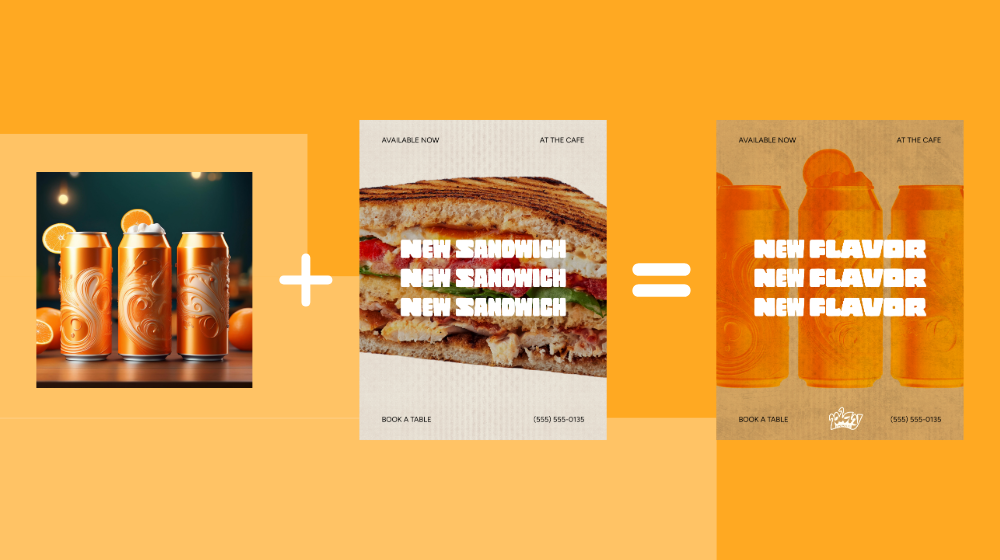
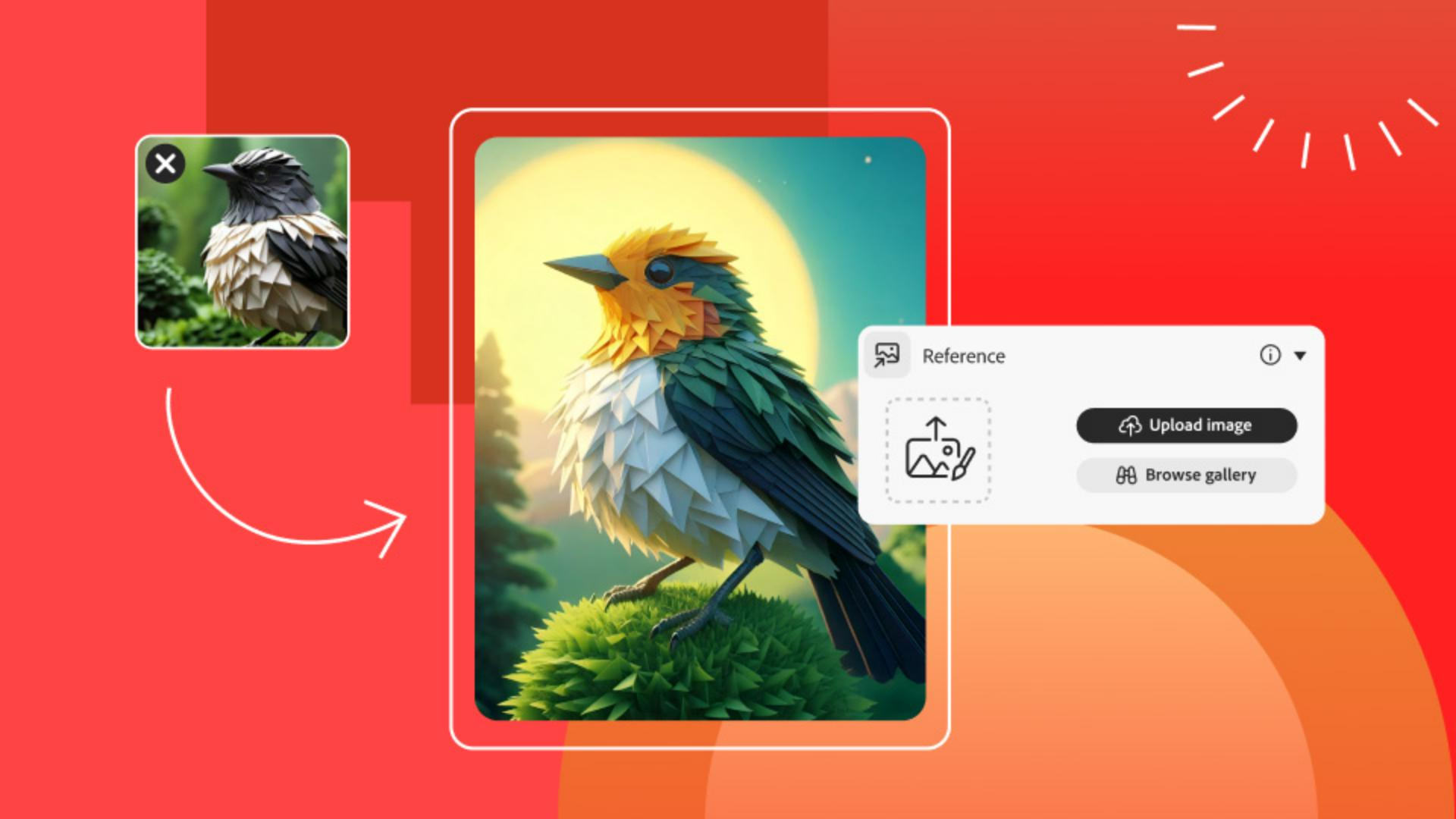
Speed up your on-brand content creation with help from reference images. Take the guesswork out of your image results.
The meaning of style reference and composition reference
How to use reference images to stay on brand
Situations where AI reference images can save you time
Learn how to use AI-poweredText Effects to make your text pop in your next graphic design project.
What theText Effects feature is all about
Use cases for AI text effects
Common text effects workflows
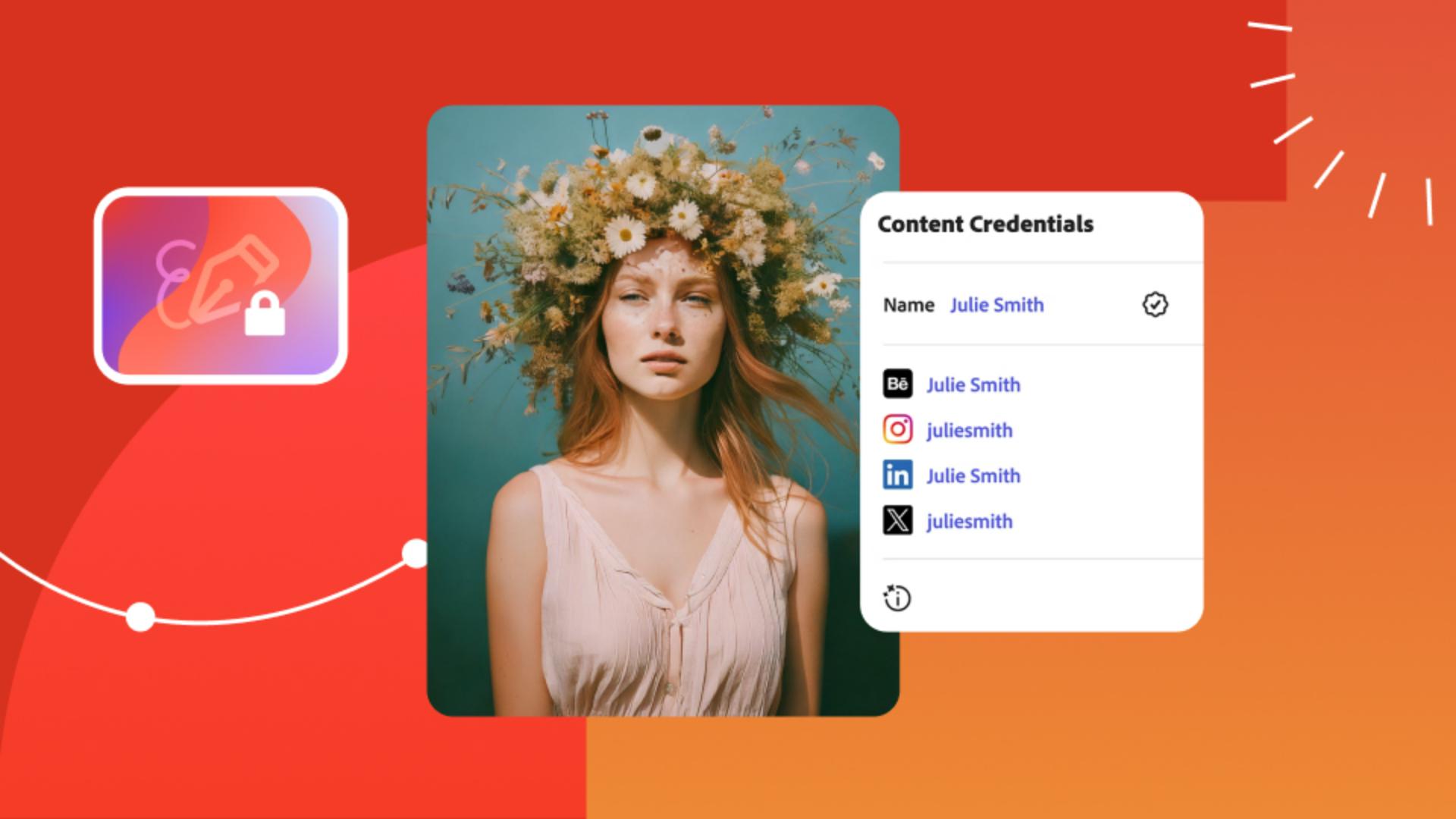
Discover how to enhance trust in your digital content in the generative AI era with Content Credentials that act as “nutrition labels” for digital content.
What Content Credentials are all about
The purpose of the Content Authenticity Initiative
How to identify AI-altered content
Learn what it takes to form ethical generative AI models, including inclusive training datasets and feedback mechanisms.
Identifying bias in generative AI datasets and outputs
Understanding and mitigating common risks
How to avoid perpetuating harmful stereotypes
Feedback mechanisms in Firefly
Adobe respects creators’ rights. Learn about our commitment to being the most creator-friendly generative AI solution in the industry.
How Adobe is standing up for accountability, responsibility, and transparency in generative AI
How Adobe trained its AI models on licensed content
The relationship between Adobe Stock and generative AI
Whatever you make, make it shareworthy with AI-powered tools. Impress those around you, including future employers.
Congratulations on completing the course! Now, take the next step to showcase your expertise in generative AI. By earning your generative AI credential, you can demonstrate your advanced skills and knowledge to future clients and employers.
Simply complete ashort assignment from our Adobe Digital Academy. This project is designed to test your AI skills and understanding and allow you to apply what you've learned from this course.
Once you successfully finish the assignment, you'll earn a digital badge that you can proudly display on your LinkedIn profile. This credential not only validates your capabilities but also enhances your professional profile, making you stand out to potential employers and peers in the AI community.
You can also enroll in Adobe's professional certificates onCoursera, which build on the foundations of this course. With three tracks — Content Creator, Marketing Specialist, and Graphic Designer — you'll gain the confidence to take the next step in your career. These certificates build on the foundations of this generative AI course, giving you added practice to become a pro.