
Try these tutorials with Adobe Express
Create web pages, social media graphics, and videos.
How to turn everyday moments into stories that stick.
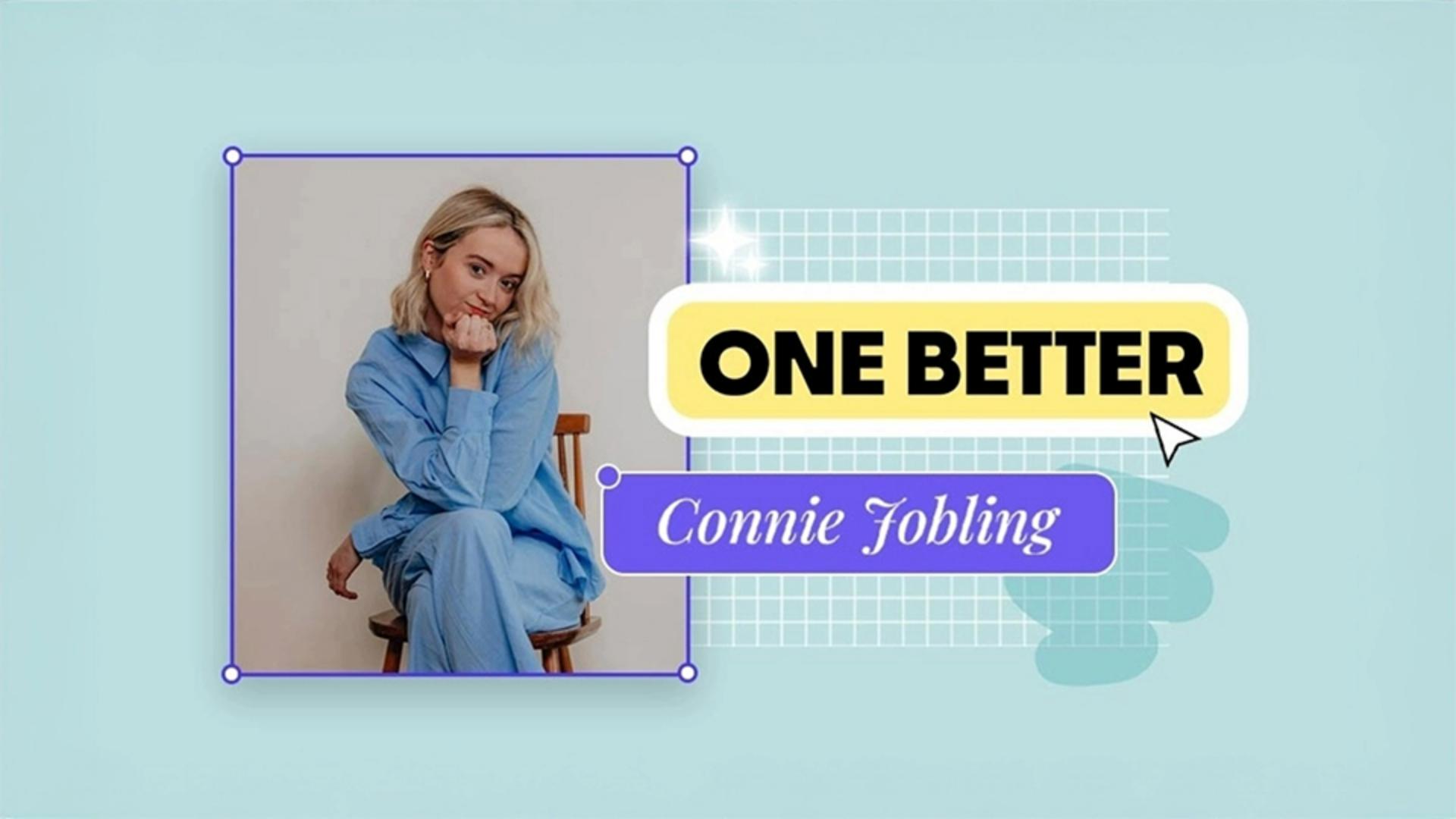
The best social content doesn’t chase the algorithm; it tells a story. Connie Jobling, Social Brand Strategist at Flight Story- the team behind Diary of a CEO, We Need to Talk, and Begin Again - builds work that lasts because it’s grounded in feeling and precision.
For Connie, going one better is about taking people on a journey and revealing the process behind the result. It’s about giving stories a clear visual language through art direction. And it’s about editing with intention, keeping only what truly adds value.
Strong storytelling makes people care about what they’re watching. Connie starts by bringing her audience behind the scenes, showing the steps that build the final moment. Adobe Express makes it easy to edit for impact and capture attention right at the start.
Try it now:
Start by uploading your video. Connie pulls the hook to the front in a few clicks for instant impact.
Add text overlays to guide the viewer, then bring your edit to life with music and add your logo for instant recognition.
When the story feels complete, export in 9:16 for Reels, TikTok, or Shorts.
Behind-the-scenes moments are more than filler: they’re the heartbeat of a good story.
Art direction shapes how your content feels before anyone reads a word. Connie uses it to set the tone and make her work feel instantly inviting.
Try it now:
In Adobe Express, start with an image as your base. Use remove background to draw the viewer’s eye to what matters most, customise with your fonts and colours for brand consistency and layer content until the tone fits your world.
Every choice adds up. Over time, your visual language becomes something people recognise and feel, often before they even see your name.
When you need to turn long-form content into quick, attention-grabbing ads, Clip Maker Adobe Express is the tool to reach for.
Try it now:
Start by uploading your video. The AI automatically detects key moments and cuts them into bite-sized clips, ready for you to refine.
Add captions or titles to make your message clearer and keep viewers engaged. Then review the sequence. Keep the clips that bring energy and flow, and trim anything that slows the pace.
Once it feels tight, export your final edit, ready to share across platforms.
Here’s the final tip Connie swears by: test a few versions. Even small timing tweaks can change how people respond.