Previsualize a shoot with reference images in Firefly
Note: Stock assets provided are for practice purposes only. See terms.
What you’ll learn
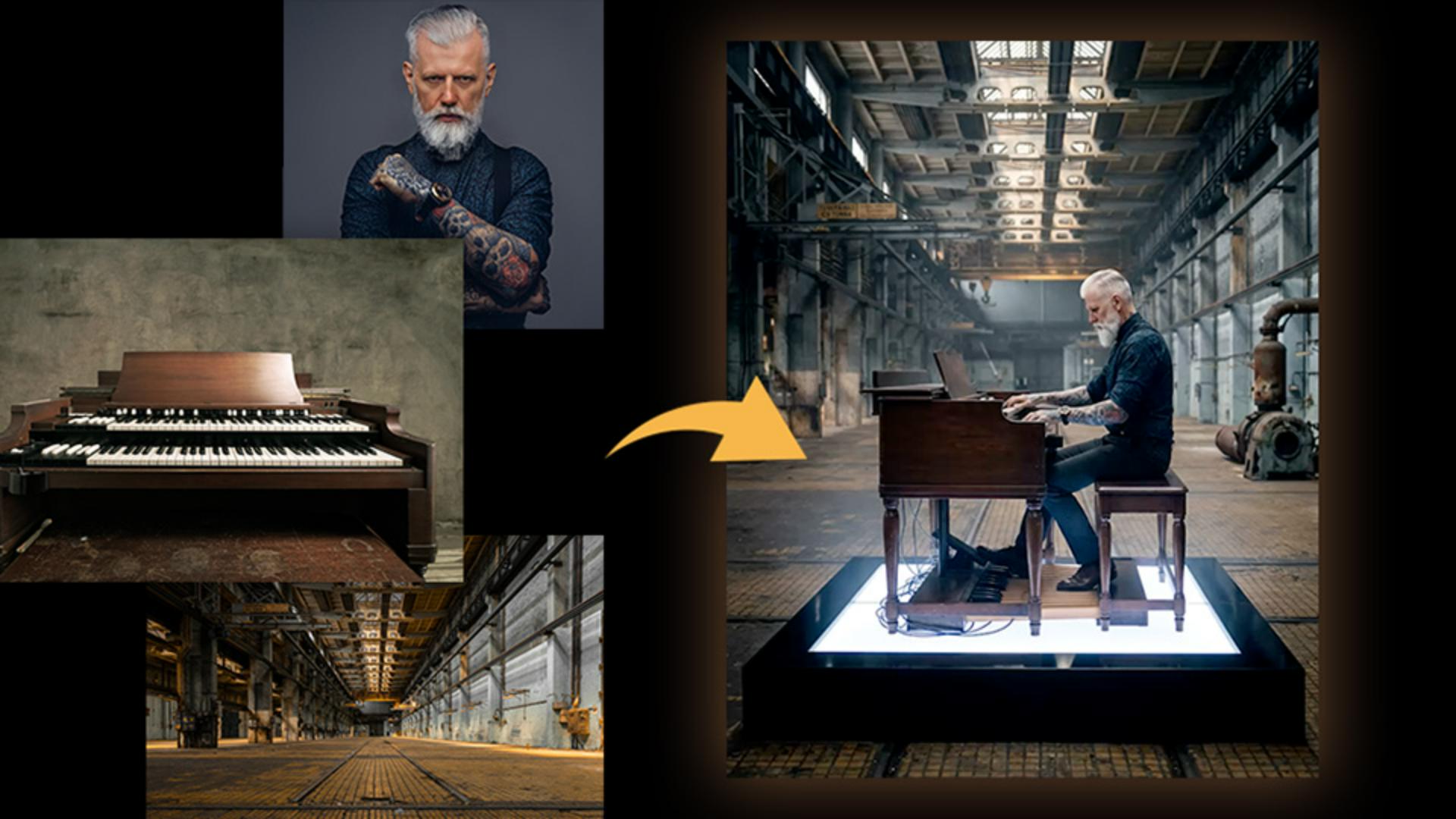
Combine reference photos into one scene
Upload photos of your subject, prop, and location, and Firefly merges them into a single cohesive image. It's a way to test how different elements come together before a shoot.
Adjust lighting, mood, and perspective
Once you have a base image you can shift it to a night scene, add atmosphere like mist, or view the composition from a completely different angle. Each version builds from the last, so the core setup stays consistent.
Swap the location entirely
You can also return to an earlier version and swap out the background, like trading a warehouse for a beach at blue hour. The subject and staging stay the same while the setting changes completely.
Instruction by

