Customize vibe, style, and purpose tags
But understanding the tags will help you get started in the right direction.
Vibe, which is purple, defines the mood or emotion for the music.
From dramatic to playful, these set the tone.
The blue is Style, which is for the genre or the different instruments that you're going to use to generate the music.
Purpose is green, and this is for the intended use case for the music.
This can vary from a vlog to a tutorial to in this case, I'm going to use it for a travel YouTube channel.
I can customize this to whatever I want, or I can use these preset tags to start.
[The selected prompt tags are removed one by one.
Placeholder text for vibe, style, and purpose replaces them, and the Generate button becomes unavailable.]
I'm going to remove the automatic tags that came from the analysis of the video.
As I go through, I'm going to add my own custom tags to make sure that this video conveys the style that I'm choosing.
To start with, I'm going to describe a vibe.
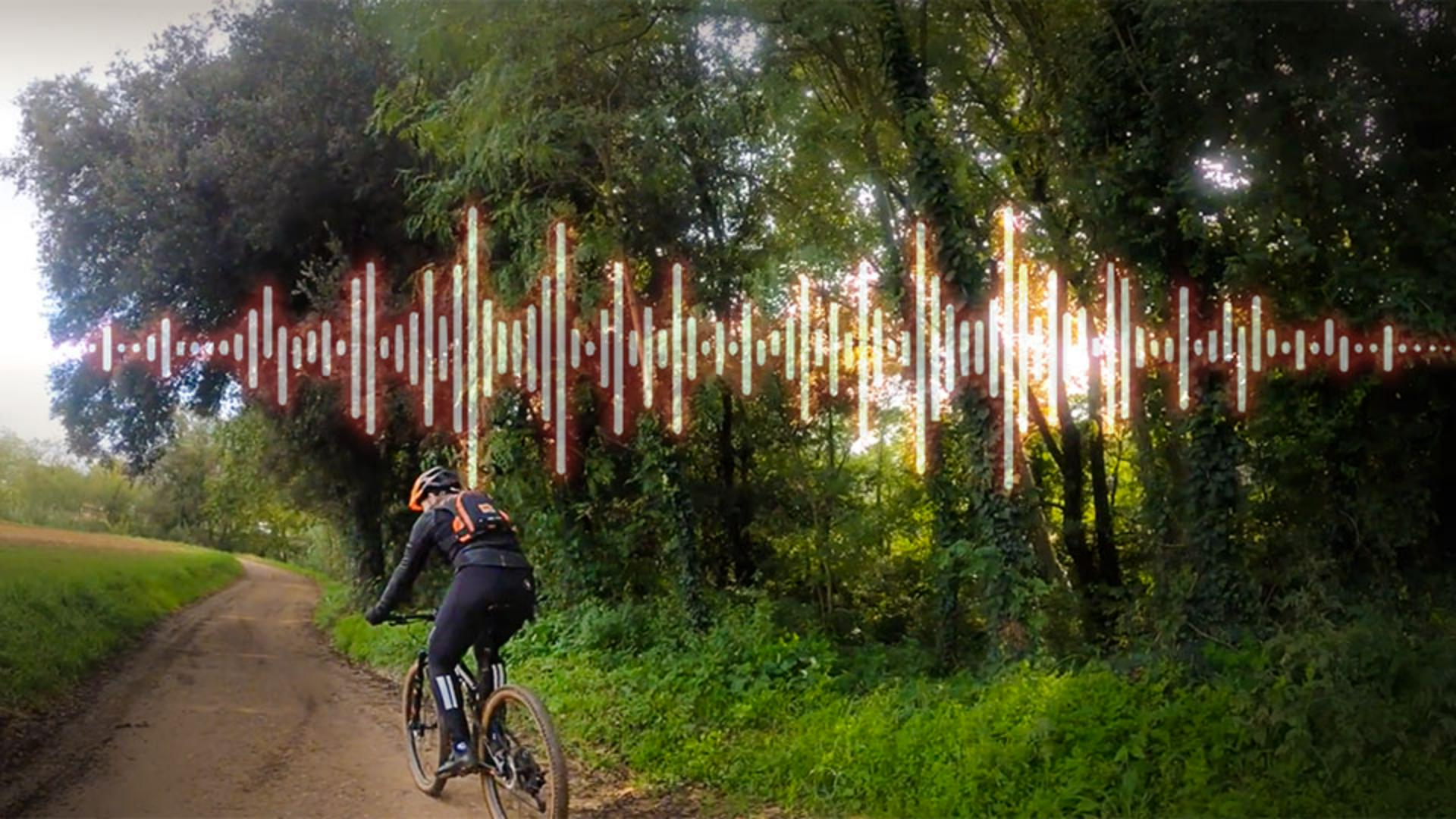
For this, it's a mountain bike riding through a trail at a pretty high rate of speed.
So I'm going to say that this is intense and playful.
The song Style, again, is either the genre or the instruments that I'm going to use in the music.
So I'm going to choose something hip-hop and maybe rock.
Finally, with Purpose, I'm going to tell it what is the context of this video - is this a vlog or a workout, or in this case, I'm going to say that it's a Travel Video.
Next, after I have my tags set, I'm going to go down and look at the next settings, which are Energy and Tempo.
Energy and Tempo control the intensity and speed of the music.
Low Energy is calming, while High intensity is lively.
This is similar to Tempo, where Slow is low-paced and calm, and Fast is quick and energetic.
I'm going to start with Medium, Medium just to see what it gives me, and I can change it as I go.
That's the benefit of doing only 30 seconds of video for 10 credits.
Now that I have my tags, my Energy, and my Tempo, I'll click Generate.
[The biking video expands into a large preview.]
Once I have my results, you'll see I have four options down at the bottom.
[The mountain-biking video plays as the rider goes through a wooded trail.]
Clicking on each track, and hitting Play, [music] will give me a style that I can test out and see how this works.
Each track will give me a different theme and a different sound to each of my songs. [music] All I have to do is sample and find the one that I like. [music] [music]