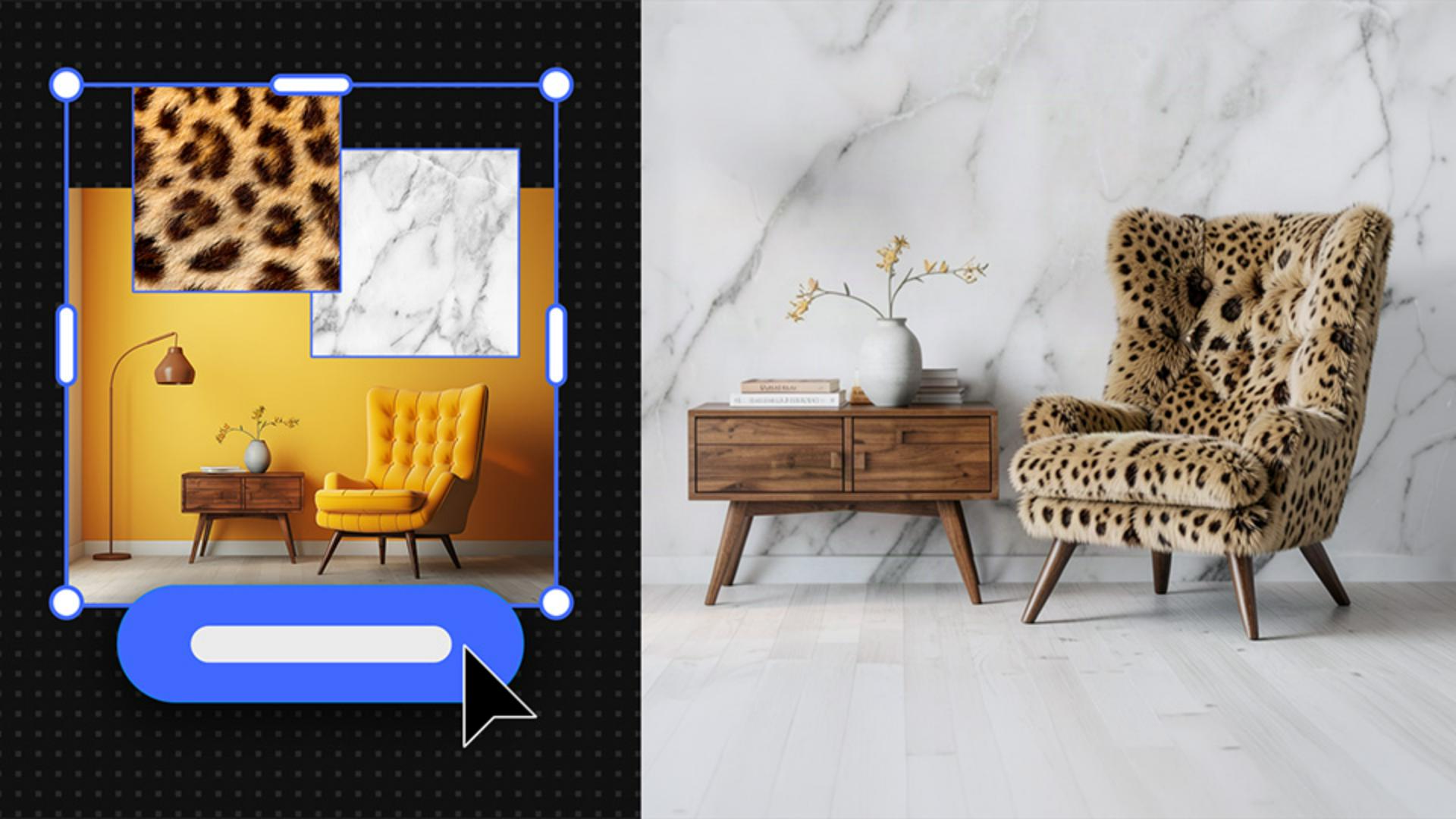
Combine images with AI to spark new visual directions
Use the Remix feature in Firefly Boards to creatively blend images and shape original, client-ready concepts.
Published
Introduction
Hello, my Name is Natasha Polozenko, also known as Nataszko all over the web, and in this tutorial, I'm going to deep dive into the Remix functionality inside of Firefly Boards.
I'll show you how Remix allowed me to create a whole proposal for this brand Angel Beauty, which includes some ideas for logos, brand illustrations and even packaging.
So let's go!
The brief from this client is Lush vintage.
Building a mood board and preparing design references
So using the search functionality, I sourced a range of different images that helped communicate the esthetic that I have in mind.
And here are a bunch that I found earlier.
And now I'm arranging the images in a way that start to hint at a website layout, so that the client can really start to envision their brand coming to life.
And side note, I'm using the Remove background functionality on a lot of these images as I go.
Using remix to combine images and refine compositions
This is where the Remix functionality comes into play.
For the Lotus image here, I actually want to incorporate the butterfly visual.
If I select both of these images and hit Remix, I'll get some more images to pick from.
And these are great, but I'm really picky and I want more lily pad coverage.
So if I select the one I like best, click Load, Composition, use the Eyedropper Tool to sample that original photo, and in the Generation settings, I'm going to turn the Strength up to the top.
This will give me a few more options that are closer to what I envisioned.
Generating logo concepts through iterative remixing
I'm excited about this so far.
Now it's time to generate some logo ideas.
I'm going to start selecting various combinations of my visuals to remix.
This kind of exploration helps give me ideas for directions I may not have thought of otherwise.
I look at this as a starting-off point.
Depending on how the client responds, the idea is that later I would go in and build my designs from the ground up in my own style, using these visuals as my inspiration.
Now from here, I can even remix some of the already remixed images if I like.
And clicking Vary is going to create even more options.
This process is super fun.
I went ahead and deleted the ones I didn't want, and organized and removed the backgrounds of the ones that I'd like to keep in as possibilities.
I wanted to include a few different directions for the client to review, but for now, I'm going to pick my favorite and add it to the mockup.
I also want to generate some ideas for brand illustrations
Creating brand illustrations using composition and style references
to place in these frames.
Earlier I remixed these two images and got a few compelling generations that I thought could work really well.
I also wanted to create some additional variations that use these images over on the left as the composition reference.
The way I approached this was by selecting one of the images I previously generated and hitting Load.
The reason I do this is because I want all these sub-prompts loaded in for me.
Now I want to tell Firefly that I want to use this image as my composition, and I also want to reinforce that I want this image as the Style reference.
I can also go in and tweak the Generation settings if I want, and I'll get some nice options.
I also did the same with some beauty products too, which I thought might be fun for the client to see.
Finalizing layouts and presenting a proposal mockup
Here are the images that I downselected to.
I went ahead and placed them in behind the frames, resizing and cropping them to fit.
There we have it.
We all know that proposals can be extremely time-consuming, which can be frustrating, especially because it's not something we typically get paid for.
But with Firefly Boards, you can generate ideas and concepts so quickly and efficiently, allowing you to breeze through proposals like this.
And if the client approves, this is an amazing launching off point to help you get to the actual fun work of designing, illustrating, and creating all these brand assets we teased in our Boards.
That's all for today.
Until next time.
Bye for now.
What you’ll learn
Build a visual identity mood board fast
To generate a mood board
, search for imagery that matches the brief, remove backgrounds, and arrange visuals to explore fresh creative directions.
Explore unexpected logo and packaging ideas
Remix multiple images to generate bold new combinations — then tweak compositions to align with the brief and your vision.
Refine your direction with references
Re-remix to iterate. Load previous generations, then guide the outcome with style and composition references.
You can control how Adobe websites use cookies and similar technologies by making choices below. But note that if you disable cookies and similar technologies entirely, Adobe websites may not function properly.
Cookies are small text files stored by your web browser when you use websites. There are also other technologies that can be used for similar purposes like HTML5 Local Storage and local shared objects, web beacons, and embedded scripts. These technologies help us do things like remembering you and your preferences when you return to our sites, measure how you use the website, conduct market research, and gather information about the ads you see and interact with.
You can make choices in the menu below about what cookies and other technologies you want us to use on Adobe sites when you visit them from this browser. You can always change those choices later by clicking on the Cookie Preferences link at the bottom of the page.
If enabled:
We can improve your experience by tailoring the site and the content to things we think might be of interest
We can better keep track of your preferences — like what language you prefer to use
We will better understand your likely interests so we can provide you more relevant Adobe ads and content on non-Adobe websites and in non-Adobe apps
It will help us improve the performance of our website and those of our partners who use the Adobe Experience Cloud
If disabled:
We won’t be able to remember you from session to session so the experience may not be tailored to your interests
You’ll still have access to the content of the site but certain features that depend on cookies may not function
You’ll still see ads, they just may not be as relevant to you
General information
You can control how Adobe websites use cookies and similar technologies by making choices below. But note that if you disable cookies and similar technologies entirely, Adobe websites may not function properly.
Cookies are small text files stored by your web browser when you use websites. There are also other technologies that can be used for similar purposes like HTML5 Local Storage, web beacons, and embedded scripts. These technologies help us do things like remembering you and your preferences when you return to our sites, measure how you use the website, conduct market research, and gather information about the ads you see and interact with.
You can make choices in the menu below about what cookies and other technologies you want us to use on Adobe sites when you visit them from this browser. You can always change those choices later by clicking on the Cookie Preferences link at the bottom of the page.
If enabled:
We can improve your experience by tailoring the site and the content to things we think might be of interest
We can better keep track of your preferences — like what language you prefer to use
We will better understand your likely interests so we can provide you more relevant Adobe ads and content on non-Adobe websites and in non-Adobe apps
It will help us improve the performance of our website and those of our partners who use the Adobe Experience Cloud
If disabled:
We won’t be able to remember you from session to session so the experience may not be tailored to your interests
We’ll still count your use of our site and services
You’ll still have access to the content of the site but certain features that depend on cookies may not function
You’ll still see ads, they just may not be as relevant to you
Operate the site and core servicesOperate site and measure engagement
Always active
These cookies are required, and they are used to enable the site and related services core functionality. Without them the site could not operate, so they cannot be disabled.
These cookies enable the site and related services’ core functionality and collect statistics about user engagement, such as counting active use to help us understand trends. These cookies cannot be disabled.
Measure performance
These cookies are used to analyze site usage to measure and improve performance. Without them Adobe cannot know what content is most valued and how often unique visitors return to the site, making it hard to improve information we offer to you.
These cookies are used to analyze site usage to measure and improve performance. Without them Adobe cannot know what content is most valued, making it hard to improve information we offer to you.
Extend functionality
These cookies are used to enhance the functionality of Adobe sites such as remembering your settings and preferences to deliver a personalized experience; for example, your username, your repeated visits, preferred language, your country, or any other saved preference.
Personalize advertising
These cookies are used to enable Adobe and our partners to serve ads more relevant to your interests. Without them you will still see ads, but they might not be as relevant to you.
Personalize advertising
These cookies are used to enable Adobe and our partners to serve ads more relevant to your interests. Without them you will still see ads, but they might not be as relevant to you.