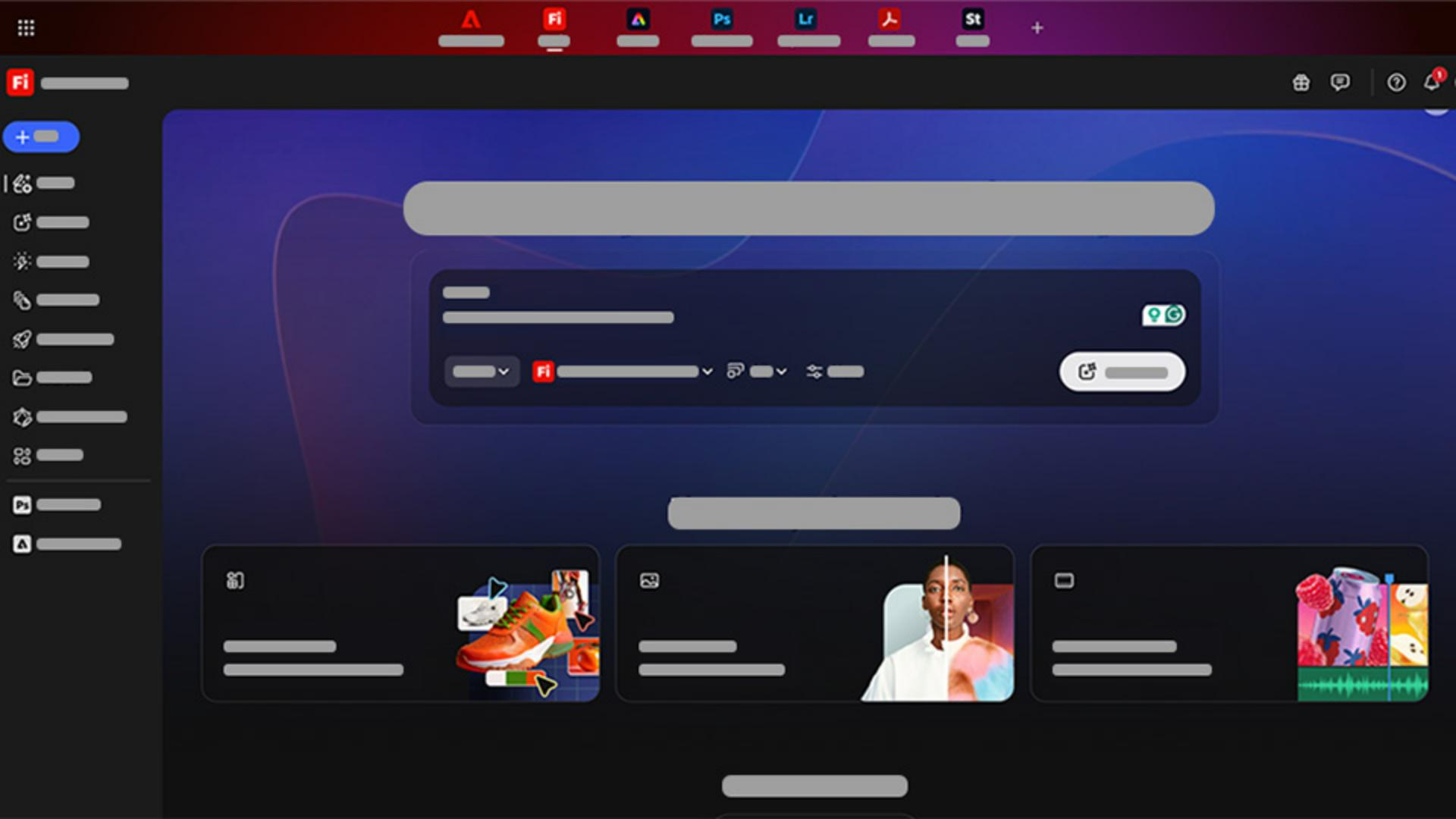
Explore ideas with Boards and the gallery
Firefly Boards is a visual brainstorming space built with a generative AI-first mindset designed to help you explore ideas quickly.
You can organize your generations, add reference images, and build creative direction all in one place.
With the new Presets button in Firefly Boards, you don't even need to write a prompt.
Just click Presets from the Taskbar and choose one from the list.
Select your reference images from Boards, and Firefly will generate it all with just a single click.
Adobe Firefly AI models are all trained on licensed content, including Adobe Stock and public domain images, so everything you create is commercially safe and ready for client work.
Firefly also includes partner models like Google Gemini Nano Banana, FLUX Kontext Pro, and Runway, giving you more options and flexibility for generating images and video.
And be sure to check out the Gallery, where you can remix content from the community.
It's packed with user-generated creations you can use for inspiration, prompt ideas, and remixing.
Studying how others write prompts is one of the fastest ways to improve your own results.
Also, don't forget to check out the Quick actions in Firefly.
They are simple, pre-built editing tools designed to help you automate common but often time-consuming tasks such as removing backgrounds, captioning videos, and generating QR codes.
Now that you know what Adobe Firefly is and how it's organized, we'll start exploring its most powerful modules in more detail.
Whether you're here to experiment, prototype, or design final assets, Firefly makes it easy to turn ideas into reality.
Let's get started.