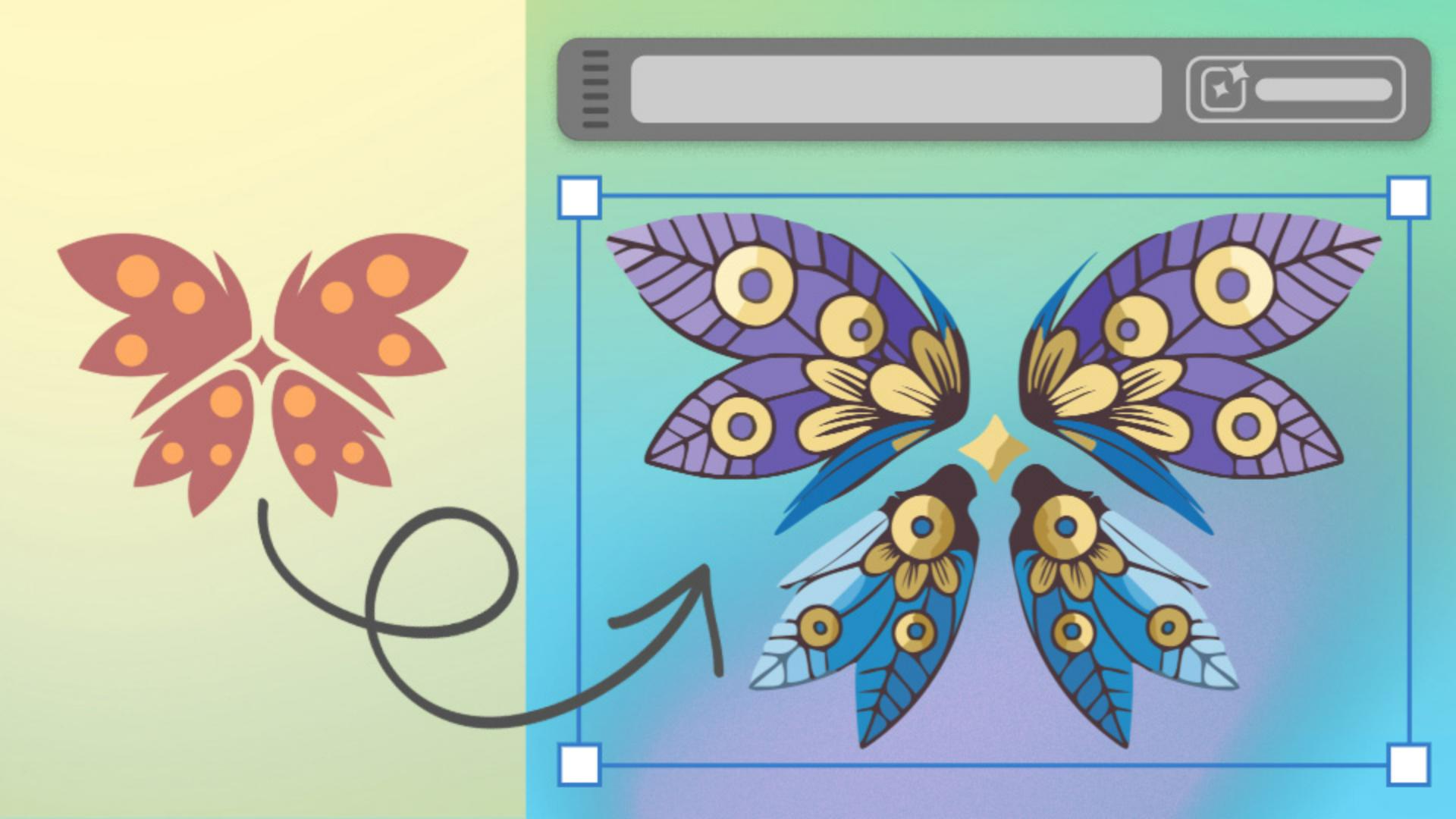
Discover how to use Illustrator’s Generative AI to kickstart unique and detailed tattoo design concepts.
Introduction
Let's explore the power of Generative Shape Fill.
I'm VooDoo Val, freelance Illustrator and Creative Instructor on Adobe Live, and today I'll show you how to take a tattoo idea to full concept with the power of Generative Shape Fill.
Understanding generative shape fill
But what is Generative Shape Fill?
With it I can select or even draw any type of shape and use text to describe the kinds of elements I'd like to fill it with.
Filling a simple shape with text prompts
Here I'll select the circle and then select Gen Shape Fill from the Contextual Task Bar.
In the text box, I'll enter a prompt that fits the kind of design I'm going for, in this case, black and white tattoo line art of multiple flowers and petals.
Then I can select Generate.
In the Properties panel you can see I now have three great choices that reflect my prompt.
But how does this translate to a more intricate project?
Say, I'd like to transform this sketch of a client's desired tattoo
Applying generative shape fill to a complex design
into a fleshed-out design concept.
Here I've created a more intricate design, built of multiple shapes based on the client ask.
Generative Shape Fill works even when multiple separate shapes are selected, so I'll select all of my new shapes, select Gen Shape Fill from the Contextual Task Bar again, and add a new prompt.
In this case, multiple intricate summer flowers and leaves in blue, purple, and gold.
Pro tip: Adding colors into your prompt gives better results.
Refining results with settings, effects, and color
You can click to experiment with Shape Strength and Detail or Style Reference, or you can click the Gear icon to open the Settings panel.
Here you can see I have my Prompt.
I can experiment with the tightness of the Shape Strength, I can change the Detail from Minimum to Maximum, I can open the Style Reference panel and even select an asset that's within my project as the style reference, for example, our previous example.
I can experiment with Effects too.
Selecting different style Effects such as the Doodle effect, and I can click on Color and Tone.
I can change Color Presets to Vibrant color if I want to, I can select the number of colors if that suits me, and I can even click to specify very specific colors if I already have a color palette selected.
Then I can select Generate.
If you'd like to change the design after the fact, you can always reopen the Settings panel and add to your prompt or change the settings.
Here I'm adding the phrase tattoo line art.
After I choose a design that best reflects my client's needs,
Editing and preparing the final design for presentation
I can edit any part of the design as every element is now grouped neatly.
I can clean up that design, reflect any elements to make it perfectly symmetrical, I can also edit the colors to create variations, design a mockup, and then present the final design to my client.
Now you try creating your own personalized tattoo design using your favorite elements, colors, and in your preferred style.
Note: Stock assets provided are for practice purposes only. See terms.
What you'll learn
See how to jump-start design concepts with Generative Shape Fill
Select any shape, enter a descriptive prompt, and explore three variations. You can generate more options that align with your creative vision.
Experiment with tattoo concepts in geometric shapes
Starting with a basic shape, enter a prompt, and explore variations. Keep refining until it’s just right.
Create a tattoo design from multiple shapes
Select any combination of shapes, type your prompt, and then customize details and colors. Every variation is editable to match your unique style!
You can control how Adobe websites use cookies and similar technologies by making choices below. But note that if you disable cookies and similar technologies entirely, Adobe websites may not function properly.
Cookies are small text files stored by your web browser when you use websites. There are also other technologies that can be used for similar purposes like HTML5 Local Storage and local shared objects, web beacons, and embedded scripts. These technologies help us do things like remembering you and your preferences when you return to our sites, measure how you use the website, conduct market research, and gather information about the ads you see and interact with.
You can make choices in the menu below about what cookies and other technologies you want us to use on Adobe sites when you visit them from this browser. You can always change those choices later by clicking on the Cookie Preferences link at the bottom of the page.
If enabled:
We can improve your experience by tailoring the site and the content to things we think might be of interest
We can better keep track of your preferences — like what language you prefer to use
We will better understand your likely interests so we can provide you more relevant Adobe ads and content on non-Adobe websites and in non-Adobe apps
It will help us improve the performance of our website and those of our partners who use the Adobe Experience Cloud
If disabled:
We won’t be able to remember you from session to session so the experience may not be tailored to your interests
You’ll still have access to the content of the site but certain features that depend on cookies may not function
You’ll still see ads, they just may not be as relevant to you
General information
You can control how Adobe websites use cookies and similar technologies by making choices below. But note that if you disable cookies and similar technologies entirely, Adobe websites may not function properly.
Cookies are small text files stored by your web browser when you use websites. There are also other technologies that can be used for similar purposes like HTML5 Local Storage, web beacons, and embedded scripts. These technologies help us do things like remembering you and your preferences when you return to our sites, measure how you use the website, conduct market research, and gather information about the ads you see and interact with.
You can make choices in the menu below about what cookies and other technologies you want us to use on Adobe sites when you visit them from this browser. You can always change those choices later by clicking on the Cookie Preferences link at the bottom of the page.
If enabled:
We can improve your experience by tailoring the site and the content to things we think might be of interest
We can better keep track of your preferences — like what language you prefer to use
We will better understand your likely interests so we can provide you more relevant Adobe ads and content on non-Adobe websites and in non-Adobe apps
It will help us improve the performance of our website and those of our partners who use the Adobe Experience Cloud
If disabled:
We won’t be able to remember you from session to session so the experience may not be tailored to your interests
We’ll still count your use of our site and services
You’ll still have access to the content of the site but certain features that depend on cookies may not function
You’ll still see ads, they just may not be as relevant to you
Operate the site and core servicesOperate site and measure engagement
Always active
These cookies are required, and they are used to enable the site and related services core functionality. Without them the site could not operate, so they cannot be disabled.
These cookies enable the site and related services’ core functionality and collect statistics about user engagement, such as counting active use to help us understand trends. These cookies cannot be disabled.
Measure performance
These cookies are used to analyze site usage to measure and improve performance. Without them Adobe cannot know what content is most valued and how often unique visitors return to the site, making it hard to improve information we offer to you.
These cookies are used to analyze site usage to measure and improve performance. Without them Adobe cannot know what content is most valued, making it hard to improve information we offer to you.
Extend functionality
These cookies are used to enhance the functionality of Adobe sites such as remembering your settings and preferences to deliver a personalized experience; for example, your username, your repeated visits, preferred language, your country, or any other saved preference.
Personalize advertising
These cookies are used to enable Adobe and our partners to serve ads more relevant to your interests. Without them you will still see ads, but they might not be as relevant to you.
Personalize advertising
These cookies are used to enable Adobe and our partners to serve ads more relevant to your interests. Without them you will still see ads, but they might not be as relevant to you.