With an understanding of how Text to Vector Graphic works, let's explore some tips for making better artwork.
With the Text to Vector Graphic feature, you can choose from four vector graphic types to create.
Picking the right one can save you time and get you closer to what you want.
There is Subject, Scene, Icon and Pattern.
Subject has no background and is usually meant for some standalone content like this or this.
A Scene is what it sounds like, an artwork scene, like this or this.
An Icon is much simpler artwork, like this or this.
A Pattern is a repeating series of design elements, like this or this.
Picking the right type can definitely get you closer to what you want.
After you enter a prompt, you can dial in the amount of detail you want in the generated artwork.
For instance, if you enter a prompt like this and set the Detail at its lowest, you might get artwork like this.
If I set the Detail to its highest and Generate again, I might get something like this.
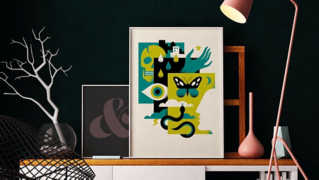
Say you need to match the look of brand content, or you just need to create content that matches some artwork, like this poster, you can choose the Type, then enter a prompt, and before you Generate, look at the Styles options in the panel.
First you can select the Artwork option.
This makes it so that what you generate matches the style of any vector artwork or image objects that surround the generated artwork or select Picker to pick a style from any object in your artwork.
Turn the option on, then select Picker.
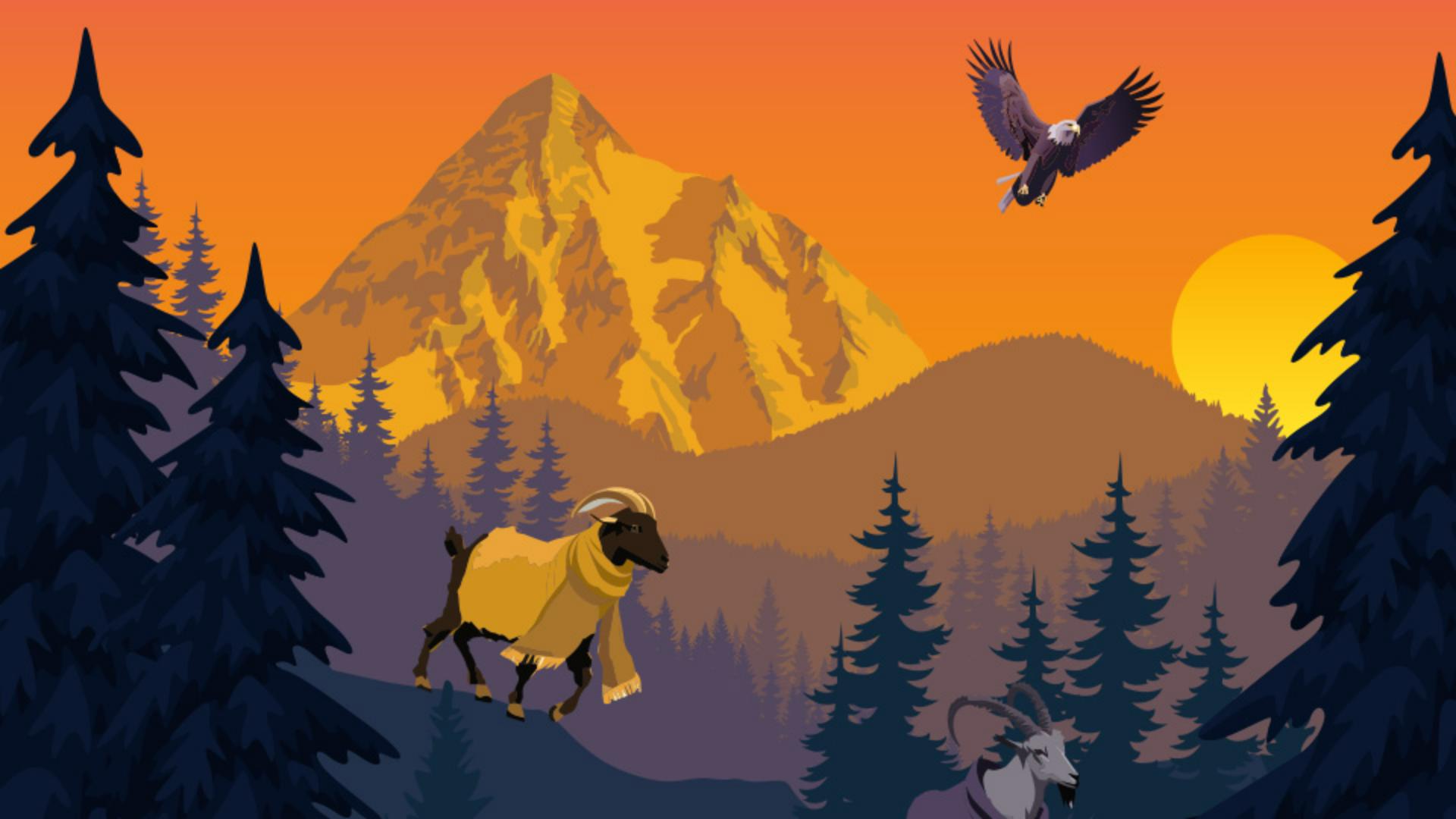
You can then click on artwork like this mountain, click Generate and you'll see that the generated artwork has a similar look.
If you go back to the options, select Artwork and Generate again and you'll see that pulls the style from the artwork surrounding it.
This is a quick tip.
If you have something selected and you click on a variation, it's applied to what's selected.
Another way, if you want to use something from the variations, you can just drag it into your project, then click to place it.
As you experiment with Text to Vector, try some of these tips to help you make your best artwork.