Introduction
Do you want to speed up the processing of your landscape photos in Lightroom on mobile?
With the Adaptive Landscape Presets, that's exactly what you can do.
Hi, I'm Seán Duggan from Adobe Learn.
In the next few minutes, I'll show you how to use the Adaptive Landscape Presets to quickly enhance a landscape image, and also as a shortcut for creating detailed masks for different areas in the scene.
Accessing the Adaptive Landscape Presets in Lightroom on mobile
To open the Presets, I'll tap the icon of the two circles in the lower left corner.
In the Presets screen, you can find the different Adaptive Presets in the Premium section.
I'll choose Adaptive Landscape.
This collection of presets includes two presets for each season of the year: Spring, Summer, Autumn, and Winter.
Adaptive presets analyze your photo to identify specific areas in the scene
With an Adaptive Preset, Lightroom will use AI to identify different areas of the scene, and then apply adjustments to enhance those specific areas.
That's what makes it adaptive.
The effect of the preset is adapted to the specific landscape areas that are present in your photo.
Applying and fine-tuning a seasonal adaptive preset
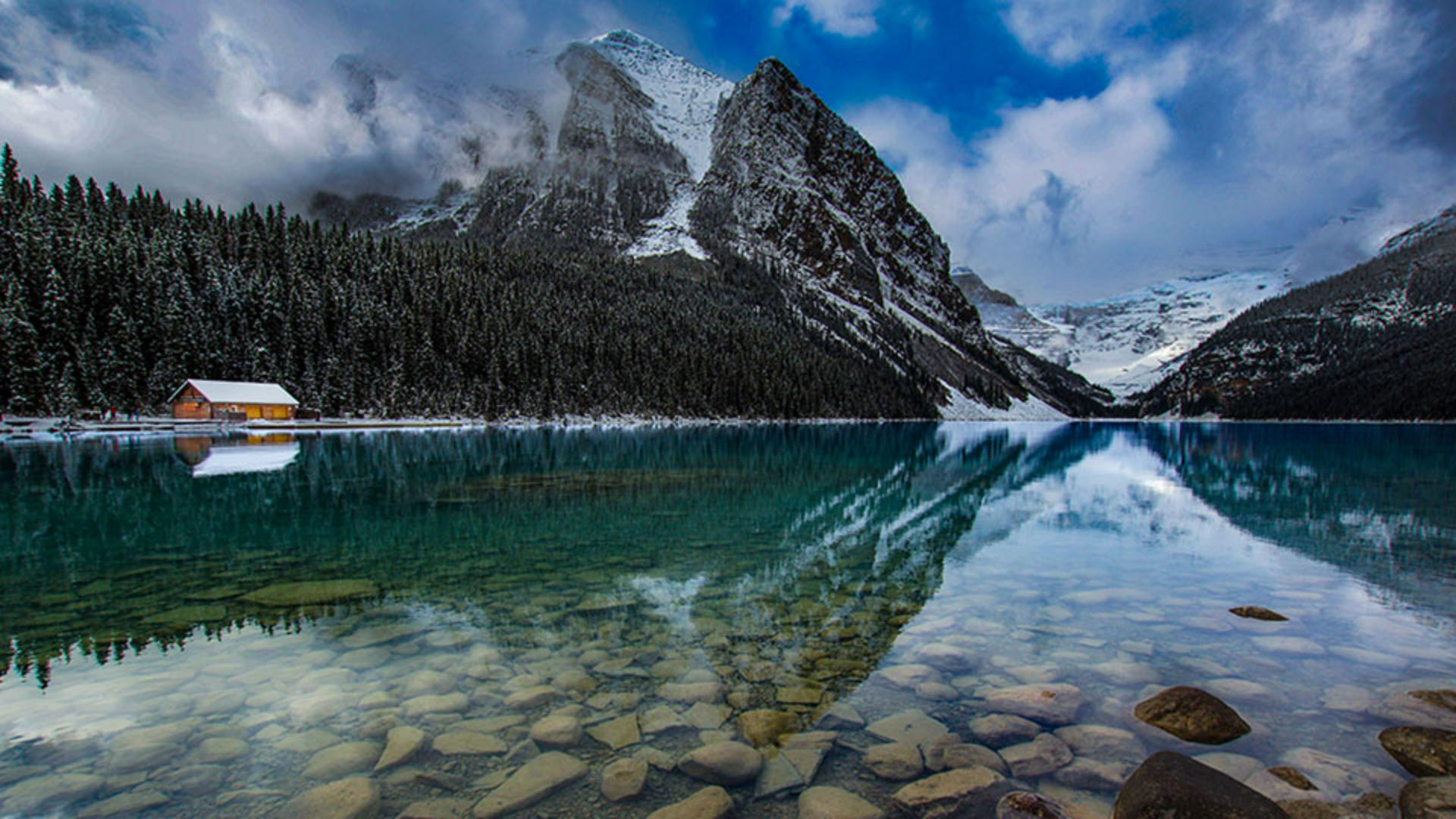
Since this is a winter scene, I will choose one of the Winter Presets because only the Winter options will create a separate adjustment for snow.
I'll choose Winter01.
Now check out the thumbnail of the preset.
That icon in the center means that you can tap the preset thumbnail to reveal an Amount slider you can use to lessen or strengthen the effect of the Adaptive Preset.
I'll turn up the strength for this a bit by moving the Amount slider to the right.
There; that looks pretty good.
Now I can tap the Checkmark in the lower right to apply the preset.
That looks great and it's quite an improvement.
If I press and hold on the photo, I can see the Before view and when I release, here's how it looks with this preset.
That's how you can use the Adaptive Landscape Presets to enhance a landscape photo with a single tap.
But it gets better.
Let me show you.
Customizing the adjustments to different masked areas in the scene
The small dot just under the circular masking icon indicates that masks have been added to this image.
I'll tap that icon to open up the masking screen.
On the right side, you can see all the different masks that the Adaptive Landscape Preset created.
I'll swipe to the left on this white line at the bottom to expand the Masks panel, so we can see that they're all named for different areas within this scene.
The great thing about this is that you can use these to further customize the initial preset result.
For example, I'll select the Water mask and then tap on the Light adjustments and move the Exposure slider to brighten the lake.
This is one of my favorite parts of the Adaptive Landscape Presets, because I can use them as a shortcut to create several detailed masks for my image.
I'll tap the thumbnail of the mask to return to the Masking panel.
Now, down near the bottom of the masks, you can see one labeled Artificial Ground with an exclamation mark symbol.
The reason that we're seeing this is that the Adaptive Landscape Presets were created to include all of the potential landscape masks that Lightroom can generate.
In this image there is no artificial ground visible, so this is an empty mask that does nothing.
You can either ignore it or tap the three dots to the right of the mask thumbnail, and then tap Delete.
I'll tap the Checkmark in the lower right to apply those edits.
And now let's see what the image looked like when we started and how it looks after the Adaptive Preset and that custom adjustment I made.
Now that you know how to get the most from the Adaptive Landscape Presets, give them a try the next time you want to enhance and improve one of your own landscape photos.