Create photography mood boards with Lightroom and Firefly
What you’ll learn
Create a mood board from Lightroom Images
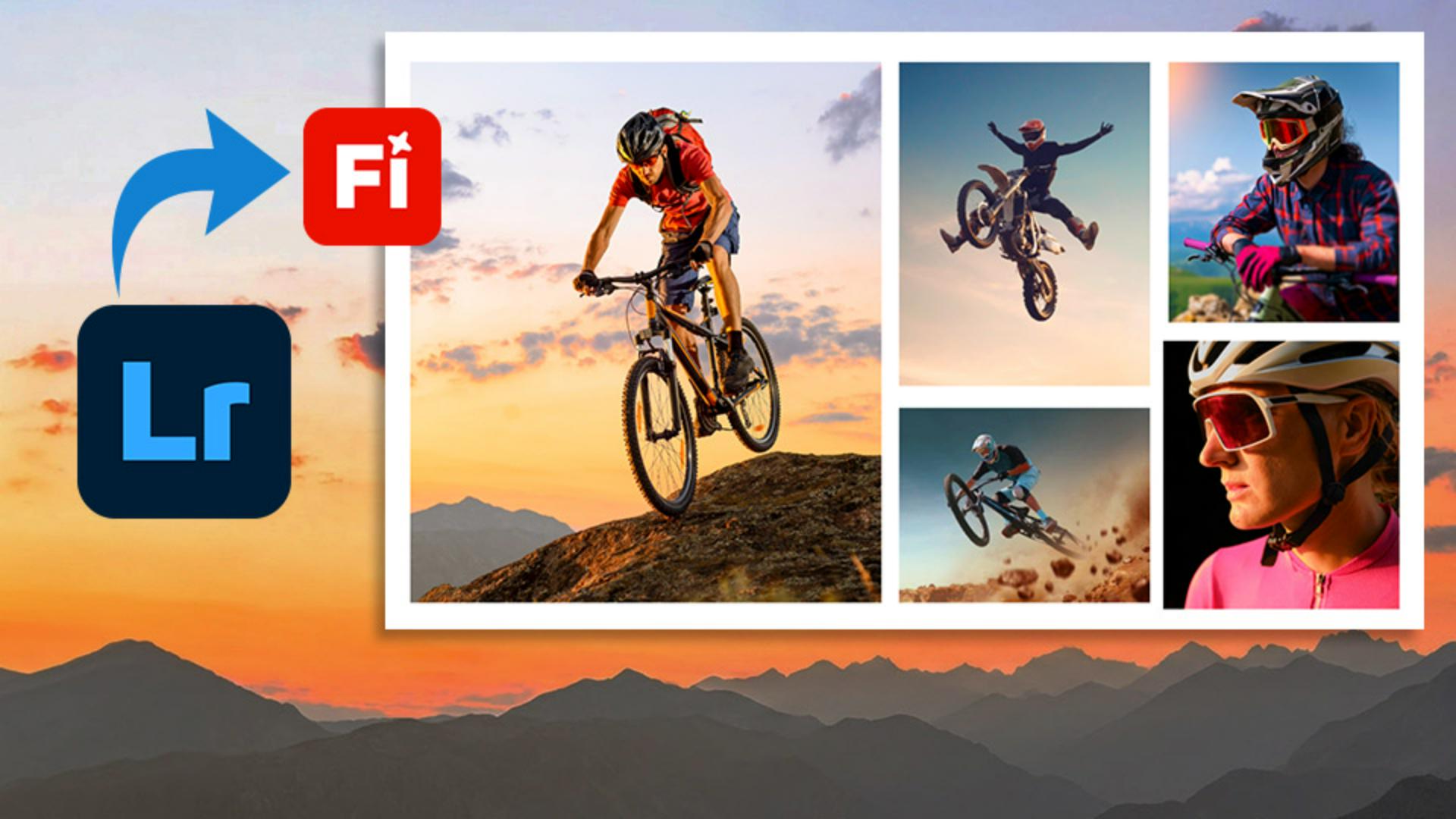
Select up to ten photos that represent key ideas for your project and send those images directly into a new Firefly Board. When Firefly opens, place your imported images onto the canvas and arrange the photos to establish a clear visual direction for your project.
Organize images on an Artboard
Artboards are useful for arranging a collection of reference images into a more cohesive and polished presentation that is suitable for sharing with clients.
Combine multiple mood boards and add new content
You can select and copy the images from one mood board onto another Firefly board. You can also add images from outside Lightroom by using the Add Content option or simply dragging and dropping files onto the board.
Share mood boards with clients and collaborators
When you're ready to share, you can generate a link for a mood board or invite collaborators directly, giving them permission to edit the board or leave comments.
Explore new creative ideas with generative AI
Use Firefly’s generative AI tools to explore new creative concepts. By generating variations from a selected image, you can quickly brainstorm alternative compositions, subjects, and visual treatments for future photo shoots.
Instruction by

