Upscale cropped photos with AI in Photoshop
Rob de Winter compares tools that add sharpness and detail, then finishes with film grain.
Published
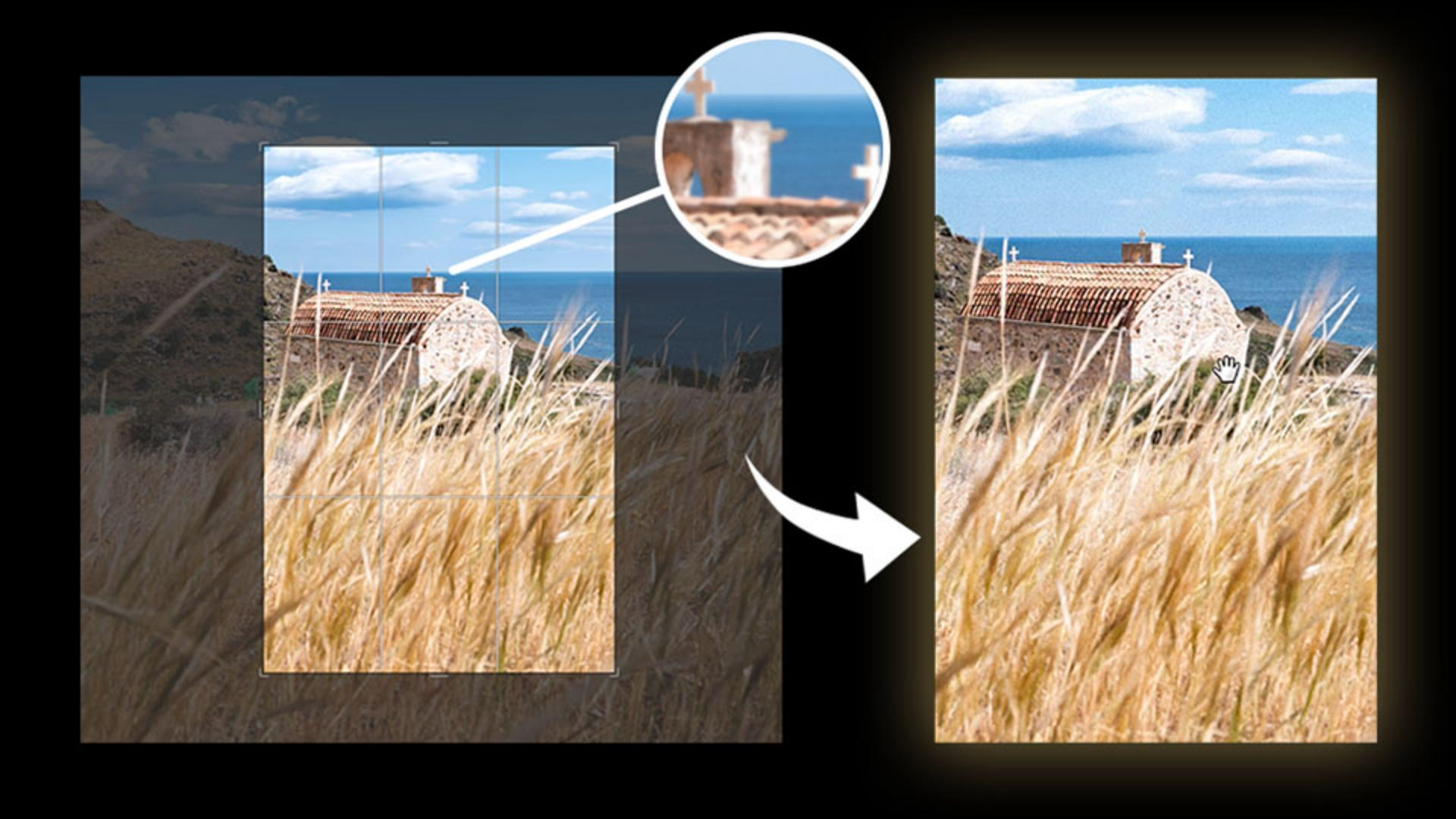
What you’ll learn
Upscale a photo without losing detail
Generative Upscale adds detail and sharpness to a photo that doesn't have enough resolution to print well. Topaz Gigapixel preserves the most detail from the original image compared to regular upscaling.
Compare upscaling models for different results
Firefly's upscaler offers a commercially safe alternative to Gigapixel, while Topaz Bloom takes more creative liberty with detail. Each option changes the original photo by a different degree.
Finish the photo with a grain effect
Once the photo is upscaled, you can keep editing as usual. Add a grain adjustment layer and adjust the amount and size for a film look.
-
Instruction by

