Good branding is something that is super eye-catching.
It stops you.
It makes you remember what it is, and it’s something that you want to take home with you.
I’m Badal, I’m a graphic designer and I run a studio called Super Spicy.
Super Spicy is about adding flavor to everything.
Brand, design, and art direction.
I think a strong brand is about adding that attitude and drama and having that shared connection through your work.
Inspiration and Creative Process
The concept behind this project was basically inspired by my experience being a new mom.
A lot of half loaded thoughts, a lot of haziness, and really just static in my brain.
I really like working with my hands and I am a very visual person.
Being able to take a reference image, whether that’s an actual sketch or for me, actually photographing a rough layout of what I’m looking for helps inspire me and figure out the colors, the composition, the textures, how everything is working.
And then I’m able to kind of take that a step further with Adobe Firefly.
Using Adobe Firefly to Bring Ideas to Life
So I used Adobe Firefly to create the base of my visual.
And then once I got it to a good spot, I was then able to import it into Adobe Photoshop, where I was able to further refine that visual more to my liking.
I feel stiff, am I stiff?
Maintaining a Human Creative Voice
Having a strong point of view is what will make your work feel like you.
To make sure that your voice and your taste is still there and carries through.
And I think that’s really important when you’re using AI in particular, because that’s what’s going to differentiate your work and whatever you output.
It means getting back to the humanness of everything.
Key Advice for Designers
My advice for up and coming designers would be to really hone your craft and focus on your ideas.
Because at the end of the day, these are all just tools to help us execute our ideas.
“Firefly can create the packaging that's in my mind — otherwise, I'd spend hours, if not days, scraping together different materials and packaging online.”
Introduction
It's about creating that delicious, nuanced bite.
A little bit sweet, a little bit savory, a little bit funky all at once.
Hi I'm Badal.
People call me B.
I’m a graphic designer and I run a studio called Super Spicy.
Static is a nail polish brand that I created to speak to the experience of being a new mom.
Using Adobe Firefly to visualize brand concepts
I want to be able to quickly just see how we could bring this brand to life.
Like, I can just have Firefly create the bottle that's in my mind.
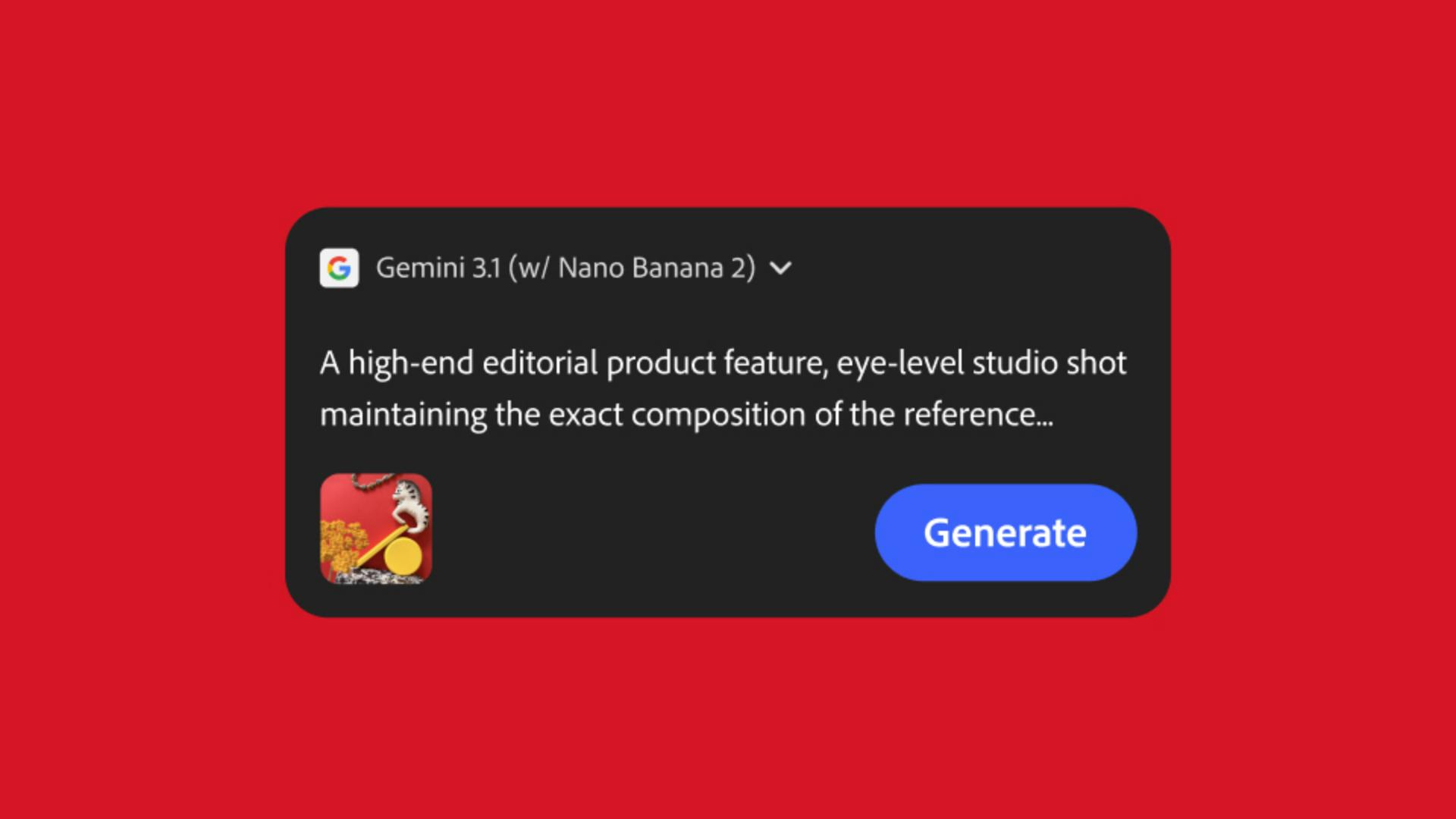
Once I took this photo, I uploaded it into Adobe Firefly.
I started playing with the prompts.
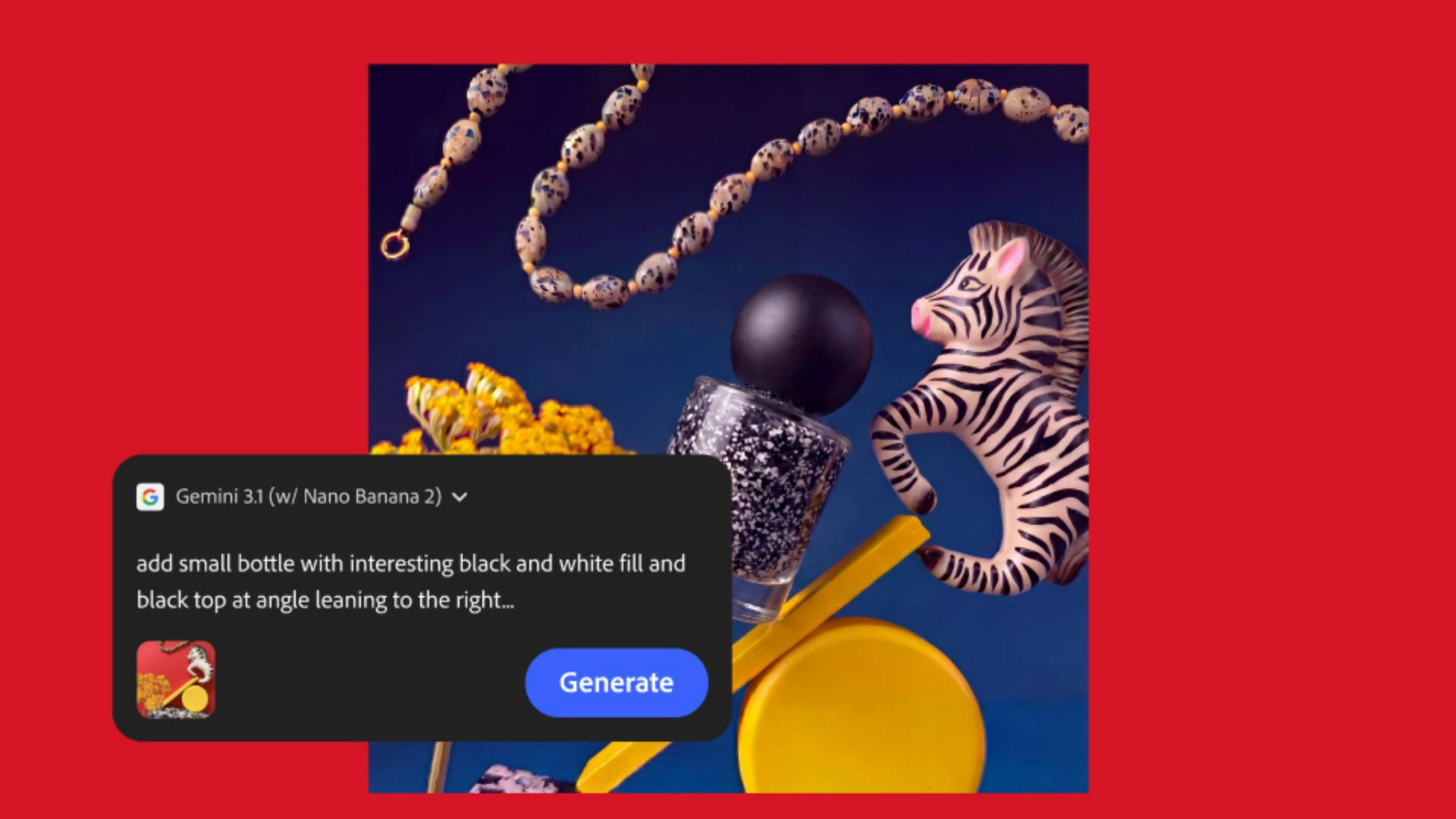
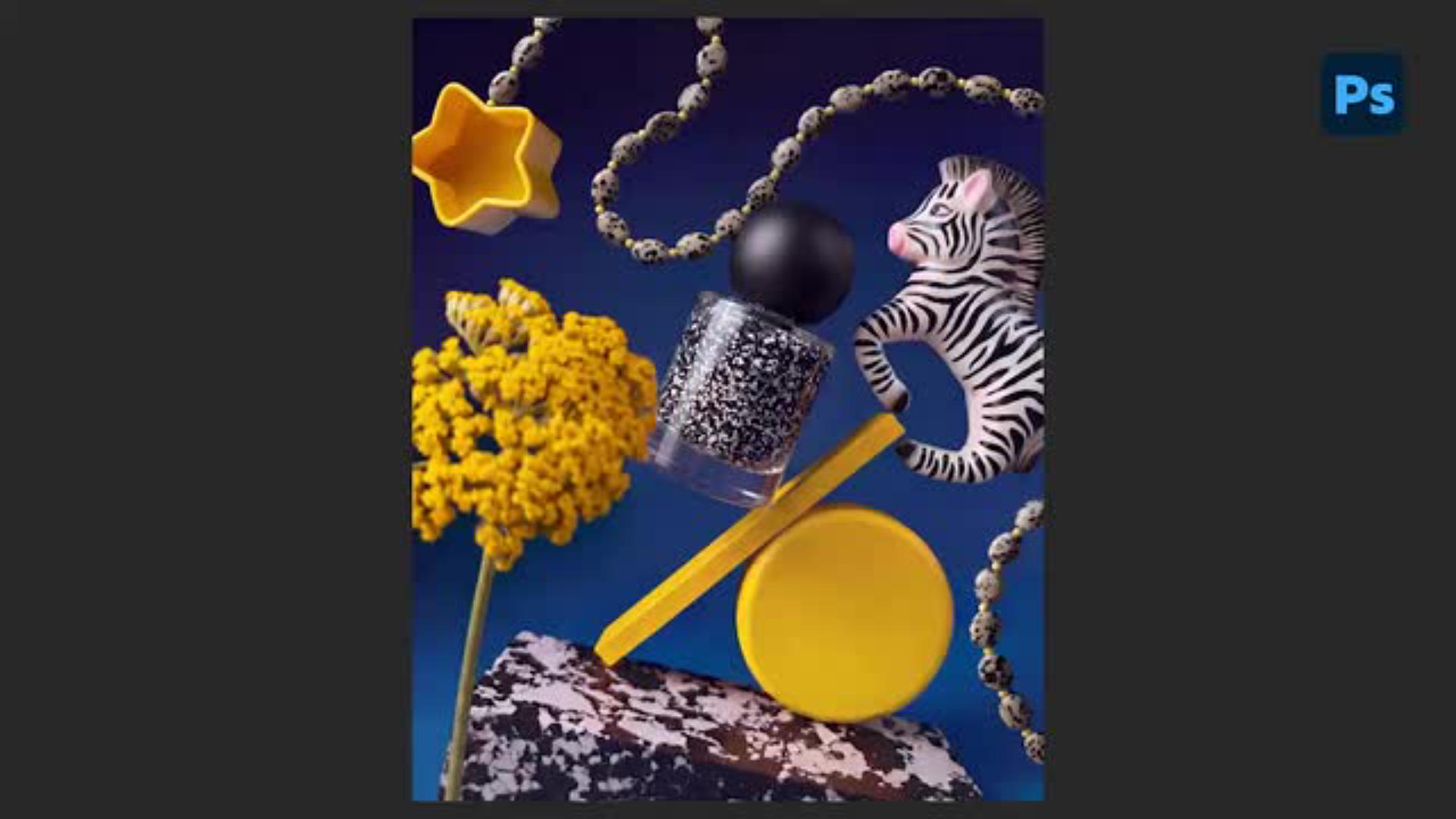
Wouldn't it look even more interesting if it looked like it was going to fall over at any point?
So Firefly spit out these compositions where it did exactly that.
It took my prompt and it was able to make it look like it was shot.
Translating generated ideas into packaging design
I figured, why not create a packaging nail polish bottle that mimicked some of that playfulness through geometric shapes?
Refining mockups with Photoshop and Illustrator
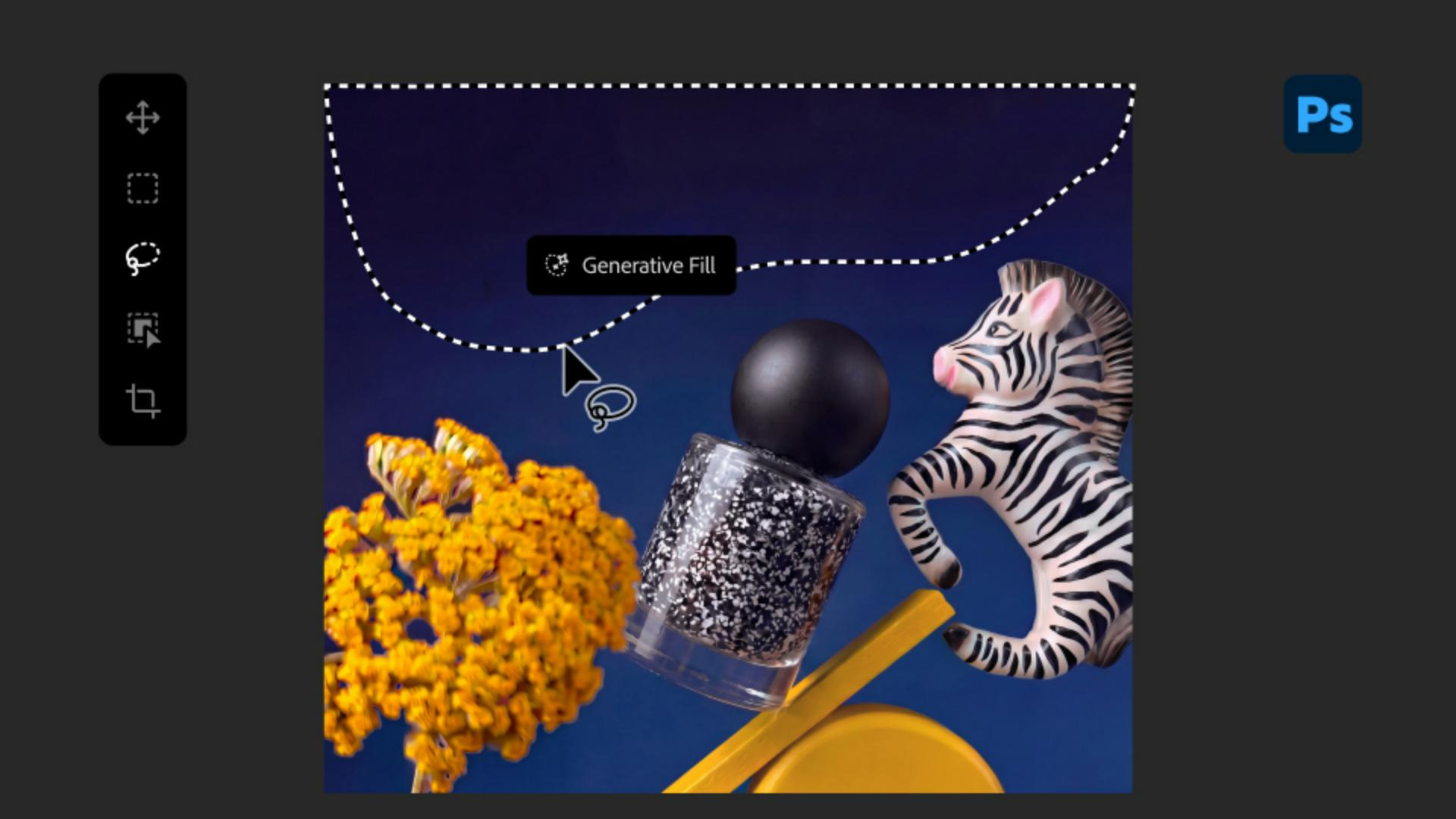
I moved into Adobe Photoshop.
I tweaked everything til it was looking exactly how I liked it.
Then I brought in a logo that I made on Adobe Illustrator, adding some grain, adding a little bit of drop shadow to make sure that it feels real.
Presenting creative concepts with strong visual storytelling
I was able to kind of show big flavor, in visuals and the way I would approach design, to showcase a mockup to a client and really sell them on this idea.
So it's about trying to get that mix of like, all of the different things that create that perfect bite into one.
Step 1: Develop the concept.
B uploads a reference image to Firefly on the web and lets her vision go wild. In this example, she’s working on the backdrop for a product shoot.
Transcript not available
Step 2: Try multiple prompts.
Exploration is the name of the game. B never settles for the first generation. She tweaks the prompt, tests outputs, and gets everything just right — using Firefly to generate an original nail polish bottle from scratch before moving over to Photoshop.
Transcript not available
Step 3: Move over to Photoshop.
From there B takes the image to Photoshop, where she can make precision adjustments, enhance selected areas, and get it all ready for layout.
Transcript not available
Step 4: Add the finishing touches.
B finishes her mockup by adding branding to the bottle, then integrates it realistically with warp and shadows. “Just a little bit of drop shadow, too, to make sure that it feels real — so it’s presentable to a client,” she says.
You can control how Adobe websites use cookies and similar technologies by making choices below. But note that if you disable cookies and similar technologies entirely, Adobe websites may not function properly.
Cookies are small text files stored by your web browser when you use websites. There are also other technologies that can be used for similar purposes like HTML5 Local Storage and local shared objects, web beacons, and embedded scripts. These technologies help us do things like remembering you and your preferences when you return to our sites, measure how you use the website, conduct market research, and gather information about the ads you see and interact with.
You can make choices in the menu below about what cookies and other technologies you want us to use on Adobe sites when you visit them from this browser. You can always change those choices later by clicking on the Cookie Preferences link at the bottom of the page.
If enabled:
We can improve your experience by tailoring the site and the content to things we think might be of interest
We can better keep track of your preferences — like what language you prefer to use
We will better understand your likely interests so we can provide you more relevant Adobe ads and content on non-Adobe websites and in non-Adobe apps
It will help us improve the performance of our website and those of our partners who use the Adobe Experience Cloud
If disabled:
We won’t be able to remember you from session to session so the experience may not be tailored to your interests
You’ll still have access to the content of the site but certain features that depend on cookies may not function
You’ll still see ads, they just may not be as relevant to you
General information
You can control how Adobe websites use cookies and similar technologies by making choices below. But note that if you disable cookies and similar technologies entirely, Adobe websites may not function properly.
Cookies are small text files stored by your web browser when you use websites. There are also other technologies that can be used for similar purposes like HTML5 Local Storage, web beacons, and embedded scripts. These technologies help us do things like remembering you and your preferences when you return to our sites, measure how you use the website, conduct market research, and gather information about the ads you see and interact with.
You can make choices in the menu below about what cookies and other technologies you want us to use on Adobe sites when you visit them from this browser. You can always change those choices later by clicking on the Cookie Preferences link at the bottom of the page.
If enabled:
We can improve your experience by tailoring the site and the content to things we think might be of interest
We can better keep track of your preferences — like what language you prefer to use
We will better understand your likely interests so we can provide you more relevant Adobe ads and content on non-Adobe websites and in non-Adobe apps
It will help us improve the performance of our website and those of our partners who use the Adobe Experience Cloud
If disabled:
We won’t be able to remember you from session to session so the experience may not be tailored to your interests
We’ll still count your use of our site and services
You’ll still have access to the content of the site but certain features that depend on cookies may not function
You’ll still see ads, they just may not be as relevant to you
Operate the site and core servicesOperate site and measure engagement
Always active
These cookies are required, and they are used to enable the site and related services core functionality. Without them the site could not operate, so they cannot be disabled.
These cookies enable the site and related services’ core functionality and collect statistics about user engagement, such as counting active use to help us understand trends. These cookies cannot be disabled.
Measure performance
These cookies are used to analyze site usage to measure and improve performance. Without them Adobe cannot know what content is most valued and how often unique visitors return to the site, making it hard to improve information we offer to you.
These cookies are used to analyze site usage to measure and improve performance. Without them Adobe cannot know what content is most valued, making it hard to improve information we offer to you.
Extend functionality
These cookies are used to enhance the functionality of Adobe sites such as remembering your settings and preferences to deliver a personalized experience; for example, your username, your repeated visits, preferred language, your country, or any other saved preference.
Personalize advertising
These cookies are used to enable Adobe and our partners to serve ads more relevant to your interests. Without them you will still see ads, but they might not be as relevant to you.
Personalize advertising
These cookies are used to enable Adobe and our partners to serve ads more relevant to your interests. Without them you will still see ads, but they might not be as relevant to you.