Apply color grading to an adjustment layer
So, let's first create a supersaturated color treatment.
I'm going to come to my New Item button, and then choose Adjustment Layer.
And by default, it perfectly matches my sequence settings, so I'll say OK.
Then, I'm going to drag and drop my Adjustment Layer onto V2, and then trim it out over all of the clips that I would like to effect.
One thing about my sequence, I've added this Ocean background music to mine.
You can find your own background music by searching in the Essential Sound panel and then dragging and dropping into your project.
But it's not necessary for the learning.
Now it's time to add an effect.
This could include either standard video effects or color correction effects.
To create my supersaturated look, I'm going to select my Adjustment Layer and then go to my Lumetri Color toolset, and I'll just make some basic adjustments in Basic Correction.
So I'm going to bring up my Saturation, and my Exposure, and my Contrast, and I'll also bloom my Whites a little bit.
Here is the before and after on that.
I'll just play a few seconds here.
So you can see that that look has been applied to all of the clips in my sequence.
That's really convenient as you're creating treatments, but it's also great as you're modifying them.
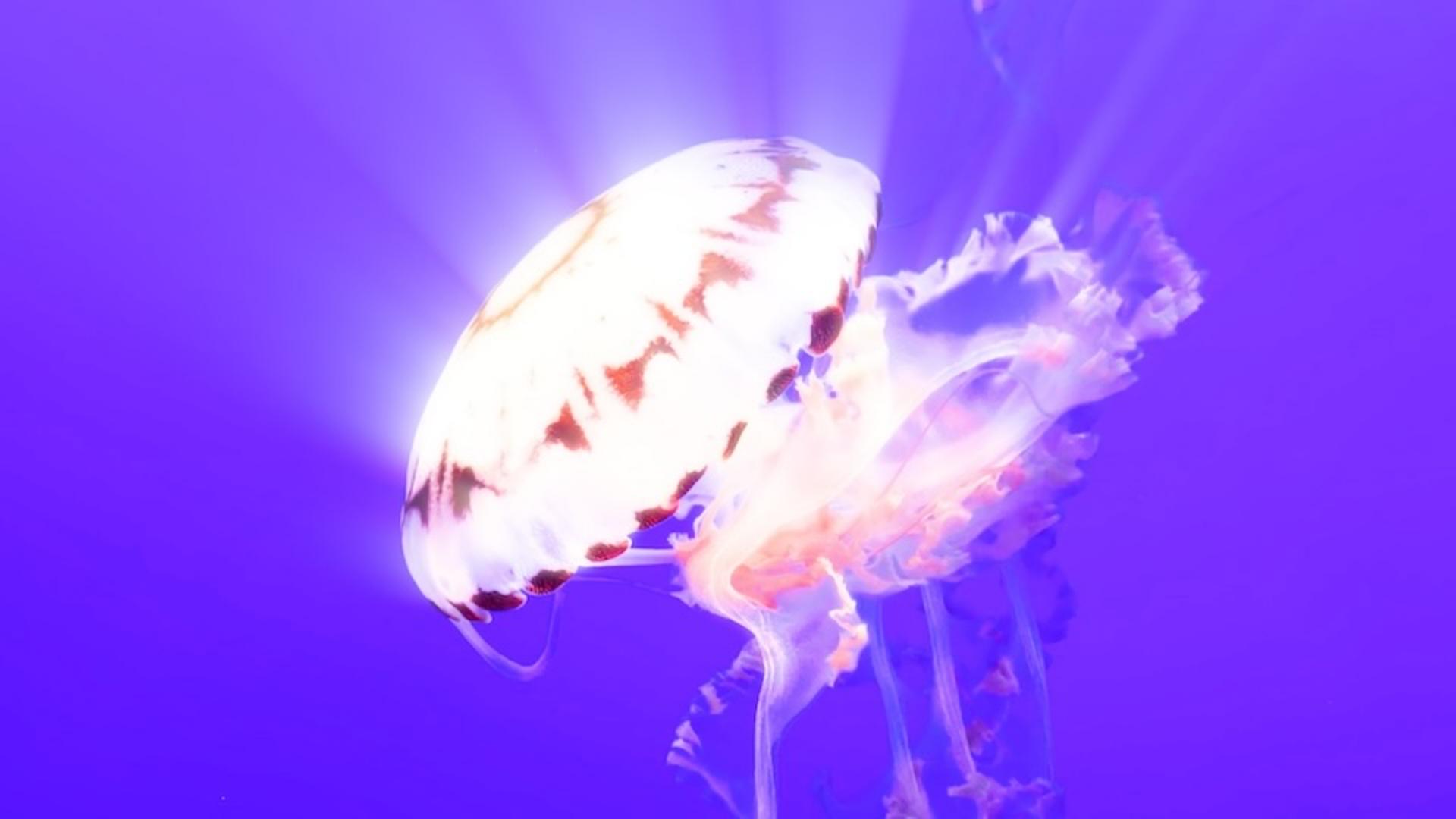
Let's say my client asks me to try something really creative and dramatically adjust all of my blue hues to a deep purple.
Well, I can do that in one step with an Adjustment Layer.
I'm just going to come down to my Curves category, and then in my Hue Saturation Curves, I'm going to go to my Hue vs Hue curve.
And because all of the water is the same color, I'm going to sample that water by clicking on this Eyedropper, and we'll sample the blue.
Then I'm going to take my blue node here and I'm going to drag down until it's the shade of purple that I want.
Notice I can go to pink or red, or I can go up to green, but let's go to maybe around that color there.
And then as I scrub through, you can see that all of my water is purple.
I can keep going.
Let's add another effect.
I'm going to go to my Effects panel.