
Try these tutorials with Premiere
Create and edit films and video.
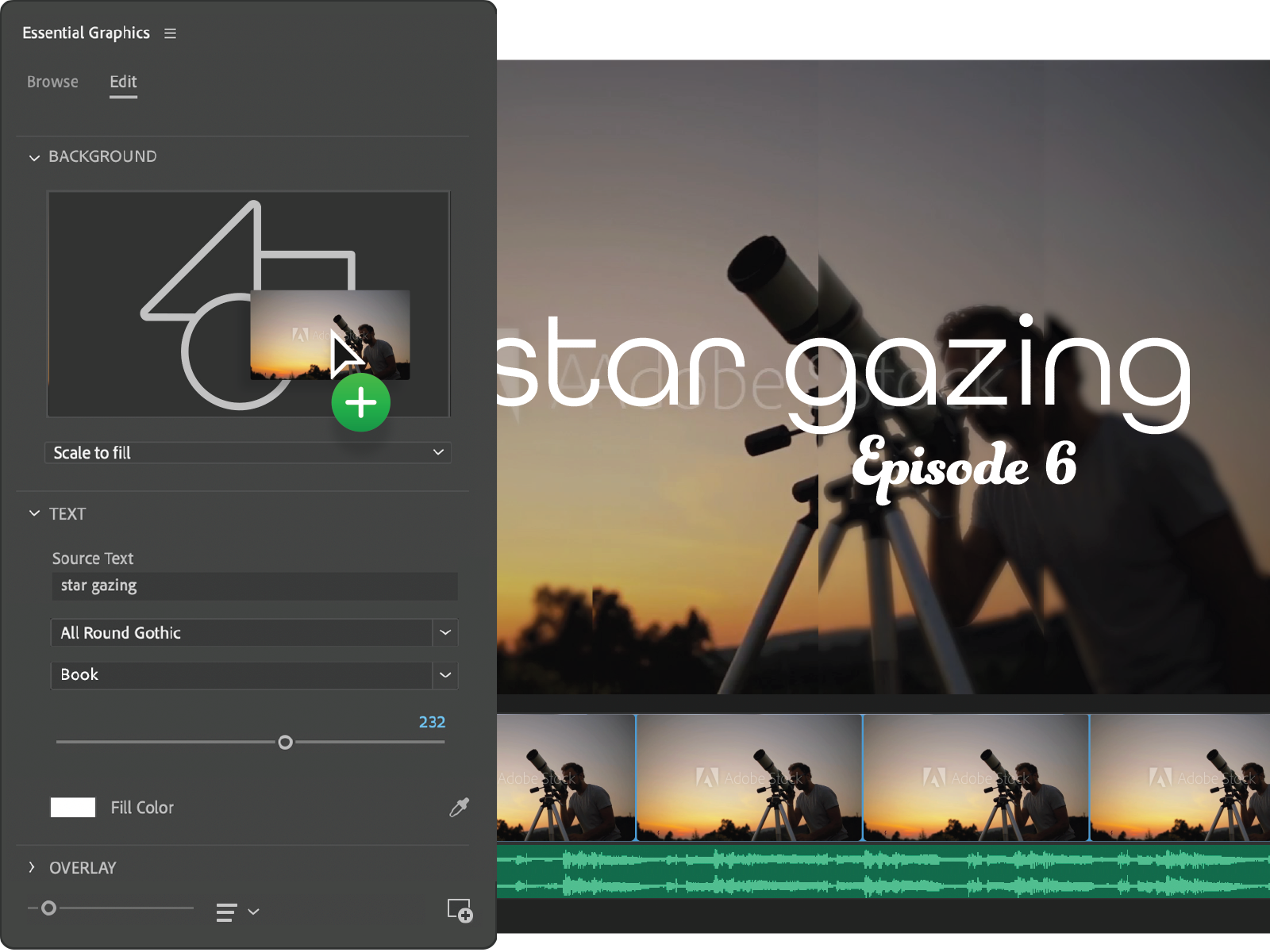
Easily add and edit animated graphics using the Essential Graphics panel — it’s a total media upgrade that’s sure to enhance all your projects.
Download free Motion Graphics templates.
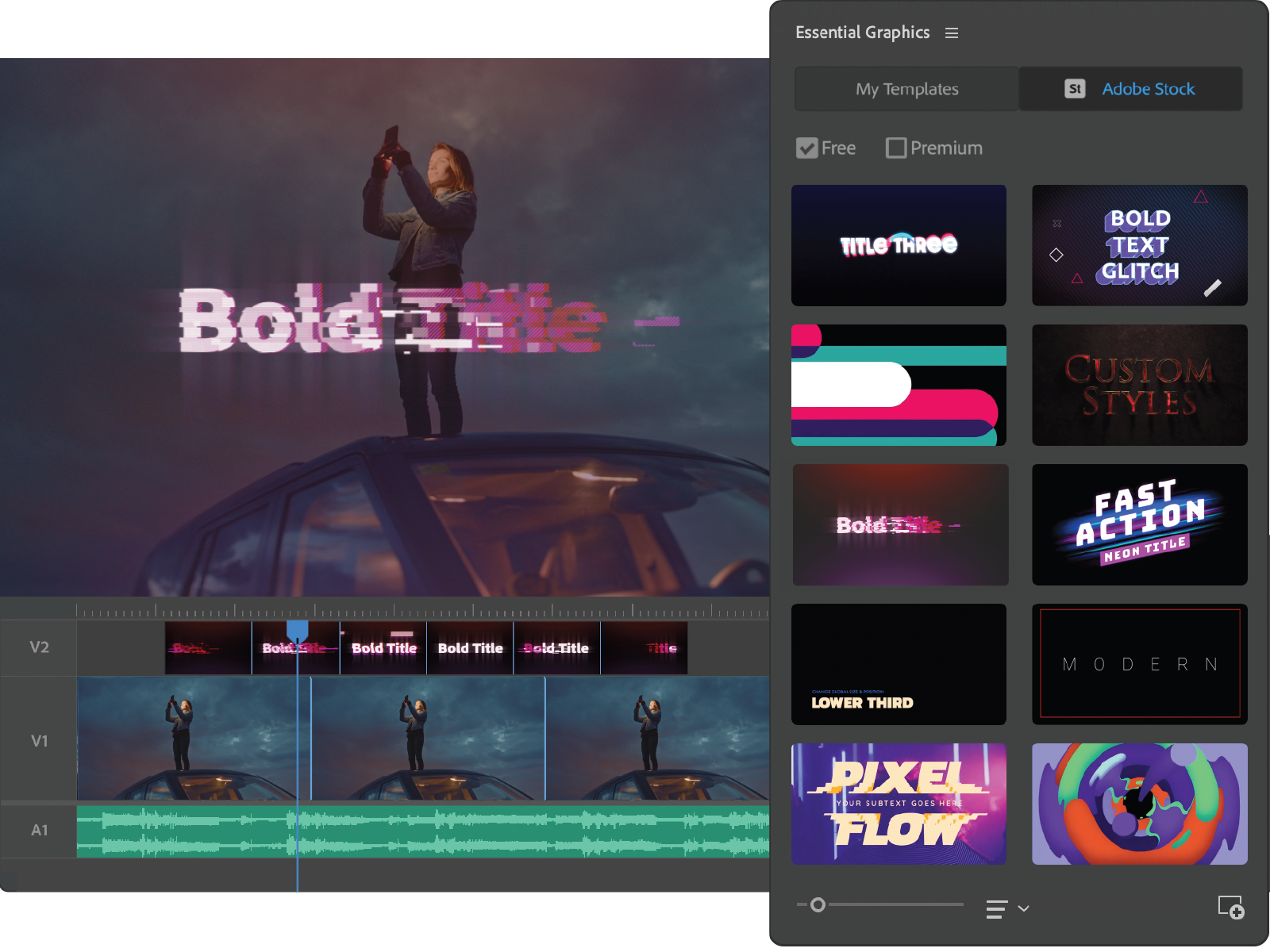
Browse the Essential Graphics panel for free Motion Graphics templates on Adobe Stock like animated titles, lower thirds, and more.
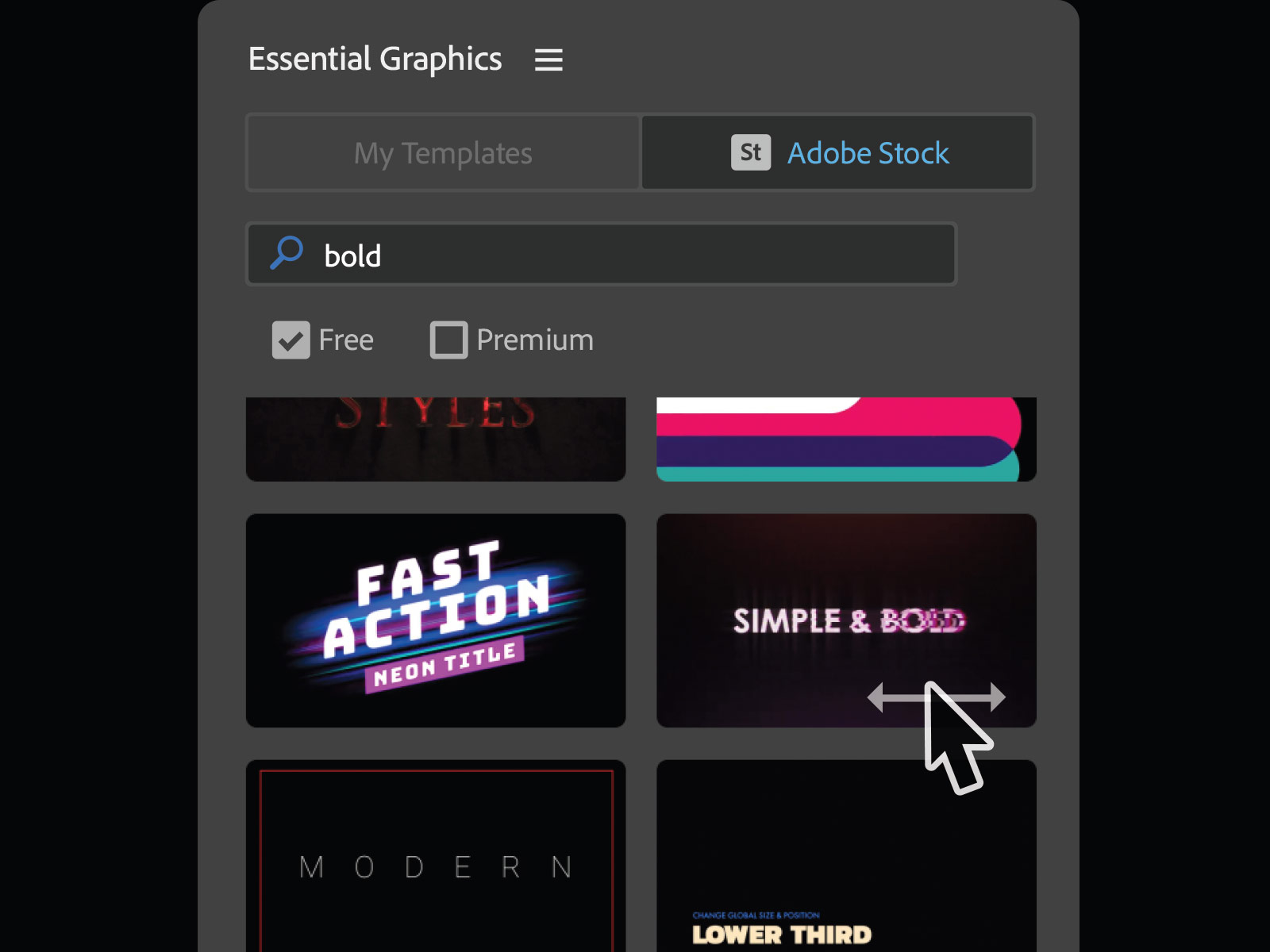
Drag a template to your sequence and preview the results. Use them to create transitions between clips or customize them for a unique design.
Get to awesome in less time with media replacement in Motion Graphics templates. Create or choose a template, and then add your own content to create pumped-up intros, animated slideshows, and more.