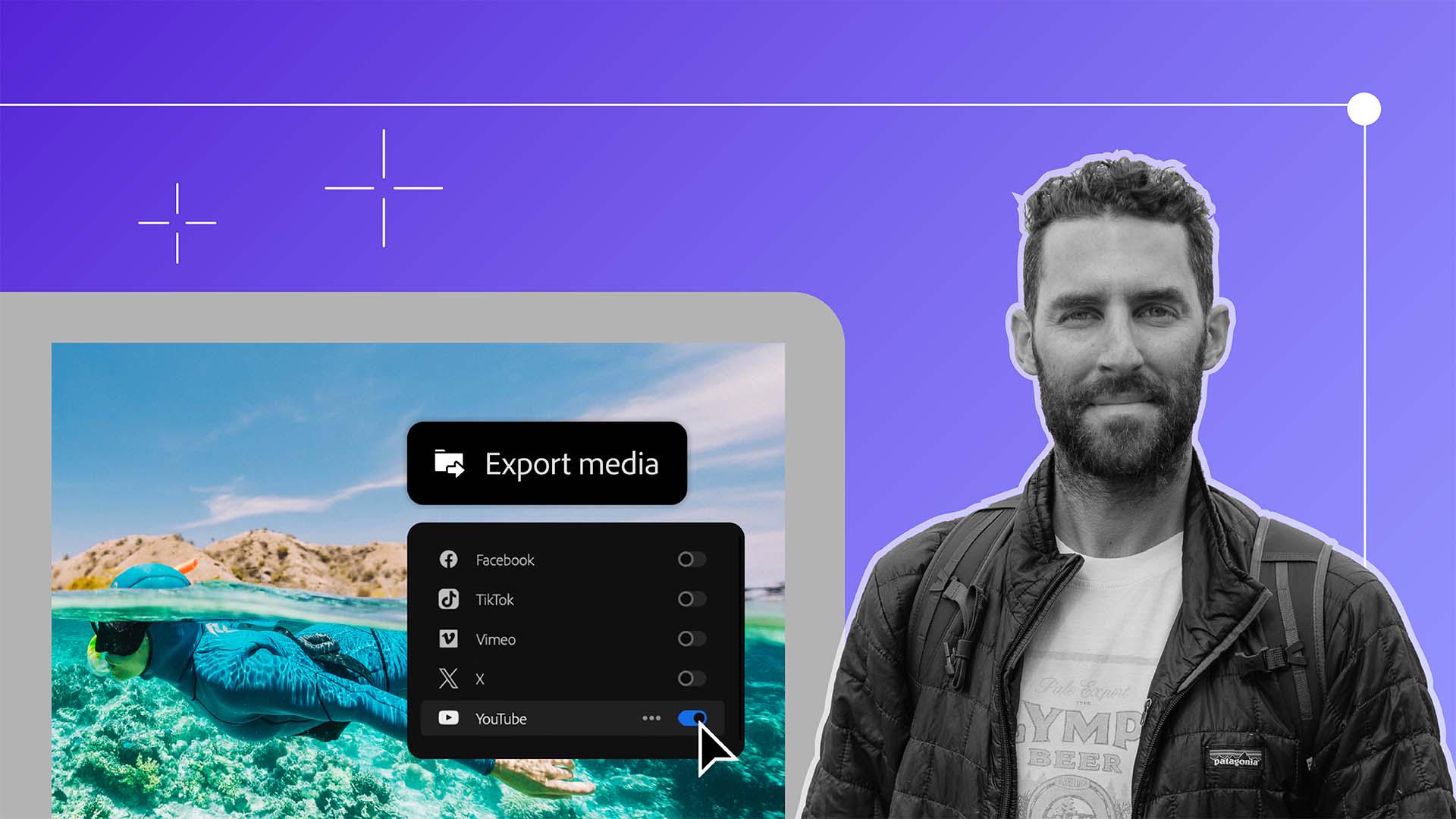
Publishing directly to social platforms from Premiere Pro
with various social platforms to choose from.
This process of getting your film out to the world has never been easier.
Let's say I want to upload my film to YouTube, Facebook and TikTok.
Well, rather than saving it and manually publishing these to the different platforms, I can simply toggle this button on and make sure that I'm logged into each of the platforms.
Then, if I'm posting to YouTube, I can actually add my Titles, my Descriptions, Tags, and I can even upload a Custom Thumbnail so that when I leave Premiere Pro, my film has been uploaded to every single one of these platforms that I want to share it on.
Once you've chosen all those platforms and you click Export, that video will automatically upload to each one of those platforms for you without the need to do all of that work manually.
At this point, you should be feeling extremely proud of yourself.
This is a long process and one that continues to get refined the more and more that you do it.
I want to thank you all for joining me on this eight-part series on creating a cinematic travel film from anywhere in the world.
To quickly recap, we went from the pre-production and pre-planning phase to shooting our film to the foundational stages of taking that footage, organizing it, creating our selects, building a story, adding music, sound design, graphics and color correction all the way to exporting our final film for the rest of the world to see.
I cannot wait to see what masterpieces you create.