
Try these tutorials with Premiere
Create and edit films and video.
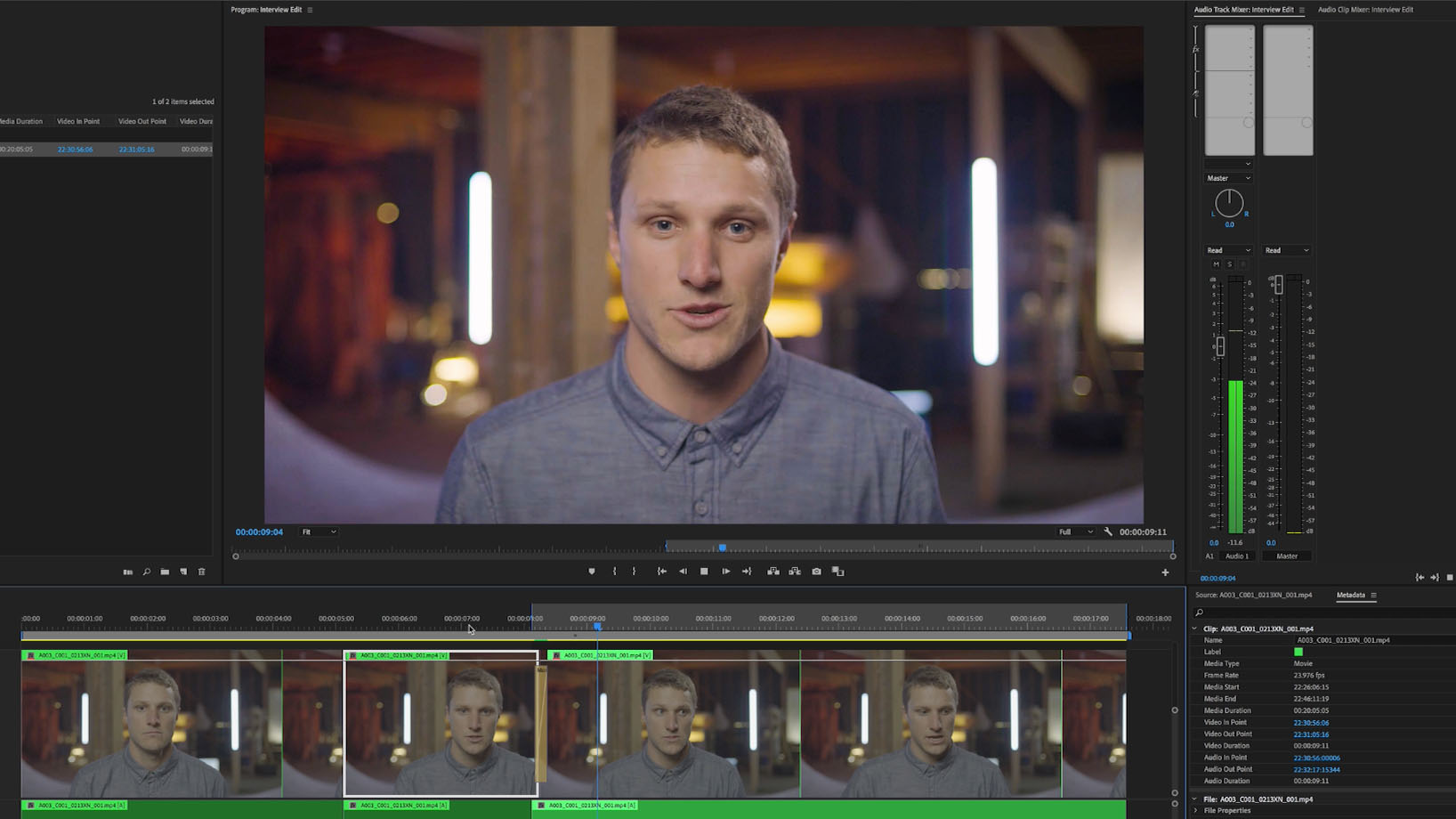
Morph Cut in Adobe Premiere Pro, powered by Adobe Sensei, smoothes out edits in talking head sequences, for quicker and easier polished interviews.
Edit the interview to tell a better story. Morph Cut smoothes your edits, avoiding the visual distraction of jump cuts. Remove pauses and misspoken dialogue to tighten the narrative.

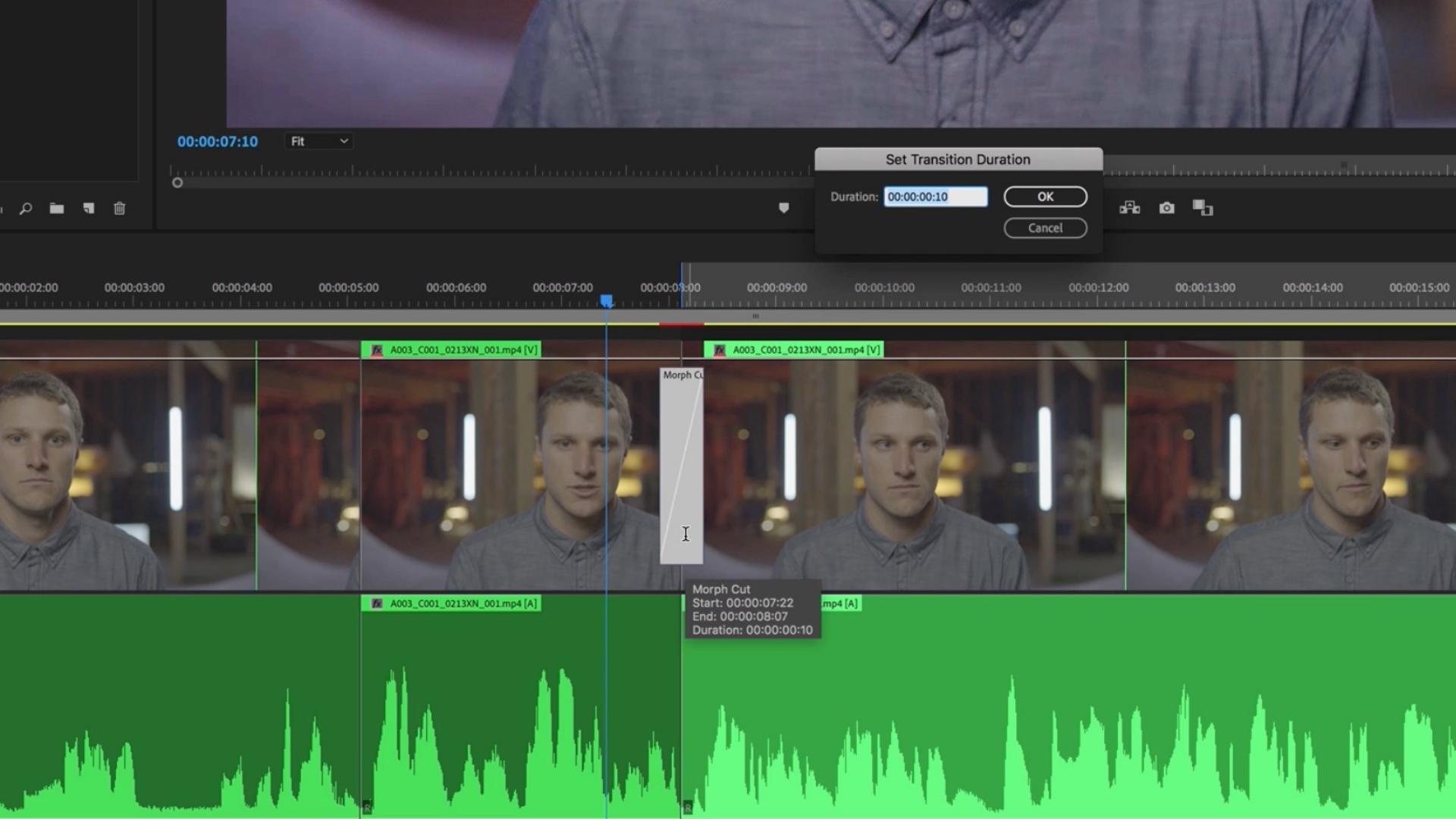
From the Effects panel, drag the Morph Cut transition effect onto the jump cut edit point and center it.
Double-click the transition to set the duration (you can also do this in the Effects panel).
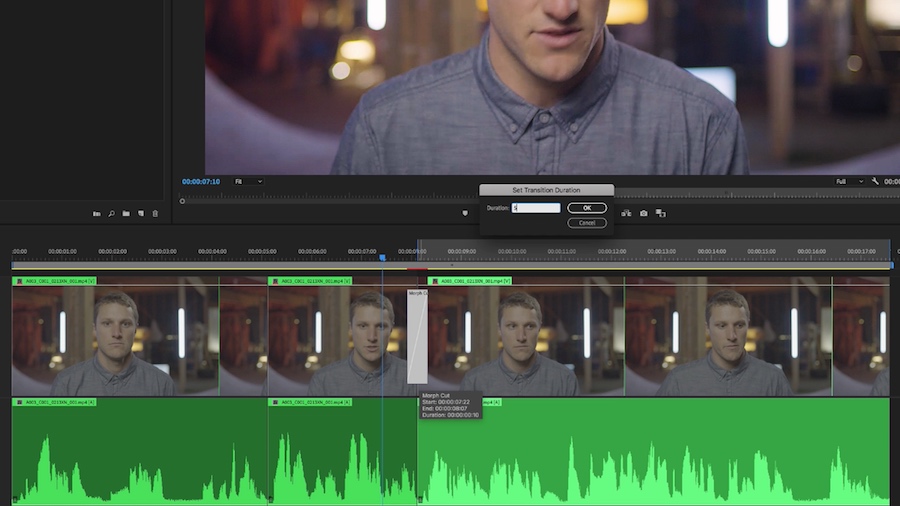
Use the Rolling Edit tool to refine your Morph Cut’s position to achieve the smoothest transition.
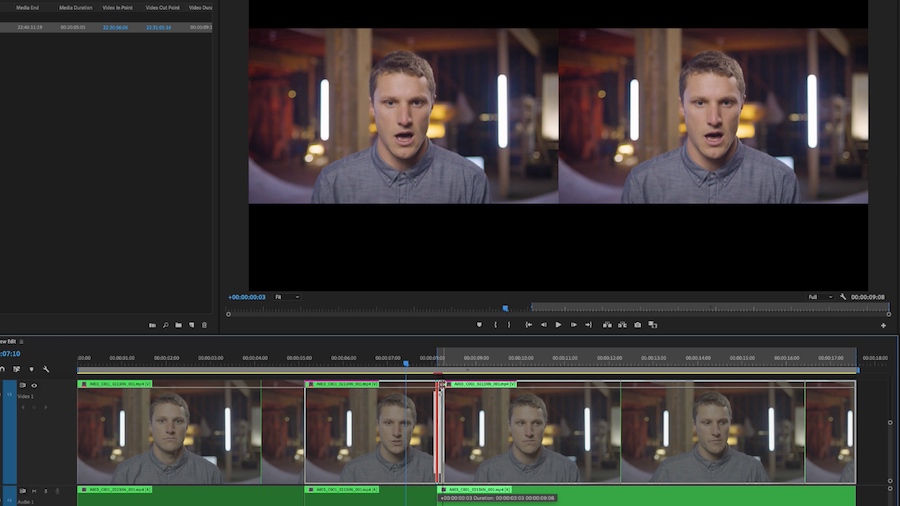
Once the transition is applied, Adobe Sensei goes to work in the background, analyzing the clips for optimal morphing.
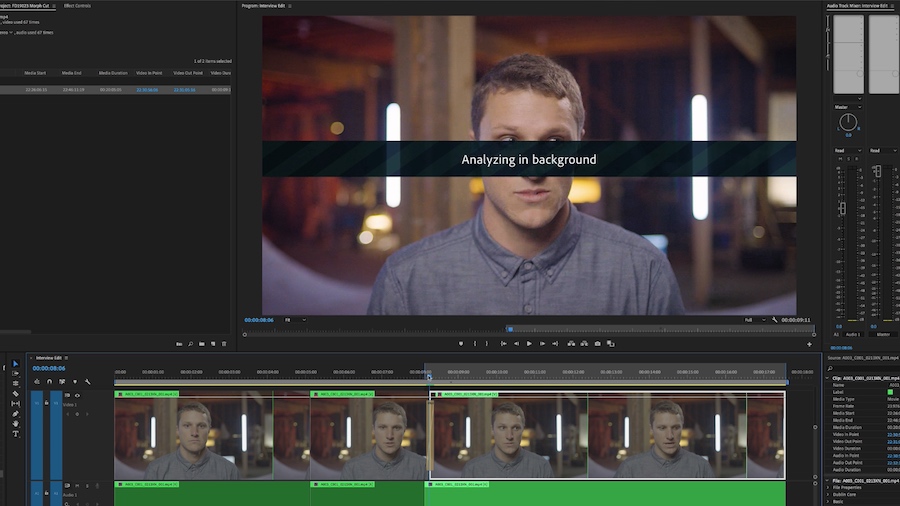
Thanks to Adobe Sensei, you can craft compelling interviews with smooth edits and no distracting jump cuts!