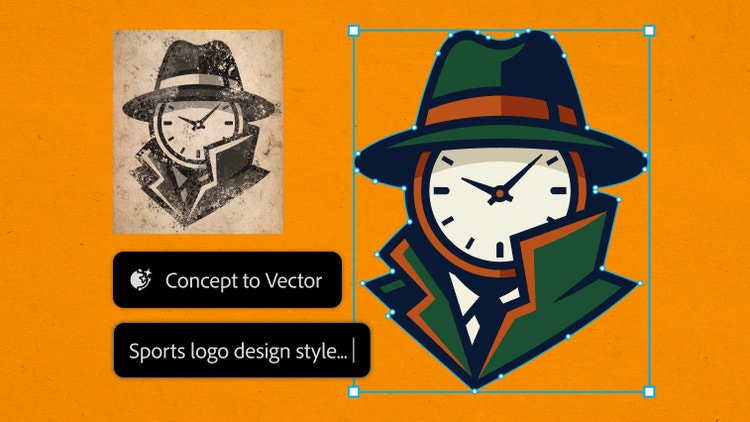
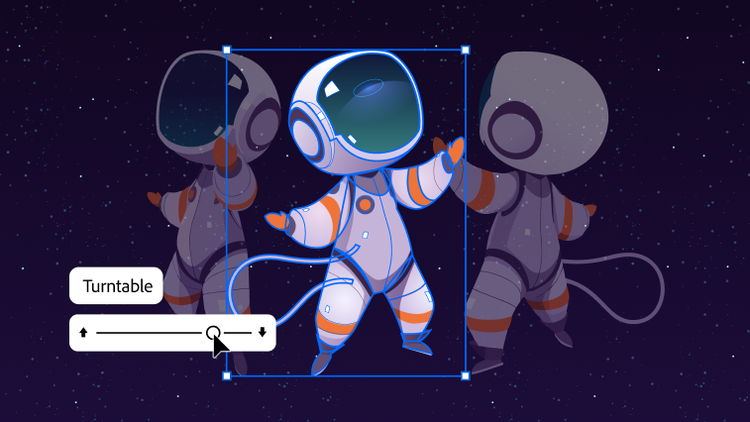
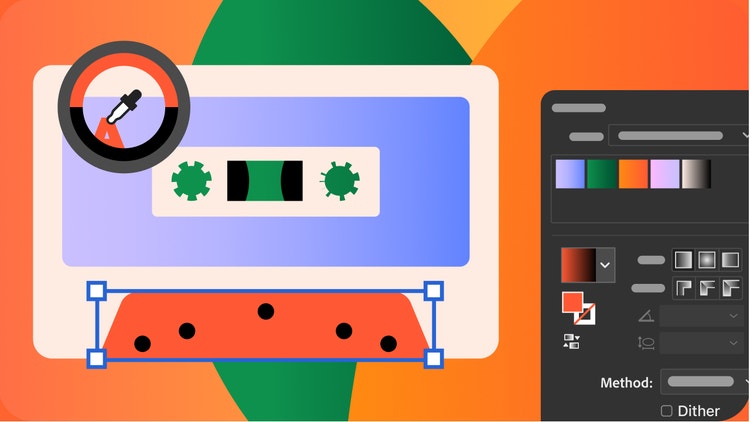
Adobe Illustrator is the industry-leading graphic design tool that lets you design anything you can imagine – from logos and icons to graphics and illustrations – and customize it with professional-level precision, as well as time-saving features like
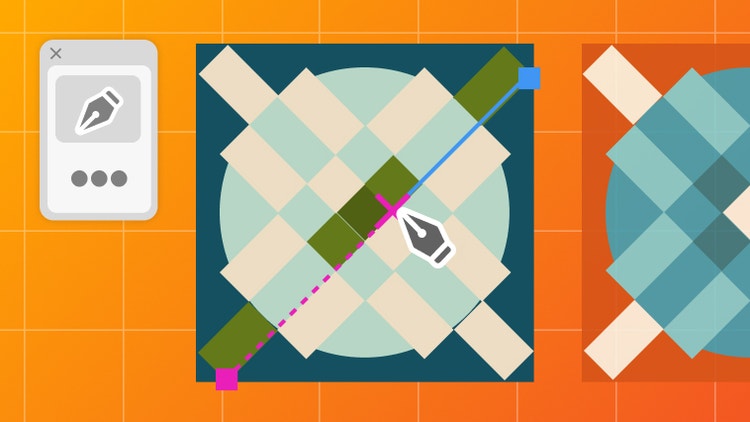
Repeat for Patterns or
Global Edits. You can use the graphics you create with Adobe Illustrator in any size digital or print format, and be confident they'll look exactly the way you designed them.
Both products let you create beautiful, precise designs and graphics. The difference lies in how they're created. Adobe Illustrator is best for creating graphics that can be infinitely scaled up or down without blurring or losing sharpness, since they're made of points, lines, and curves – not pixels. Use these vector graphics in any format you like – small or extra-large, digital or print. Adobe Photoshop, on the other hand, is ideal for working with photos and creating or editing pixel-based, or raster, graphics.
Learn more about when to use Adobe Illustrator vs. Adobe Photoshop here.
Not at all. With Adobe Illustrator, you can use shapes, lines, curves, and edges to create beautiful designs with features like
Shape Builder, even if you've never drawn a thing in your life. Or, try out customizable templates for when you want to get started quickly on a project. The best part is that you can keep modifying and changing colors, fonts, shapes and more – whenever and as much as you like.
Yes. You can download it in the App Store, and it's included in your Adobe Illustrator or Adobe Creative Cloud Pro subscription. Adobe Illustrator on the iPad is especially great if you love to draw digitally with natural hand movements – for example, by using an Apple Pencil.
Find out more about Adobe Illustrator on the iPad here.
Adobe Illustrator is a paid monthly or yearly subscription, but you can sign up for a
free seven-day trial to see if Illustrator is the best graphic design tool for you. Or try making collages, flyers, videos , and animations with the regular version of
Adobe Express — it's free forever.
Yes, students and teachers save over
71% on the Adobe Creative Cloud Pro plan. Find out more about student plans
here.
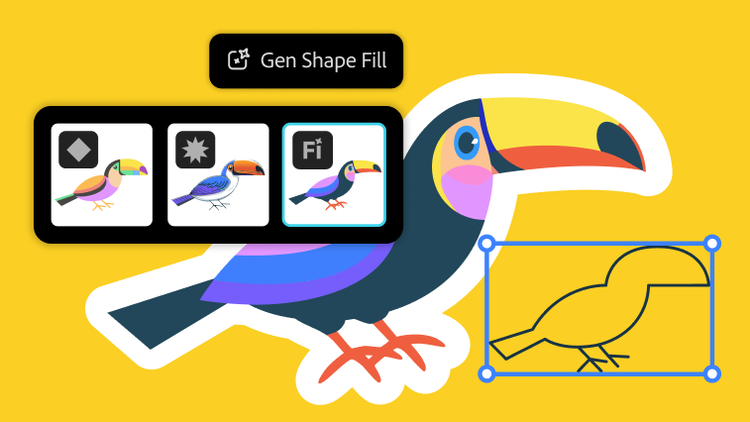
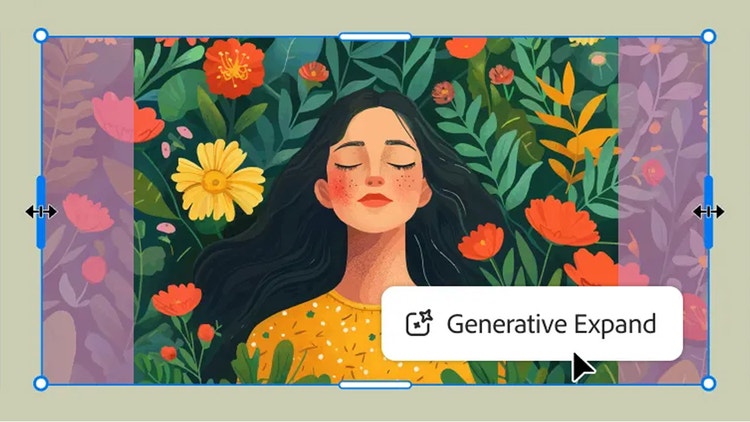
When generating content, you can select between Adobe’s proprietary models or a partner model from the Model dropdown menu. Adobe Illustrator is one of the Adobe Creative Cloud apps that natively integrates Adobe Firefly, Adobe’s powerful generative AI technology as well as provides the choice to use third party models like GPT 4o, Nano Banana, Ideogram, Imagen 4 and more. Generative Shape Fill, Text to Vector Graphic, Text to Pattern, and Generative Expand generations are editable vectors that can easily be scaled.