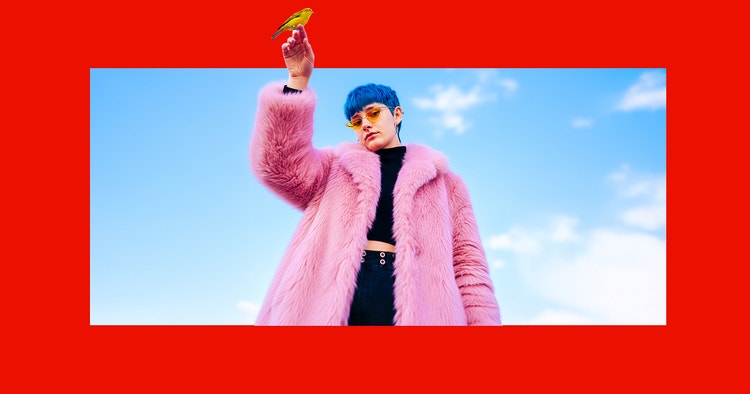
Put your image in a whole new light.
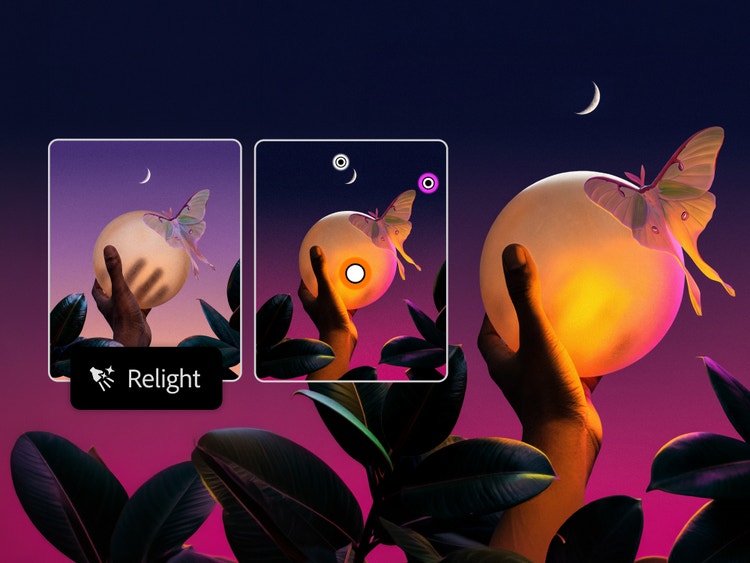
Transform the mood with Relight. Add lighting with full control over the position, color, intensity, and more — all with nondestructive edits.


Generate, refine, and composite images faster with AI-powered tools in Photoshop. Make precise edits with Generative Fill and leading AI models. Add lighting with Relight. Transform images in your edit with Generative Tune. Remove objects without a trace using related elements in the Remove tool. Tilt, rotate, and scale objects in real time with Rotate Object. Blend elements seamlessly with Harmonize. Enhance image quality with Generative Upscale. And extend any image with Generative Expand.
Transform the mood with Relight. Add lighting with full control over the position, color, intensity, and more — all with nondestructive edits.
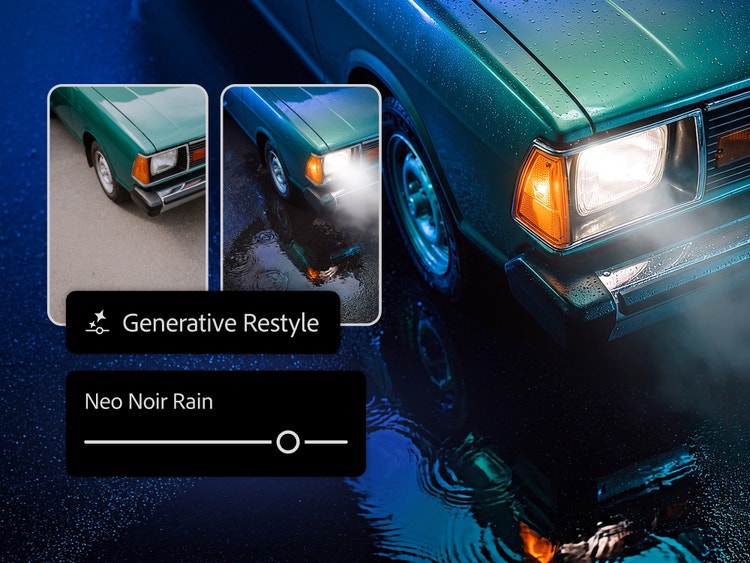
Transform images in your edit with Generative Restyle. Create custom sliders to direct lighting, color, and more.
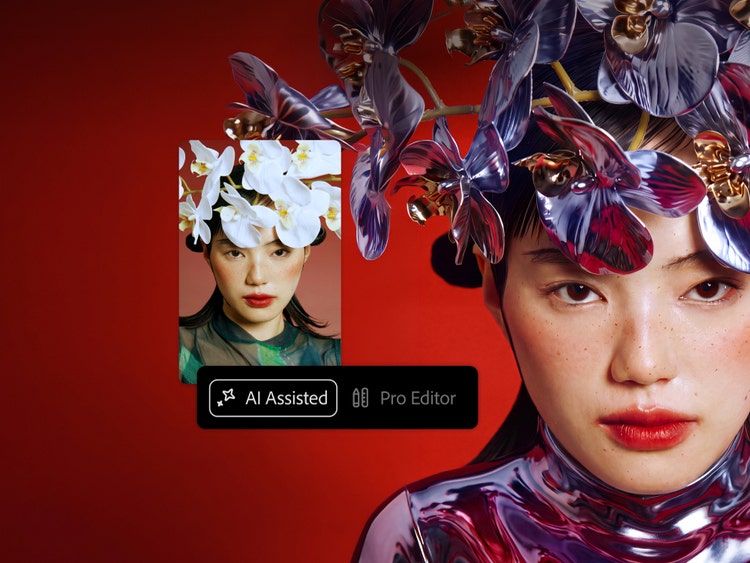
Drop a prompt into AI Assisted Editor for a fast start. Move to Pro Editor at any time to fine-tune with more precision control.
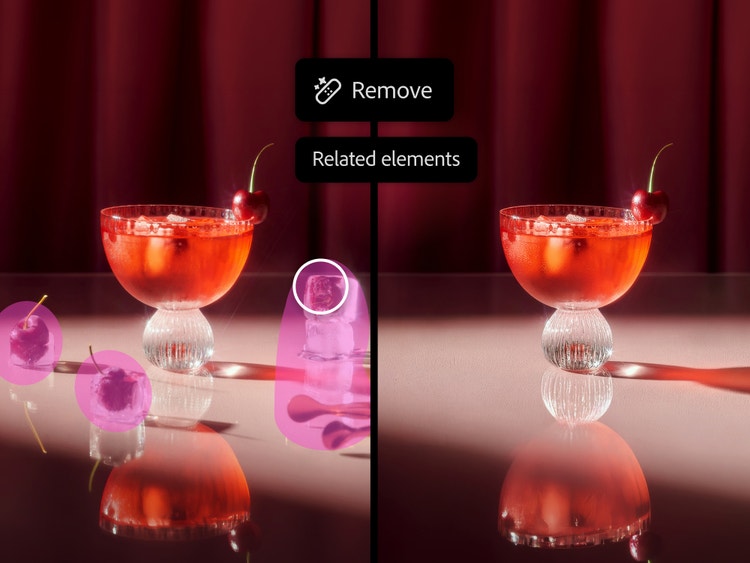
The improved Remove Tool automatically detects and clears objects and related elements like shadows, reflections, and footprints, in one step.
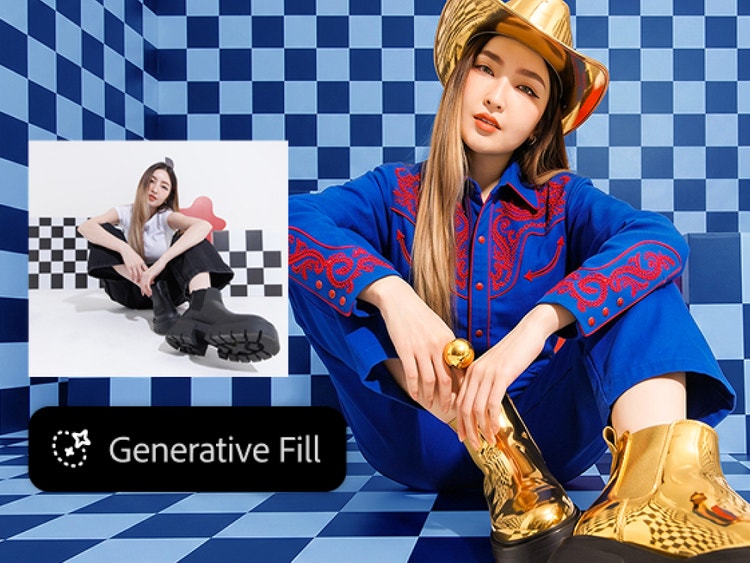
Generative Fill can help you make complex edits and quickly realize your vision. Get better results and more choice with leading AI models from Adobe, Google Gemini (Nano Banana Pro), and Black Forest Labs (FLUX models), directly in Photoshop. Use a Reference Image to visually guide results or add a specific object to your design, and details like scale and lighting are automatically adjusted to match the scene.
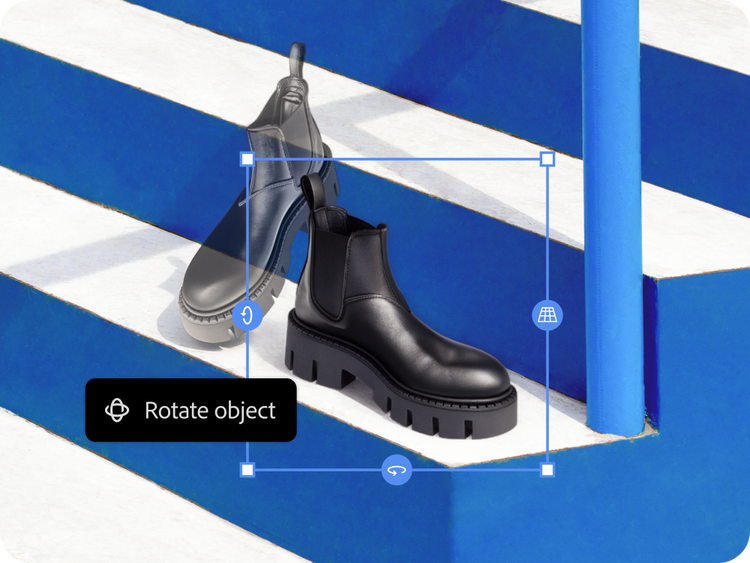
Explore new angles and compositions faster with Rotate Object. Tilt, rotate, and scale objects in real time — without rebuilding all the details. Then use Harmonize to instantly blend your object into any background and match details like lighting, shadow, and color to create a seamless composite. Create anything from polished interior design plans to realistic product mockups with ease.
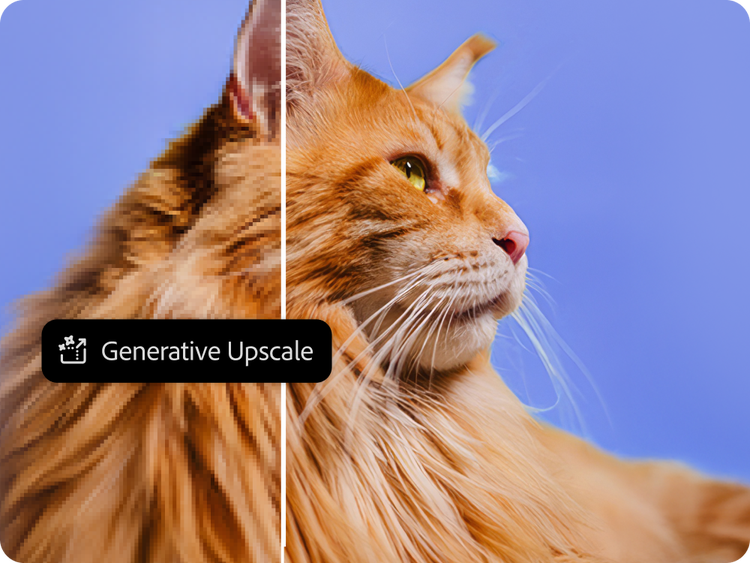
Enhance images with power and flexibility using Generative Upscale and partner models from Topaz Labs. Instantly boost quality, clarity, and sharpness. Increase resolution on your production files and client projects, enhance old photos and scanned images, and more.
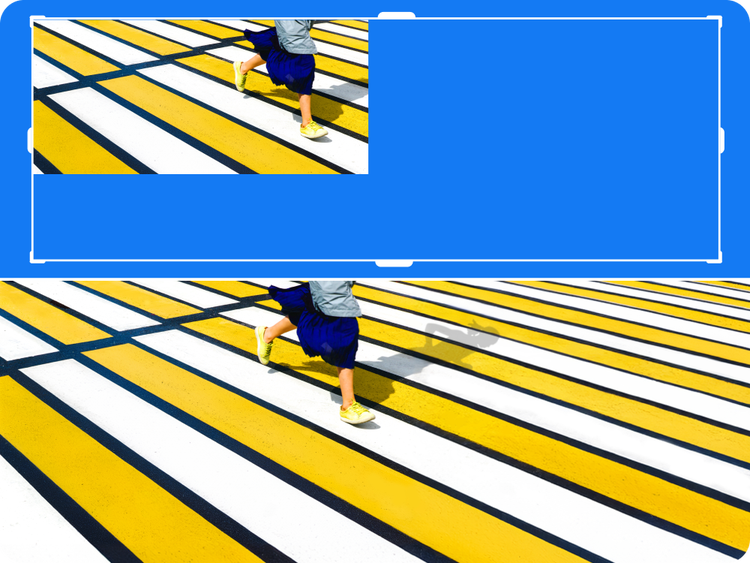
Easily expand an image in any direction with Generative Expand. Resize the borders to fit the dimensions you need, and generate content that seamlessly blends with the existing image. Or type in a prompt to get a more specific result.
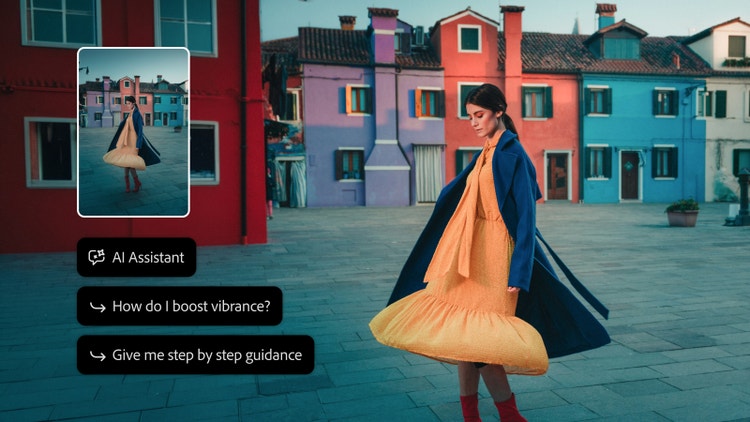
Knock out tasks just by asking AI Assistant. Name layers, translate text, and more — or ask for suggestions and how-tos to learn as you go.
Use the latest generative AI features and models to create incredible images in fewer steps.

Edit pics, add color, erase unwanted stuff, make boring backgrounds exciting, and much more.

Get the ultimate toolkit for a new era in creativity, including Adobe Firefly creative AI for images, video, and audio.