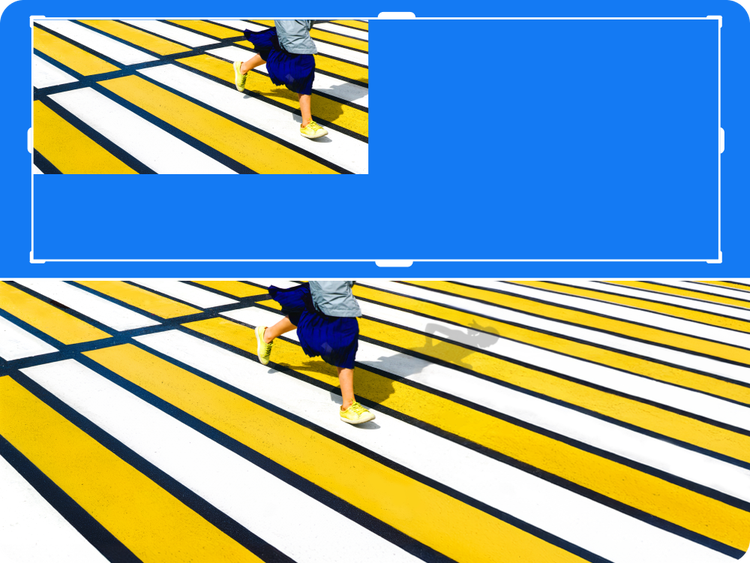
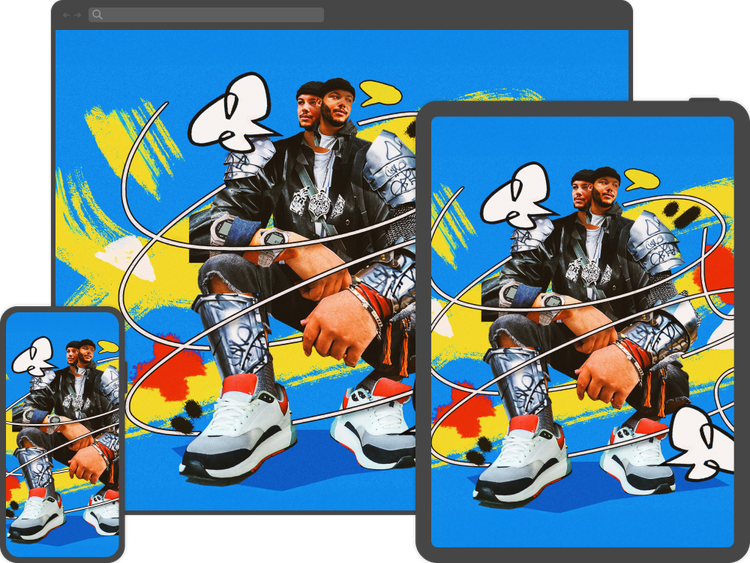
Photoshop is available for iPhone, Android mobile, and iPad. Adobe has integrated several AI-powered features, including Generative Fill and Generative Expand, into Photoshop on these devices. This allows you to make powerful edits and additions to images using simple text prompts.
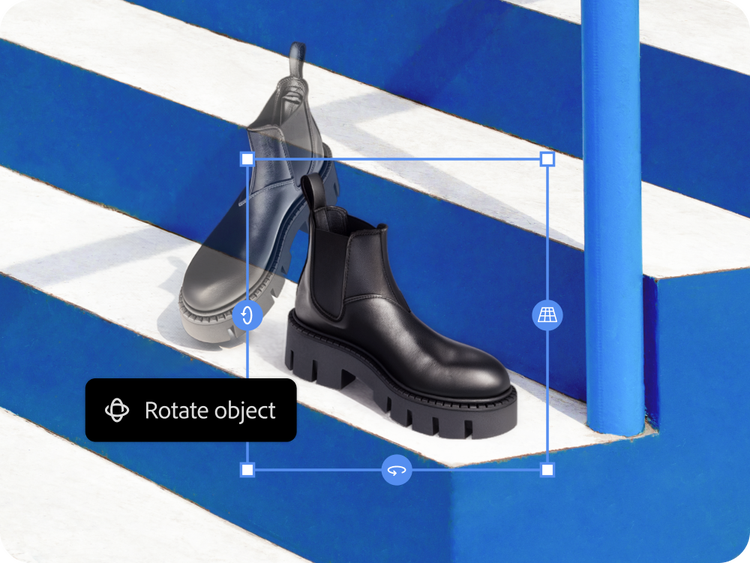
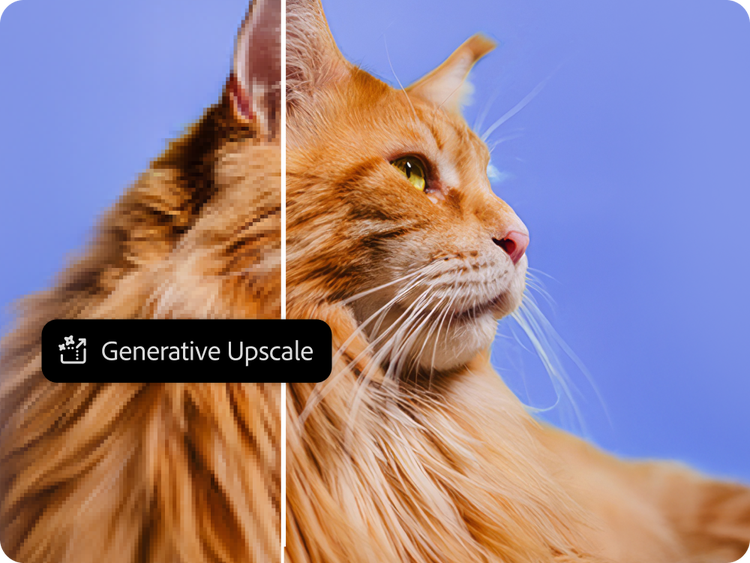
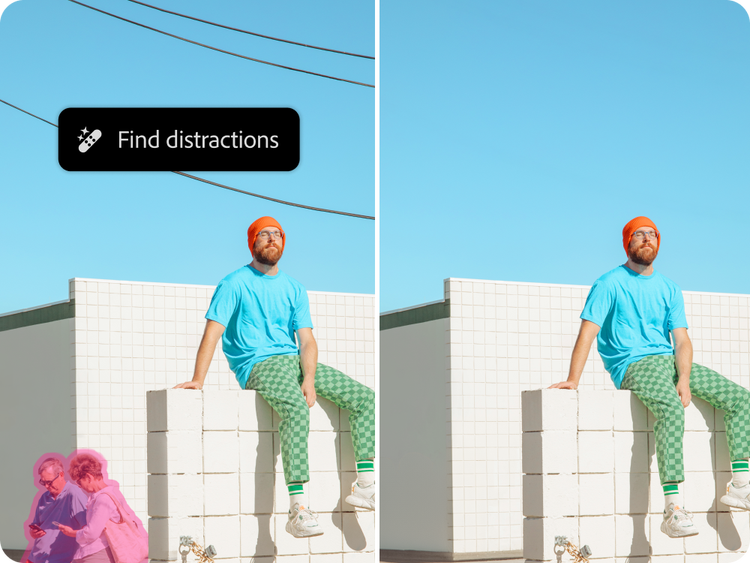
Photoshop includes a growing selection of AI-powered tools, including Generative Fill, Generative Expand, Rotate Object, Harmonize, Generate Image, Generate Background, the Remove tool, Generative Upscale, and Layer Cleanup.
Yes. Photoshop now supports partner AI models for Generative Fill, including options from Google Gemini (Nano Banana and Nano Banana Pro), and Black Forest Labs (FLUX models). You can choose your preferred model from the model picker in the Contextual Task Bar.
Yes, generative AI features in Photoshop are cloud-based and require an active internet connection to work.
No. Adobe does not and has never trained Adobe Firefly on user content. Adobe Firefly models are trained on a dataset of licensed content, such as Adobe Stock, and public domain content where copyright has expired. Learn more about
our approach to generative AI.Content produced from Adobe Firefly models is safe for commercial use. You can push the bounds of your creativity confidently, knowing that the Firefly generative AI model is trained on licensed content, such as Adobe Stock, and public domain content where copyright has expired. While generative AI features are available for use in the Photoshop (beta) app, the content generated in the Photoshop (beta) app may not be used for commercial purposes.
Photoshop is not free, but you can
sign up for a free trial and try the full version of the app, including all of the generative AI photo editing features like Generative Fill and Generative Expand, for seven days. Or, try editing images with the free version of the Adobe Firefly web app.
Generative AI photo editing helps accelerate editing tasks such as expanding the borders of an image, removing unwanted elements, and more. These features streamline your workflows and help reduce routine work, allowing more time to focus on creative ideation and complex editing. Generative AI photo editing is also extremely helpful to small business owners, social media marketers, project managers, and others who need to produce and edit images for their work but don’t have a big photo budget.
The Remove Background tool in Photoshop, powered by Adobe Firefly, automatically isolates your subject in one click with clean, precise edges. It accurately selects complex areas like hair and fine details, and because it is part of the Photoshop editing workspace, you can refine the selection, generate a new background using a text prompt, and composite other elements into your scene.