
Universal file access
Send your InDesign file to anyone as a PDF, no Adobe software required. PDFs can be opened on almost any device, anywhere.
Converting your InDesign file to PDF is simple with Acrobat online tools. You can convert your designs without installing separate software, wherever you’re working from.
Follow these simple steps to convert INDD to PDF:
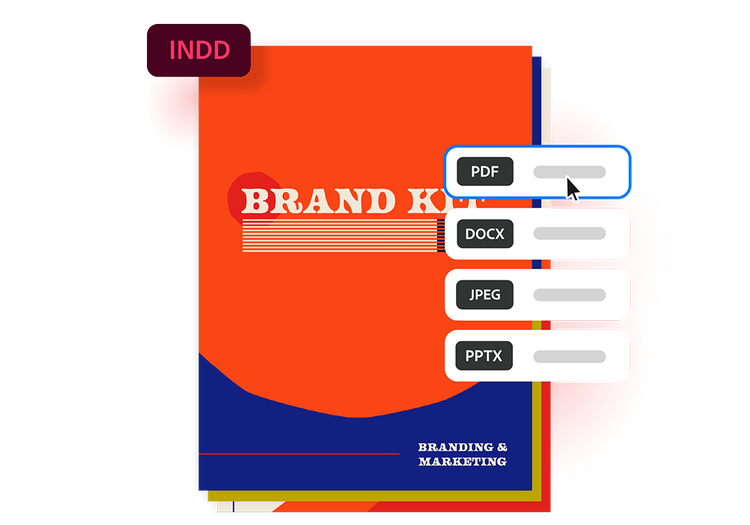
Explore the advantages of converting INDD to PDF with Acrobat’s online tool.
Send your InDesign file to anyone as a PDF, no Adobe software required. PDFs can be opened on almost any device, anywhere.

Converting an INDD to PDF automatically locks in fonts, images, spacing and design elements. Your file will appear exactly as you created it.

Go from digital to print in no time. PDFs are ideal for commercial printing, as they reduce formatting issues and ensure more reliable print output.

Converting INDD to PDF reduces the file size, making it easier to email, upload and store without needing to package linked assets separately.

Clients and collaborators can easily comment on, annotate and review PDFs without needing specialised software or INDD access.

Edit, organise and sign your PDFs with Acrobat online tools. Combine multiple INDD files into a single PDF, compress large documents, and secure sensitive information by adding password protection.
Try our online tools to convert, compress and merge PDF files — Acrobat can do it all.
You can quickly convert a PDF to an INDD by:
InDesign will then convert the PDF into an editable project. Keep in mind that some design elements may have shifted during the process, so this may require some manual clean-up.
You’ve set up your PDF and realise that an image is missing. You don’t have time to restart or you might not have the original document to change and re-save it as a PDF.
PDF files are designed to be readable on any device, making them a great way to share information. If you’re digitising images, converting JPGs to PDFs can make it easy to organise them into an archive.
Downloading a webpage as a PDF will mean that you can see it correctly on any device and you'll be able to send it to other people to read or edit.



