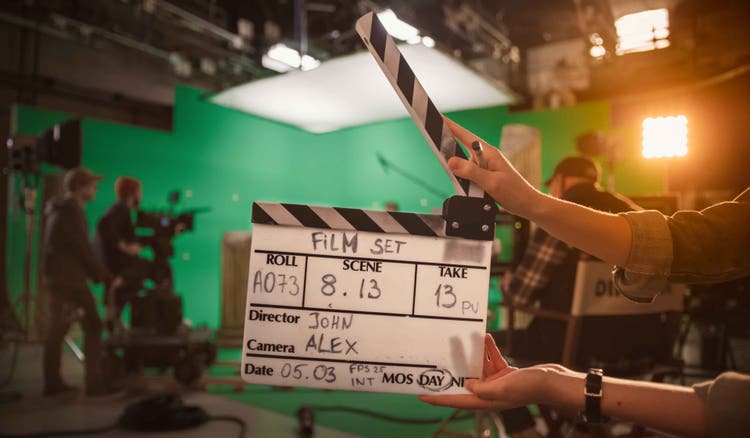
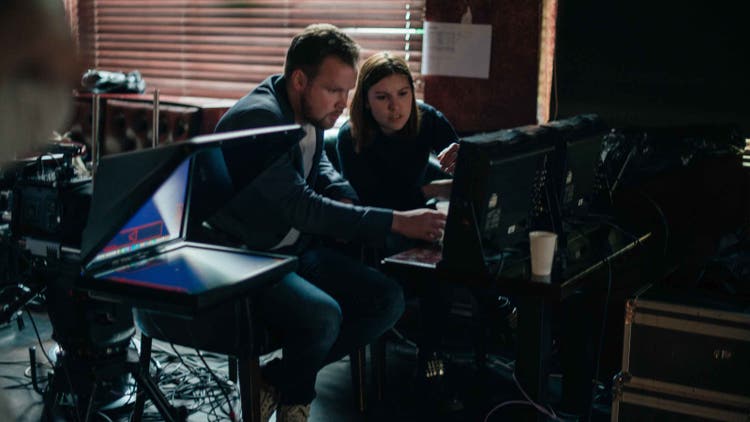
Typical changes in the director’s cut.
A director’s cut includes changes not seen in the theatrical version — most notably the reintroduction of deleted scenes.
The director may also add different types of shots or even new footage to enhance a scene. They might use a more intimate close-up instead of a wide shot or change the framing of a specific moment.
Cuts and transitions also play a role in the final product. Pacing can be adjusted with cuts between scenes to create a more fluid or dramatic flow. Transitions like fades, dissolves, or unique effects can be added to boost the emotional impact. Directors might rearrange the sequence of events entirely, putting scenes out of order to reveal the story in a new light.
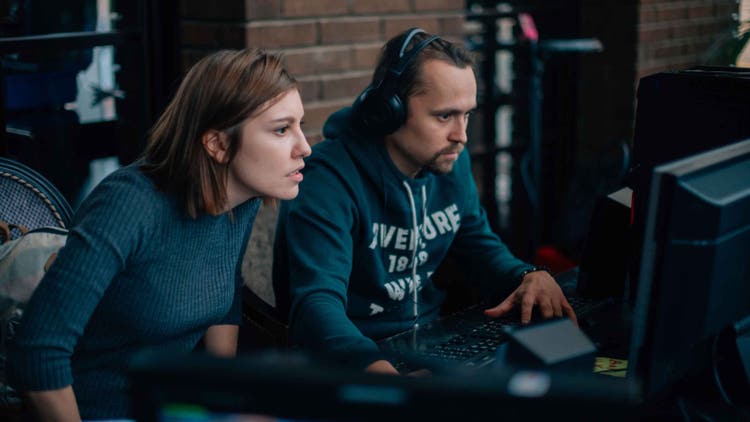
With the advanced editing features in platforms like Adobe Premiere, directors can easily add deleted scenes, experiment with cuts and transitions, and refine their storytelling. Premiere gives filmmakers precise control over the pacing, timing, and sequence of the film, making it an essential tool for professionals.
When creating a director’s cut, you may want to ask yourself: “What moments in the original cut didn’t fully capture my intent?” “How can I use pacing and transitions to create a stronger emotional response?” “Will deleted scenes help tell a richer, more layered story?”
These questions can help you make a director’s cut that’s both artistically satisfying and true to your original vision.