


JUMP TO SECTION
Why a rough cut in film is necessary.
[Creating a rough cut in Adobe Premiere.](#creating-a-rough-cut-in-Adobe Premiere)
The first draft doesn’t need to be rough.
As a film’s first draft, the rough cut focuses on the storyline’s flow before exploring sound, color, and effects. Learn what a rough cut is and how it fits into the filmmaking process.
What is a rough cut?
A rough cut is the first edited version of a film, usually without sound, music, or titles.
Think of a novelist watching piles of pages come off the printer and stack up into a first draft, and you’ll have a good idea of what a rough cut is in film. The first draft of a film — also known as the rough cut — won’t have all the bells and whistles of a finished production. In fact, it probably won’t have any bells or whistles, but it gives filmmakers their first idea of how a story is actually going to look onscreen.
In the earliest days of filmmaking, directors had to cut the film stock apart with scissors and then tape it back together to create new sequences. When the pieces were spliced and reassembled, that crude preliminary version was called the rough cut. (And what was left was, literally, on the cutting room floor.)
Today, of course, many projects are recorded and edited digitally, but the phrase is still used to describe the first edited version of a film.
While many types of cuts in film are available to you once filming is over, you can’t piece everything together without a rough cut to give you a full picture of what you’re working with.
What’s in the rough cut edit?
Let’s dive into what you can expect when viewing the rough cut edit of a film.
- Key scenes. The rough cut will contain all the key scenes of the film in approximate order. However, there won’t be smooth transitions between major scenes, and the footage may even contain major flaws or mistakes.
- No music. Typically, the sound and music aren’t included at this stage, although basic sound effects or a temporary score may sometimes be added.
- Minimal effects. Visual and special effects are usually incomplete or absent entirely, like other components that will be added in post-production, such as titles, graphics, or animation.
Although these basic elements are unfinished and unpolished, they are enough to tell the story and give the film its overall shape.
Where does the rough cut fall in post-production?
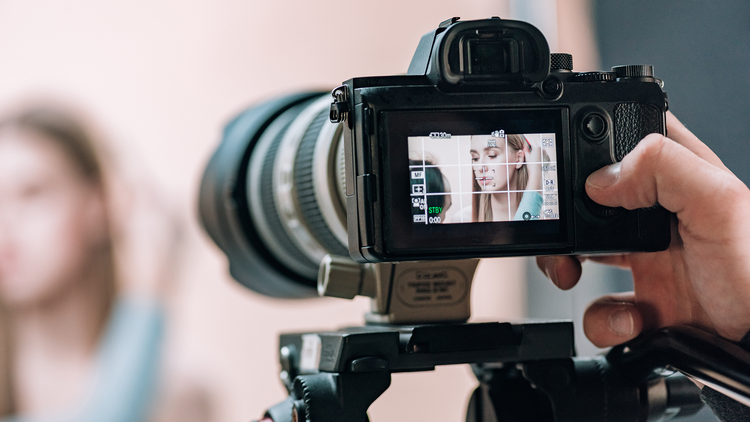
A Film production workflows vary, but most industry guides categorize the rough cut as the second stage of post-production.
After principal photography concludes, the director or film editor first compiles an assembly cut. This version stitches together all of the footage that has been shot for the entire film, with minimal trimming or editing. (With modern digital editing capabilities, this cut is sometimes compiled concurrently with the shooting before post-production even begins.)
Because it contains all the shots from all the cameras used, the assembly cut is typically many times longer than the final cut of a film. For example, the theatrical release of Justice League 2017 had a runtime of two hours versus an assembly cut that ran around five hours. The initial cut of Blade Runner 2049 was said to be so long that it made director Denis Villeneuve wonder whether he actually had two films on his hands.
Film editing begins the process of refining this assembly cut into the rough cut, trimming excess footage, and blocking out major scenes in sequential order. The rough cut will still be considerably longer than the finished film. It’s important not to take too much out — editors preserve some shots at this stage just to make sure they’ll have plenty to choose from later in post-production.
When the film crew has completed the rough cut and received all of the necessary feedback, collaborative video editing can begin in earnest. This includes sound editing, color correction, transitions, and visual and special effects. Individual scenes are tweaked, and their frames are further refined with increasingly more detailed fine cuts. When the film as a whole has progressed to its final cut, complete with soundtrack and score, it’s ready for the finishing touches, like titles and credits.
While a rough cut won’t make it to the big screen, it is an essential part of the post-production process.
Why a rough cut in film is necessary.
Watching the rough cut may be brutal, but filmmakers can’t do without it. (In fact, Martin Scorsese claimed, “If you don’t get physically ill seeing your first rough cut, something is wrong.”)
Initial feedback.
The rough cut gives the director their first real feedback on whether the whole thing is going to fly. Will the story being told actually work onscreen? (Sometimes, it doesn’t.) The rough cut also gives a sense of the general shape and flow of the production, its feel, and how well the actors have performed.
In addition, the rough cut provides vital insight on specific things like:
- Pacing and sequencing of individual scenes — how long the scenes are and how well they work together
- Any obvious holes in the plotline that need to be filled in
- Whether additional shots (called pickup photography) will be needed to fill those holes or create whole new scenes
This feedback, combined with additional input from the film crew as they get their first look, tells the filmmaker what changes or new directions may be needed before proceeding further into post-production.

Other changes.
Management (the producers) may also use rough cuts for test screenings with focus audiences or to conduct market research. These test screenings may result in other changes to the filmmaking process, which are not always to the filmmaker’s liking.
That’s why we sometimes end up with one additional version after the final cut, the one that comes out later in the boxed DVD set or theatrical re-release — the original Director’s Cut.
Creating a rough cut in Adobe Premiere.
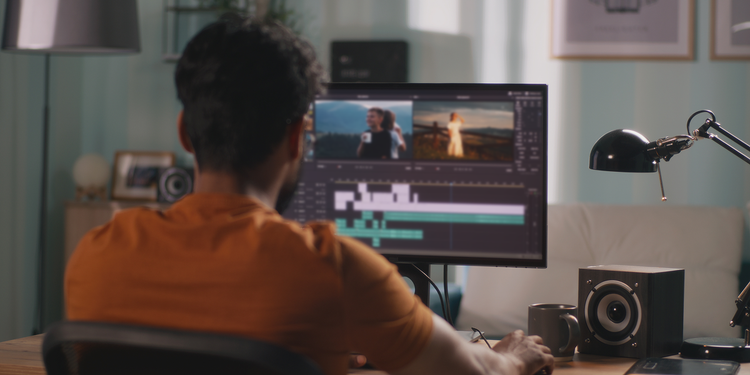
Now that you know what a rough cut is, let’s go over the steps you need to take to create your own by editing video in Adobe Premiere.
1. Import your footage.
2. Click and drag to arrange your scenes in a meaningful sequence.
3. Add cuts and video transitions to your film. If necessary, use the Slip tool to adjust the in- and out-points of clips without adjusting their overall duration in the timeline.
4. To integrate temporary audio tracks, import the desired audio into your project, then drag and drop them onto separate audio tracks in your timeline, lining them up with their corresponding video clip.
5. Conduct an initial review of your edit to ensure the footage accurately supports the narrative, and remove any shots that distract from the story.
The difference between rough cut and final cut.
A rough cut is an initial assembly of footage primarily focused on structuring the narrative without detailed edits. A final cut is the polished version of the film, complete with refined transitions, color grading, and fully mixed audio, showcasing the project in its final form for audiences.
When learning how to make a movie, work with a rough cut to determine whether your narrative is easy to follow, whether transitions and effects are appropriately edited, and whether the quality of the footage looks consistent throughout the film. Once you have the green light, you can show the world your final cut, which has been reviewed many times to ensure quality and consistency throughout the film.
Rough cut mistakes every editor should avoid.
While the rough cut won’t be hitting theaters, it should still be presentable enough to allow initial viewers to follow the storyline. The following are some rough cut mistakes you should avoid.
- Excessive cuts. Cutting too abruptly from scene to scene can be jarring and confusing for the audience. Ensure scene transitions are done purposefully.
- Poor pacing. Too many long or short scenes can cause your audience to lose interest. Note any redundant or distracting shots and remove them.
- Lack of continuity. Pay attention to any inconsistencies in the set details, costumes, or character actions between shots. Not fixing these can give the impression that the film is low quality. Identify any noticeable changes between scenes.
Go beyond rough cuts with Premiere.
Learn more movie and film editing tips and tricks to create high-quality, compelling video and cinematic content.
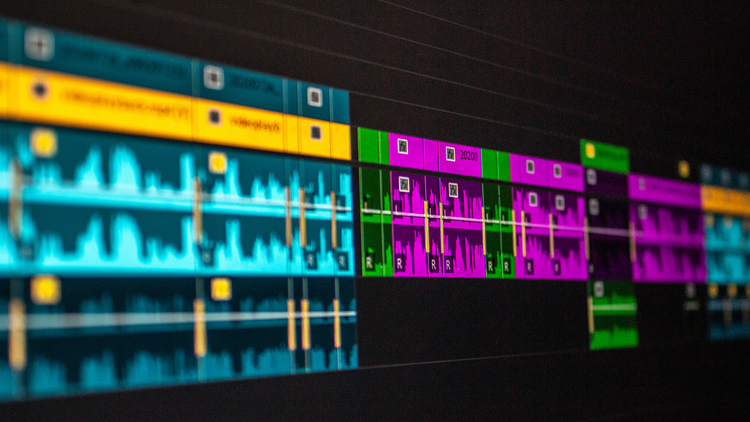
If you’re looking for professional-grade video editing software, Adobe Premiere has all the tools you need to enhance your filmmaking.

FAQs about rough cuts in film.
A rough cut is the first edited version of a film, typically without sound, music, or titles.
A rough cut and a first cut refer to the same thing — the first edited version of the film.
A rough cut is an initial assembly of footage primarily focused on structuring the narrative without detailed edits. A final cut is the polished version of the film, complete with refined transitions, color grading, and fully mixed audio, showcasing the project in its final form for audiences.
A rough cut is an initial assembly of footage primarily focused on structuring the narrative without detailed edits. A fine cut is the nearly finished version of the film with voiceover, music, color correction, and other edits. This is shared with a few audience members who haven’t seen any of the footage to provide a fresh perspective. The fine cut will more closely resemble the final cut, which is the final picture that all audiences will see.
Yes, Adobe Premiere has the tools to create a rough cut, including tools for cutting scenes and audio and hosts other necessary features to assemble this cut.
You may also like
Find the Creative Cloud plan that’s right for you.
Premiere Single App
US$22.99/moAnnual, billed monthly
Includes 100GB of cloud storage, Adobe Fonts, and Adobe Portfolio.
Creative Cloud Pro
Join over 7 million Creative Cloud Pro subscribers worldwide. Save 50% for the first 3 months on the full version of Adobe Premiere and 20+ apps plus Adobe Firefly creative AI. Pay US$34.99/mo for the first 3 months and US$69.99/mo after that. New subscribers only. See terms | See what's included
Creative Cloud Pro for students and teachers
Save 71% on 20+ Creative Cloud apps — including Adobe Premiere.
Business
US$99.99/moper licenseAnnual, billed monthly
Get Adobe Premiere and 20+ Creative Cloud apps plus exclusive business features. See what's included | Learn more.
Purchase by phone: 800-585-0774

