DESIGN
Explore how to make pixel art.
The art style of Final Fantasy and Super Mario World inspired a new generation to create retro digital art. Pixel artists draw on the past to create new visions and even make their own games.
How do you start drawing pixel art?
The visual style of the Atari 2600, Nintendo Entertainment System, Sega Genesis and early computer graphics influenced and continues to influence millions of creative minds. Pixel art draws on that influence and nostalgia. Modern graphical resolution is better than that of earlier gaming systems, but the aesthetic appeal and emotional connection of the pixelated style still remain strong.
To make pixel art, you have to:
What is pixel art?
Pixel art isn’t just art made of pixels — it’s art that evokes the look of early computer and video game imagery. That includes everything from Pong to Sonic the Hedgehog. It evokes a sense of nostalgia and charm that continues to resonate with digital artists and gamers alike.
Early video games had lower resolutions — it was impossible to hide the tiny rectangles that created the worlds of Space Invaders and Donkey Kong — so pixel art emerged out of necessity. The artists making video games in the 1970s and 1980s had to innovate and boil images down to their essence. A few red pixels would have to suggest Mario’s hat and one or two pixels would have to be understood as his hands or face.
In the 16-bit era of the 1990s, pixel art became more detailed, but the spirit remained the same. Artists had a bigger canvas to work with, but they were still working with individual pixels — each of which played an important role in creating the overall image.
Even today, this deliberate simplicity is what makes pixel art so powerful — every dot counts.
Is it hard to learn pixel art?
Pixel art is easy to learn and there’s no limit on what you can do with it. It’s an art form that uses distinct, discrete colour elements to create images. Traditional techniques such as cross-stitch, pointillism, and the Ben Day process follow a similar principle, using small, separate units to build a larger composition. Like those other mediums, pixel art is easy to pick up and once you know the basics there’s no end to your command of it.
With practice, you can develop a unique style, whether you’re designing characters, creating animations, or building immersive game environments.
Start drawing with pixels.
Pixel art calls for a high degree of attention. Unlike a painter who can literally use broad strokes, a pixel artist must focus on the placement of every single unit in their image. A good pixel artist is able to capture the fundamental form of a subject while still simplifying it.
Get started on pixel art by studying the pixelated characters you already admire from the work of past artists. “References from real life don’t apply as nicely in pixel art as they do in other digital art disciplines,” says pixel artist Emi Monserrate. “You have to learn ways of simplifying complex shapes such as hands or facial expressions.”
Recreating classic pixel art can be a painstaking process, but following the pixel path of another artist can be enlightening. Of course, you should never pass off something you’ve copied as your own - when working with pre-existing art, credit the original creators appropriately.
Over time, you’ll begin to understand what works visually in pixel art and what doesn’t. Experiment with different resolutions such as 16x16, 32x32, or 64x64 and try out limited colour palettes to discover your own creative voice. Each canvas size and style brings its own challenges and rewards. Whether you’re creating static character portraits or designing animated sprites for games, every project sharpens your skills and strengthens your artistic identity.
To speed up experimentation or simplify workflows, many beginners turn to digital tools like a pixel art maker or pixel art generator. These tools can help you build grids, test colour combinations, or even convert existing images into pixel art-style graphics for reference. While they shouldn’t replace the fundamentals of hand-placed pixel work, they can be incredibly useful for learning techniques, prototyping ideas, or generating background elements quickly.
As with any art form, the more you create, the more you learn. Pixel art rewards patience, planning, and creativity and with the right tools and inspiration, anyone can begin their journey into this timeless and expressive medium.
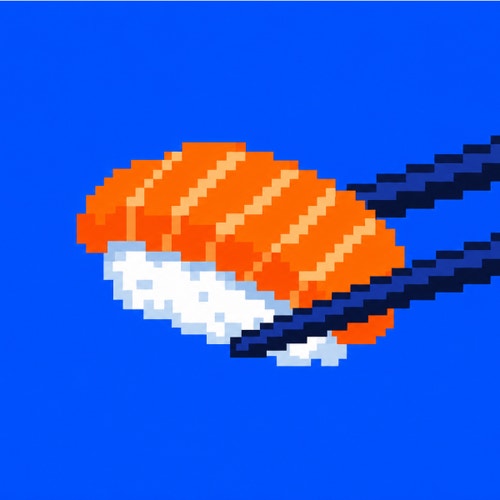
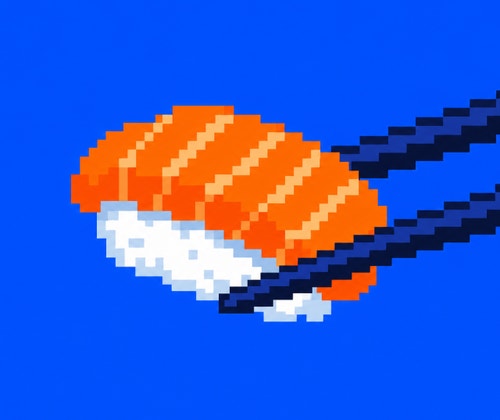
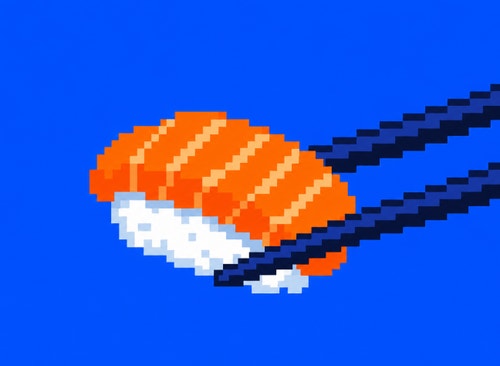
Images by Gerardo Quiroz
What is the best software for pixel art?
Anything that lets you place squares on a grid is a potential pixel editor. Adobe Photoshop, for instance, has all of the basic functions you need to make pixel images and Adobe Illustrator lets you align your work on a pixel grid to get the granular control you need for good-looking retro images.
Regardless of the programme you use, you’ll spend a lot of time with the Pencil and Line tools. Pixel artists do use Fill and Brush tools in their craft, but deliberately and sparingly - a single pixel can make all the difference. Being able to move those deliberately and easily is key when it comes to your software choice.
Make sure to avoid saving your pixel art as a JPG. PNG or GIF files are best. It’s a common file type and often a default, but the compression that JPG applies can compromise the quality of pixel art and disrupt the pixel-by-pixel work of the artist.
Look for software that supports layers, custom palettes, and zoom functionality to make your workflow smoother and more efficient. Some tools even offer onion-skinning and frame-by-frame animation features, which are perfect for game design or dynamic pixel scenes.
How to make pixel art in Photoshop/ Illustrator?
The first thing you need to create pixel art is a grid where you can place your squares of colour. Here are two quick ways to create that grid, one in Adobe Photoshop and another in Adobe Illustrator:
Make pixel art in Photoshop.
Creating pixel art in Photoshop is simple once you set up a canvas optimised for creating pixelated images.
You can also zoom in closely and use the Eyedropper tool to sample and reapply colours quickly, making the workflow more efficient and precise.
Make pixel art in Illustrator.
Making a career as a pixel artist.
Pixel art has a thriving online community. Communities like Behance allow artists to share their work and portfolios to get their work in front of potential employers. Drawing classics like Kirby, Pokémon or Pac Man is always fun, but social media accounts like Pixel Dailies encourage artists to create work based on a theme, like breakfast, epic hero, zombie outbreak or relaxation. A little inspiration can be just what you need to start making pixel art.
Joining online forums or Discord groups dedicated to pixel art can also open doors to freelance gigs, mentorship, and valuable feedback from fellow artists.
There is a demand for pixel art, but it tends to be fairly niche. Most of it comes from the video game industry. Plenty of modern video games like Shovel Knight and Enter the Gungeon emulate NES-style graphics, despite being designed for modern consoles and PCs.
Images by Ryan Haight
Video games are a group effort and participating in game jams (activities where developers, artists, writers and designers collaborate on a tight deadline to create a game) can be a good way for an aspiring pixel artist to integrate themselves into a larger team. “Art is needed. It’s a good way to participate in something more complex,” says Monserrate. “Having a team of people helping you on a project within a very specific time frame will help you to discover your strengths and limitations.”
The days when pixel art was requisite may be over, but it lives on as a specific artistic choice. Whether it’s making stand-alone art, animated sprites or your own video games, you’ll always evoke nostalgia when you work with pixels. But pixel art is more than just a throwback. The sprites might be simple, but the art is as complex as ever.
Pursuing personal projects and sharing your development journey on social media platforms can also help build your visibility and showcase your evolving style.
How creatives in India can use pixel art to build unique digital careers.
Pixel art offers a versatile and accessible creative path for Indian artists, designers, and content creators. With its retro charm and low-resource demands, it fits naturally into a wide range of digital projects. Whether you're a beginner experimenting with style or a professional looking to expand your skill set, here are some ways creatives in India can use pixel art to grow their craft and reach:
Game development.
Indie game creators across India can use pixel art to bring characters, environments, and stories to life. Pixel art allows developers to create expressive, stylised visuals without requiring high-end animation pipelines. Game jams, student projects, or mobile-first games are all great entry points for pixel artists looking to contribute to the thriving Indian gaming scene.
NFTs and digital collectibles.
In India, digital artists can use pixel art to design standout NFTs for global marketplaces. With its distinctive visual style and low file sizes, pixel art works well for limited-edition drops, avatar collections, or generative art projects tied to blockchain technology.
YouTube thumbnails and content branding.
Content creators can use pixel art to design eye-catching YouTube thumbnails, retro-styled overlays, and personalised channel art. For gaming channels, tech explainers, or nostalgic reviews, pixel-based design adds a fun, recognisable visual identity that sets content apart.
Social media and merchandise.
Creatives can use pixel art to produce unique content for Instagram, Behance, and other social platforms. It’s also a great fit for merchandise design, including t-shirts, phone cases, and stickers. Pixel illustrations offer a playful, minimalist style that appeals to niche audiences and indie fans.
Creative exploration with tools .
Beginners can use a pixel art maker or pixel art generator to start experimenting with grids, colour palettes, and composition. While hand-placed pixels offer the most control, these tools help speed up the learning curve and make it easier to prototype and explore.
As India’s digital landscape continues to evolve, pixel art provides a refreshing and practical way for creators to express themselves, build portfolios, and tap into global trends. Whether you’re designing a game, minting digital collectibles, or growing an online audience, pixel art is a tool creatives in India can use to stand out - pixel by pixel.