Preview the jacket on yourself
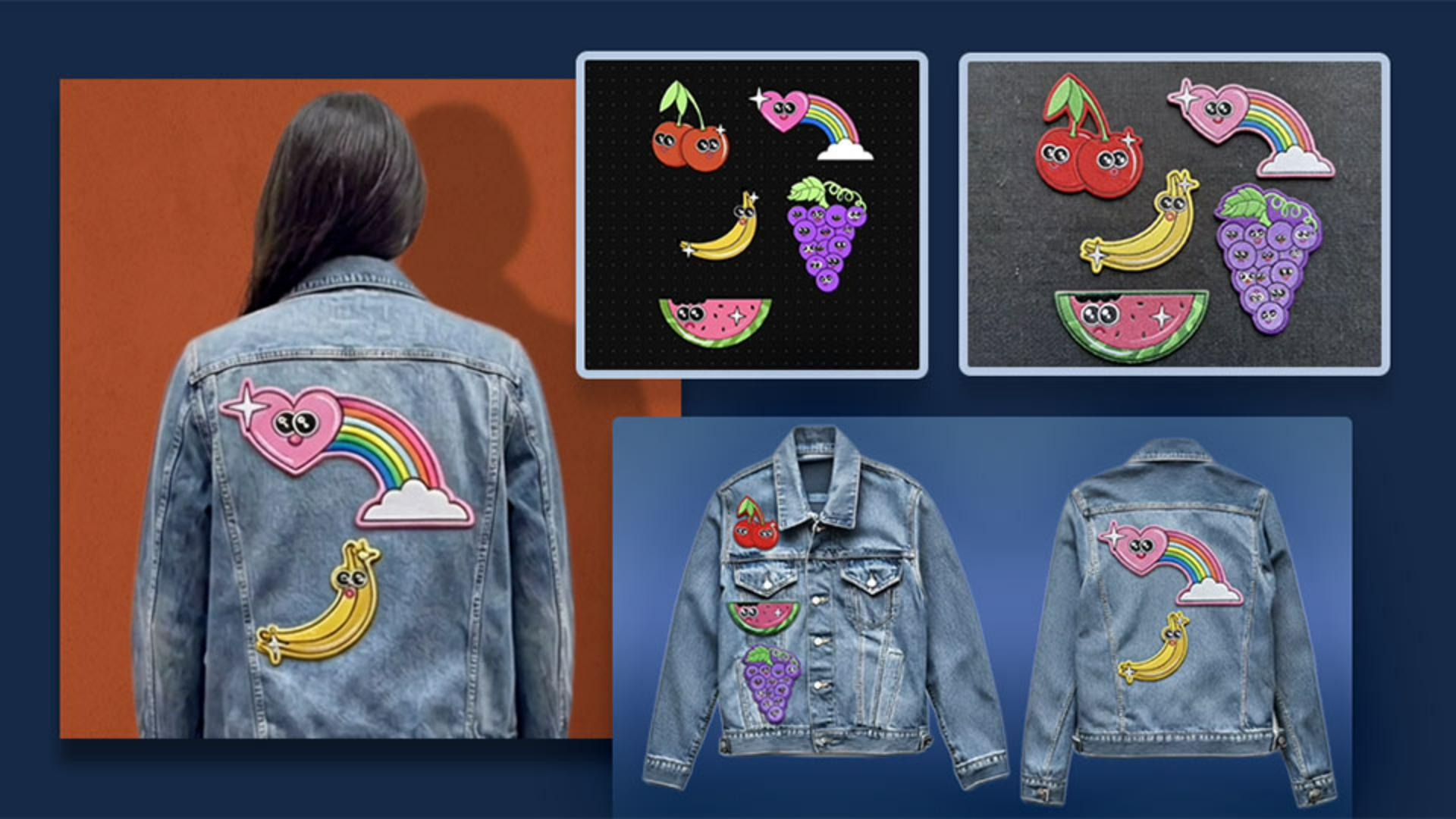
Now that I have the jacket design with the patches on it, I'll bring up a photo of myself and make sure both the photo of myself and the jacket are selected as my reference images.
Here's the prompt: "The person in the photo is wearing the jacket.
Keep the person's face, body structure, pose, expression, hairstyle, and all defining features without distortion.
The jacket should keep its details and textures.
Show front and back views."
I'll generate a few options and I can actually click here a few times to simultaneously generate them.
I'm putting my options on the artboard and resizing things and moving some things around, but you can see that I have a bunch of really great options of me actually wearing the jacket with both front and back views.
And now I select an image to work with.
With the image option I like best selected as my reference, I'll click on Generate Video and prompt Firefly: "The person is modeling the jacket and showing the patches on the jacket to the camera."
Now that my videos are generated, I'm going to put them on the artboard and you can see how it really brought the entire image to life.
Pro tip: You actually have the option to toggle on or off audio for these videos, depending on the model that you use.
I toggled mine off, but feel free to try it on your own and see how you like it.
With Firefly Boards, the possibilities are endless and your imagination can really soar.
How cool was that?
In just a few minutes, we went from a flat illustration to a fully tried-on outfit using simple prompts all right here in Adobe's Firefly Board.
Now that you know how to create a virtual try-on, give it a go with your own project.
My name is Jess Goldsmith.
Thanks for watching.