Generate realistic photos with a prompt formula in Firefly
Start with reference images and build out a prompt formula that controls pose, framing, lighting, and texture.
Published
What you’ll learn
Start with a product image and a simple prompt
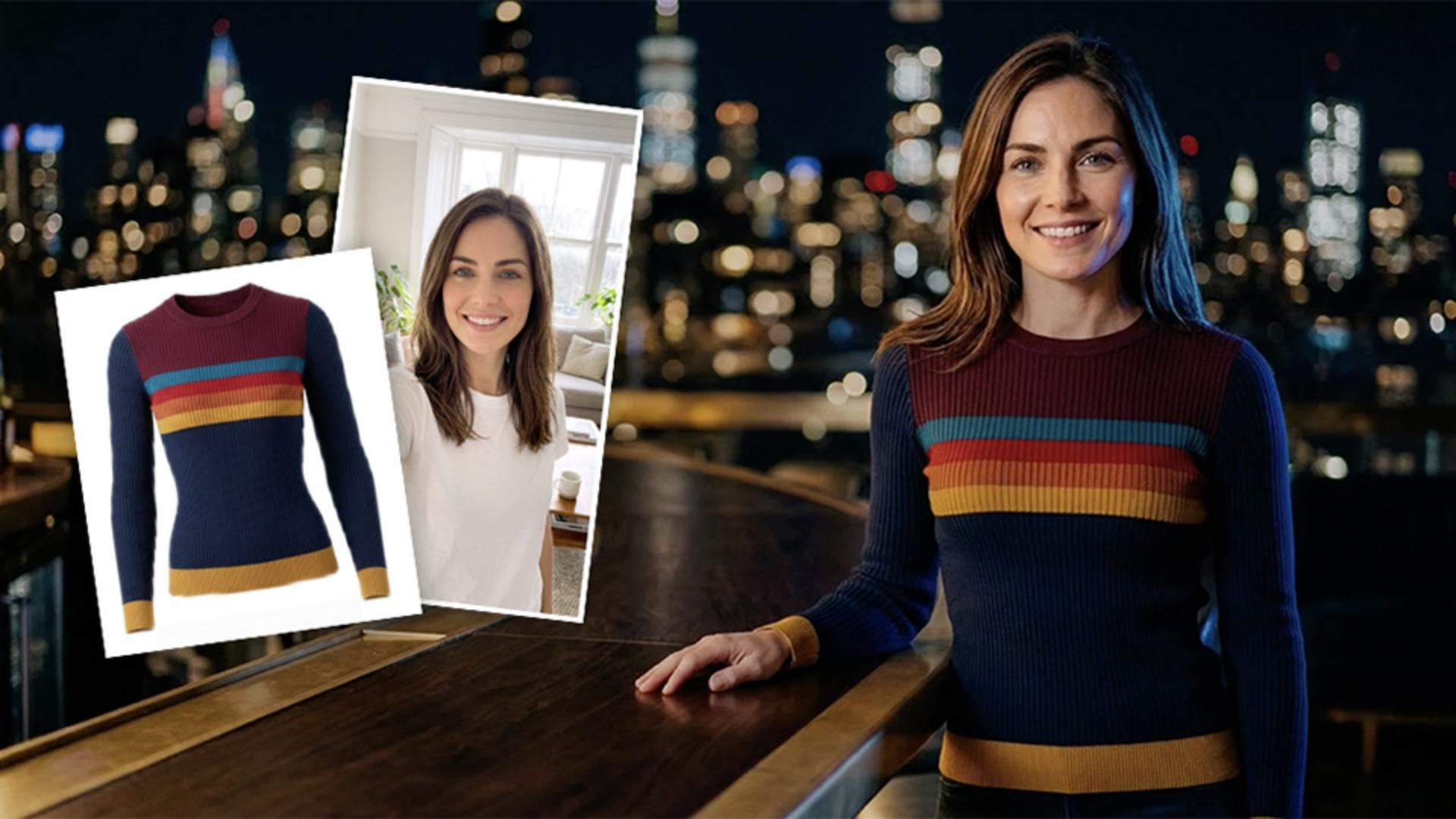
Upload a product photo, select a generative model like Gemini 3.1, and write a prompt that pairs a subject with a location. Firefly generates a realistic scene built around your reference image.
Add a portrait for character consistency
Upload a second reference photo of a person to keep the same face across every generation. Reference both images in your prompt to produce a series with a consistent character and product.
Control action, composition, lighting, and texture
Expand your prompt with direction for pose, framing, camera settings, and material detail. Each element translates into visible changes — from depth of field and rim lighting to fabric and skin texture.
Instruction by

