Add visual elements and type to the trifold brochure
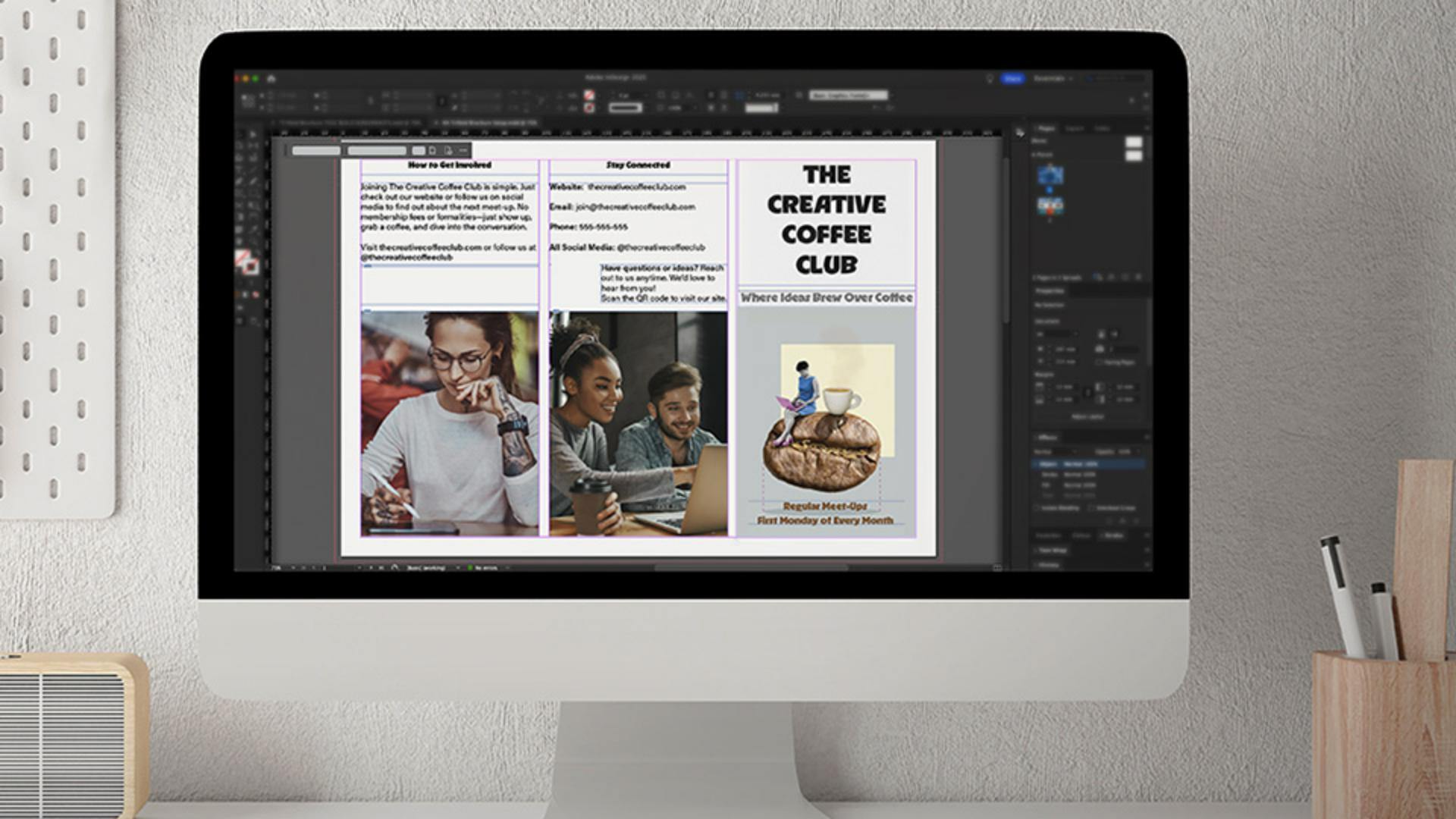
Place images and type into your layout using frames, then style your text to set the tone for your brochure design.
Published
Note: Stock assets provided are for practice purposes only. See terms.
What you’ll learn
Use image and text frames to structure your layout
Draw image frames with the Rectangle Frame Tool and align them to the column guides. Add text frames with the Type Tool and set the font and size upfront so everything drops in styled and ready.
Place content and style elements
Import images and use Content-Aware Fit to size them automatically. Add a striking cover title with a decorative font, and style section headings to guide your layout visually.
Set up edge-to-edge printing
Want a photo to print to the edge of the page? Extend the image frame to a special guide that sits outside the document’s edge — to avoid any white borders when printed.
Instruction by
Design by

