Enhancing subjects and scene areas with emphasis controls
Sky, Mountains, Water and Natural ground.
These are areas that Lightroom has identified within the image and automatically created masks so that we can now make adjustments just using a slider.
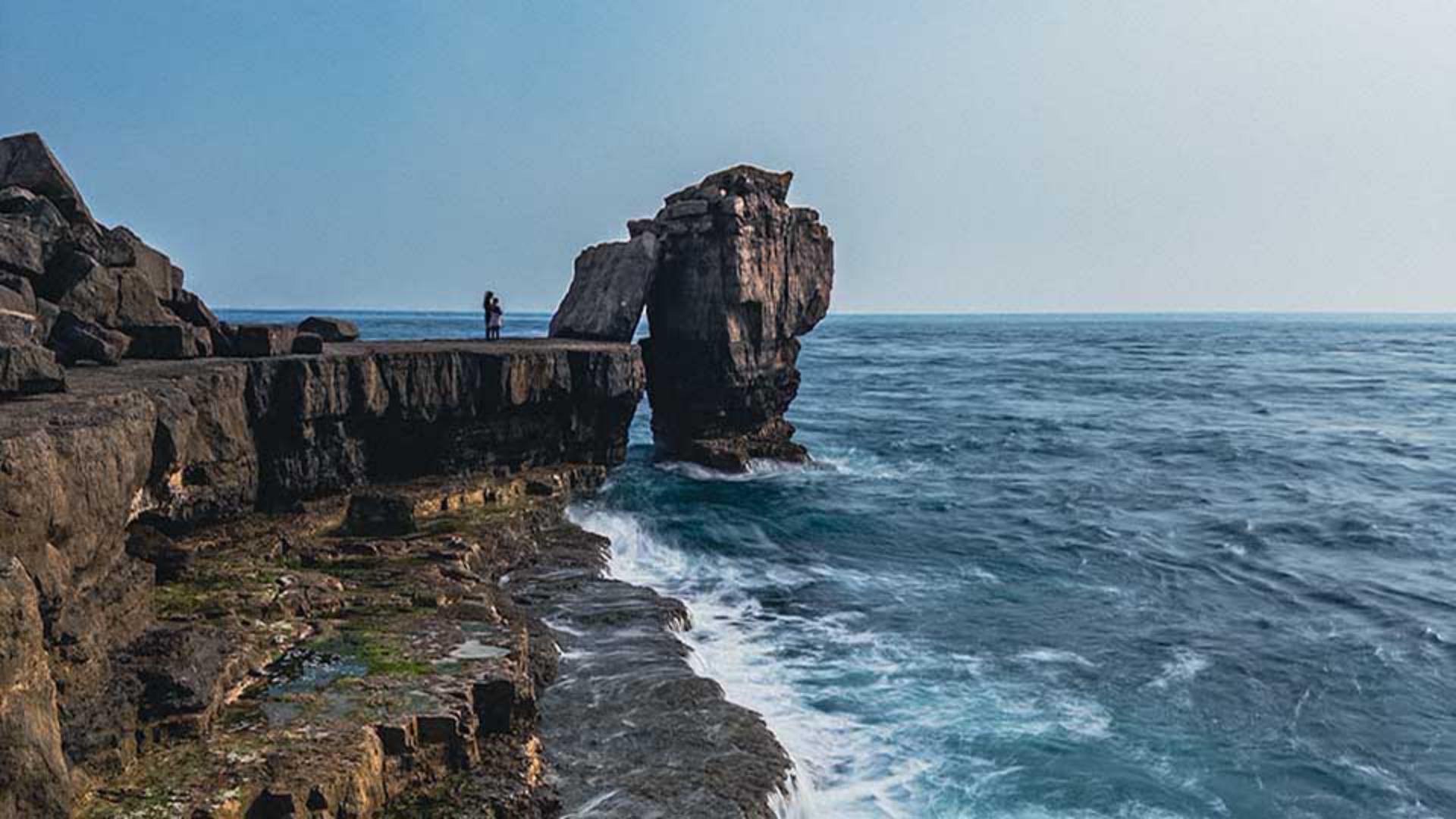
For example, Lightroom identifies the famous Pulpit Rock as the main subject of this photograph, which is perfect.
I can then use this Emphasis slider and drag to the right to emphasize the subject, or I can drag to the left to de-emphasize the subject.
I definitely want to draw attention to it, so I'll drag to the right to about there.
I'll bring up the Background, so we'll drag the Emphasis slider a little to the right to about there but now with the sky, I definitely wanted to make it more dramatic.
So I can use the Emphasis slider, which looks good, but let's take a look at the presets that Lightroom is suggesting.
This is the Blue drama presets.
I'll take a look at the other preset.
So to remove this one, I click here on the right.
This is the Stormy preset, and this is the Evening preset.
I think I'll actually stick with the original Emphasis slider.
The Mountains here includes all of the rocky area, and it does look a little bit flat to me, so I'll drag the Emphasis slider to the right, which definitely adds more impact to it.
It looks a lot more rugged now.
The Water section here always impresses me how with just one slider, we can emphasize or de-emphasize the sea.
Natural ground, I'm going to maybe leave that one, but the Blur, I love this for really creative effects as you can see here.
In this image, I don't actually want it though, so I'll just click on the Undo icon here at the top of the screen to remove it.
One thing to mention here is that with Quick actions, the ones that Lightroom gives to you are specific for that particular image. if this photograph had included people closer up, Lightroom Quick actions would mean we'd have controls for hair, skin, clothes, and so on.
But let's take a look at the before and after